In today’s fast-moving tech world, delivering software quickly and reliably is no longer optional, it’s essential. That’s where DevOps on AWS comes in. By merging DevOps practices with the power of Amazon Web Services, organizations can automate, monitor, and scale their software development lifecycle like never before. This comprehensive beginner’s guide will walk you through what AWS DevOps is, which tools are involved, and how you can begin building your own automated workflows in the cloud.
What is AWS DevOps All About?
AWS DevOps is the practice of applying automation, integration, and collaborative principles from DevOps using AWS’s suite of cloud tools. These tools streamline everything from writing and testing code to deploying and monitoring applications. Whether you’re building microservices or full-stack applications, AWS DevOps provides the resources to reduce manual work and accelerate delivery. It's an approach that not only improves productivity but also boosts system reliability and scalability across development teams. Unlock the power of cloud automation and continuous delivery with our AWS DevOps Online Course, designed to help you master tools like CodePipeline, CloudFormation, and CI/CD on AWS.
Why Choose AWS for DevOps?
Amazon Web Services offers a complete environment to support DevOps from start to finish. From source control to deployment automation, AWS makes it easy to implement DevOps best practices. It offers:
- Automated pipelines for faster releases
- Scalable infrastructure on demand
- Integrated security and monitoring tools
- Seamless integration with developer tools
Whether you’re working solo or as part of a large team, AWS simplifies the DevOps journey.
Essential AWS DevOps Tools to Explore
- AWS CodeCommit: A secure Git-based platform to host your source code.
- AWS CodeBuild: Automatically compiles code, runs unit tests, and creates ready-to-deploy artifacts.
- AWS CodePipeline: Connects and automates each stage of the CI/CD process.
- AWS CodeDeploy: Manages deployment of applications across EC2, Lambda, and ECS.
- AWS CloudFormation: Enables you to define and deploy infrastructure using code.
- Amazon CloudWatch: Monitors application logs, tracks performance, and provides real-time alerts.
How to Build a DevOps Workflow in AWS
To set up a basic DevOps pipeline in AWS, start with storing your source code in CodeCommit. Next, use CodeBuild to compile and test the code automatically. Once verified, CodeDeploy rolls out the new version to your infrastructure. All of this is managed by CodePipeline, which links these services into one automated process. This setup removes the need for manual interventions, ensuring consistency and rapid delivery across environments.
Advantages of Adopting AWS DevOps
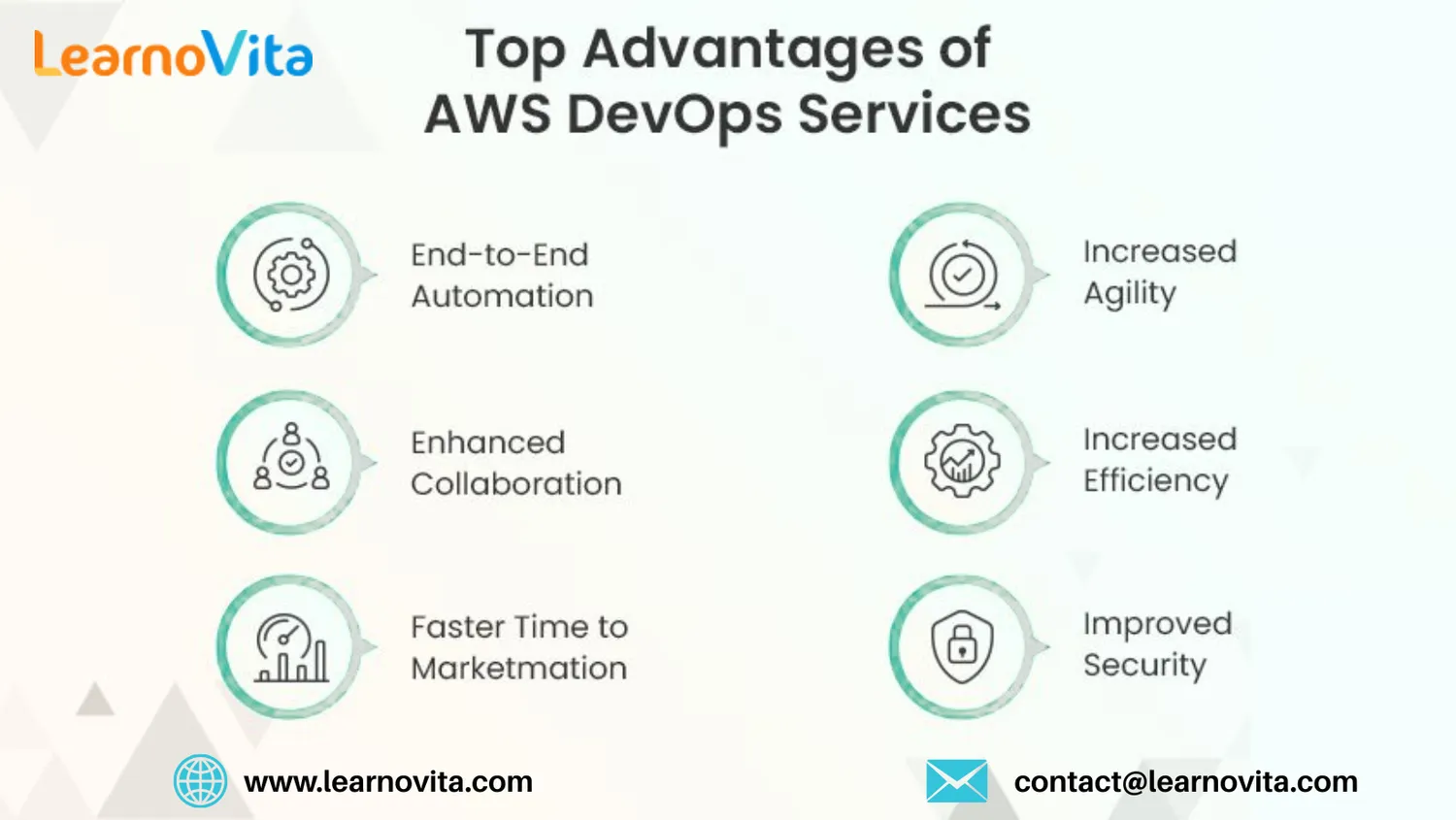
By using AWS for DevOps, teams can move from idea to production faster than ever. Automation reduces deployment errors, while built-in tools like CloudWatch provide insights into system health. As your applications grow, AWS allows your infrastructure to scale effortlessly, keeping performance and security intact. With its pay-as-you-go pricing, it's also cost-effective for startups and scalable for enterprises. Our Best Training & Placement Program is designed to equip you with industry-ready skills and ensure successful job placement in top companies.
Common AWS DevOps Use Cases
- CI/CD for Web Applications: Automate the build, test, and deployment of full-stack web apps.
- Deploying Microservices: Use ECS, EKS, or Lambda for managing microservice-based architecture.
- Infrastructure Automation: Define infrastructure using CloudFormation templates or the AWS CDK.
- Application Monitoring: Track logs, metrics, and performance data with CloudWatch and AWS X-Ray.
Tips to Get Started with AWS DevOps
If you’re new to DevOps or AWS, start with the fundamentals: learn Git for version control, explore CI/CD concepts, and get hands-on with AWS’s free-tier services. Create a basic pipeline using CodeCommit and CodePipeline, then expand by integrating CodeBuild and CodeDeploy. Experiment with small projects, study real-world examples, and gradually move on to advanced topics like infrastructure as code, containerization, and security best practices.
Top AWS DevOps Certifications to Consider
- AWS Certified DevOps Engineer – Professional: Validates deep knowledge of automation and deployment in AWS environments.
- AWS Certified Developer – Associate: Focuses on developing and deploying applications on AWS.
- AWS Certified Solutions Architect – Associate: Teaches you how to design scalable and resilient AWS systems.
These certifications are globally recognized and can enhance your job prospects in cloud and DevOps roles.
Final Thoughts
Mastering AWS DevOps equips you with the tools and mindset needed to develop, deploy, and scale applications efficiently. With services like CodePipeline, CloudFormation, and CloudWatch, AWS makes it easier to implement automation and accelerate delivery timelines. As you grow your skills, you’ll find that AWS DevOps not only simplifies development workflows but also builds a stronger foundation for scalable, secure, and agile cloud operations.