In the fast-moving world of software development, releasing secure, high-quality applications quickly is a top priority. To meet this demand, DevOps has become a vital practice, with Continuous Integration and Continuous Deployment (CI/CD) at its core. These approaches remove delays, reduce errors, and boost productivity across development teams. For those new to this process, Azure DevOps offers a streamlined, all-in-one platform to help you build, test, and release software efficiently. This beginner’s guide will walk you through how Azure DevOps can support your CI/CD journey from the ground up.
What Azure DevOps Brings to the Table
Azure DevOps is Microsoft’s comprehensive solution for managing the entire software development lifecycle. It combines a range of integrated services that help you plan projects, write and review code, automate builds, run tests, and deploy applications seamlessly. Whether you're part of a small team or a large enterprise, Azure DevOps adapts to your needs. Its cloud-based platform simplifies collaboration and ensures that everyone from developers to testers to project managers can stay connected and aligned throughout the process. Elevate your career in DevOps with our comprehensive Azure DevOps Certification Course, designed to equip you with hands-on skills in CI/CD, infrastructure automation, and project management using Microsoft Azure.

The Importance of CI/CD in Today’s Development Workflow
Software teams can no longer afford long development cycles with manual testing and delayed releases. CI/CD transforms this process by introducing automation at critical stages of development. Continuous Integration (CI) ensures that every code update is merged, tested, and verified as soon as it’s committed. Continuous Deployment (CD) takes this a step further, automatically delivering tested code to live environments. These practices significantly reduce bugs, improve code reliability, and create a faster feedback loop for developers. Azure DevOps makes adopting CI/CD both simple and effective even for teams just getting started.
Core Services of Azure DevOps
Azure DevOps includes five main components that cater to different stages of development:
- Azure Boards: Organize and manage tasks, track work progress, and plan sprints with agile-friendly features.
- Azure Repos: Host your source code securely using Git repositories and collaborate through pull requests and branch policies.
- Azure Pipelines: Automate your build, test, and deployment processes across platforms and environments.
- Azure Test Plans: Manage test cases, run manual and exploratory tests, and gather detailed feedback.
- Azure Artifacts: Share and manage build packages and dependencies in one central location.
Each tool works independently or in combination, offering flexibility based on your project’s needs.
How to Launch Your First Azure DevOps Project
To get started, simply sign in to Azure DevOps and create an organization. From there, you can create a new project where your team’s code, tasks, builds, and releases will be managed. You'll choose your version control system (most often Git), set up a team structure, and connect your development workflow using features like Boards and Pipelines. The platform's intuitive layout helps beginners move quickly from setup to execution without feeling overwhelmed.
Building a CI Process with Azure DevOps
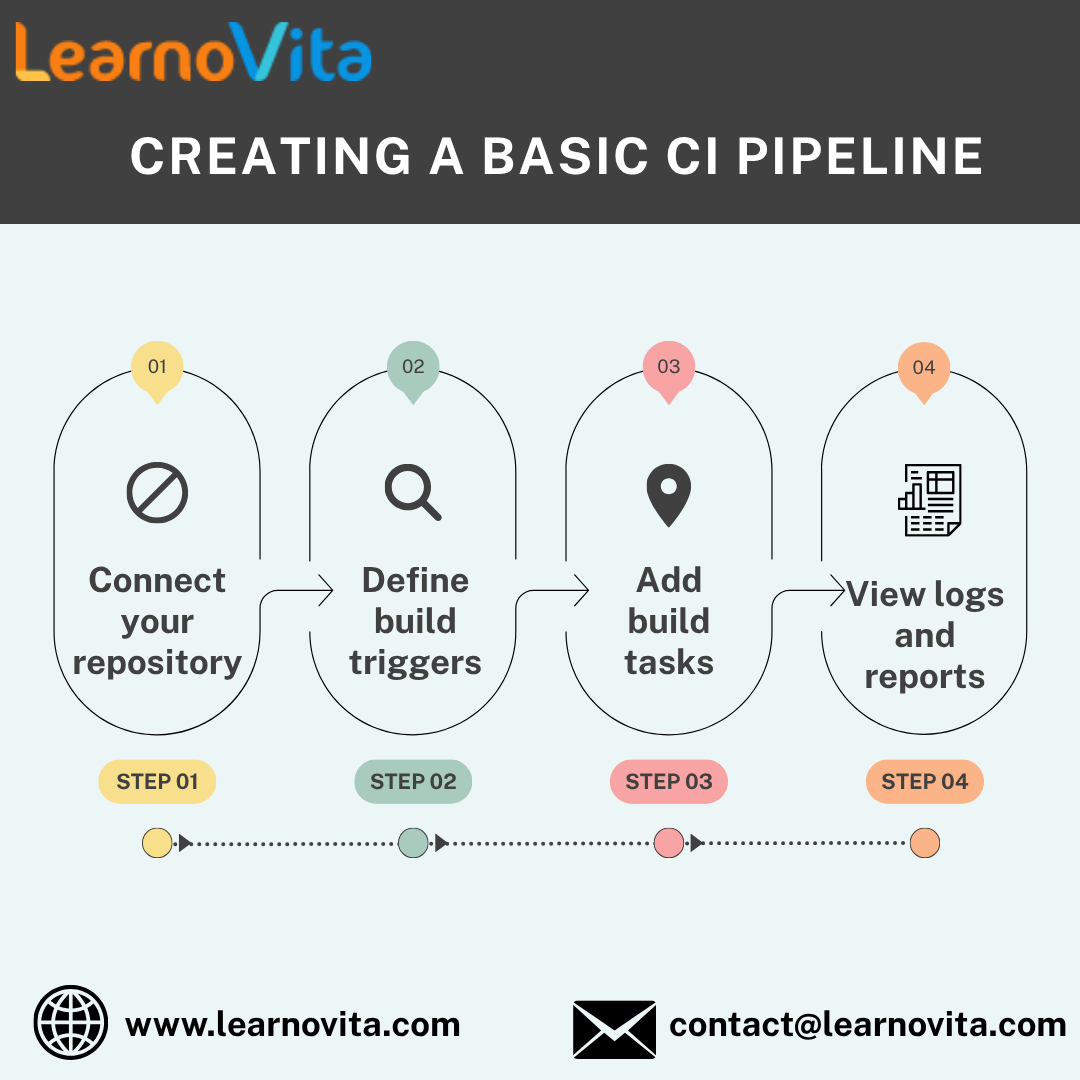
Creating a CI workflow ensures your code is automatically tested and validated with every update. Here's what that typically includes:
- Source Code Connection: Link your repository from Azure Repos, GitHub, or other platforms.
- Trigger Setup: Define when your pipeline runs—on code changes, pull requests, or scheduled intervals.
- Build Steps: Automate compiling the application, running tests, and generating reports.
- Monitoring: Get real-time feedback and logs to troubleshoot and improve the process.
This automation ensures consistency, reduces manual work, and speeds up integration cycles. Get top-notch training with assured placement support through our Best Training & Placement Program.
Deploying Code Using Azure Pipelines
Once your builds are reliable, Azure Pipelines helps you deliver code to users automatically. You can configure your deployments to go through stages like development, staging, and production each with its own set of rules, approvals, and rollback options. Whether you're deploying to Azure services, other cloud platforms, or on-premises environments, Azure Pipelines makes the process repeatable, secure, and transparent. This level of automation minimizes human errors and accelerates the release cycle, giving you confidence in every deployment.
Tracking Work with Azure Boards
To stay on top of projects and deadlines, Azure Boards provides powerful tools for task and issue tracking:
- Work Item Creation: Create user stories, bugs, and tasks to map out development goals.
- Agile Boards: Visualize workflow with drag-and-drop Kanban boards or use sprints for time-boxed planning.
- Bug Tracking: Log issues and track their progress from discovery to resolution.
- Linking: Connect tasks with code commits, builds, and releases for full visibility.
These features help teams stay organized, focused, and aligned throughout the development process.
Practical Tips to Succeed with Azure DevOps
To make the most of Azure DevOps, adopt a few best practices early on. Maintain a clean branching strategy in your code repository to avoid conflicts. Use pull requests and automated code reviews to improve quality. Set up testing as an integral part of your build process to catch problems early. Secure credentials using tools like Azure Key Vault, and monitor pipeline performance to optimize speed and reliability. By refining these practices over time, your team will build a stable, efficient CI/CD pipeline that supports rapid and secure development.
Wrapping Up
Getting started with Azure DevOps doesn’t require advanced expertise or major infrastructure changes. Start small perhaps with setting up version control and an initial build pipeline and expand gradually. Over time, you’ll be able to introduce automated testing, deployment, and advanced tracking capabilities as your comfort level grows. Azure DevOps makes the journey from idea to production smoother and more collaborative. By embracing its capabilities and adopting a CI/CD mindset, you equip your team to build better software, faster and with greater confidence.