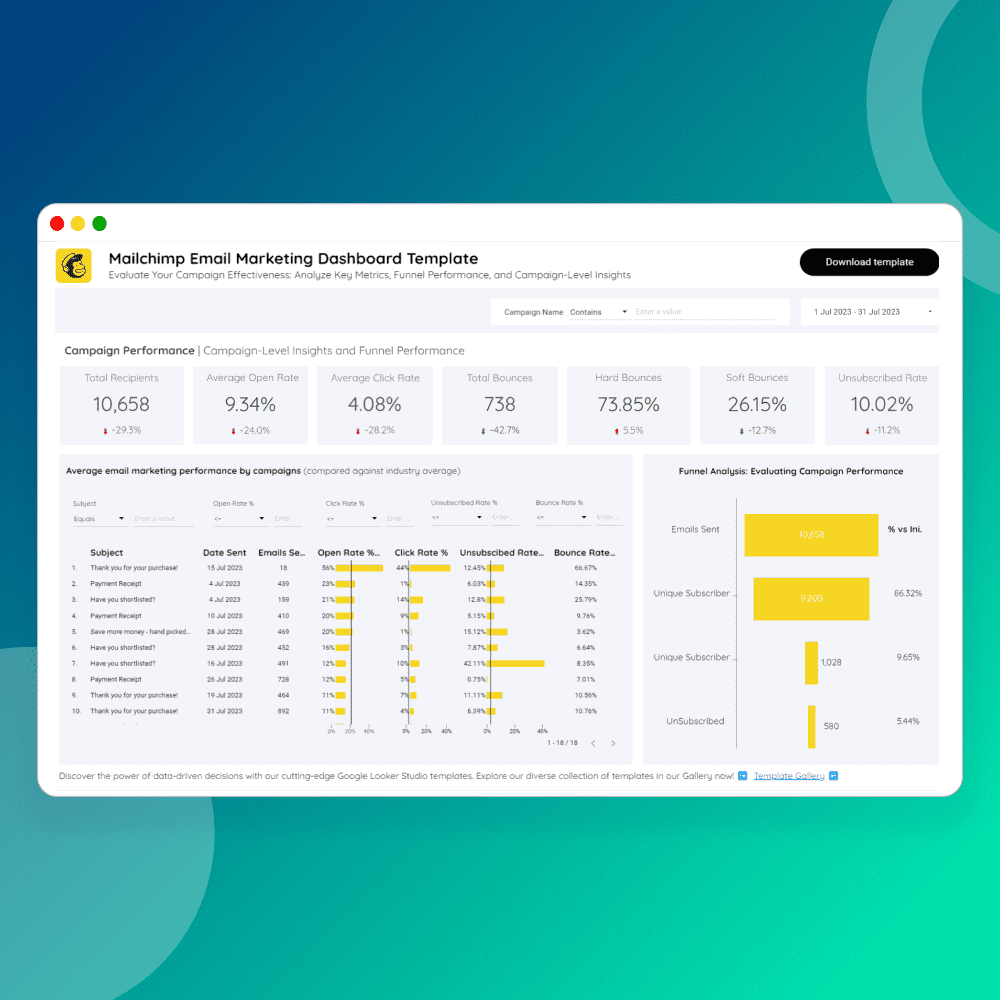
In today's data-driven world, businesses and individuals are constantly seeking ways to extract valuable insights from the vast sea of information available. Google Data Studio has emerged as a powerful tool to help visualize and analyze data effectively. However, the true magic happens when you harness the potential of Google Looker studio templates.
1. Time-Saving Efficiency:
One of the most significant benefits of using templates in Google Data Studio is the incredible time-saving efficiency they offer. Instead of starting from scratch, you can begin with a pre-designed template that aligns with your reporting needs. Whether you need to create a monthly marketing report, a sales dashboard, or track website analytics, templates provide a solid foundation. This means you can invest your time in interpreting data and making informed decisions rather than designing reports.
2. User-Friendly Interface:
Google Looker Studio templates are designed with user-friendliness in mind. They feature intuitive drag-and-drop elements, making it easy for even those with limited design skills to create professional and visually appealing reports. Customization options allow you to tailor the template to your specific requirements, ensuring your report is both informative and visually engaging.
3. Data Centralization:
Another key advantage is the ability to centralize your data. Templates allow you to connect various data sources seamlessly. Whether you're aggregating data from Google Analytics Google Ads, or external platforms, templates make it easy to merge and present the data cohesively. This centralization of data provides a comprehensive overview of your metrics, helping you make more informed decisions.
4. Collaboration and Sharing:
Templates promote collaboration and sharing within teams. Multiple team members can work on the same template, enabling real-time updates and feedback. Additionally, you can share your reports with stakeholders, clients, or team members effortlessly. This is especially useful for those who need to present data to different audiences regularly.
5. Interactive Reports:
With templates, you can create interactive reports that allow users to dive deeper into the data. Users can apply filters, adjust date ranges, and interact with graphs and charts, which enhances the overall user experience and empowers them to explore the data from various angles.
6. Consistency and Branding:
Templates also help maintain consistency in reporting. Your organization can establish standardized report templates that align with your branding guidelines. This ensures a cohesive and professional look across all your reports.
7. Cost-Efficiency:
Many Google Data Studio templates are available for free or at a minimal cost. This cost-efficiency is a significant advantage, especially for small businesses and individuals who want to harness the power of data visualization without breaking the bank.
In conclusion, Google Looker studio templates are a game-changer in the world of data reporting and visualization. They offer time-saving efficiency, user-friendliness, data centralization, collaboration, interactivity, and cost-efficiency. Whether you're a business professional, marketer, analyst, or simply someone who values data-driven decision-making, Google Data Studio templates can be your key to unlocking the potential of your data and making it work for you.