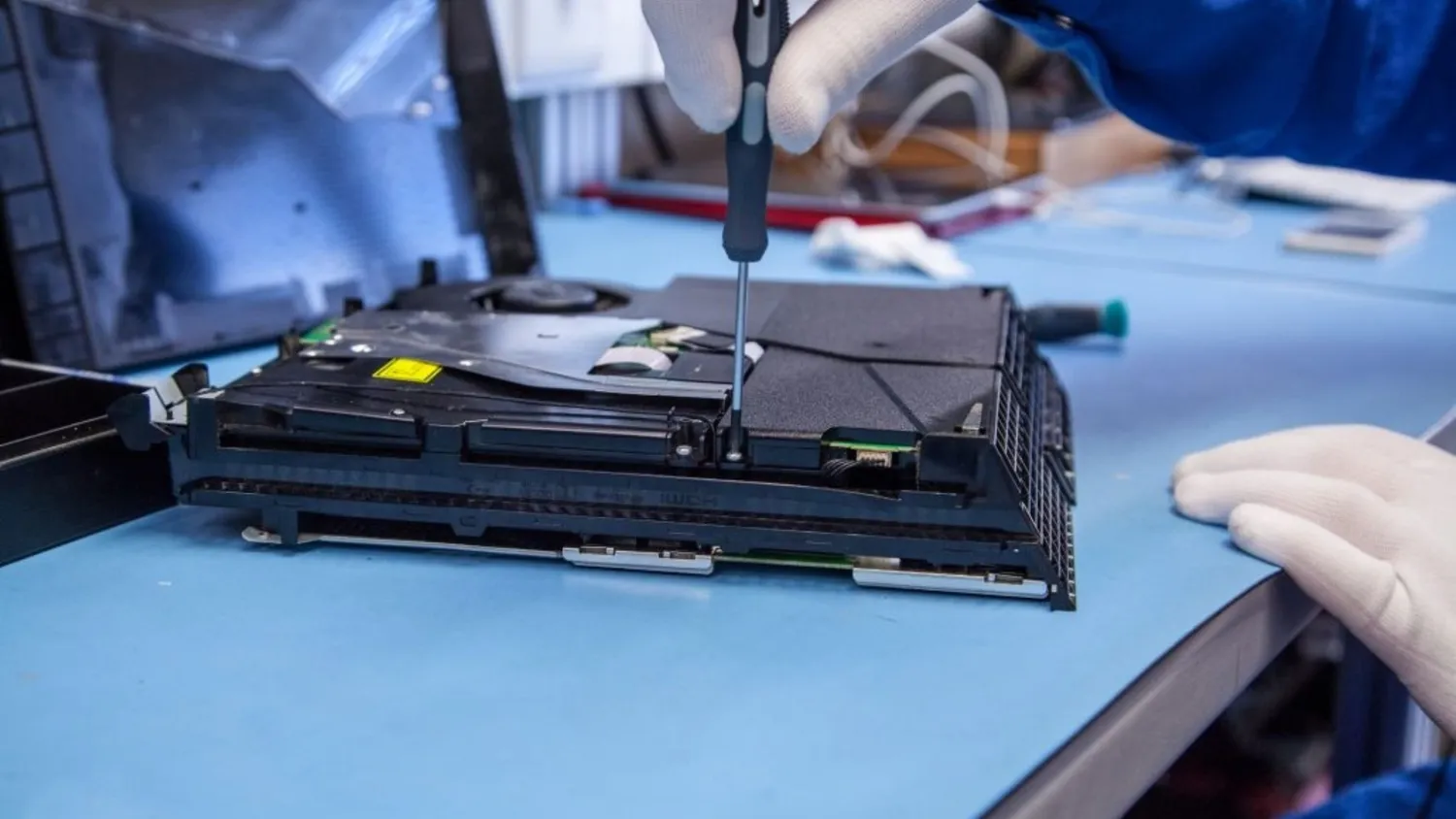
A frozen screen, blinking lights, or a disc that won’t read. It has happened to every gamer at least once. Your PlayStation stops working right in the middle of a game, and panic sets in. Don’t freak out.
These problems are common, and many social media hacks show how to fix or prevent them. Knowing the right PlayStation console repair tips can save your console and keep your gaming streak alive.
Over the last few years, gamers have shared viral fixes online. Some of these are quick tricks for cleaning, troubleshooting, or tweaking settings. They are simple, safe, and often work better than expensive repairs. Social media is full of first-hand experiences that help you avoid common mistakes and make smart repair decisions.
Common PlayStation Problems Gamers Face
The PlayStation, especially the PS5, is packed with tech. But tech can be tricky. Here are the issues gamers post about most:
- Blinking red or blue lights
- Overheating after long sessions
- Slow or laggy menus
- Disc reading errors or eject problems
- Random shutdowns or freezes
Ignoring even minor problems can result in serious headaches. Dirt, dust, or loose cables can sneak in and cause bigger problems. Viral social media posts show how fixing minor issues quickly saves consoles from bigger damage.
Viral Fixes That Actually Work
Gamers love sharing quick hacks that blew up online. Some of the most popular tips include:
- Better Airflow – Keep your console off carpeted floors and away from walls. Proper ventilation prevents overheating.
- Blow Out Dust – Compressed air is a lifesaver. Clean vents and fans. Many posts show a huge improvement after just a few minutes.
- Check Cables – Loose HDMI or power cables can cause blinking lights and shutdowns. Unplugging and reconnecting them is a simple fix that works.
- Update Firmware – Many glitches are software-related. Updating your system often fixes freezing, lag, and other problems.
- Limit Rest Mode – Gamers have noticed that too much rest mode can heat up the console. Shutting it down fully now and then helps.
These tricks are cheap and easy. They won’t fix major hardware issues, but they often prevent minor annoyances from escalating.
When to Call the Pros?
Some problems are too big for a quick hack. If your console keeps overheating, the disc drive refuses to work, or the system shuts down randomly, it’s time to call experts. Certified PlayStation console repair services can handle these safely.
Professional technicians can:
- Clean or replace fans
- Diagnose and fix motherboards
- Replace faulty disc drives
- Repair HDMI ports and other connections
Calling in the pros prevents accidental damage that DIY attempts might cause. It also protects warranties and ensures your console runs like new.
Social Media Hacks Worth Trying First
Before spending money, try some viral fixes shared by other gamers:
- Cooling Pads – Placing a cooling pad under the PS5 helps reduce heat during long gaming sessions.
- Manage Storage – A full hard drive can slow the system. Back up games and clear cache for smoother performance.
- Safe Reset – Using the safe mode reset options fixes freezing without deleting saved data.
Gamers love posting results like “Back to brand new in five minutes” or “No more lag after cleaning vents.” These hacks are easy, cheap, and effective.
Preventive Care Tips
The repair that you never require is the best. Social media stars share these prevention tips:
- Keep your console on a flat, stable surface
- Avoid stacking electronics on top of it
- Dust monthly to prevent buildup
- Update software as soon as alerts pop up
- Use a protective cover to avoid spills and knocks
Following these tips lowers the chance of needing PlayStation PS5 repair later.
DIY Risks You Should Know
Many gamers try to fix their consoles themselves. DIY can be tempting after watching online tutorials. But consoles have tiny, delicate parts. One wrong twist or pull can ruin the motherboard, disc drive, or power supply.
Even if the DIY “works,” hidden damage may show up later. Social media sometimes glamorizes DIY fixes, but professionals warn that improper handling can cost more than a certified repair.
Choosing the Right Repair Service
Not all repair shops are equal. Here’s how to pick the right one:
- Check Reviews – Look for success stories and happy customers
- Ask About Parts – Make sure they use high-quality or original screens and components
- Warranty – A solid shop will stand behind its work
- Experience – They should know your console model inside out
Doing a little research ensures your console works like new after repair.
Wrapping It Up
Glitches, freezes, and broken discs are stressful. Don’t panic. Many minor issues can be fixed with viral social media hacks. But knowing when to call the pros is crucial. For bigger issues, certified PlayStation PS5 repair ensures your console works safely and lasts longer.
From cleaning vents to updating software, smart maintenance and proactive care make a huge difference. Trust experts when needed and use social media tips wisely. Your console will run smoothly, your games will stay fun, and you can avoid costly mistakes.