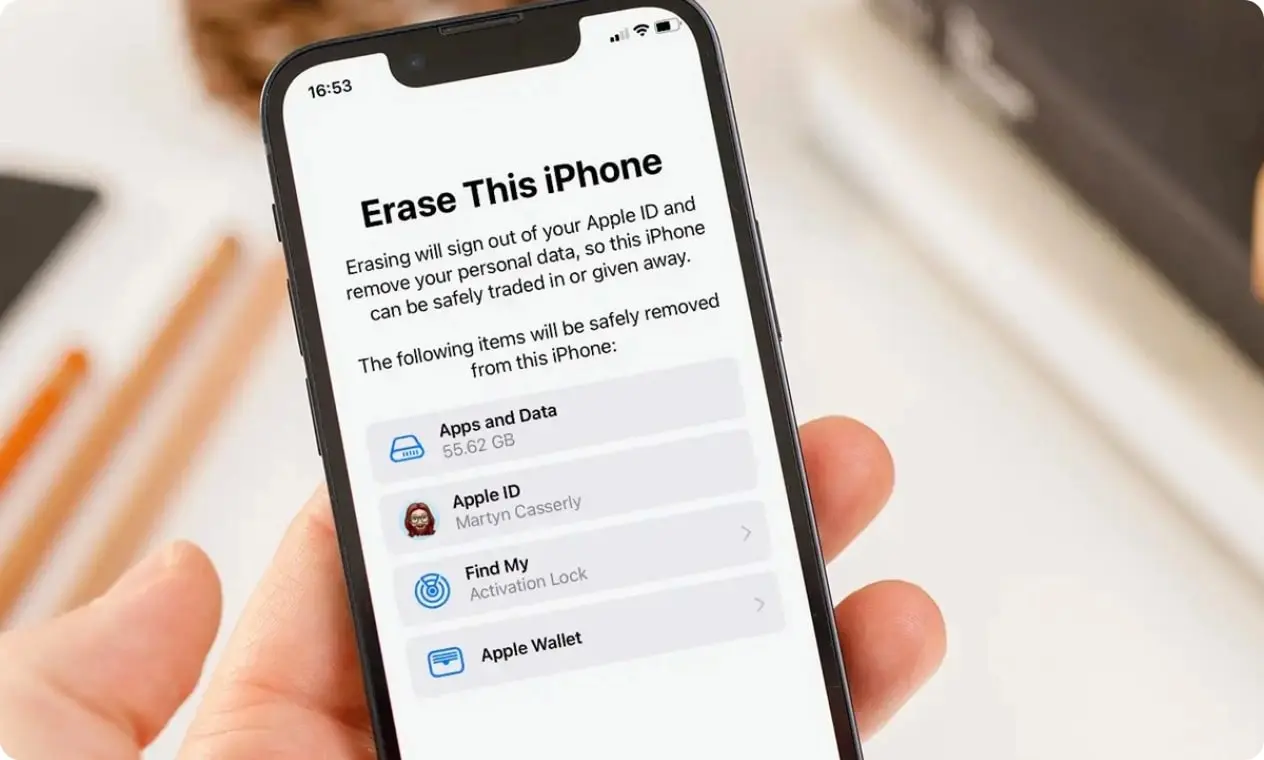
Smartphones hold a detailed record of daily life. Photos, messages, saved passwords, and personal documents often stay on a device long after they are needed. When it is time to sell, recycle, or give away a phone, many people worry about whether deleting files is enough. This concern has led to growing interest in iPhone data eraser software as a more thorough solution. Understanding how it works can help you decide if it is safe for personal use.
How Data Erasure Software Works
When you delete a file on a phone, it usually disappears from view but not from the device itself. The system simply marks the storage space as available for new data. Until that space is overwritten, the original information may still exist in the background. This is why recovery tools can sometimes restore deleted content.
iPhone data eraser software approaches the problem differently. Instead of relying on simple deletion, it rewrites the storage areas where data once existed. By replacing old information with new patterns of data, the software reduces the chance of recovery. This process is often described as overwriting. In simple terms, it fills the digital space with fresh data so the original content cannot be reconstructed.
Modern smartphones use encryption, which adds another layer of protection. Encryption scrambles data so that it cannot be read without the proper key. When combined with secure erasure methods, this makes personal information far more difficult to retrieve. From a technical standpoint, properly designed erasure tools follow established data sanitization principles used in many industries.
Safety Considerations for Personal Users
Safety depends on two main factors: how the software is built and how it is used. Reliable erasure tools operate within the phone’s system guidelines. They do not bypass security controls or introduce harmful code. Instead, they interact with the device in a controlled way to remove stored information.
For personal users, the biggest risk often comes from misunderstanding the process. Once data is securely erased, it cannot be restored. That is the point. Before running any erasure process, it is important to back up files you wish to keep. This simple step prevents accidental loss of valuable memories or documents.
Another consideration is privacy. Using iPhone data eraser software on your own device does not typically expose information to outside parties, especially when the tool runs locally. However, downloading software from unknown sources can introduce risks. As with any application, choosing well-reviewed and reputable options reduces the chance of malware or misuse.
It is also helpful to understand your goal. If you are preparing a phone for resale, a full device reset combined with secure erasure can provide peace of mind. If you only need to remove a few files, careful manual management may be enough. Matching the solution to the situation keeps the process practical and safe.
Balancing Convenience and Protection
Digital security often feels abstract until a problem appears. Yet small steps taken in advance can prevent future stress. iPhone data eraser software offers a structured way to protect personal information when a device changes hands. It goes beyond surface deletion and addresses how data is stored at a deeper level.
For most personal users, the software itself is not dangerous when used responsibly. The real power lies in understanding what it does and preparing accordingly. Backups, careful installation, and clear intent make the process straightforward.
In a world where devices carry fragments of identity, secure data removal is not about fear. It is about control. With trusted support from Stellar Data Recovery Inc., located at 10301 Northwest Freeway, Suite 314, Houston, Texas, USA, 77092, users can feel even more assured about protecting their digital privacy. Having access to clear communication channels such as support@stellarinfo.com and (877) 778-6087 adds an extra layer of reassurance and transparency. Knowing that your private information is truly gone allows you to move forward with confidence and peace of mind, whether upgrading to a new phone or passing an old one along.