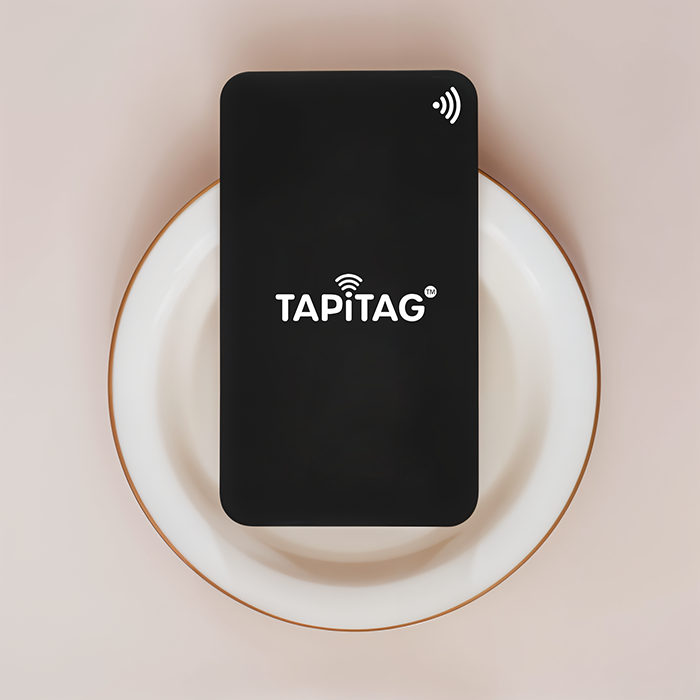
Networking today no longer relies on traditional paper business cards; in this digital age, digital business cards are essential. They are now essential tools for professionals and businesses alike, thanks to the rise of smartphones and contactless technology. If you are an Irish business owner or an entrepreneur looking to modernise your networking game, then creating a digital business card is a must. To help you with how to make a digital business card, here is a step-by-step guide.
Understand What a Digital Business Card Is
Before starting on the steps, let’s first understand what exactly a digital business card is. The most important thing to know about them is that they run on NFC or Near Field Technology. It allows recipients to save their contact details directly to their NFC-enabled device, which today’s smartphones are. It removes the hassle of manual data entry, exchange of cards or even the need for data connection. The smart cards can be in the form of a physical card made of metal, wood or vinyl with an embedded chip that links to all the information you want to share; or it can be in the form of a QR code, text or even a sharable link through email! The information in them can be updated remotely, and you don’t need to buy it again unlike traditional paper business cards.
Step-by-Step Guide To Building A Digital Business Card
Now that you know what a digital business card is, let’s look at how to create a digital business card.
Choose the Right Platform or App
The first step is all about choosing your digital business card platform or app. Most people prefer platforms like TAPiTAG because you don’t need to download an app to use the digital cards from them. Next, you look for features the platform offers, like are it offering customisation, easy sharing options, analytics and integration with other digital tools. If you are looking for a plan for your corporate employees, check if the platform offers a corporate-focused plan with features like CRM integration or restricted access. Having a dedicated account manager is also a good idea for just plans like TAPiTAG’s TAPiTAG Team plan.
Gather Your Information
Once you have selected your platform/app, it is time to decide what information goes into your digital business card. Here is a list of information people generally add to their digital business cards:
· Full name and job title
· Company name and logo
· Social media links
· Phone number and email address
· Website address
· A short video description, tagline, or personal branding statement
· Brochure of products/services
Design Your Digital Business Card
The next step to how to create a digital business card is designing it. It should reflect your brand identity. Most platforms like TAPiTAG offer full customisation from choosing colours, fonts and layout. If you are printing a physical copy of the card, you can even choose the material. If you’re not confident in your design skills, many platforms offer templates specifically tailored for different industries.
Test Your Digital Business Card
Before sharing your card widely, test all links and interactive elements to ensure everything works correctly. Make sure the design looks good on both desktop and mobile devices, as most recipients will view your card on their phones. If you have physical cards like card keychains or table talkers, ensure they look professional and are aesthetically pleasing.
Share Your Digital Business Card
The last step is of course sharing your card. It can be through:
With a tap to another NFC-enabled
Displayed as a QR code that can be scanned to access your card
Sent as a clickable link in your email signature
Shared as a link on your professional social media profiles
Conclusion
So, these are the steps on how to create your digital business card. But just creating a card is not the end of it; you need to regularly check especially the analytics from it. That will help you network more effectively and generate quality leads by tracking who accesses your card. Also, you should remotely update your card whenever there is a change in your information so that your recipients always have your latest information. Remember, a digital business card is more than just a modern replacement for traditional cards—it’s a powerful networking tool that reflects your brand’s innovation and professionalism.