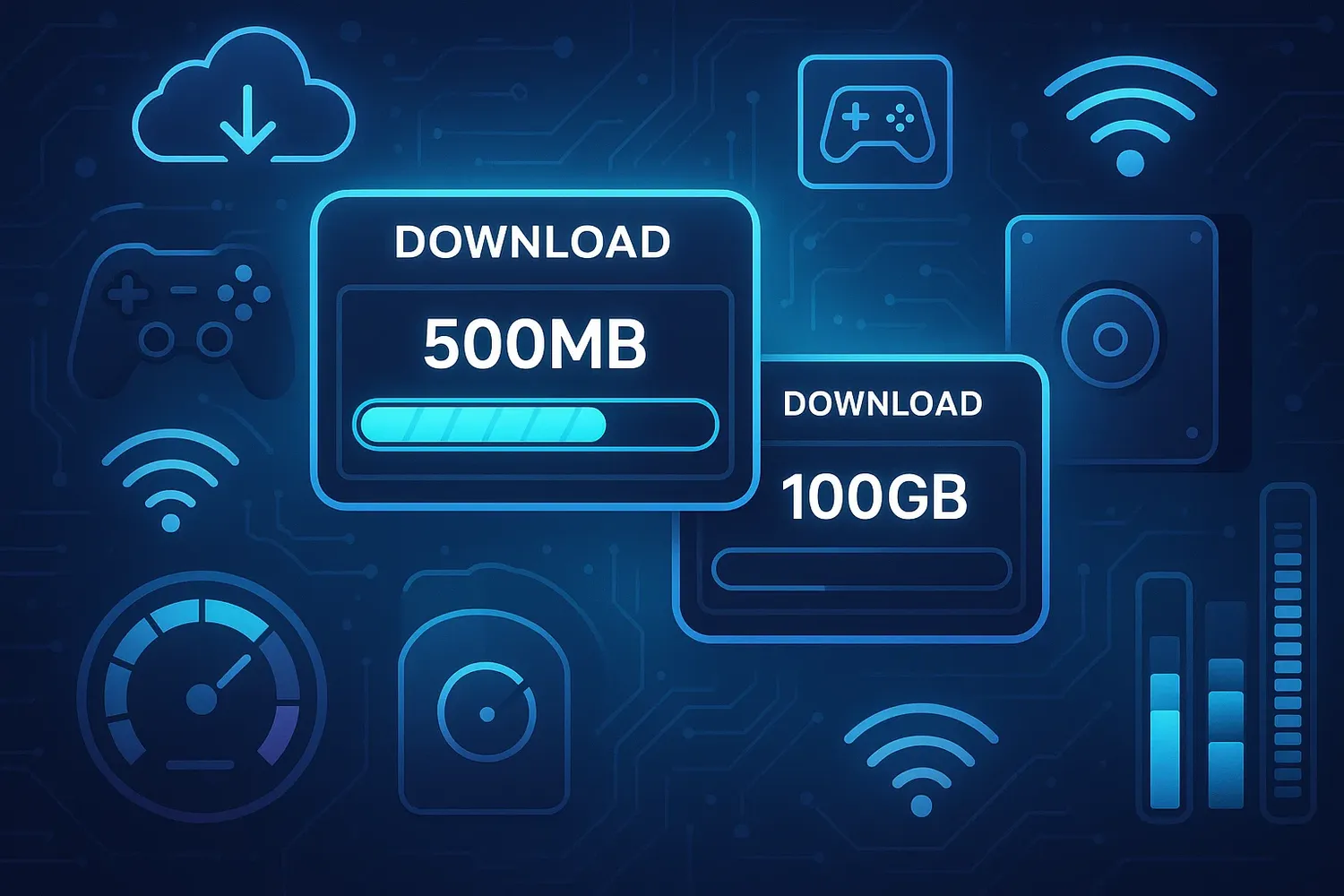
Understanding the difference between MB vs GB is critical for modern gamers, especially in an era where game file sizes can range from a few megabytes to hundreds of gigabytes. Whether you're dealing with digital downloads, patches, or system storage limits, this article will break down what each unit means, why it matters, and how it impacts your gaming experience.
What Does MB vs GB Really Mean?
At the heart of digital storage are two commonly confused units: MB (megabytes) and GB (gigabytes). One gigabyte is equal to 1024 megabytes, a detail that becomes very important when determining how much space a game or update will occupy. For example, a 5GB download is the same as 5120MB.
Gamers frequently encounter these units when downloading new games, installing updates, or calculating available space on consoles, PCs, or handheld devices. Knowing how to interpret these figures can save time, bandwidth, and even money.
Game Sizes Are Growing Rapidly
The evolution of game graphics, audio quality, and open-world mechanics has contributed significantly to the ballooning size of games. Triple-A titles now often exceed 100GB, with high-resolution textures and cinematic assets eating up storage space.
Gone are the days when a 700MB CD-ROM was enough for a full game. Today, a single Call of Duty update might exceed 20GB. This means understanding the difference between MB vs GB isn’t just technical trivia it’s practical knowledge every gamer needs.
Internet Speed and Download Times
Another factor that makes MB vs GB important is download speed. Internet service providers (ISPs) often advertise speed in megabits per second (Mbps), not megabytes. One byte equals eight bits, so downloading a 10GB file at 100Mbps won’t take 100 seconds it’ll take significantly longer.
To put it in context, a gamer with a 50Mbps connection downloading a 50GB game would need around 2–3 hours, assuming optimal conditions. Compare that to a smaller indie game of 500MB, which might download in under five minutes.
Console Storage Woes
Gamers using consoles like the PlayStation 5 or Xbox Series X face the storage crunch firsthand. With games like "Red Dead Redemption 2" and "Cyberpunk 2077" taking up 100GB or more, even a 1TB hard drive fills up quickly.
Understanding the difference between MB vs GB helps when managing which games to keep installed and which to archive. It's not uncommon for users to rotate games in and out of internal storage, especially when updates and DLCs add more data.
Digital Distribution Has Changed the Game
Physical media once limited game size to the capacity of a disc 650MB for CDs, 4.7GB for DVDs, and up to 50GB for Blu-rays. However, digital distribution through platforms like Steam, Epic Games Store, and Xbox Live has removed these limitations.
Now, developers have more freedom to create massive games. Gamers, in turn, must deal with downloads that stretch into tens or hundreds of gigabytes. This makes knowing MB vs GB not only necessary but critical in avoiding storage-related headaches.
Cloud Gaming and Streaming Services
As cloud gaming platforms like NVIDIA GeForce NOW, Xbox Cloud Gaming, and PlayStation Now become more popular, storage concerns shift slightly. While you’re not downloading the full game, streaming still involves data consumption often in gigabytes per hour depending on resolution.
So, while the traditional need to compare MB vs GB when downloading games may lessen with streaming, the distinction remains essential for monitoring data caps and internet usage.
Updates and Patches: Hidden Storage Killers
Game updates are notorious for their size. What starts as a 40GB base game can balloon to 90GB after multiple patches. Even seemingly minor fixes might weigh in at several gigabytes. This is why storage management and awareness of MB vs GB is vital for any gamer trying to avoid delays or frustration.
Developers don't always compress patches efficiently, and sometimes entire game files must be reinstalled, adding to the burden.
Free-to-Play Games Still Consume Space
Even free-to-play titles like Warzone, Fortnite, or Apex Legends often consume more than 50GB. Gamers downloading multiple free games often underestimate storage needs simply because the games are free. But “free” doesn’t mean “small.”
Recognizing this makes a solid understanding of MB vs GB more essential, particularly for budget gamers or those using lower-capacity systems.
Is MB Bigger Than GB?
Here’s a common point of confusion: Is MB Bigger Than GB? The answer is no GB is larger than MB, specifically 1GB = 1024MB. This distinction matters when gauging how much space a game or patch will require. For instance, a 5GB update is not just a “few MB” but over 5000MB, potentially using up more space or bandwidth than anticipated.
Misunderstanding this conversion can lead to poor storage planning or delays during game night. So, next time you see “MB” or “GB,” you’ll know exactly what’s on the line.
How Mobile Gaming Differs
While PC and console games push 100GB boundaries, mobile games usually stay under 2GB. However, this is changing. Titles like Genshin Impact and Call of Duty Mobile have started to approach 10GB on smartphones. Android and iOS users now need to consider MB vs GB just as seriously as console or PC gamers.
With app stores listing file sizes in both MB and GB, it's easier to compare but it’s also easy to get caught off guard by in-game updates or DLC that expands well beyond the original download.
Game Libraries and Backup Strategies
Having a digital game library is convenient, but it comes with storage challenges. Many gamers now use external hard drives or SSDs to expand space. Understanding MB vs GB becomes necessary when deciding how many games can be backed up or how much space is required for storage upgrades.
For example, a 500GB SSD might only hold 4 or 5 modern titles before space runs out.
The Future of Game Sizes
As ray tracing, 4K textures, and AI-driven assets become standard, game sizes will continue to grow. Some predict that future titles could exceed 200GB. This will make the MB vs GB comparison even more crucial in planning storage solutions and internet plans.
Compression technology may help to a degree, but it’s unlikely to reverse the trend of expanding file sizes. Therefore, gamers must stay informed and prepared.
Conclusion
The MB vs GB dilemma is more than a numbers game it directly impacts your downloads, gameplay, and digital lifestyle. From download times to storage limits, understanding these digital measurements empowers gamers to make informed decisions.
The next time you're faced with a massive update or a shiny new title on sale, take a moment to calculate your needs in both MB and GB. Trust us it’ll save you a lot of time, stress, and storage juggling in the long run.