Odoo is a powerful open-source ERP (Enterprise Resource Planning) software that integrates various business functions into one cohesive system. From managing sales and inventory to handling customer relationships and accounting, Odoo offers a comprehensive suite of applications that can be customized to meet the unique needs of any business. Among the many ways to enhance the Odoo experience is through theme development, which allows users to tailor the appearance and usability of their Odoo instance. Custom themes not only improve visual appeal but also enhance user engagement, making it essential for businesses aiming to create a memorable online presence.
Understanding Odoo Themes
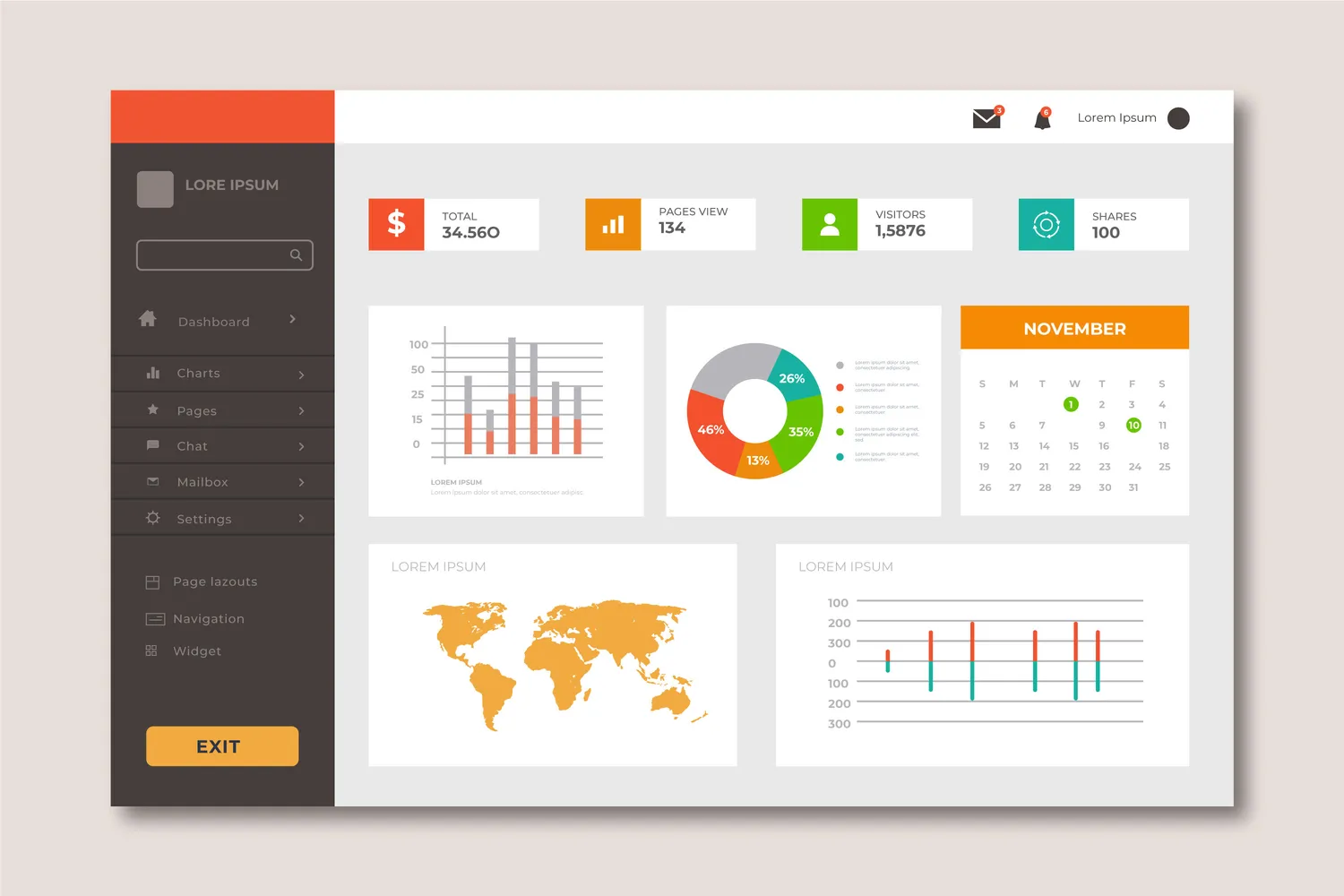
Odoo themes are essentially templates that define the visual and interactive aspects of the Odoo interface. These themes play a crucial role in the Odoo ecosystem by enabling businesses to present their brand identity in a way that resonates with users. With Odoo’s flexible architecture, developers can create custom themes that adapt to different industries and business models.
Custom themes offer numerous advantages, including improved branding and a better user experience. A well-designed theme can help distinguish a company from its competitors, reinforce brand identity, and create a more intuitive interface. By tailoring the user experience to align with the company's values and mission, businesses can foster stronger connections with their customers and employees alike.
Setting Up the Development Environment
Before diving into theme development, it's essential to establish a suitable development environment. To get started, you need to install Odoo on your local machine or server, which is the foundation for any customization. Once you have Odoo up and running, you’ll need a reliable code editor such as Visual Studio Code or PyCharm, which can help streamline your coding process.
Creating a new Odoo module specifically for theme development is straightforward. Simply navigate to the Odoo addons directory and create a new folder for your theme. This modular approach allows you to isolate your changes and makes it easier to maintain and update your theme without affecting the core Odoo system.
Key Components of Odoo Themes
Understanding the key components of Odoo themes is crucial for effective development.
Templates and Views
At the heart of Odoo themes are QWeb templates. QWeb is Odoo's templating engine that allows developers to define how data is presented in the user interface. These templates use XML syntax to structure various views, such as forms, lists, and dashboards. A deep understanding of QWeb will enable developers to create visually appealing and functional layouts that effectively display critical information.
Static Files
In addition to templates, static files play a vital role in theme development. This category includes CSS for styling, JavaScript for interactive elements, and image files for graphics. Organizing these static files within your theme's directory is crucial for maintaining an efficient workflow and ensuring that your theme is visually cohesive.
Assets and Bundles
Odoo employs an asset management system that allows developers to bundle static files for optimized loading. When creating a theme, you can specify which CSS and JavaScript files should be loaded, ensuring that the theme performs efficiently. This asset management system is essential for creating a fast and responsive user experience.
Creating a Custom Theme
Now that you understand the components of Odoo themes, it’s time to dive into creating your own custom theme. Start by defining your theme’s layout and design elements in your QWeb templates. It’s advisable to sketch out your design on paper or use a design tool to visualize your theme before coding.
Using Odoo Studio can simplify the customization process. This user-friendly tool allows you to modify existing views and create new ones without extensive coding knowledge. As you develop your theme, remember to test it regularly in different browsers and devices to ensure it looks great and functions well across platforms.
Best Practices for Odoo Theme Development
Maintaining high-quality code is essential for successful Odoo theme development. Here are some best practices to consider:
1. Modularity and Reusability: Structure your code in a modular fashion, which allows for easier maintenance and updates in the future. By creating reusable components, you can save time and reduce errors.
2. Responsive Design: In today’s mobile-driven world, responsive design is critical. Ensure your theme adapts seamlessly to various screen sizes, providing an optimal experience for all users, whether they are on desktop or mobile devices.
3. Performance Optimization: Regularly review and optimize your theme to enhance loading speeds. Compress images, minimize CSS and JavaScript files, and limit the use of heavy libraries to improve performance.
Conclusion
Mastering Odoo theme development is an exciting journey that allows you to personalize the Odoo ERP experience for your business. By understanding the components of Odoo themes and adhering to best practices, you can create visually stunning and user-friendly themes that enhance your brand identity. As you explore the world of Odoo theme development, remember that practice makes perfect. Dive in, experiment, and watch your Odoo instance transform into a unique representation of your business vision!