Embarking on a laptop motherboard upgrade can be both challenging and fulfilling for individuals aiming to boost their device's capabilities. This guide offers detailed advice for anyone contemplating this upgrade, ensuring they are well-informed and prepared to carry out the task successfully.
Understanding Compatibility
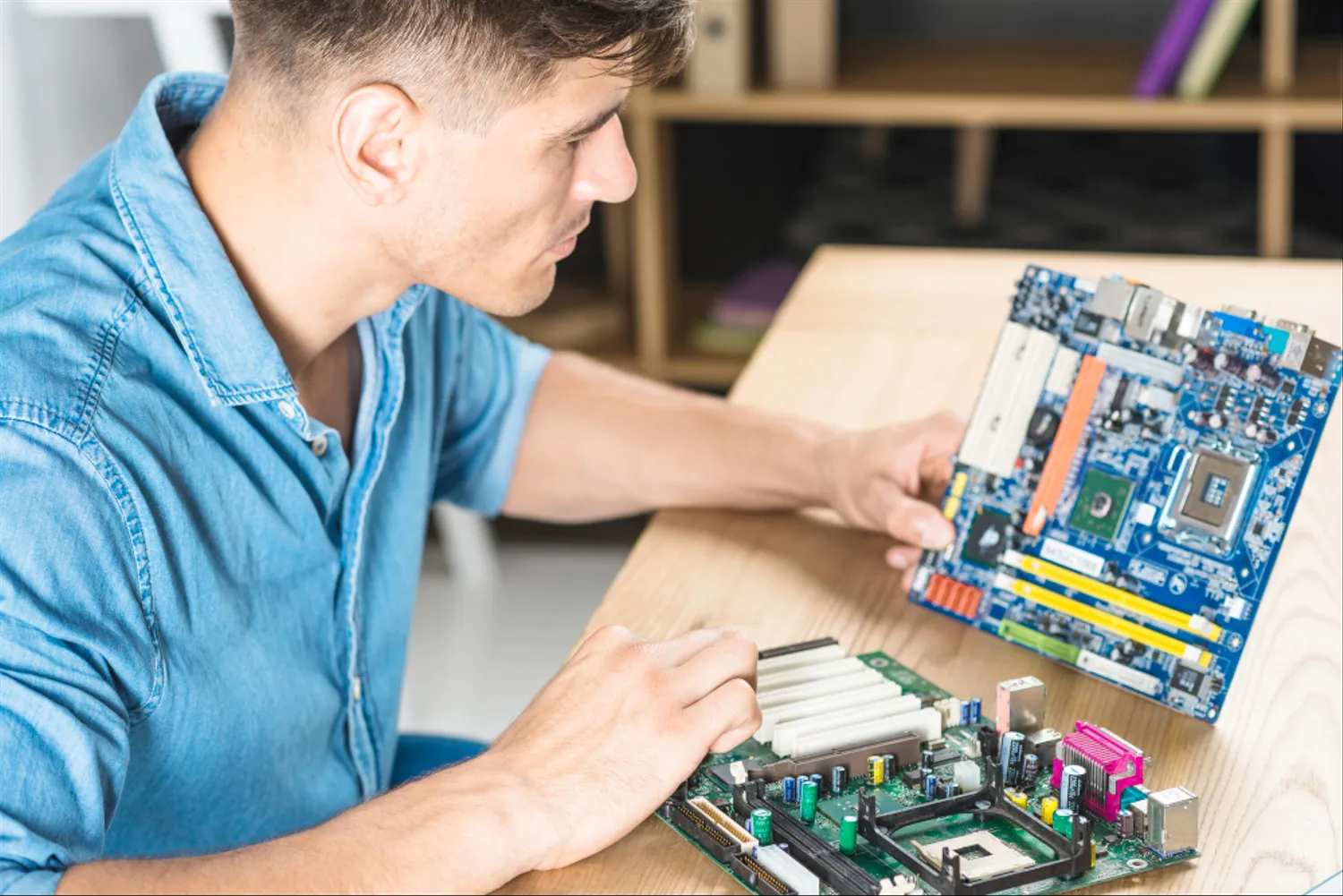
The first and most crucial step is understanding compatibility. Not all motherboards fit into any laptop due to varying form factors, socket types, and connector layouts. Research is key to ensuring the new motherboard is compatible with your laptop's model and chassis. This involves checking the physical dimensions, power connector type, and socket compatibility. Additionally, compatibility with your existing CPU, RAM, and other peripherals must be considered to avoid any bottleneck issues.
Performance Goals and Budget
Before proceeding with an upgrade, define your performance goals and set a realistic budget. Whether it's for gaming, professional work, or general use, your goals will determine the type of motherboard and associated components you need. Higher-end motherboards with advanced features like more RAM slots, better GPU support, and additional connectivity options will cost more. Balancing your performance needs with your budget is crucial.
Choosing the Right Motherboard
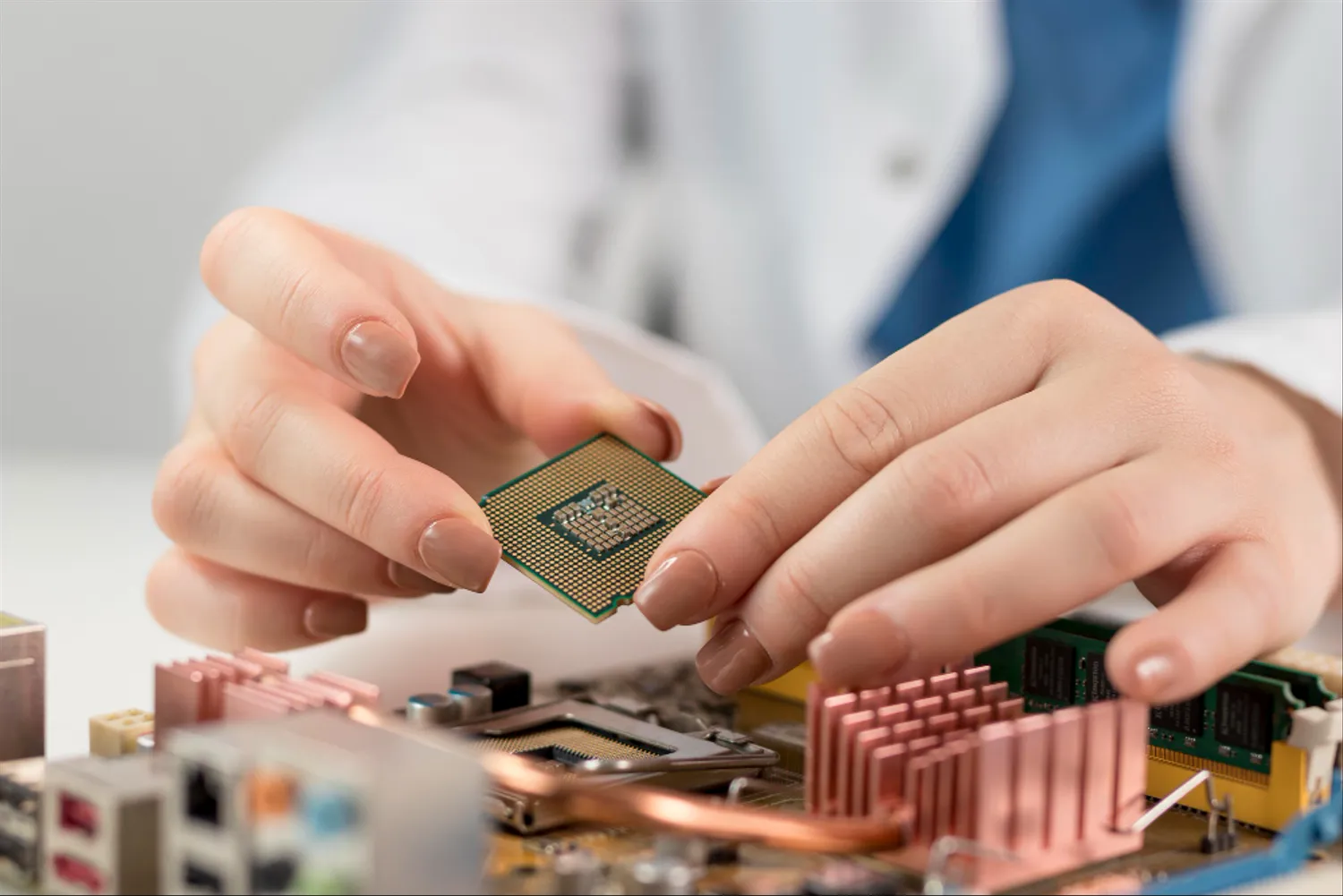
When selecting a motherboard, consider key features that align with your needs. Look for a motherboard with the latest chipset that supports newer processors for better performance. If you're a gamer or a professional working with graphics-intensive applications, opt for a motherboard with robust GPU support. For multitaskers, a motherboard with ample RAM capacity is vital. Also, consider future-proof features like USB-C or Thunderbolt ports, Wi-Fi 6 compatibility, and NVMe SSD support. Visit here to know more about choosing the right motherboard.
Preparing for the Upgrade
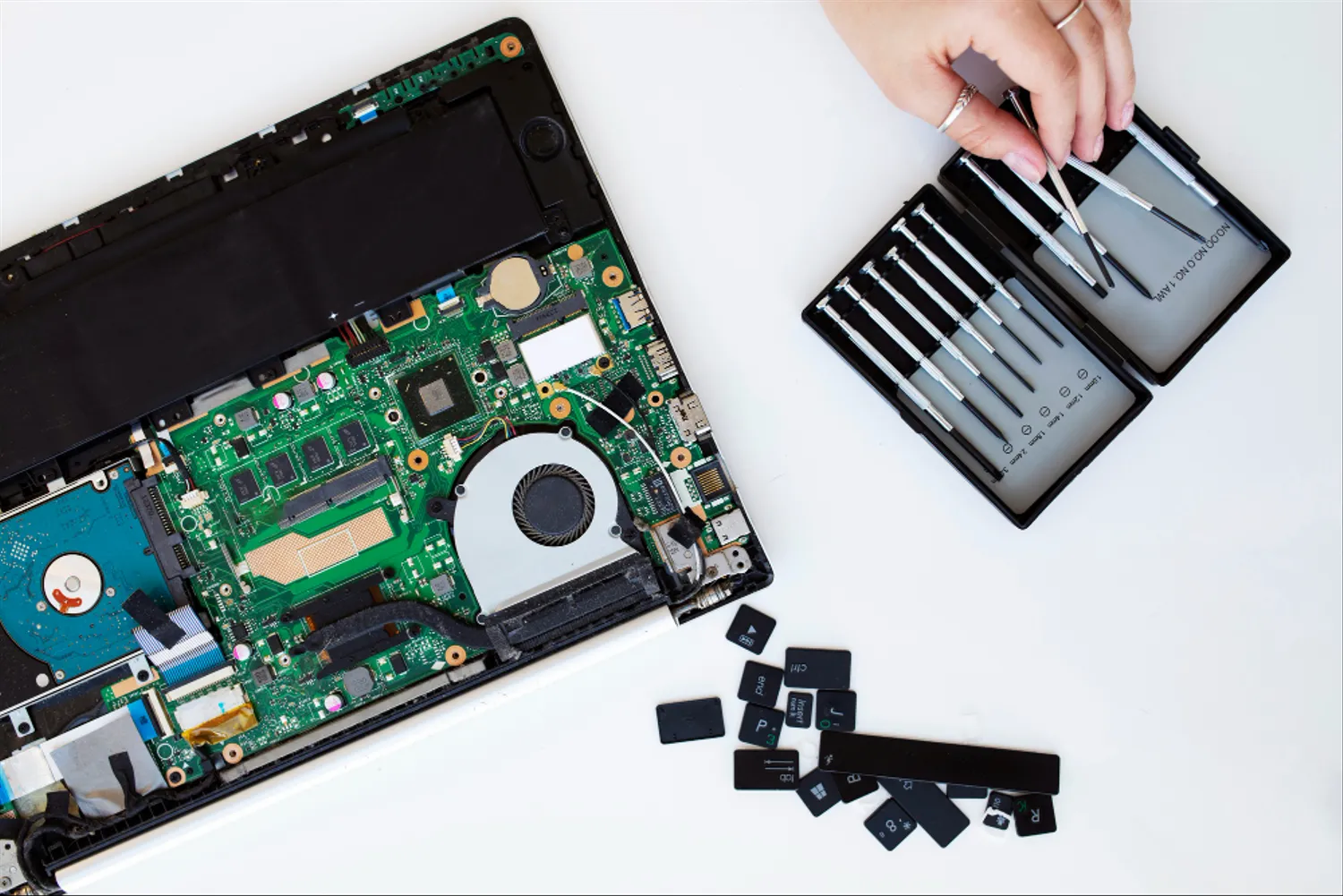
Upgrading a laptop's motherboard is more complex than doing so in a desktop. It requires careful planning and a good understanding of laptop architecture. Gather the necessary tools, such as a screwdriver set, anti-static wrist strap, and thermal paste. Back up all important data as the process might require a fresh installation of your operating system.
Disassembly and Installation
Disassembling a laptop can be tricky. Document each step and keep track of screws and components. Once the old motherboard is removed, carefully install the new one. Apply thermal paste to the CPU and ensure that all components are correctly seated and connected. This step requires patience and precision to avoid damaging sensitive components.
BIOS Update and Configuration
After installation, updating the BIOS is essential for ensuring hardware compatibility and stability. Visit the motherboard manufacturer's website to download the latest BIOS version. A properly configured BIOS can significantly impact the performance, allowing you to tweak settings like boot order, CPU clock speeds, and RAM frequencies.
Testing and Troubleshooting
Once the new motherboard is installed and the BIOS is updated, thorough testing is necessary. Monitor the system's stability, temperature, and performance. Use benchmarking tools to compare the performance before and after the upgrade. If you encounter issues like overheating, system crashes, or performance bottlenecks, troubleshoot by checking component installation, BIOS settings, and driver updates.

Maintaining Your Upgraded System
Regular maintenance is crucial for sustaining the performance of your upgraded laptop. Keep the software updated, clean the internal components regularly to prevent dust buildup, and monitor the system's temperature to avoid overheating.
Conclusion
Upgrading a laptop's motherboard is not a task to be taken lightly. It requires a careful consideration of compatibility, a clear understanding of your performance goals, and meticulous attention during the upgrade process. By following these tips, you can maximize the performance of your laptop, making it a powerful tool tailored to your specific needs. Remember, while the process can be challenging, the reward of a significantly enhanced computing experience is often worth the effort.