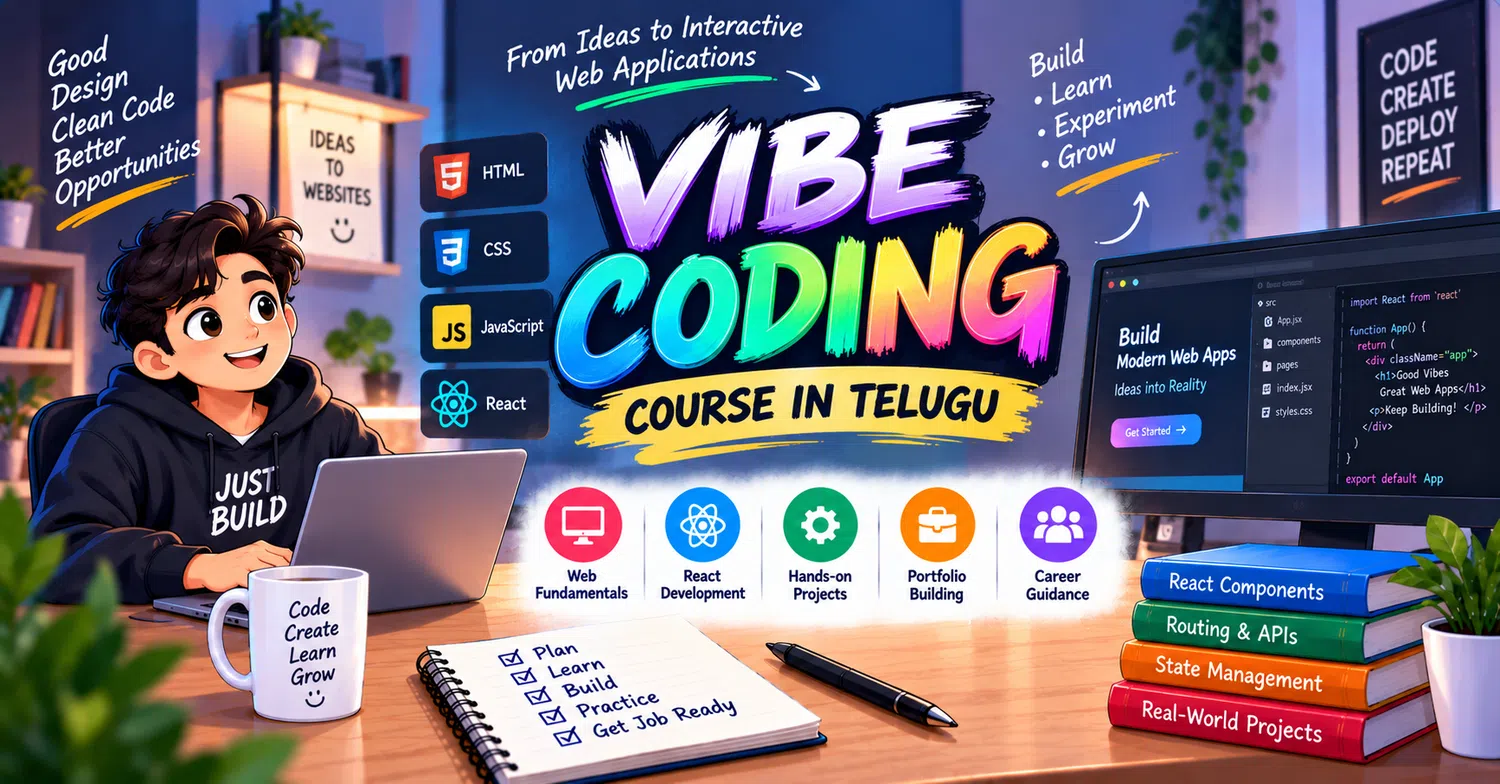
Building a website can feel challenging for beginners who are still learning programming, design, and application structure. AI-assisted development is making this process more approachable by allowing learners to describe what they want to create and receive code suggestions that can be tested and refined. A Vibe Coding Course in Telugu can help beginners understand how to use AI coding tools to plan websites, generate interfaces, add functionality, solve development problems, and gradually transform simple ideas into working web projects.
Start Website Development with a Simple Idea
Beginners do not need to begin with a complex application. A small website with a clear purpose provides a better environment for understanding how AI-assisted development works.
Consider creating a photography booking website. A photographer needs a site where visitors can explore services, view portfolio categories, check packages, submit booking requests, and send inquiries.
Before asking AI to generate the website, learners can identify important requirements such as:
Target users
Required pages
Main services
Booking information
Contact details
User actions
Expected website behavior
Defining these requirements gives the AI tool useful context and teaches learners to think about website structure before writing code.
Turn Natural Language into Website Structure
One of the most beginner-friendly aspects of vibe coding is the ability to describe a webpage in normal language.
A learner might request a homepage containing a navigation bar, introduction section, photography categories, featured portfolio, service packages, testimonials, and a booking call-to-action. An AI coding assistant can use this description to create an initial implementation.
Instead of beginning with an empty file, beginners receive a starting point that they can examine and modify. This can make the relationship between an idea and its technical implementation easier to understand.
Create Web Pages One Section at a Time
Generating an entire website through one large instruction may produce unnecessary complexity. Beginners can achieve greater control by creating smaller sections individually.
The photography website can be developed through:
Header and navigation
Hero section
Photography services
Portfolio gallery
Pricing information
Booking form
Contact section
Footer
Learners can test each section before moving to the next one. This makes it easier to identify problems and understand which code controls specific parts of the page.
Improve Website Design with AI Assistance
The first generated interface may function correctly but still need visual improvements. AI tools can help learners experiment with layouts, spacing, typography, cards, buttons, and responsive behavior.
Through a Vibe Coding Course in Telugu, beginners can learn to provide specific design instructions rather than repeatedly asking AI to make a page "better."
For example, they can request a cleaner service section, a responsive portfolio grid, clearer booking buttons, or improved spacing for mobile screens. Specific instructions make design refinement more predictable.
Add Interactions Beyond Static Content
A modern website should respond to user actions. Beginners can gradually move from static content toward interactive functionality with AI support.
The photography website might include image category filters, expandable service details, booking forms, date selections, or confirmation messages.
Before generating an interaction, learners should understand what should happen when the user performs an action.
They can identify:
What starts the interaction
What information is required
What should change on the page
What happens after submission
How invalid input should be handled
This encourages logical thinking alongside AI-assisted coding.
Learn Basic Code by Reviewing Generated Output
Vibe coding does not mean beginners should ignore the code being generated. AI output can actually become a practical learning resource when learners examine it carefully.
They can identify which code creates headings, buttons, forms, layouts, or interactions. When something is unfamiliar, they can ask the AI assistant to explain a specific section in simpler terms.
This approach allows beginners to connect visible website elements with the code responsible for them rather than copying complete solutions without understanding their structure.
Build Forms and Collect User Information
Forms are common across business websites and provide a useful practical exercise. The photography website may include a booking form that collects a customer's name, contact information, preferred service, event date, and message.
AI can help generate the initial form and its processing logic. Learners can then improve it by adding required fields, clear labels, suitable input types, and validation.
Working with forms introduces beginners to an important connection between user input and application behavior.
Use AI to Make Websites Responsive
Websites may be viewed on desktops, tablets, and smartphones, so beginners need to consider how layouts behave across different screen sizes.
AI coding assistants can help suggest responsive structures or modify an existing layout for smaller screens. Learners can test whether navigation remains usable, images resize correctly, forms fit the screen, and content remains readable.
A useful responsive workflow involves generating the initial design, testing different screen sizes, identifying layout problems, and asking AI to improve only the affected areas.
Debug Website Problems with Better Questions
Beginners frequently encounter issues such as broken layouts, buttons that do not work, or forms that behave incorrectly. AI can assist with debugging when learners provide enough information about the problem.
Instead of saying "the website is not working," they can explain which feature fails, what they expected, what actually happened, and any error message they received.
Helpful debugging information can include:
The affected feature
Relevant code
Error messages
Expected behavior
Actual behavior
Changes made recently
Learning to describe problems precisely can improve both debugging and general development skills.
Test Generated Features Before Accepting Them
AI-generated code should always be tested. A booking form that works with one set of information may behave differently when fields are empty or unusual values are entered.
Beginners can test different scenarios and compare the results with their original requirements. They can also check navigation, buttons, forms, links, responsive layouts, and interactive elements.
When testing reveals a problem, the learner can turn that specific issue into a new refinement prompt. This creates a practical cycle of generation, testing, correction, and improvement.
Avoid Rebuilding the Entire Website for Small Changes
Beginners may be tempted to regenerate everything whenever they want a new feature. This can make the project harder to understand and may remove functionality that already works.
A better approach is to identify the exact component that needs modification. If the portfolio requires a new category filter, learners can focus the AI request on that feature while preserving the rest of the website.
This teaches incremental development and gives learners greater control over their projects.
Move from Simple Websites to Functional Projects
Once beginners become comfortable creating basic websites, they can gradually attempt projects with more functionality.
They might progress from a portfolio site to projects such as a booking platform, personal productivity application, event registration website, or small business management tool.
Each new project can introduce different challenges involving:
User input
Data handling
Dynamic content
Multiple pages
Search and filtering
Application logic
Reusable components
This gradual progression allows learners to strengthen development skills without starting with overly complicated requirements.
Combine AI Speed with Beginner Learning
AI can reduce the effort needed to create initial code, but beginners gain the most value when they remain involved in every development decision.
They should understand what they are building, review generated solutions, test features, ask questions about unfamiliar code, and improve the website through smaller iterations.
A Vibe Coding Course in Telugu can support this learning approach by helping beginners use AI as a coding assistant while gradually strengthening their understanding of website development and problem-solving.
Conclusion
Vibe coding can provide beginners with a more accessible way to start building websites because natural-language instructions can be transformed into initial code and functional components. However, creating a useful website still requires planning, clear requirements, testing, debugging, and continuous improvement.
By starting with simple projects and gradually adding interfaces, forms, interactions, responsive design, and application functionality, beginners can develop practical web-building experience. AI can accelerate the process, while careful review and experimentation help learners build the understanding needed to create increasingly capable web applications.