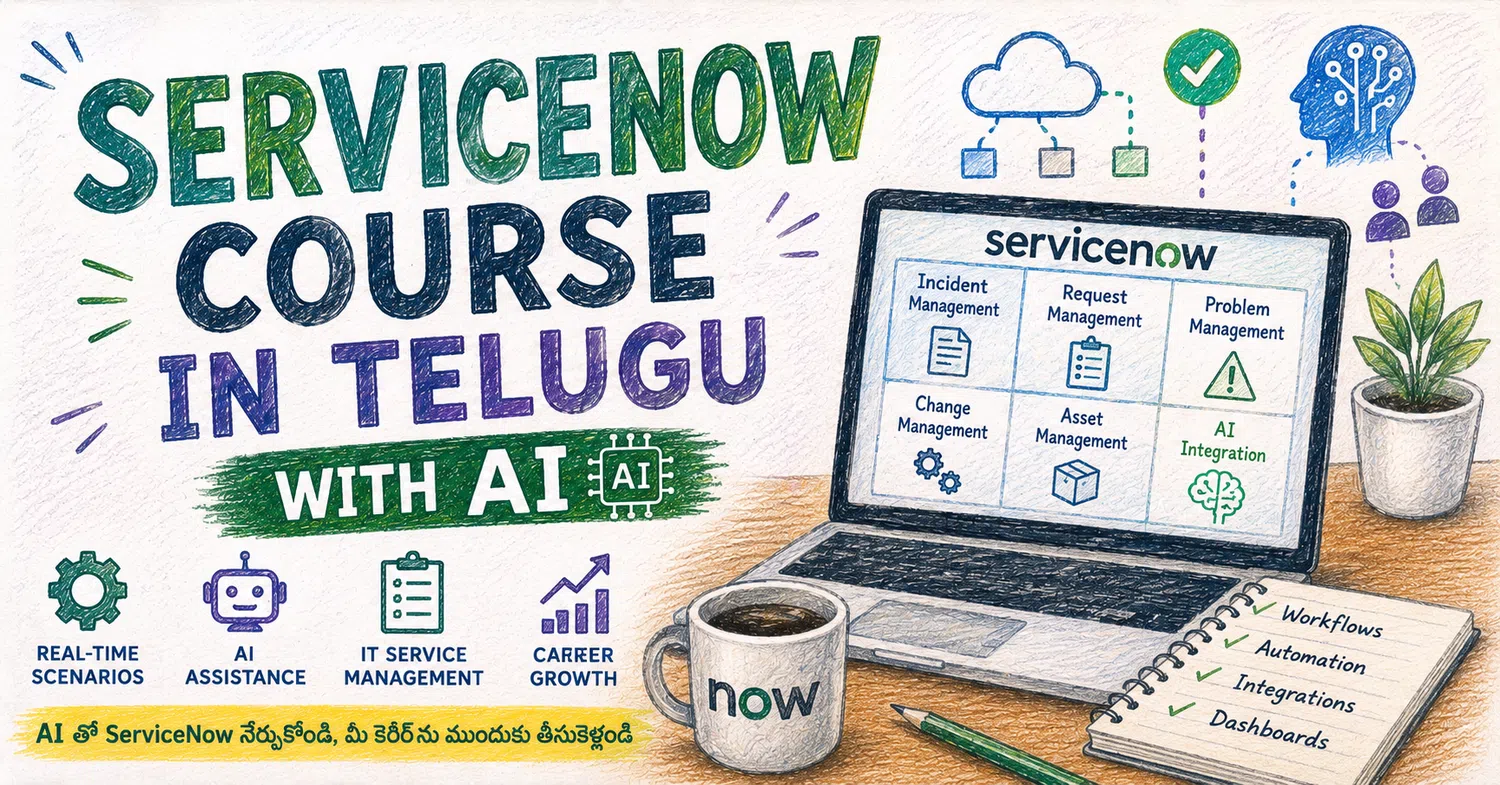
Starting IT Service Management can feel difficult when terms such as incidents, service requests, problems, changes, priorities, SLAs, and workflows appear all at once. For a beginner, the best approach is not to memorize these terms separately but to understand them through situations that happen inside real organizations. A ServiceNow Course in Telugu with AI can help beginners learn ITSM from the foundation, understand how ServiceNow supports service processes, and gradually explore how automation and AI-assisted capabilities fit into modern IT operations. With a step-by-step learning approach, even someone new to ITSM can begin connecting technical concepts with practical workplace scenarios.
First Understand What IT Service Management Means
ITSM stands for IT Service Management. In simple terms, it is a structured approach to delivering and supporting technology services within an organization.
Imagine a company with 5,000 employees.
Every employee depends on technology for daily work. They may use laptops, email, internal applications, internet connectivity, databases, communication platforms, and other digital services.
During a normal day, different situations can occur:
An employee cannot log in to an application.
A laptop stops working.
Someone needs access to new software.
A department experiences a network problem.
An important application becomes unavailable.
A technical team needs to update a production system.
If all these activities are managed through random emails and calls, it becomes difficult to know what is happening.
ITSM introduces processes that help organizations manage these situations consistently.
Start with the Most Important Question: Is Something Broken?
Incident Management is one of the easiest ITSM areas for beginners to understand.
An incident occurs when a service is interrupted or is not working as expected.
Suppose an employee was able to access the company's payroll application yesterday, but today it displays an error and does not open.
Something that should normally work has stopped working.
That situation can be recorded as an incident.
An incident record may capture information such as:
Who reported the issue.
What service is affected.
What exactly happened.
When the issue started.
How many users are affected.
Which support team should investigate.
What troubleshooting has been performed.
How the issue was eventually resolved.
The objective of Incident Management is generally to restore normal service efficiently.
For beginners, remembering the purpose is more useful than memorizing definitions.
Learn Why Impact and Urgency Matter
Not every incident requires the same level of attention.
Suppose one employee cannot use a secondary printer. Now compare that with a situation where an important customer-facing application is unavailable for thousands of users.
Both may be incidents, but their business consequences are very different.
This introduces beginners to impact, urgency, and priority.
Impact helps indicate how significantly the organization is affected.
Urgency reflects how quickly the situation requires attention.
These factors can influence priority, which helps teams decide the order in which work should be addressed.
When practicing scenarios, beginners should ask:
How many users are affected?
Is a critical service unavailable?
Can employees continue working?
Is there a temporary alternative?
What happens if resolution is delayed?
Thinking through these questions makes priority easier to understand than simply memorizing values.
A Request Is Not Always an Incident
One of the first distinctions beginners should learn is the difference between something being broken and someone requesting something new.
Suppose an employee joins the marketing department and needs access to a design application.
Nothing has failed.
The employee is requesting a service or resource.
This is different from an employee who already has access but suddenly cannot open the application.
Understanding this distinction introduces learners to Request Management and service fulfilment.
Common employee requests may involve:
Application access.
Software installation.
New equipment.
Password-related services.
Permission changes.
Standard IT resources.
Requests can also involve approvals and fulfilment tasks depending on organizational policies.
See How ServiceNow Turns ITSM into Practical Work
Once beginners understand basic ITSM situations, they can start seeing how ServiceNow supports them.
Instead of keeping information across emails, spreadsheets, and chat messages, ServiceNow can maintain structured records that teams can track throughout their lifecycle.
A beginner can practice creating an incident and observing how information is organized.
The exercise may involve:
Entering the affected user.
Writing a clear issue description.
Selecting an appropriate category.
Evaluating impact and urgency.
Assigning the incident.
Adding troubleshooting notes.
Updating its status.
Recording the resolution.
Performing the process manually helps learners understand what happens from the moment an issue is reported until the record is completed.
Discover Problem Management Through Repeated Issues
After learning incidents, beginners can move to Problem Management.
Consider an organization where employees repeatedly lose access to an internal application every few days.
Support agents may restore access each time, but the incidents continue returning.
This raises a different question:
Why does the issue keep happening?
Problem Management focuses on understanding the underlying causes of recurring or significant incidents.
A simple way for beginners to remember the relationship is:
Incident Management asks: How can we restore the service?
Problem Management asks: Why is this issue occurring, and how can recurrence be reduced?
This distinction helps learners understand why resolving an individual incident does not always solve the larger technical problem.
Understand Why IT Changes Need Control
Organizations constantly change their technology environments.
Teams may install updates, modify configurations, replace infrastructure, or deploy new application versions.
These changes can improve services, but poorly controlled changes can also create outages.
Imagine a technical team needs to modify the configuration of an important business application.
Before making the change, the organization may need to consider:
What exactly will be modified?
Why is the change necessary?
Which users could be affected?
What risks are involved?
When should implementation happen?
Has the change been tested?
Who needs to approve it?
What happens if the change fails?
This introduces beginners to Change Management.
The goal is to manage changes in a controlled way while considering their impact on business services.
ServiceNow Course in Telugu with AI Makes Automation Easier to Understand
After learning the basic ITSM processes, beginners can gradually explore automation. A ServiceNow Course in Telugu with AI can help learners understand how repetitive service activities can be handled through structured workflows while also introducing the role of intelligent assistance.
Consider a simple software request.
Instead of manually emailing different people, a workflow might:
Collect the employee's requirement.
Send an approval to the appropriate manager.
Create a task for the responsible team.
Update the request after the task is completed.
Notify the employee about progress.
This demonstrates the relationship between ITSM and workflow automation.
The business process determines what needs to happen. Automation helps execute repetitive parts of that process consistently.
Learn SLA Concepts Through Service Expectations
Beginners will also encounter the term SLA.
An SLA, or Service Level Agreement, is easier to understand when viewed as an agreed service expectation rather than just a timer visible on a ticket.
Different types of work may have different response or resolution expectations.
For example, a critical service disruption affecting a large part of the business may require faster attention than a low-impact request.
When learning SLA concepts, focus on questions such as:
What service commitment exists?
When should measurement begin?
Are different priorities handled differently?
What conditions affect the measurement?
What happens when service targets are at risk?
This gives learners a practical understanding of why service organizations measure time and performance.
Introduce AI After Understanding the Process
AI can assist service teams, but beginners should first understand the information AI is working with.
Service environments contain large amounts of written data: incident descriptions, work notes, user requests, resolution details, and knowledge content.
AI-assisted capabilities may help with activities such as:
Summarizing long ticket histories.
Finding relevant knowledge.
Supporting classification.
Drafting clearer service information.
Assisting conversational interactions.
Highlighting useful details from service records.
However, AI output still requires verification.
If a system misunderstands the user's problem and suggests the wrong category, someone with ITSM knowledge should be able to recognize the mistake.
Learning the process first makes AI assistance more useful.
Build Your First ITSM Practice Project
Once individual concepts are clear, beginners should connect them through one practical project.
A simple Internal IT Help Desk is a useful starting point.
Create a fictional company where employees can report common technical issues and request selected IT services.
The project can include:
Employees and support teams.
Incident categories.
Impact and urgency.
Assignment groups.
Ticket status tracking.
Work notes.
Resolution information.
Basic service requests.
Simple approval requirements.
After the basic project works, learners can gradually introduce automation and explore where AI assistance may add value.
This project provides context for concepts that otherwise may feel disconnected.
Build a Beginner-Friendly ITSM Learning Sequence
Trying to study every ServiceNow module at once can make the learning process unnecessarily difficult.
A clearer sequence is:
Step 1: Understand what ITSM solves.
Step 2: Learn incidents and service requests.
Step 3: Understand impact, urgency, and priority.
Step 4: Explore Problem and Change Management.
Step 5: Practice records, forms, lists, and assignments in ServiceNow.
Step 6: Learn users, groups, and roles.
Step 7: Understand SLAs and service expectations.
Step 8: Explore workflow automation.
Step 9: Learn how AI can support service operations.
Step 10: Build complete scenarios and practice explaining them.
Following a sequence like this allows one concept to support the next.
Practice Explaining ITSM in Your Own Words
A good way to check whether you understand ITSM is to explain a process without reading its definition.
For example, if someone asks about Incident Management, do not stop at a textbook sentence.
Give a situation.
Explain what failed, who was affected, how the issue was prioritized, which team received it, what actions were taken, and how service was restored.
Do the same for requests, problems, and changes.
A ServiceNow Course in Telugu with AI can make the initial concepts easier to understand in a familiar language, but explaining those concepts independently is an important step toward developing practical confidence.
Conclusion
Learning ITSM from scratch becomes much simpler when every concept is connected to a workplace situation. Incidents explain what happens when services fail. Requests represent something an employee needs. Problem Management looks deeper into recurring issues, while Change Management provides control when technical environments need modification.
ServiceNow brings these processes into a structured platform through records, assignments, workflows, approvals, service information, and automation. AI can further assist teams with large amounts of service data, but understanding the underlying process remains essential.
For beginners, the strongest approach is to learn one ITSM concept at a time, practice it inside ServiceNow, connect it with realistic scenarios, and only then progress toward more advanced automation and intelligent capabilities. This creates a foundation that is easier to understand, apply, and build upon as ServiceNow knowledge grows.