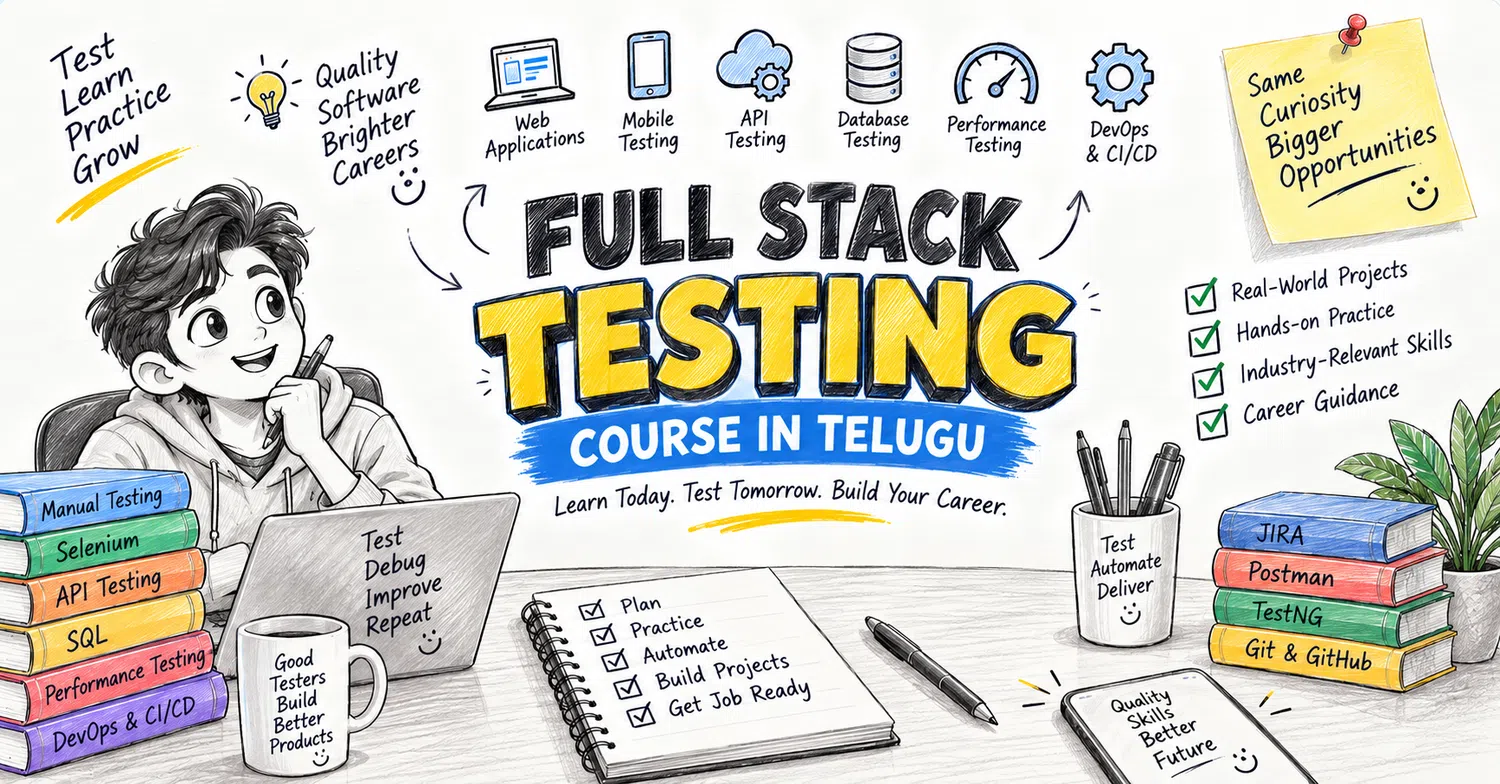
Starting software testing from scratch can feel challenging when beginners encounter terms such as test cases, defects, automation, APIs, databases, and regression testing at the same time. A structured learning approach makes these concepts easier to understand by introducing fundamentals first and gradually moving toward technical testing skills. A Full Stack Testing Course in Telugu can help beginners learn software testing step by step through manual testing, test design, Selenium automation, API validation, SQL, and practical application testing.
Begin by Understanding Why Software Testing Matters
Before learning testing tools, beginners should understand the purpose of software quality assurance. Testing helps determine whether an application works according to its requirements and behaves correctly under different conditions.
Consider a school admissions portal where students can register, submit personal and academic information, select programs, upload required details, and track their application status.
Beginners can start by understanding:
Purpose of software testing
Role of a QA tester
Software quality concepts
Verification and validation
Software Development Life Cycle
Software Testing Life Cycle
These fundamentals provide context for the practical activities learners perform later.
Learn Basic Testing Terminology Step by Step
Software testing contains many terms that can confuse beginners when introduced without practical examples. Understanding each concept through a simple application makes learning more manageable.
For example, a test scenario may describe what needs to be checked in the admissions portal, while a test case provides detailed steps for performing that validation.
Beginners can gradually become familiar with:
Test scenarios and test cases
Test data
Expected and actual results
Defects
Test execution
Retesting
Regression testing
Learning the terminology alongside practical exercises helps learners understand how each concept fits into a complete QA workflow.
Develop Your First Manual Testing Skills
Manual testing is a suitable starting point because it does not require learners to begin with automation programming. Instead, they can focus on application behavior and testing logic.
Through a Full Stack Testing Course in Telugu, learners can manually test features of the school admissions portal.
Practice can include:
Checking registration functionality
Testing login behavior
Validating form fields
Examining navigation
Testing application submission
Checking status-related features
These exercises help beginners become comfortable interacting with software from a tester's perspective.
Understand Positive and Negative Testing
Beginners often start by checking whether an application works with correct information. However, software must also respond appropriately when users provide incorrect or incomplete data.
For an admissions form, learners might first submit valid student information. They can then examine what happens when mandatory fields are empty or when unsuitable information is entered.
Testing practice can cover:
Valid input scenarios
Invalid input scenarios
Empty mandatory fields
Relevant boundary values
Incorrect formats
Unexpected user actions
This teaches learners to investigate application behavior beyond the normal user journey.
Convert Simple Requirements into Test Cases
Test case writing is an important step in learning software testing from scratch. It teaches beginners how to organize their testing instead of checking application features randomly.
Suppose the admissions portal requires students to create an account before submitting an application. Learners can convert this requirement into several test cases.
A basic test case may contain:
Test case ID
Testing objective
Preconditions
Required test data
Execution steps
Expected result
Actual result
Test status
Writing test cases regularly helps learners develop structured thinking and improves test coverage.
Learn How to Identify and Report Defects
When application behavior differs from the expected result, learners need to understand how to document the problem clearly.
Suppose a student updates an application form, but the new information disappears after the page is refreshed. A tester should provide enough information for the development team to reproduce the issue.
Beginners can practice documenting:
Defect title
Testing environment
Steps to reproduce
Expected behavior
Actual behavior
Relevant evidence
Severity and priority concepts
This introduces learners to professional communication within a software project.
Move Gradually into Selenium Automation
After gaining confidence with manual testing, beginners can start understanding why certain tests are automated.
Stable and repetitive browser workflows are often useful for initial automation practice. For example, selected login or registration scenarios from the admissions portal could be automated.
Selenium exercises can introduce:
Browser launching
Webpage navigation
Web element identification
Entering test data
Clicking buttons
Handling dropdowns
Verifying displayed results
Starting with small scripts makes automation less intimidating for learners with limited technical experience.
Build Basic Programming Knowledge for Automation
Automation testing requires programming logic, so beginners should gradually develop relevant coding fundamentals.
Instead of learning programming separately without context, learners can connect each concept with an automation requirement.
Useful programming areas include:
Variables and data types
Operators
Conditional statements
Loops
Methods
Classes and objects
Basic exception handling
For example, conditions can help automation respond differently depending on an application's output, while methods can reduce repeated code across several test scripts.
Understand Locators and Browser Elements
Selenium automation depends on identifying elements correctly. Learners should understand how an automation script finds a username field, button, dropdown, or other webpage component.
Locator practice can include:
ID
Name
Link text
CSS selectors
XPath
Suitable element attributes
Beginners should also understand why reliable locators matter. An unstable locator can cause a test script to fail even when the actual application functionality is working correctly.
Take the First Step into API Testing
Once learners understand frontend testing, they can begin exploring how applications communicate with backend services.
The admissions portal may use APIs to retrieve program information, submit applications, or update application status.
Beginner API testing can involve:
Understanding requests and responses
Learning common HTTP methods
Checking status codes
Working with parameters
Understanding headers
Validating response information
This introduces learners to software functionality that may not be directly visible through the browser.
Learn SQL for Basic Database Validation
Many application actions create or modify information in a database. Basic SQL knowledge allows testers to verify this information directly.
After a student submits an application, learners might check whether the appropriate record exists in the backend.
Database testing practice can include:
Retrieving records with SELECT
Filtering data with WHERE
Understanding basic table relationships
Checking inserted information
Validating updated records
Comparing UI and database values
SQL gives beginners a clearer understanding of what happens to application data behind the frontend.
Connect UI, API, and Database Testing
Full stack testing becomes easier to understand when beginners see how different application layers are connected.
A student submitting an admission application provides a useful example. The action begins on the user interface, may communicate through an API, and ultimately creates or updates backend data.
Learners can follow this process by:
Testing the action through the UI
Checking the visible result
Validating the related API behavior
Examining the database record
Comparing information across layers
Investigating inconsistencies
This provides a practical introduction to end-to-end application testing.
Practice Regression Testing After Changes
Applications change as new functionality is added and existing defects are corrected. Beginners should understand that previously tested functionality may need to be checked again.
Regression practice can involve:
Identifying important existing features
Repeating critical manual tests
Running suitable automated tests
Checking connected modules
Retesting corrected defects
Recording unexpected changes
This helps learners understand that software testing is a continuous activity rather than a one-time process.
Complete a Beginner-Friendly Testing Project
A project can bring the entire learning journey together. Learners could test a school admissions portal from initial requirements through regression testing.
The project can include:
Requirement analysis
Test scenario creation
Test case preparation
Manual test execution
Defect reporting
Selenium automation
API testing
SQL validation
End-to-end testing
A Full Stack Testing Course in Telugu can use this type of connected project to help beginners understand how individual testing concepts contribute to a complete QA process.
Conclusion
Learning software testing from scratch becomes easier when concepts are introduced in the right sequence. Beginners can start with software quality fundamentals, progress through manual testing and test case design, and then gradually develop technical skills in Selenium, API testing, and SQL.
Consistent practice with realistic applications helps transform testing terminology into practical understanding. By learning how to analyze requirements, identify defects, automate suitable scenarios, validate APIs, examine backend information, and perform end-to-end testing, beginners can build a strong foundation for further growth in software quality assurance.