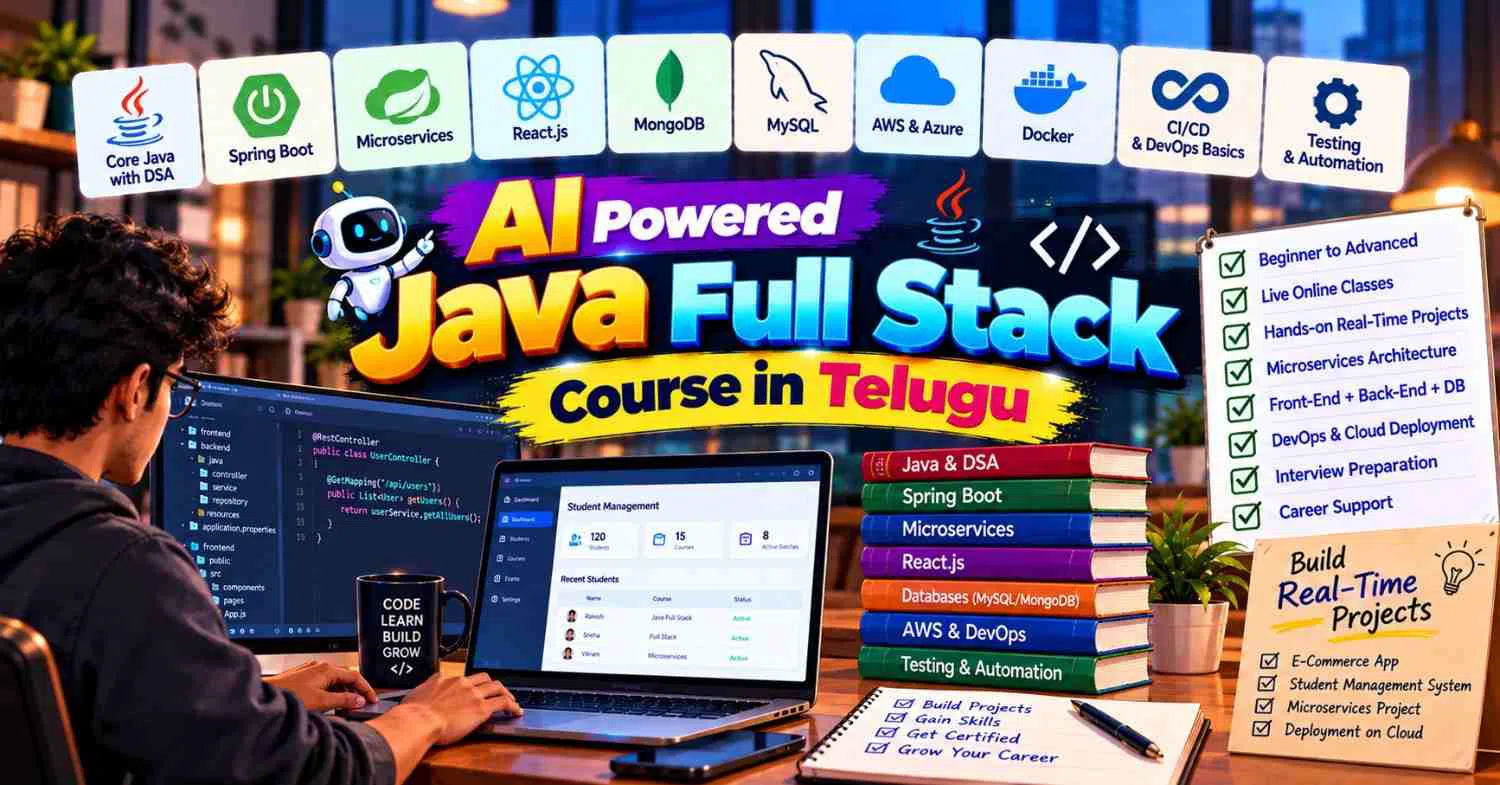
A full-stack web application usually separates what users see from the logic that processes their actions. React can build the interactive frontend, while Spring Boot can handle backend operations such as validation, authentication, business rules, and database access. These two applications communicate mainly through HTTP requests and REST APIs. In an AI Powered Java Full Stack Course in Telugu, understanding this connection helps learners see how a button clicked in a React interface can eventually trigger Java code, access a database, and return information to the browser.
React and Spring Boot Have Different Responsibilities
React runs primarily on the frontend and focuses on the user interface. It can display forms, dashboards, tables, navigation components, and information returned by a backend.
Spring Boot runs on the server side. It receives requests, processes application logic, communicates with databases, and sends responses.
A typical application can be viewed as:
React Frontend → HTTP Request → Spring Boot REST API → Service → Repository → Database
The response follows the reverse direction until React receives the required data and updates the interface.
Keeping these responsibilities separate makes it possible to develop and maintain frontend and backend code independently.
REST APIs Create the Communication Bridge
React does not normally call a Java service class directly. Instead, Spring Boot exposes API endpoints that React can access over HTTP.
Imagine an employee-management application. React may need to display all employees when a page opens. Spring Boot could provide an endpoint such as /api/employees.
When React sends a GET request to that endpoint, the Spring Boot controller receives it. The controller can communicate with the service layer, which may retrieve employee information through a repository.
Spring Boot then returns the result, commonly as JSON.
React reads that JSON response and uses it to display employee information on the screen.
JSON Makes Data Easy to Exchange
React works with JavaScript objects, while Spring Boot works with Java objects. JSON provides a convenient format for exchanging information between them.
Suppose the backend returns information representing an employee. The response could contain an ID, name, department, and email address.
Spring Boot can convert a Java response object into JSON before sending it. When React receives the response, JavaScript can work with the returned fields.
The reverse also happens.
When a user fills out a React registration form, the frontend can convert the form information into JSON and send it to a Spring Boot endpoint. Spring can then map the request body to an appropriate Java object.
This conversion allows two applications written with different technologies to communicate through a common data format.
React Can Send Requests with Fetch or Axios
React applications need an HTTP client mechanism to communicate with backend APIs.
JavaScript provides the Fetch API, while Axios is another commonly used library for making HTTP requests.
For example, when a dashboard component loads, React might send a GET request to retrieve available products. When a user submits a new product form, React might send a POST request containing the product details.
Typical communication may involve:
GET for retrieving information
POST for creating resources
PUT or PATCH for updating information
DELETE for removing resources
React should also handle loading states, successful responses, and failed requests so that users receive appropriate feedback.
Spring Boot Controllers Receive React Requests
On the backend, Spring Boot controllers expose the endpoints that React calls.
A controller can use @RestController and request-mapping annotations to define how different HTTP requests should be handled.
Suppose React sends a POST request containing registration information. A Spring Boot controller receives the request body and converts it into a Java object.
Instead of placing every rule inside the controller, the request can then be passed to a service.
The service may verify whether an email already exists, validate a business condition, and communicate with a repository.
This creates a clean flow:
React Component → Controller → Service → Repository
The resulting response then returns to the React component.
CORS Can Affect Frontend-Backend Communication
During development, React and Spring Boot frequently run on different origins.
For example, the React development server may run on one port while the Spring Boot application runs on another. Browsers apply security rules to cross-origin requests, which can cause a frontend request to be blocked even when both applications are running correctly.
Cross-Origin Resource Sharing, or CORS, allows the backend to specify which origins are permitted to access its resources.
Spring Boot can configure CORS for particular controllers or at a broader application level.
Developers should configure permitted origins deliberately rather than allowing every origin without considering security requirements.
Form Submission Shows the Complete Connection
A registration form provides a useful example of the complete frontend-backend flow.
A user first enters information into React form fields. React stores the values in component state. When the form is submitted, the frontend prepares a request and sends the information to a Spring Boot endpoint.
The backend receives the request and validates the submitted data. Business logic may check whether the account can be created. A repository then saves valid information to the database.
Spring Boot returns an appropriate HTTP response.
React reads that response and may display a success message, show validation feedback, or navigate the user to another page.
This single workflow combines frontend state management, HTTP communication, backend APIs, validation, and persistence.
Authentication Adds Another Layer
Many applications contain endpoints that should only be accessible after login.
Spring Security can protect backend resources, while React manages the user-facing login flow.
After successful authentication, the backend may issue an authentication token or use another session mechanism depending on the application design.
For token-based authentication, React may need to send the required token with subsequent protected API requests. Spring Boot then validates the authentication information before allowing access to secured resources.
Sensitive authorization decisions must remain on the backend. Hiding a React button does not prevent someone from directly attempting to call an API.
The server must verify whether the authenticated user has permission to perform the requested operation.
Error Responses Should Also Be Connected Properly
Frontend-backend communication includes failures as well as successful requests.
Suppose a user attempts to register with an email address that already exists. Spring Boot should return an appropriate error response rather than simply failing silently.
React can inspect the response and display meaningful feedback.
HTTP status codes help distinguish different situations. A validation problem, missing resource, unauthorized request, and unexpected server failure should not all be treated identically.
Consistent error responses make the integration easier to maintain.
Environment Configuration Prevents Hardcoded URLs
During development, the frontend may communicate with a local backend address. After deployment, the backend may use a completely different domain.
Hardcoding the same development URL throughout React components makes this change difficult.
Environment-based configuration allows API base URLs and similar settings to change between development, testing, and production environments.
This keeps application code cleaner and reduces the risk of accidentally deploying frontend code that still points to a local server.
How Can AI Support React and Spring Boot Integration?
AI-assisted tools can help explain CORS errors, generate initial API-call examples, identify mismatches between JSON fields and Java DTOs, or suggest test scenarios for frontend-backend communication.
For example, a learner may provide a React request and Spring Boot controller mapping to an AI assistant to investigate why a 404 or 400 response is occurring.
In an AI Powered Java Full Stack Course in Telugu, such assistance is most useful when learners understand the complete request path. AI suggestions still need to be checked for incorrect endpoints, insecure authentication handling, invalid request structures, and unnecessary code.
Frequently Asked Questions
FAQ 1: How does React communicate with Spring Boot?
React commonly sends HTTP requests to REST API endpoints exposed by Spring Boot and receives responses, often in JSON format.
FAQ 2: Can React directly connect to the backend database?
It generally should not. React communicates with backend APIs, while Spring Boot handles database access and business rules.
FAQ 3: Why does a CORS error occur?
A CORS error can occur when a browser blocks a request between different origins because the backend has not permitted the requesting frontend origin appropriately.
FAQ 4: Can Axios and Fetch both connect React to Spring Boot?
Yes. Both can send HTTP requests from React to Spring Boot APIs. The choice depends on project requirements and developer preference.
FAQ 5: Where should authorization be checked?
Authorization should be enforced on the backend. Frontend restrictions can improve the interface, but they cannot securely protect an API by themselves.
Conclusion
React and Spring Boot connect through a request-response relationship rather than through direct Java-to-JavaScript method calls. React manages the user interface and sends HTTP requests, while Spring Boot exposes REST APIs, processes business rules, communicates with databases, and returns structured responses.
Understanding JSON exchange, controllers, HTTP methods, CORS, authentication, error handling, and environment configuration makes this integration much easier to troubleshoot. AI tools can assist with code examples and debugging, but reliable full-stack development depends on understanding how information travels through every layer of the application.