“Hey, %%First Name%%! We are happy to have you with us and would like to make using our app on your Mac even more pleasant!” Have you ever received a similar message from a newly installed app? (and in the worst case, you used Android.)
You wanted the app, but now feel frustrated and don’t know if you should entrust your data to this company at all. This is an example of a failed personalized email with broken dynamic content. Whether you are a developer building your app as a small startup, or a marketer of a growing brand, you do need a well-working email workflow. Your clients are waiting for their order confirmations, limited offers, and even tips on more efficient usage of your service. Don’t let them choose your competitors.
What is personalized or dynamic email content?
Personalized mails are messages tailored to a specific user. Notwithstanding the name, personalized emails are a part of automated marketing. They are created with special templates that become individual due to dynamic content. Username, date of birth, location, behavior in the app – each of these parameters changes from user to user and may affect the type of information included in your message.
With dynamic content, you can personalize emails with user details or even show different information to different users. The first option allows you to include and replace user’s information in the template. It’s done with variables (they are also called placeholders or merge tags.) The most common example is sending a newsletter to a list of subscribers and inserting their first names to the welcoming sentence. In this case, you use one template and add “First_name” tag for personalization.
This method applies both to bulk and transactional emails. For transactional emails, you add event-driven mechanism, which works according to users’ actions, and triggers a definite template sending. For example, you sign up for an app and receive a welcome email.
There is a more advanced type of personalization – content insertion. It leverages the “if - then” logic and allows you to show different pieces of content to different users. In general, basic template stays the same but the content of specific sections varies. For example, you are sending your blog updates. For marketers, you will show a list of articles published in the “marketing” category and for developers – in the “development”. At the same time, “product updates”, header, and footer will stay the same.
Types of email personalization and why you need them
We are accustomed to seeing our names in newsletters or order details in confirmations. With the development of digital trends, we are getting more and more options to make automated messages individual. There is a relatively new term – behavioral marketing automation.
Why should you care about this? At least, it costs five times more to acquire a new customer than retain an existing one. Well-established workflows and as a result, happy customers, is another important aspect of your product’s success.
Here’s how you can treat your customers better by sending the right emails:
1. Welcome emails. You send a friendly account confirmation to make your new subscriber continue using your service. For more personalization, you might need to know the name of your user, their location, preferred language, as well as the device they use.
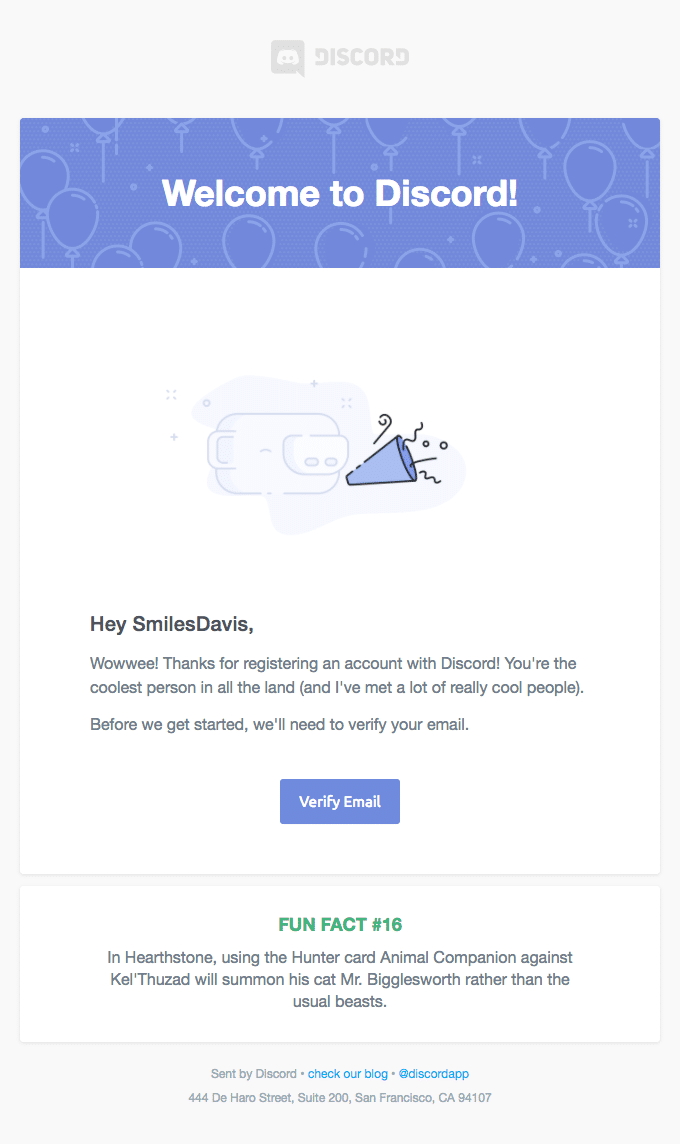
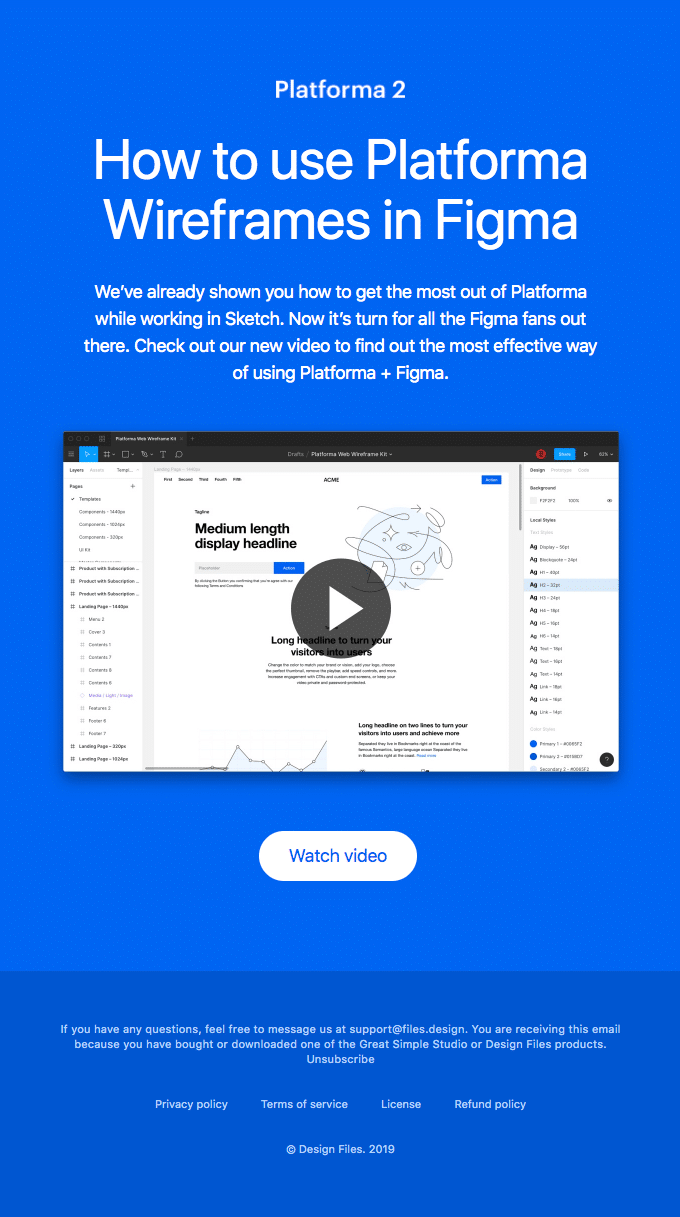
2. Onboarding emails. This is a wide group of messages mostly designed to improve customer satisfaction. The best practice is sending a series of emails, which helps a user to know the app better and get the most of it. Track users’ behavior to offer them functionality that they haven’t discovered yet or share knowledge about interesting use cases.
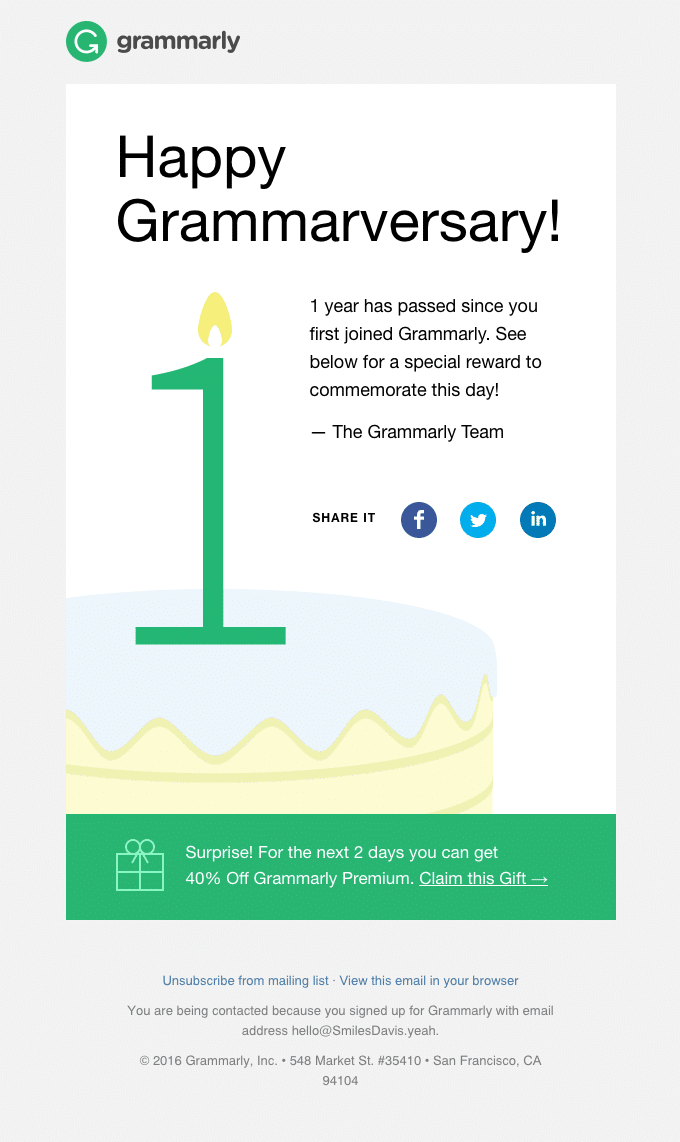
3. Anniversary emails. Why not celebrate your users’ birthdays and anniversaries with your product by offering a discount? If your business is an e-commerce one, the opportunities to motivate your customers to make a purchase are limited by your imagination only. Propose them Christmas gifts, International ocean day discounts, summertime sadness promo… 🙂
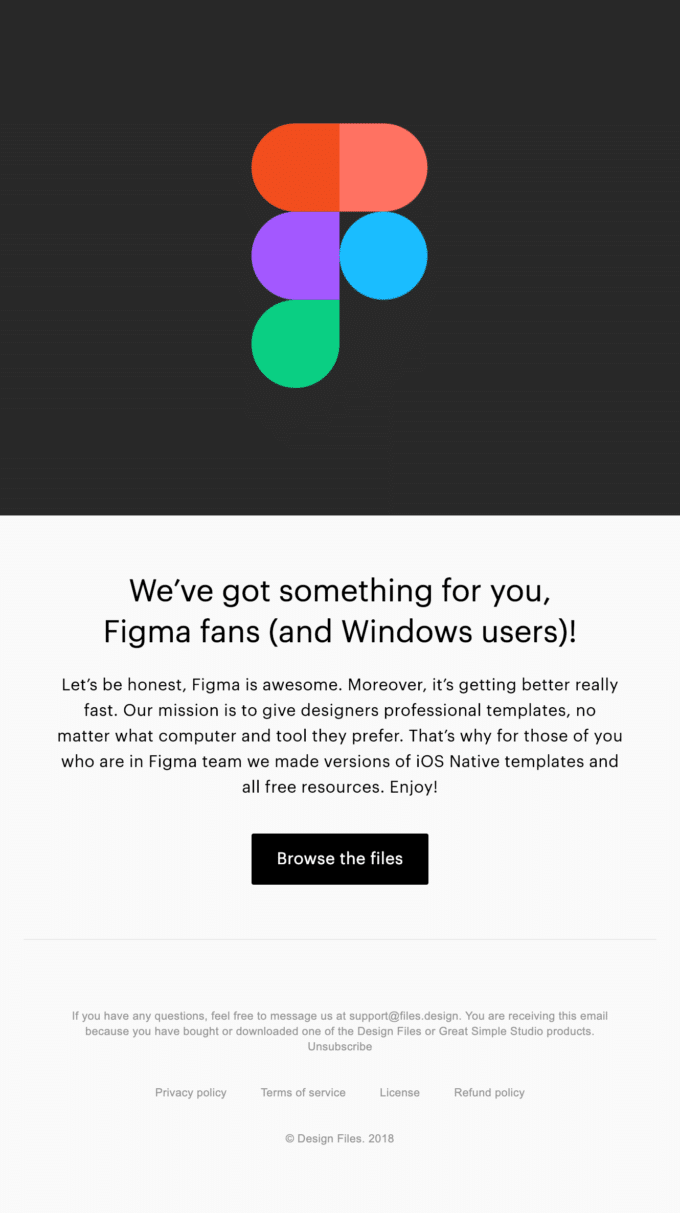
4. Product updates. Did your users ask about a missing feature and you have just released it? Or did they submit a support request which could have been better solved with your new functionality? Keep this information in your database and let them know about your updates. If your feature solves users’ pains, they will pay for it. If you sell clothing, you can send new collection announcements based on the preferences of your customers (men’s or women’s collection, sport or casual, etc.)
5. Messages based on previous purchases or app usage. If someone bought a fridge in your online store once, it’s not likely that he or she would need another fridge in a month or so. But it could be a good occasion for offering other kitchen appliances. Or if you are promoting a platform for email sending, your user might be closer to reaching the sending limit. It’s time to offer an upgrade!
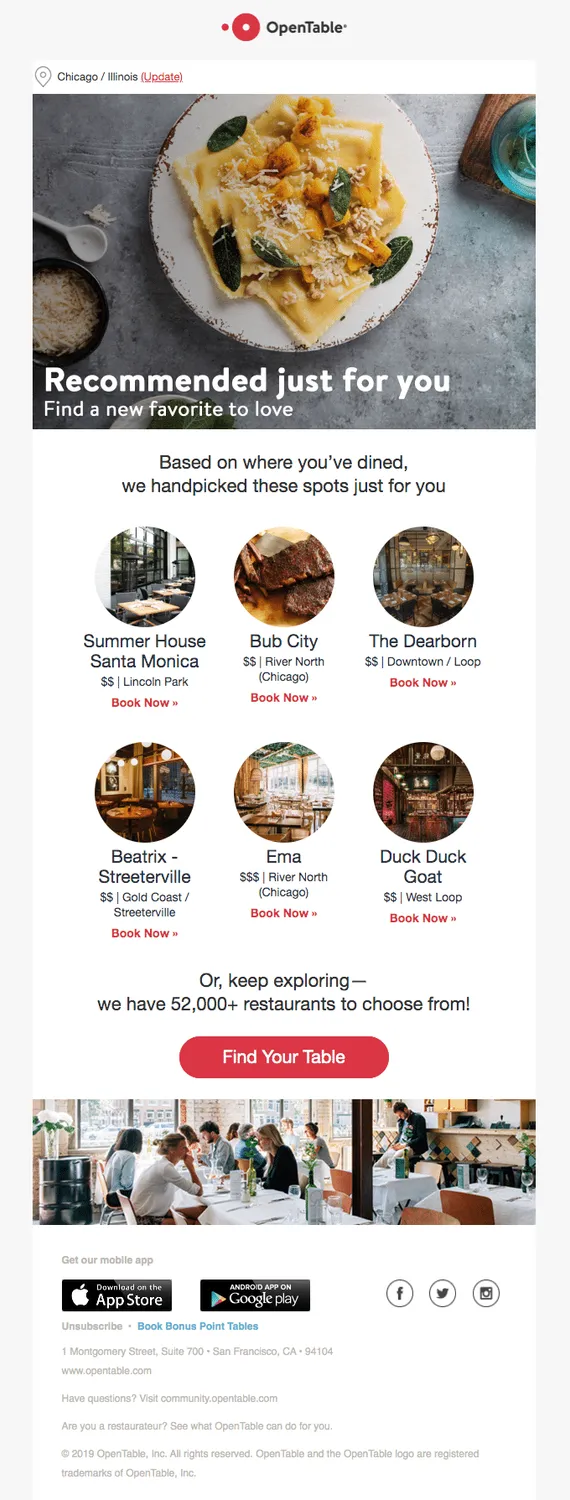
6. Time-sensitive offers. Your customers have recently viewed several items on your website but didn’t make a purchase. Offer them a discount for these things valid for a limited period of time!
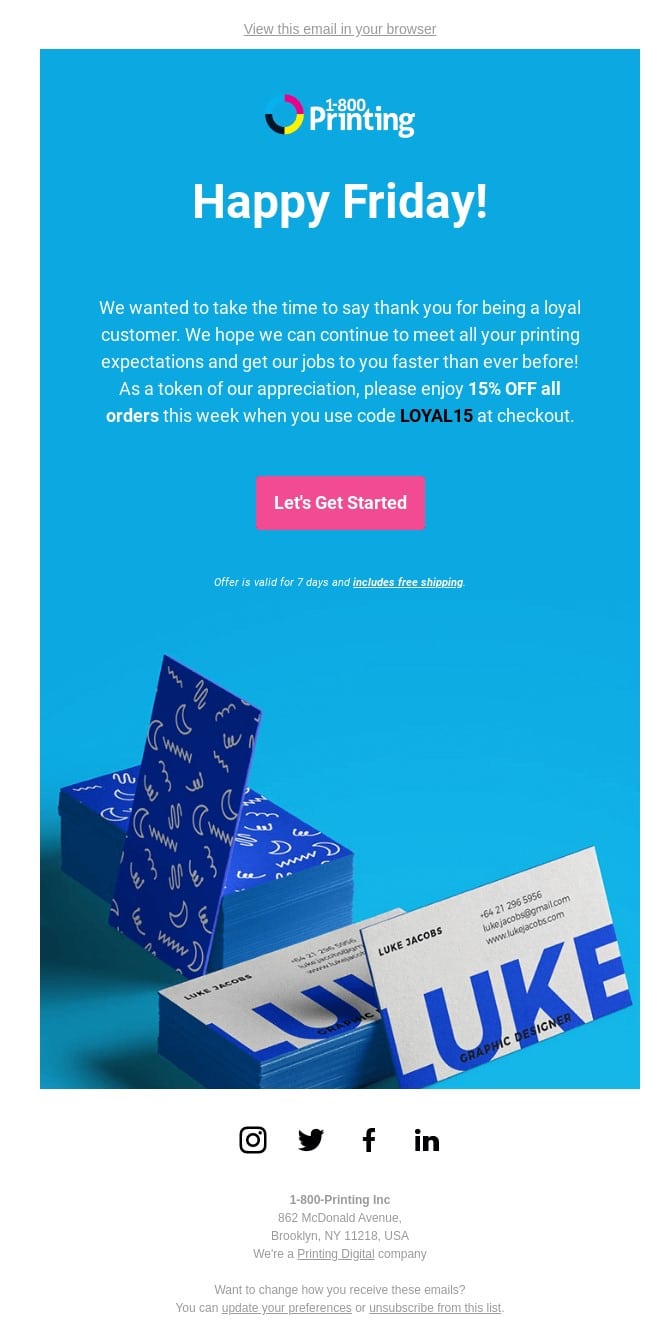
These are just a few examples of messages targeting specific users. There is one standard classification of personalized emails: you can be creative and generate new use cases all the time!
How to create a personalized email
Personalized emails require investments, but they are worth it.
Define which elements of your email should be dynamic. To start, draft the most attractive use cases of personalization and define which elements of your messages should be dynamic. Check the list in the previous paragraph for inspiration.
Collect data about your users. Again, by having enough users data, you can create personalized messages that will impact customer engagement. So, the collection of the required personal information is a critical step. Don’t forget: foremost, users should give you their consent!
By accepting cookies on your website, subscribing to your newsletters, adding their dates of birth to their profiles – your users should agree on processing their data. The more you know about your users, the better you will match their needs with your offer. Here are several ideas on how to get the information in addition to analytics and tracking:
- Social media (ask to add this info to their profile in your app or offer to sign up via Facebook.)
- App features (offer wider functionality in return for their data. Do you remember granting access to your location, Google photos, etc.? It’s a great example.)
- Surveys (here you can ask whatever you need but first you should think about how to motivate users to share their details with you.)
Make technical preparations. In short, choose a system to store your users’ data and integrate it with emails. Or, you can build your own. Let’s review the options in more detail.
To learn how to send personalized emails to multiple recipients follow the link.