Email marketing is a strategy of promoting products or services via sending emails to prospects and current users. The very first commercial email was sent in 1978 by Gary Thuerk, a marketing manager at Digital Equipment Corp. He used the Arpanet (the Internet did not exist yet) to deliver the email to 400 contacts. So, we can consider this to be the first email campaign, which brought an outperforming outcome – around $14 million in sales. However, what Thuerk did back then would have been taken for spam in modern practice, since the email was unwanted by almost all the recipients. Anyway, it worked and ushered in a powerful tool for marketers. What’s the power of emails? They can be different and you can use different types of emails for versatile occasions. For example, you can use different visual assets, even incorporate videos in email marketing campaigns. In this article, we’ll check them out in detail.
How many email types can you Google – 5, 7, 10, or more?
Let’s say you’re willing to ask Google how many types of emails in business exist. We did it for you and collected the search results by the increasing number of email types:
To see the table with a comparison of email types go to this page.
15 is not the final number – you can stumble upon 16, 17, and even 19 during your search, but should you? The problem of all these lists is that you don’t get an explicit categorization of emails. We can equally well specify each occasion for an email campaign and define it as a separate email type. However, this is not what the article is about. The approach we use is more sustainable and based on every email marketer’s sacred text – the General Data Protection Regulation (GDPR).
Categorization of emails and GDPR compliance
GDPR regulates personal data protection. That’s why you’re unlikely to find anything explicit about email marketing. However, emails are troves of data that are more-or-less personal, such as email addresses, user names, contact details, and so on. Why and what you should take care of in this regard, you can find in the blog post about GDPR email compliance.
The truth is that all automated emails can be divided into two types:
- Transactional emails (mostly those that are triggered by user-app interactions)
- Marketing emails (those that promote something)
In view of this, the GDPR has two main missions:
- to shield customers from flows of marketing emails they did not consent to.
- to regulate that transactional emails are not used for marketing purposes.
Now, we let’s expand those categories of emails to discover their numerous subtypes.
Transactional emails
The first (and last) email each of your users receive is a transactional one. Transactional emails do not promote anything. Their value is to provide product/service-centered information. For example, transactional emails notify you about password change, payment status, and much more. They are considered must-read and have a stable high open-rate. That’s why there is a lure to stuff transactional emails with marketing content. But beware – GDPR is keeping an eye out!
For every person who writes one, there are many types of transactional email. We’ve broken them down into four groups:
- User account emails
- Billing-related emails
- Notification emails
- Emails on orders and purchases
Let’s check out real-life examples of all email types within those groups.
User account emails
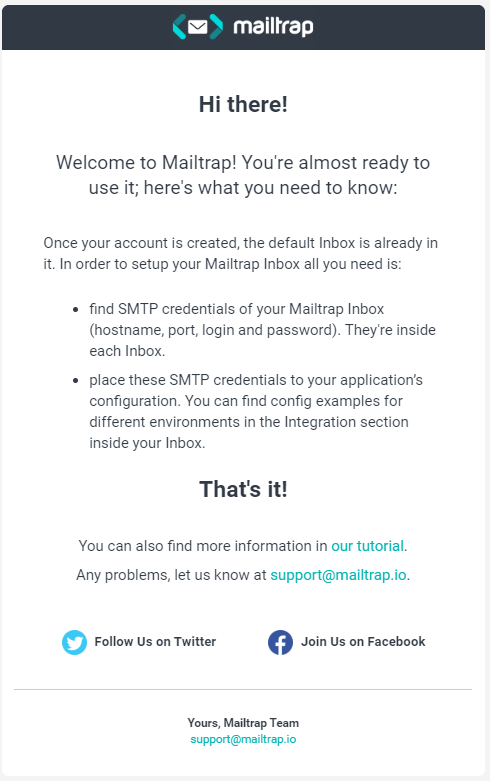
Welcome emails
Welcome emails establish your relationship with the user. Their open-rates are as high as the Burj Khalifa and they should make your branding clear. For example, that’s how Mailtrap welcomes its users:
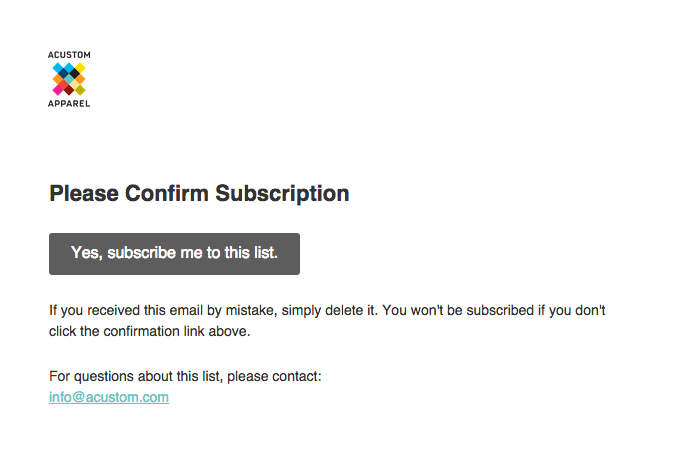
Confirm subscription (aka double opt-in emails)
Emails that ask you to confirm subscription do not annoy users. Instead, they show that you care about their security.
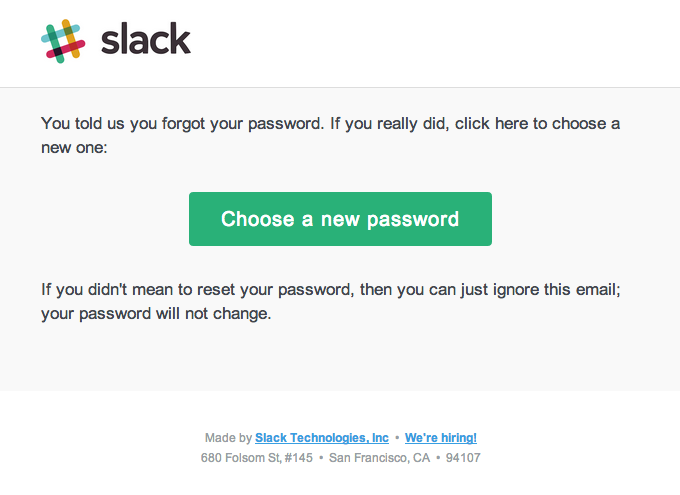
Password reset
Password reset is an integral feature of most digital products. An email to reset the password should be clear and comply with the product’s branding style.
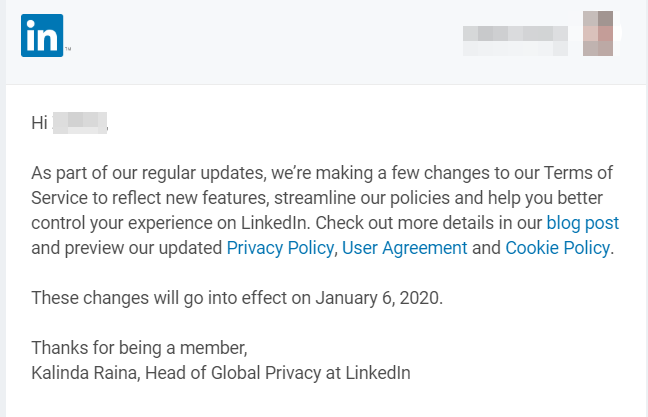
Privacy Policy update
The privacy policy outlines the principles of personal data protection. If you update this document, you should inform your users without undue delay.
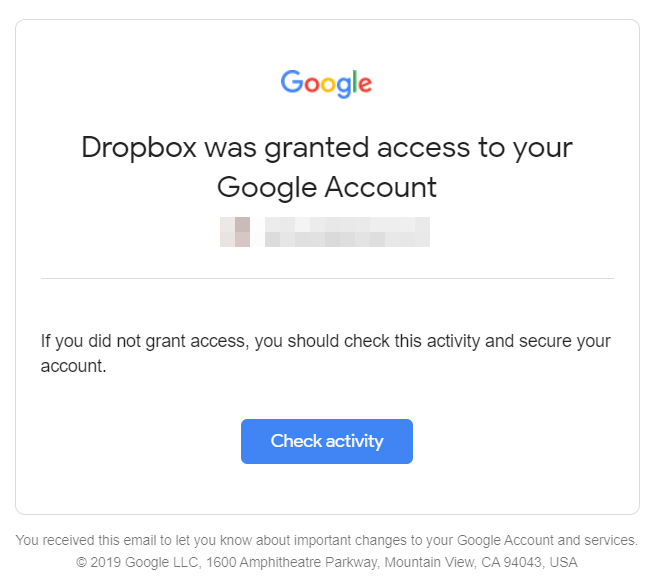
Account security alert
Account security alerts inform users about any suspicious activity to prevent possible damage.
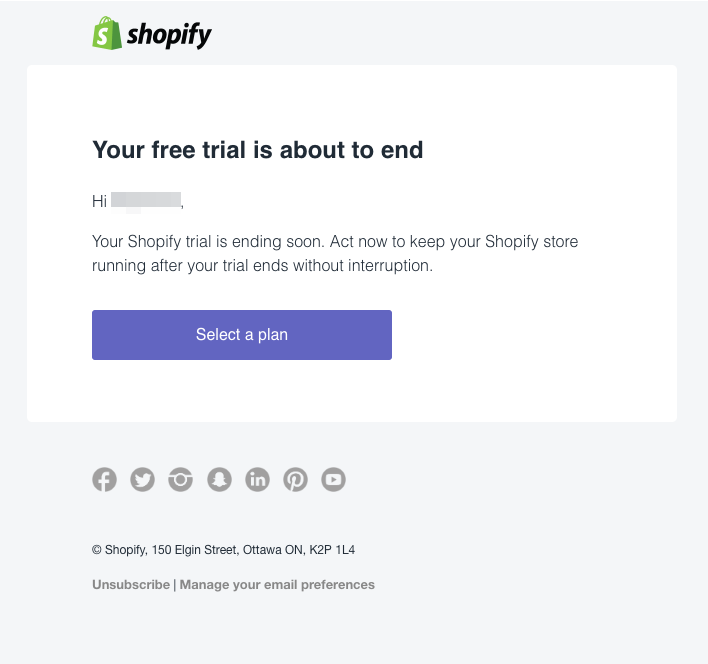
Free trial ending
A free trial allows you to introduce the value of your product to potential customers. If they like it, they’ll jump in. Regardless, you should notify customers about the free trial expiration to stir them into action.
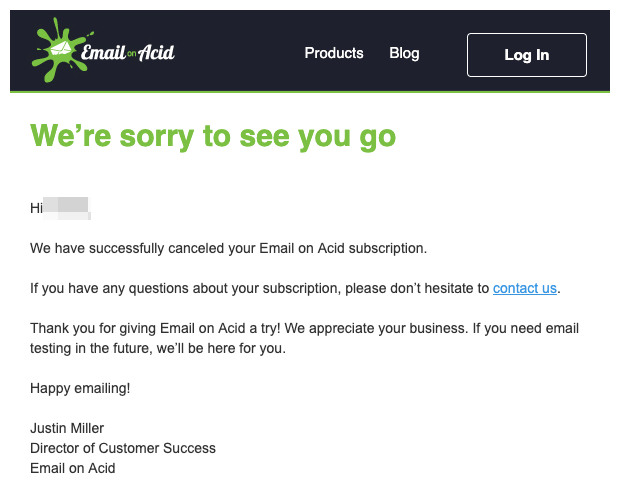
Subscription cancellation/renewal
The cancellation email confirms a customer’s request to cancel a subscription. For example, as follows:
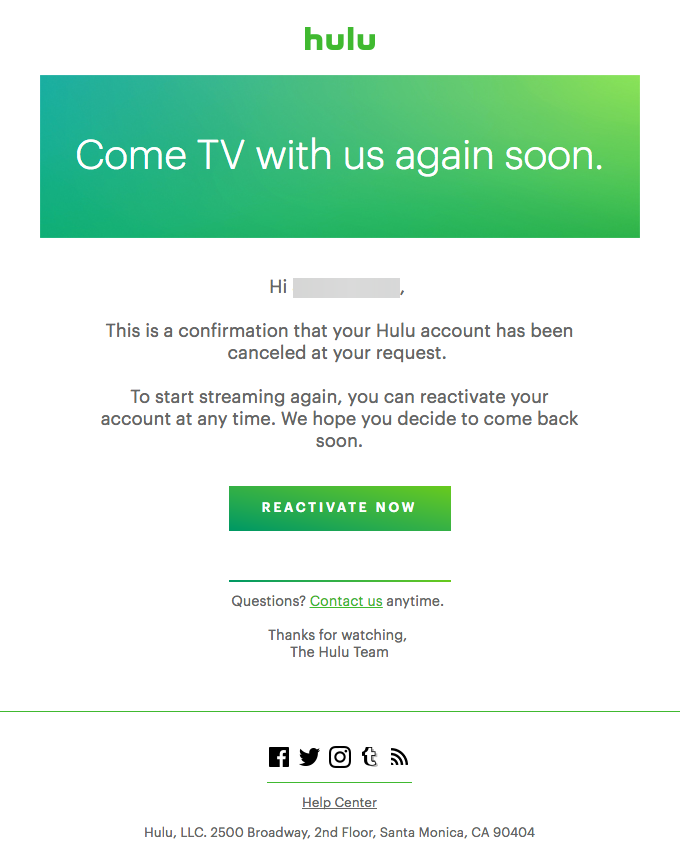
At the same time, you can use this email immediately to get your churned user back. Just add a reactivation button, like Hulu did:
To discover billing-related email types, marketing emails and other head to the original blog post on Mailtrap Blog.