Mass email marketing is easy. It’s like eating, except you’re eating soup with a fork in the middle of a zombie apocalypse 🔥.
But, luckily, there’s one thing that can alleviate your struggles and simplify the task – a reliable mass email service provider.
We scraped the market to find the best contenders and compared them based on key features, use cases, pricing, and other criteria. Let’s dive in!
Best tool to send bulk email: selection criteria
To single out top performers among hundreds of bulk email marketing tools, we used the following criteria:
- Separate infrastructure for bulk and transactional emails – This is probably the most important criterion as it’s directly linked to email deliverability. If not done right, mass emails can land in spam folders and ruin your sender reputation. With a separate infrastructure, such events won’t affect the deliverability of transactional emails.
- Cost-effective pricing plans – Depending on the size of the business, affordability is usually an important factor. And by affordability, we mean flexible pricing plans that don’t upsell on essential features such as access to support, for example. So, what we’re looking for is the value for money.
- High email deliverability rates – While deliverability rates aren’t usually among publicly available data, you can easily gather that information from user reviews. A great bulk email service provider should have a stable infrastructure and be able to deliver emails to inboxes.
- Analysis and reporting – Analyzing performance metrics is vital to be able to nail mass email marketing. You have to constantly track open rates, click-through rates, conversions, bounce rates, and unsubscribes, find the patterns, and adjust future campaigns accordingly.
- Easy and smooth integration – Ideally, a bulk email provider should have an SMTP server and an Email API along with detailed documentation to streamline the integration process. Helpful tutorials, SDKs, and ready-made integrations will help in that process even more.
- Contact list management and segmentation – You can’t jam mass emails to all of your subscribers if you don’t want to receive hundreds of unsubscribes and spam complaints. The ability to manage your contacts right from your mass email platform is certainly a useful addition.
- Ease of use – A user-friendly interface is a must for any tool or platform you’re using.
Best mass email service providers: a quick summary
- Brevo (previously Sendinblue) for businesses of all sizes looking for one platform to send transactional and bulk emails.
- Amazon SES for growing businesses that need affordable pay-as-you-go pricing.
- Mailchimp for medium and large enterprises looking for a marketing platform with bulk-sending features.
- Mailjet for businesses of all sizes prioritizing well-designed bulk emails.
- Mailgun for businesses looking for one platform to manage their transactional and marketing communications.
- Postmark for small and medium enterprises (SMEs) that are looking for a straightforward API and SMTP server for bulk email sending.
- SMTP2GO for high-volume senders that need a reliable and scalable SMTP for mass mailing.
- Elastic Email for small businesses looking for an affordable bulk email server provider.
- SendPulse for startups, individuals, and SMEs that need an all-inclusive marketing platform with flexible pricing options.
- Mailmodo for larger businesses and corporations that want to boost engagement with interactive emails.
- Mailtrap’s Bulk Email Stream for businesses and individuals looking to send transactional and marketing emails from a single platform.
10 Best bulk email services
Below, we’ll describe the top bulk email tools based on their features, pros and cons, and pricing. Apart from our own experience, we also researched how users evaluate each service on G2, Capterra, Stack Overflow, and Reddit.
Brevo (previously Sendinblue)
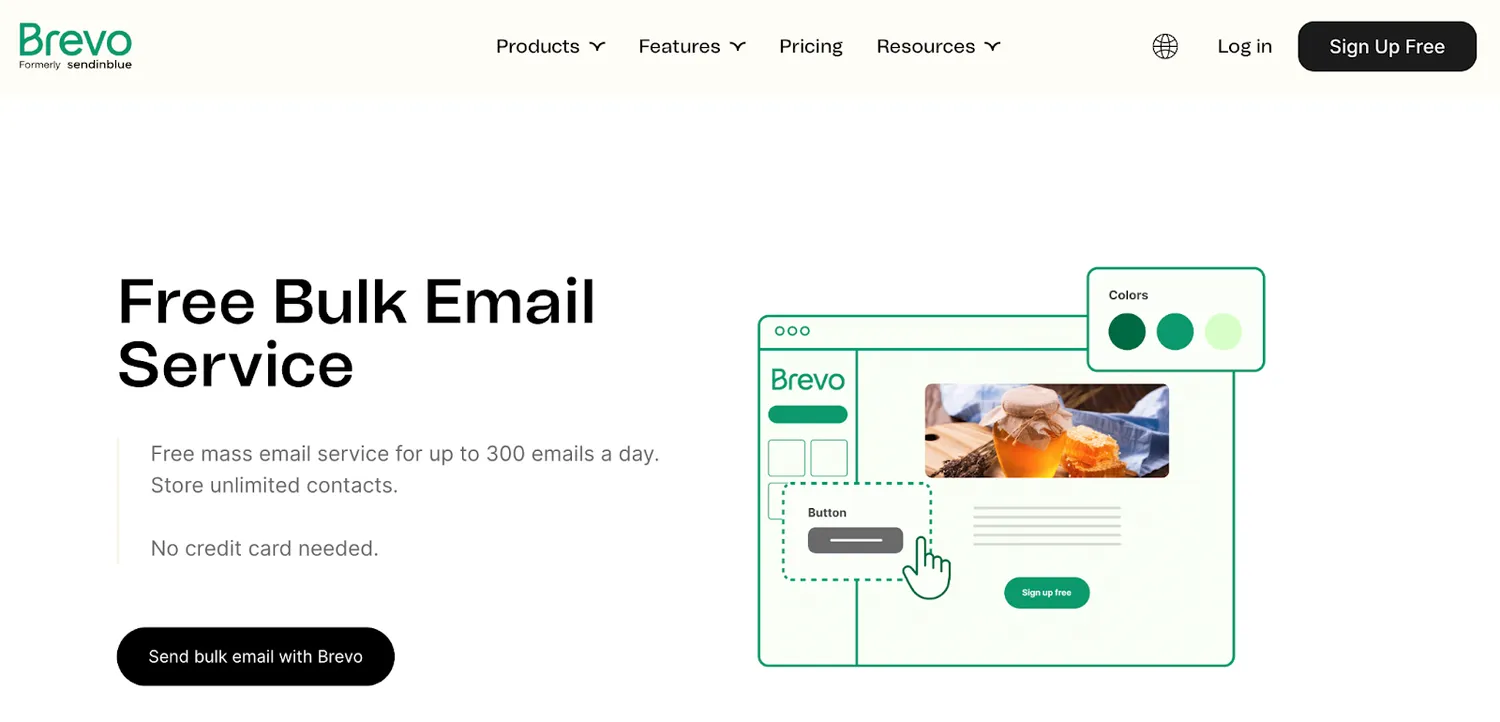
Brevo (previously Sendinblue) is a marketing platform that focuses on helping businesses build customer relationships. It has a range of features for creating and sending mass emails, including:
- Robust servers with a focus on email deliverability
- HTML and Drag-and-drop editors
- Email API and SMTP server
- Advanced analytics (available in higher plans)
- Transactional emails included
- Send time optimization (available in higher plans)
- Built-in Customer Relationship Management (CRM) platform
- Integration with popular platforms, services, and e-commerce stores, including WordPress, Appy Pie’s App Maker, WooCommerce, Shopify, Magento, etc.
Pros
- Volume-based pricing plans with unlimited contacts
- A quick and easy setup process
- Allows for collaboration between different teams
- The ability to organize contacts using list and tag management features
- Powerful automation
Cons
- A limited selection of templates
- Support isn’t quick and responsive
- Has a learning curve, especially with more advanced features
Pricing
Unlike most marketing platforms, Brevo offers volume-based pricing plans. This means that the users can choose the plan according to their sending needs instead of the size of their contact list.
Brevo has a free tier with a daily sending limit of 300 emails. Their cheapest plan, Starter, starts at $25 for 20,000 emails per month. All of their Marketing Platform plans include transactional emails and a free CRM.
Dedicated IP, SMS and WhatsApp campaigns, and email credits are also available as add-ons for an additional fee.
Amazon SES
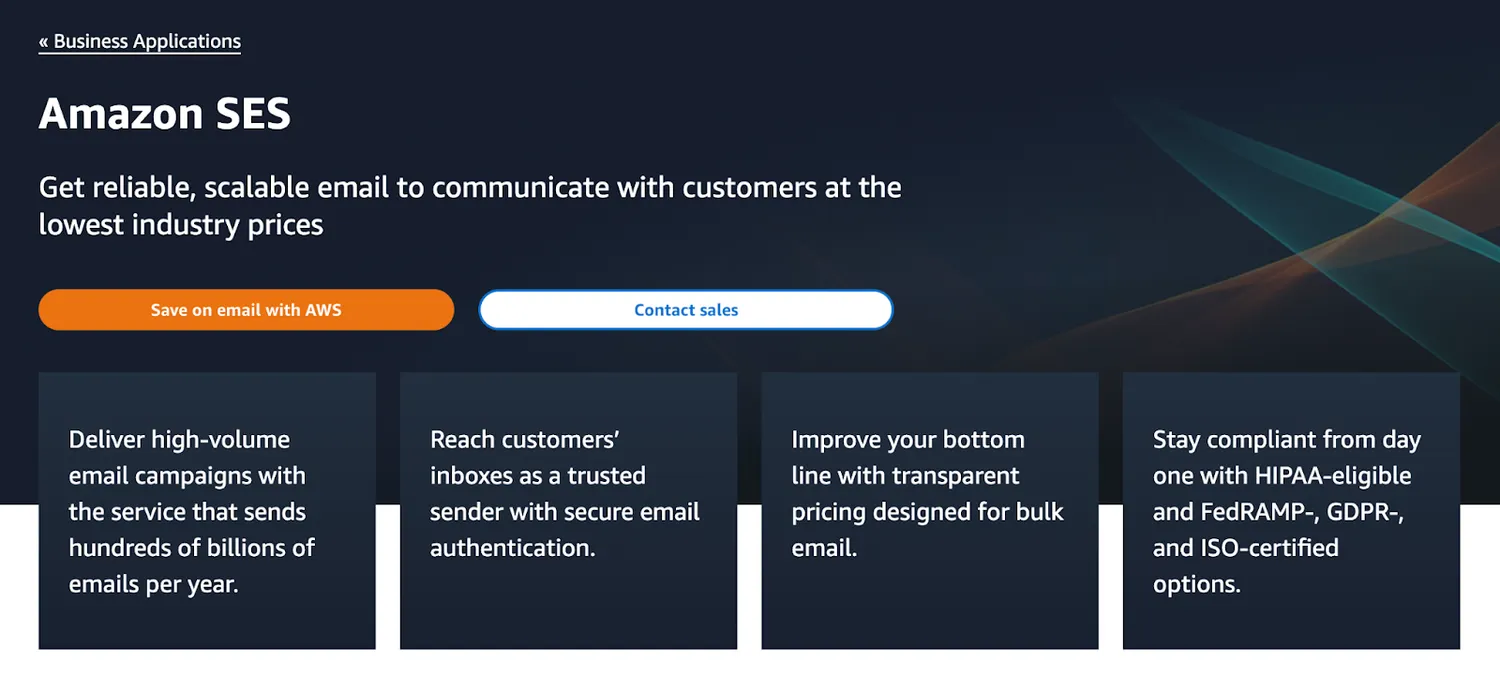
Amazon SES is a classic bulk emailing service without bells and whistles. It enables users to send different types of emails, including email newsletters, notifications, or promotions. While other bulk email marketing services don’t necessarily require technical knowledge, Amazon SES is certainly geared towards developers rather than marketers.
Some of its distinguishing features include:
- Mailbox simulator for testing emails before sending them.
- The ability to receive emails and execute custom code with the AWS Lambda function.
- Sending statistics to track essential metrics.
- Reputation Dashboard to get notified if you hit spam traps or any other event that starts affecting your sender reputation.
- The ability to use shared, dedicated, or owned IP addresses.
- Different integration and sending options such as Amazon SES console, SMTP server, and Amazon SES API.
Pros
- Extensive security features and protection against spam abuse.
- Reliable infrastructure with only occasional downtime.
- Pay-as-you-go pricing and a generous free tier.
Cons
- The configuration process is difficult, especially for users who want to customize specific features.
- Statistics and reports aren’t comprehensive.
Pricing
Amazon SES has a pay-as-you-go pricing model. The first 62,000 emails are free if you’re using Amazon EC2 or AWS Elastic Beanstalk. But additional fees may occur if you’re adding large attachments.
For anything more than 62,000 emails per month, you’ll pay $0.10 per 1,000 emails.
Dedicated IPs are available as add-ons and start at $15/month depending on the option you choose (standard, managed, or BYOIP).
Mailchimp
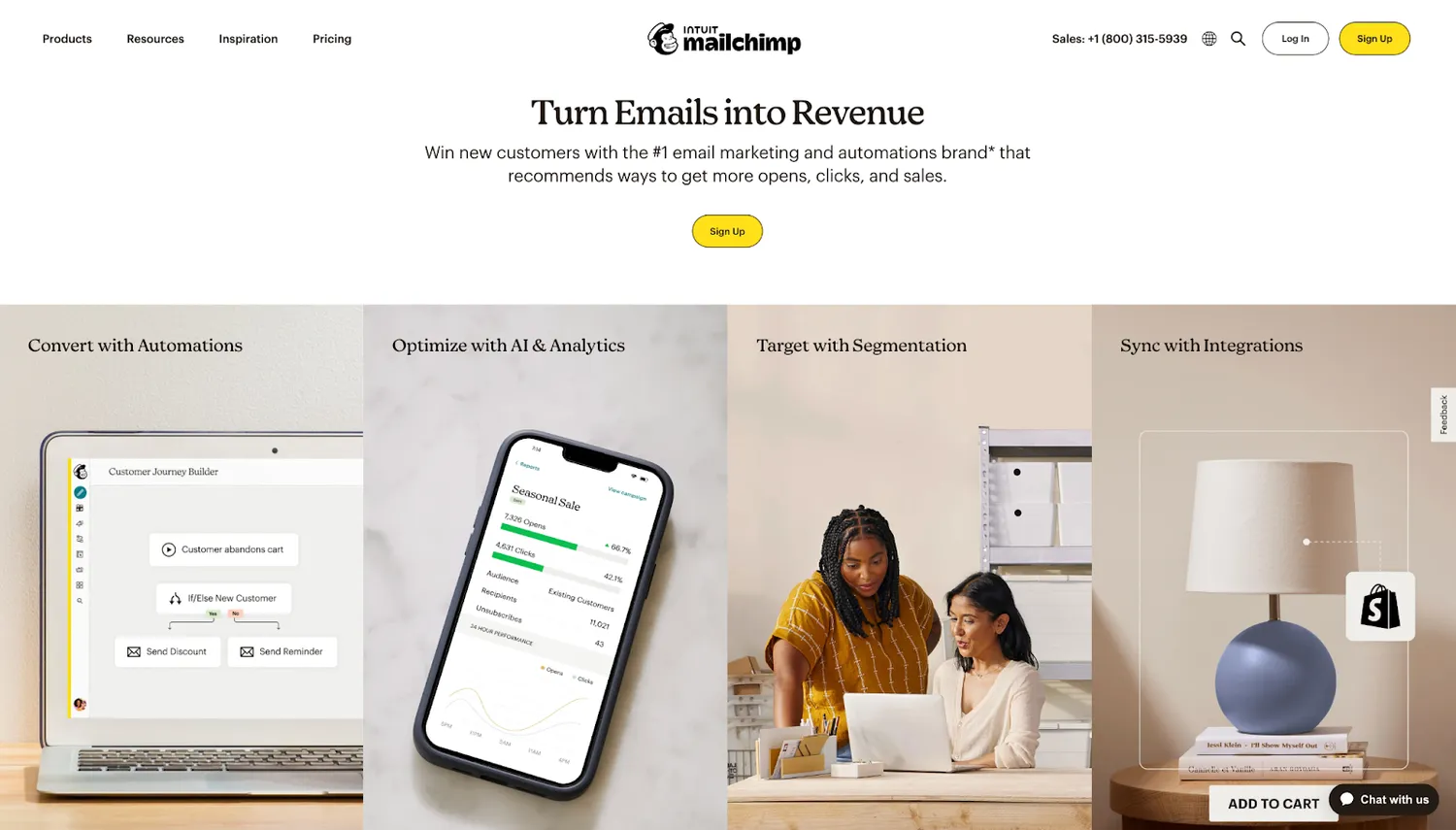
Mailchimp is a full-fledged email marketing and automation platform with mass mailing functionalities. While it’s beneficial for businesses of all sizes, it’s mostly suitable for medium and large enterprises. The reason is the pricing model, which limits the features available in the cheaper tiers.
Regardless, Mailchimp has a bunch of useful functionalities, such as:
- GPT-powered AI assistant to generate subject lines or email content.
- AI-powered Content Optimizer that analyzes well-performing campaigns and provides personalized suggestions.
- Analytics and dashboards.
- Integrations with more than 300 e-commerce and marketing platforms.
- Drag and drop builder and pre-designed templates.
- Marketing automation tools such as Customer Journey Builder and automation workflows.
- A mobile app to add contacts on the go during live events.
Pros
- Makes it easy to upload and manage customer database.
- Connects seamlessly with other digital marketing channels, such as social media, for example.
- Robust audience segmentation features.
- A/B and multivariate testing.
- Comes with an easy-to-use sign-up form builder for lead generation.
Cons
- The user interface can be complicated for new users.
- The pricing plans aren’t affordable for individuals or small businesses.
- Automated campaigns are difficult to set up.
Pricing
Mailchimp has a contact-based pricing system. Their free tier allows users to have a list of 500 recipients and send them up to 1,000 emails/month. The free plan is limited in terms of features and support options.
Mailchimp also has Essentials, Standard, and Premium plans. The Essentials tier starts at $13 for 500 contacts and 5,000 monthly emails. You can choose up to 200,000 contacts within these plans or, if you need more, contact support to get a custom quote.
Mailjet
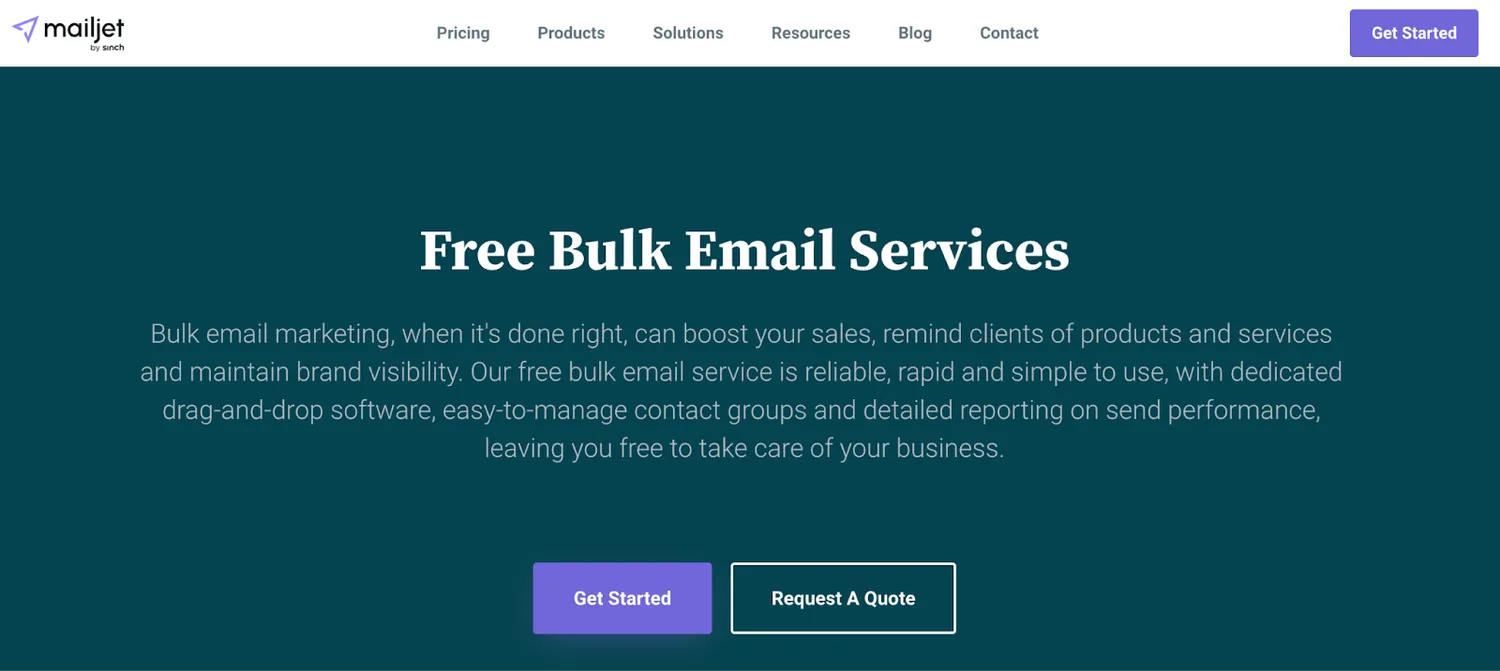
Mailjet is a mass mailing service provider from Sinch. It combines bulk email marketing with transactional email services, allowing users to access both within a single platform. This software is ISO 27001 certified and GDPR-compliant, which means they take data protection seriously.
Mailjet has all the essential features you’d need to send occasional email blasts or regular mass campaigns. These include:
- Email design tools such as drag-and-drop, HTML, and MJML editors (the latter for building responsive emails).
- Template gallery for transactional and marketing emails.
- Inbox Preview to check emails in various email clients (Gmail, Outlook, Apple Mail, etc.).
- Contact management with sign-up form templates and the ability to upload lists in CSV or TXT formats.
- Collaboration across different team members.
- Integration with popular platforms and solutions.
- Email analytics that connects with Google Analytics.
Pros
- Easy-to-use interface.
- SMTP server and API integration.
- Comes with an email verification feature.
- Flexible and affordable pricing options.
Cons
- Free tier’s limited features make it hard to understand if the platform matches your needs.
- List segmentation options and tags aren’t enough for creating targeted campaigns.
- Customer support is only available for paid users.
Pricing
Even though Mailjet is marketed as a free mass email service, it certainly isn’t completely free. This platform has four tiers: Free, Essential, Premium, and Custom. None of these limit the number of contacts.
The Free plan allows users to send up to 6,000 emails per month with a daily sending limit of 200 emails.
The cheapest plan starts at $15 for 15,000 emails per month. There’s also an option to get a custom quote if your sending volume exceeds 500,000 emails per month.
Honorable mention: Mailtrap’s Bulk Email Stream
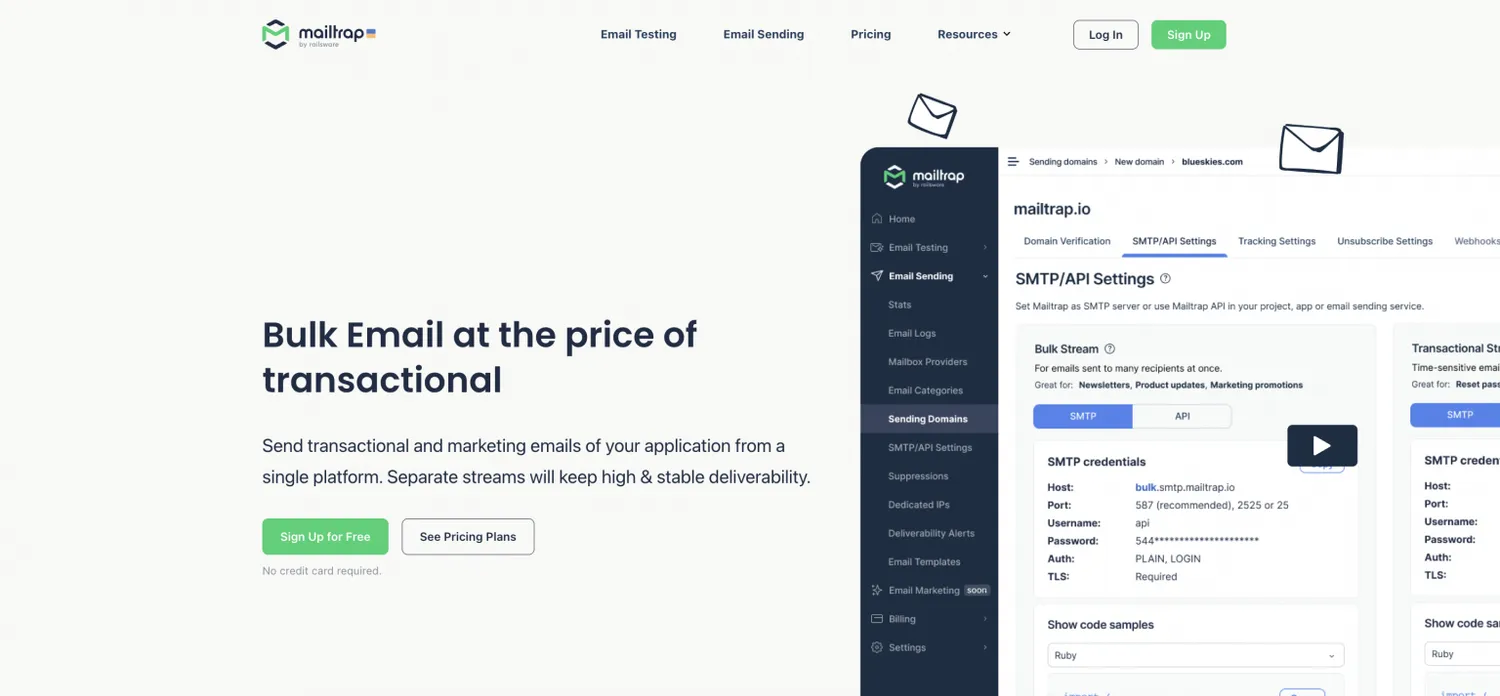
Mailtrap’s Bulk Email Stream is a feature using which you can send bulk emails at the price of transactional. What’s more, as the Mailtrap Email Delivery Platform supports marketing and transactional emails, you’ll be able to cover all your sending needs with one platform. And no, your deliverability won’t suffer as you will have separate sending streams.
Are there other benefits to Mailtrap’s Bulk Email Stream? Yes, plenty, including:
- Smooth and secure setup
- The option to choose between an email API and an SMTP service
- Actionable in-depth analytics,
- 30-day email logs
You can try out this feature today by signing up for a free Mailtrap account!
Bulk Email Sending With Mailtrap
Thank you for reading this part of the article! In full version you can find more mass email platforms and their comparison chart