In today’s digital age, protecting your privacy and securing your online activities has become more crucial than ever. With the rapid growth of cyber threats, government surveillance, and data breaches, users must take proactive steps to safeguard their personal information. One of the most effective tools for this purpose is a Virtual Private Network (VPN). A VPN encrypts your internet traffic and masks your IP address, making your online activities secure and private. However, while the concept of a VPN may sound complicated, it’s actually quite simple to use. This guide will walk you through the basics of VPNs, their benefits, and how to start using one to enhance your internet security.
What Is a VPN and How Does It Work?
A VPN, or Virtual Private Network, is a technology that establishes a secure and encrypted connection between your device and a remote server operated by the VPN provider. When you connect to the internet through a VPN, your data is routed through this encrypted "tunnel," ensuring that it cannot be intercepted or read by third parties, such as hackers, your internet service provider (ISP), or even governments. Additionally, the VPN server assigns you a new IP address, effectively hiding your actual location and providing anonymity while browsing. This allows you to access the internet securely, even on public Wi-Fi networks, which are notorious for being vulnerable to attacks.
Why Should You Use a VPN?
Using a VPN offers a range of benefits that go beyond basic security. Firstly, it protects your sensitive information, such as passwords, credit card numbers, and personal data, from being intercepted by cybercriminals. Secondly, it enhances your privacy by hiding your browsing activity from your ISP, which often tracks and collects user data. A VPN is also invaluable when using unsecured public Wi-Fi, such as in cafes, airports, or hotels, where hackers can exploit vulnerabilities to steal data. Furthermore, a VPN allows you to bypass geographic restrictions, granting access to content or websites that may be blocked in your region. Lastly, it reduces the risk of targeted ads and tracking by concealing your true identity online.
Getting Started: Choosing the Right VPN
Selecting the right VPN for your needs is the first step. Not all VPNs are created equal, and choosing a reputable provider is essential to ensure robust security and reliability. Look for key features such as strong encryption protocols, a no-logs policy (which ensures that the VPN provider does not track your activities), a wide range of server locations, and fast connection speeds. Some VPNs offer additional features, such as malware protection and split tunneling, which allows you to choose which applications use the VPN connection. While there are free VPNs available, they often come with limitations, such as data caps or slower speeds, and may compromise your privacy. Opting for a paid service is generally recommended for a more secure and reliable experience.
Installing and Setting Up a VPN
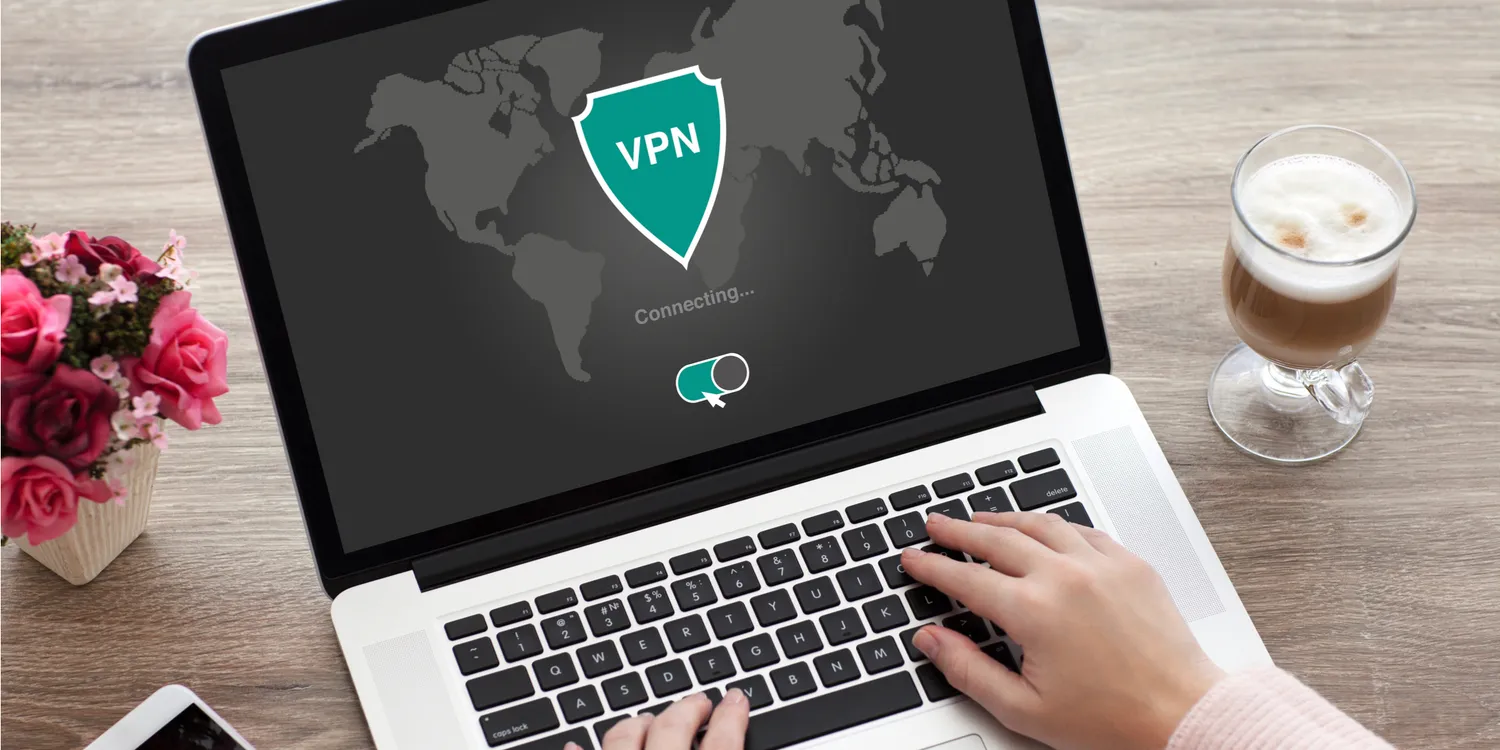
Once you’ve chosen a VPN provider, setting it up is a straightforward process. Start by downloading the VPN application onto your device, whether it’s a computer, smartphone, or tablet. Follow the installation instructions provided by the VPN provider, which typically involve creating an account and logging in. After installation, you can select a server location from the VPN's list of options. Choosing a server close to your physical location often results in faster connection speeds, while selecting a server in another country may help you bypass regional restrictions. With just a few clicks, you can enable the VPN and begin browsing securely. Visit here to know more.

Best Practices for Using a VPN
To maximize the benefits of a VPN, it’s important to follow some best practices. Always keep your VPN enabled, especially when connecting to public or unsecured networks. If your VPN offers an automatic kill switch feature, activate it—this ensures your internet connection is cut off if the VPN disconnects, preventing data leaks. Regularly update your VPN software to benefit from the latest security patches and features. Additionally, be mindful of local laws and regulations regarding VPN usage, as some countries restrict or ban VPNs. Lastly, combine your VPN usage with other security measures, such as strong passwords and antivirus software, for a comprehensive approach to online safety.
Conclusion
A VPN is a powerful and accessible tool for protecting your online privacy and securing your internet activities. By encrypting your data and masking your IP address, a VPN shields you from cyber threats, enhances your privacy, and opens up access to a freer internet. While setting up and using a VPN may seem intimidating at first, it’s actually a simple process that provides immense benefits. Whether you’re concerned about safeguarding your personal information, avoiding censorship, or simply enjoying peace of mind while browsing, a VPN is a valuable asset in today’s increasingly connected world. Start taking control of your online security today and explore the many advantages a VPN can offer.