Few computer problems are as frustrating as a hard drive failure.
Beyond the inconvenience, the biggest concern for most people is the possibility of losing important files, family photos, business documents, or years of personal data.
While a failed hard drive can seem like the end of your computer, it doesn't always mean the device needs to be replaced. In many cases, the right diagnosis and professional repair can restore your computer or recover valuable data, depending on the extent of the damage.
If you're searching for computer repairs in Adelaide, understanding your options after a hard drive failure can help you make informed decisions and avoid actions that may worsen the problem.
What Is a Hard Drive Failure?
A hard drive is where your operating system, software, and personal files are stored.
When it begins to fail, your computer may struggle to access this information, resulting in poor performance or complete system failure.
Hard drive failures generally occur for one of two reasons:
- Physical failure, where internal components become damaged due to wear, impact, overheating, or electrical issues.
- Logical failure, where the drive itself is functional but the file system, operating system, or stored data becomes corrupted.
Understanding the type of failure helps determine the most suitable repair approach.
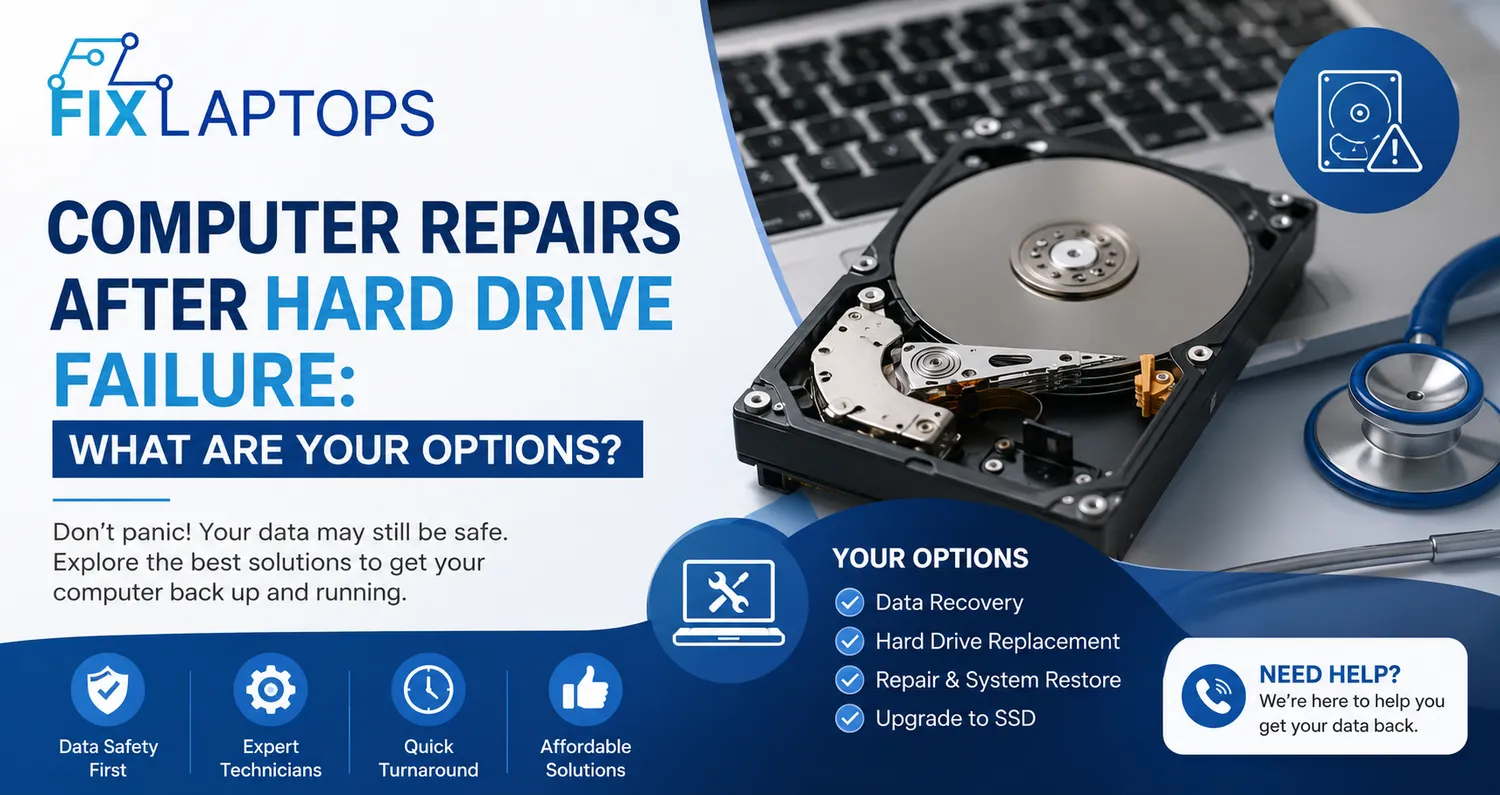
Common Signs Your Hard Drive May Be Failing
Hard drives often provide warning signs before they stop working completely.
Recognising these symptoms early may improve the chances of successful repairs or data recovery.
Common signs include:
- Slow computer performance
- Frequent system crashes or freezing
- Files that suddenly disappear or become corrupted
- Clicking, grinding, or unusual noises
- Error messages during startup
- The computer is failing to recognise the hard drive
- Blue screen errors are appearing repeatedly
If you notice these symptoms, it's best to stop using the computer until it has been professionally assessed.
Don't Continue Using the Computer
One of the biggest mistakes people make is repeatedly restarting the computer in the hope that it will begin working again.
If the hard drive has developed a physical fault, continued use may cause additional damage and reduce the likelihood of recovering important files.
Instead:
- Turn the computer off.
- Avoid installing software or attempting DIY repairs.
- Contact an experienced repair technician as soon as possible.
Taking quick action often helps minimise further damage.
Option 1: Professional Diagnosis
Before recommending a repair, experienced technicians perform a detailed assessment to identify the exact cause of the problem.
A professional diagnosis helps determine:
- Whether the Hard Drive Can Be Repaired
Some issues involve corrupted software or damaged system files rather than complete hardware failure.
These problems can often be resolved without replacing the drive.
- Whether Replacement Is Necessary
If the drive has suffered significant physical damage, replacing it may be the safest and most reliable solution.
A proper diagnosis ensures you're not replacing hardware unnecessarily.
Option 2: Data Recovery
For many people, the files stored on the computer are far more valuable than the computer itself.
Professional data recovery focuses on retrieving documents, photos, videos, and other important information whenever possible.
The success of recovery depends on several factors, including:
- The type of hard drive failure
- The extent of the damage
- Whether the drive has continued operating after failure
- How quickly professional assistance is sought
Early intervention generally provides the best opportunity for recovering important data.
Option 3: Hard Drive Replacement
If the existing drive cannot be repaired, replacing it is often the most practical solution.
Many older computers originally used traditional hard disk drives (HDDs), but replacements now commonly involve solid-state drives (SSDs).
Why Many People Upgrade to SSDs
Solid-state drives provide several advantages over traditional hard drives.
These include:
- Faster startup times
- Improved application performance
- Quieter operation
- Better durability due to fewer moving parts
- Greater energy efficiency
Upgrading during repair can significantly improve your computer's overall performance.
Option 4: Operating System Reinstallation
When a new drive is installed, the operating system must usually be reinstalled.
Professional technicians ensure:
- The correct operating system is installed
- Drivers are updated
- Essential software is configured
- Security updates are completed
This process restores the computer to a stable, reliable working condition.
Option 5: Restore Your Backups
If you've been regularly backing up your files, recovering from a hard drive failure becomes much simpler.
Backups stored on external drives or secure cloud services can often be restored once repairs have been completed.
Regular backups remain one of the most effective ways to protect against unexpected hardware failures.
If backups aren't available, professional data recovery may still provide options depending on the condition of the drive.
How to Reduce the Risk of Future Hard Drive Failure
Although no storage device lasts forever, several habits can extend its lifespan.
- Back Up Important Files Regularly
Maintaining current backups protects valuable information regardless of hardware failure.
Using both cloud storage and external drives provides additional protection.
- Keep Your Computer Cool
Excessive heat can reduce the lifespan of storage devices.
Ensuring adequate airflow and cleaning dust from your computer help maintain healthy operating temperatures.
- Protect Against Power Surges
Sudden electrical interruptions may damage computer components, including hard drives.
Using quality surge protection reduces this risk.
- Replace Ageing Drives
Older hard drives become more susceptible to failure over time.
Replacing ageing drives before problems develop can help prevent unexpected downtime.
Should You Repair or Replace the Computer?
Hard drive failure doesn't automatically mean it's time to purchase a new computer.
The right decision depends on factors such as:
- The computer's age
- Overall hardware condition
- Cost of repair
- Performance requirements
- Future upgrade plans
A professional technician can assess whether repairing the existing system provides good long-term value or whether replacement would be the more practical investment.
Why Professional Repairs Matter
Hard drive failures often involve complex hardware and software issues that require specialised knowledge.
Attempting DIY repairs may accidentally overwrite data, damage components, or complicate future recovery efforts.
Experienced technicians have the tools and expertise to accurately diagnose the problem, recommend the most appropriate solution, and maximise the chances of restoring both your computer and your valuable files.
Professional support also provides reassurance during what can be a stressful situation.
Fast Action Gives You More Repair Options
A hard drive failure can feel overwhelming, but it doesn't always mean your computer or your data is beyond recovery.
The key is responding quickly, avoiding further use of the device, and seeking professional advice before the problem worsens.
If you're looking for trusted computer repairs in Adelaide, choosing an experienced repair team ensures your computer receives the expert attention needed to restore performance while protecting your valuable information wherever possible.
At Fix Laptops, we understand how disruptive hard drive failures can be for both individuals and businesses. Our experienced technicians provide honest assessments, reliable repairs, professional data recovery solutions, and practical upgrade recommendations tailored to your computer's condition.
We focus on delivering efficient, cost-effective repairs that get you back to work with confidence while helping extend the life of your device whenever possible.
Don't assume a hard drive failure means it's the end of your computer. Let the experts at Fix Laptops assess the problem, explain your options clearly, and recommend the most practical solution for your device.