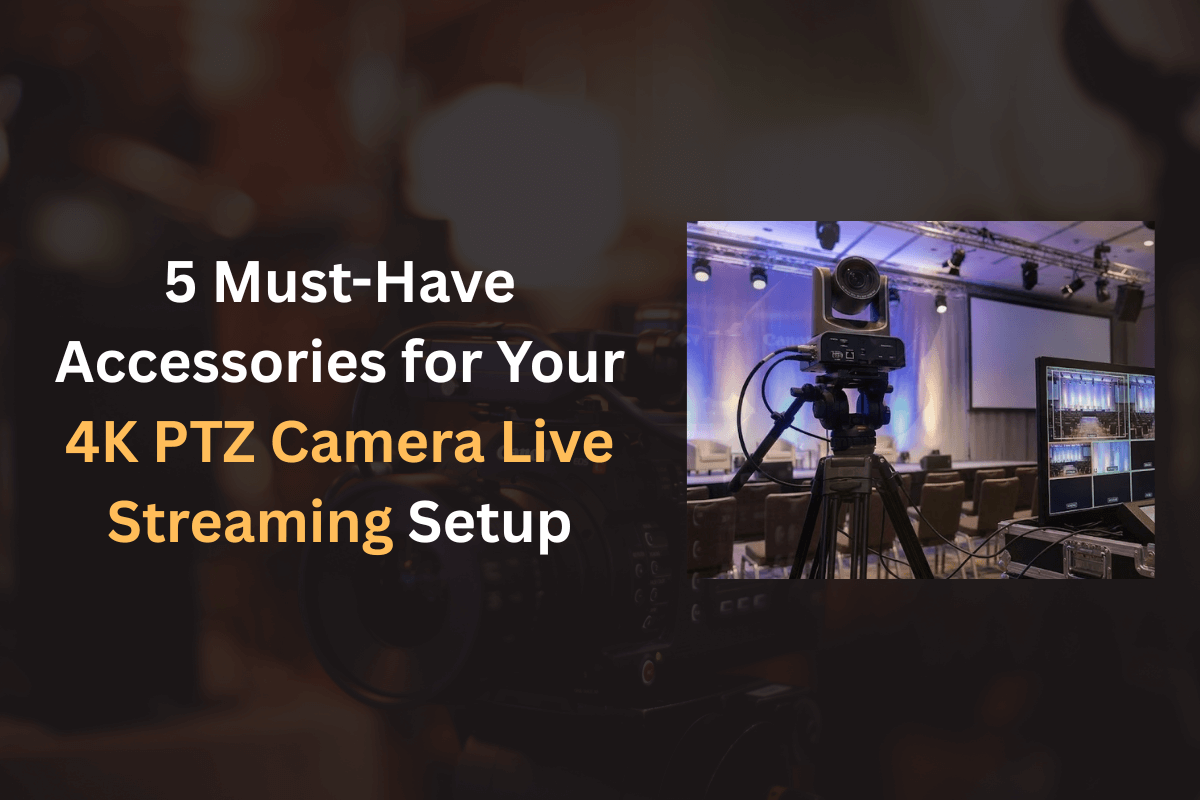
4K PTZ cameras have become a powerful solution for professional live streaming, virtual events, classrooms, studios, houses of worship, and corporate broadcasts. Their ability to pan, tilt, zoom, and deliver ultra-high-definition video makes them a preferred choice for creators and organisations looking for reliable, broadcast-quality results.
However, even the best 4K PTZ camera cannot perform at its full potential without the right accessories. A well-planned 4K PTZ camera live streaming setup depends heavily on supporting hardware that ensures stability, connectivity, control, and uninterrupted streaming.
At iSLate Technologies, we design and deliver complete 4K PTZ camera solutions across India and worldwide. Based on real-world installations, this article covers the 5 must-have accessories that transform a basic camera into a professional-grade live streaming system.
things to consider before buying a 4K PTZ camera
Why Accessories Matter in a 4K PTZ Camera Setup
Many users invest in a high-quality PTZ camera but compromise on accessories, leading to issues like unstable video, signal loss, lag, or limited control. Accessories play a crucial role in:
- Maintaining video stability and positioning
- Ensuring high-bandwidth, low-latency signal transmission
- Enabling smooth remote camera control
- Delivering uninterrupted power during long streams
- Integrating the camera seamlessly with streaming platforms
Whether you are setting up a PTZ camera for live streaming, conferencing, or recording, these accessories are essential for professional output.
1. Professional PTZ Camera Mount or Ceiling Bracket
A stable mounting solution is the foundation of any reliable 4K PTZ camera setup. Unlike fixed cameras, PTZ cameras are constantly moving, which means poor mounting can cause vibrations, misalignment, or even long-term damage.
Why a Proper Mount Is Essential
A professional PTZ mount ensures:
- Firm grip during pan, tilt, and zoom movements
- Correct camera angle and field of view
- Long-term safety for expensive equipment
- Clean and professional installation aesthetics
Types of PTZ Camera Mounts
- Wall Mounts – Ideal for classrooms, studios, and conference rooms
- Ceiling Mounts – Best for auditoriums, houses of worship, and large halls
- Tripod Mounts – Suitable for temporary setups or portable streaming
2. High-Quality Video Interface & Capture Solution
A PTZ camera’s output is only as good as the interface used to transmit it. For a professional 4K PTZ camera live streaming setup, choosing the right connectivity accessory is critical.
Common PTZ Camera Output Interfaces
- HDMI – Suitable for short-distance studio setups
- SDI – Best for long-distance, broadcast-grade transmission
- USB – Plug-and-play for laptops and small studios
- IP / NDI – Advanced network-based streaming and multi-camera workflows
Capture Devices & Switchers
To stream PTZ camera output, you may need:
- Video capture cards
- Hardware video switchers
- IP decoders or NDI converters
These allow seamless integration with OBS, vMix, Zoom, Teams, or YouTube Live.
Why This Accessory Is Critical
- Maintains 4K resolution without compression loss
- Reduces latency during live streaming
- Ensures compatibility with professional streaming software
3. Dedicated PTZ Camera Controller or Joystick
While PTZ cameras can be controlled via software, a dedicated PTZ controller dramatically improves precision, speed, and workflow efficiency—especially during live events.
Benefits of a PTZ Controller
- Smooth pan, tilt, and zoom movements
- Preset camera angles for instant switching
- Reduced on-screen mouse movements
- Professional broadcast-style operation
Controller Options
- Hardware Joystick Controllers – Ideal for studios and control rooms
- IP-Based Controllers – Suitable for network-based setups
- Multi-Camera Controllers – Manage multiple PTZ cameras from one panel
Use Cases
- Live events and conferences
- Hybrid classrooms
- Religious broadcasts
- Multi-camera podcasts
4. Reliable Power Backup & Power Management System
Live streaming interruptions are unacceptable in professional environments. Power stability is often overlooked but is one of the most critical accessories in any PTZ camera live streaming setup.
Why Power Backup Is Essential
- Prevents sudden shutdowns during live sessions
- Protects camera electronics from voltage fluctuations
- Ensures consistent performance during long broadcasts
Recommended Power Accessories
- UPS (Uninterruptible Power Supply)
- Power conditioners
- Surge protectors
A good UPS allows you to continue streaming even during short power outages and gives enough time to safely shut down equipment if required.
5. High-Speed Network Equipment (Switches, Cables & Routers)
Modern 4K PTZ cameras increasingly rely on IP-based workflows. A strong network infrastructure is essential, especially for NDI, IP streaming, and remote camera control.
Essential Network Accessories
- Managed network switches
- Cat6 / Cat6A Ethernet cables
- High-speed routers with QoS support
Why Network Quality Matters
- Supports high-bitrate 4K video streams
- Reduces lag and frame drops
- Enables multi-camera and remote workflows
- Improves overall system stability
For enterprise-grade setups, we recommend dedicated VLANs and managed switches to isolate video traffic from regular data usage.
These are important features to look in a professional PTZ camera
Bonus Accessories to Consider (Optional but Valuable)
While the above five are essential, these additional accessories further enhance your setup:
- Professional audio interface or mixer
- Lighting control systems
- Video switchers for multi-camera production
- Mounting poles and cable trays
- Remote monitoring displays
Why Choose iSLate Technologies for 4K PTZ Camera Solutions
At iSLate Technologies, we don’t just sell equipment, we design complete solutions. From consultation and product selection to installation, configuration, and training, we provide end-to-end 4K PTZ camera live streaming setups across India and globally.
What Sets Us Apart
- Expertise in education, corporate, studio, and broadcast setups
- Custom solutions based on use case and budget
- Global delivery and technical support
- Integration with existing AV and IT infrastructure
Final Thoughts
A professional 4K PTZ camera live streaming setup is not complete without the right accessories. From mounting and control to connectivity, power, and networking, each component plays a vital role in delivering smooth, high-quality live video.
Investing in these must-have accessories ensures your PTZ camera performs reliably, looks professional, and scales easily as your streaming needs grow. Whether you are setting up a classroom, studio, corporate boardroom, or live event space, a well-integrated system saves time, reduces technical issues, and enhances viewer experience.
If you’re planning to upgrade or deploy a PTZ camera solution, iSLate Technologies (iSLate) can help you design, install, and support a future-ready setup—across India and worldwide.