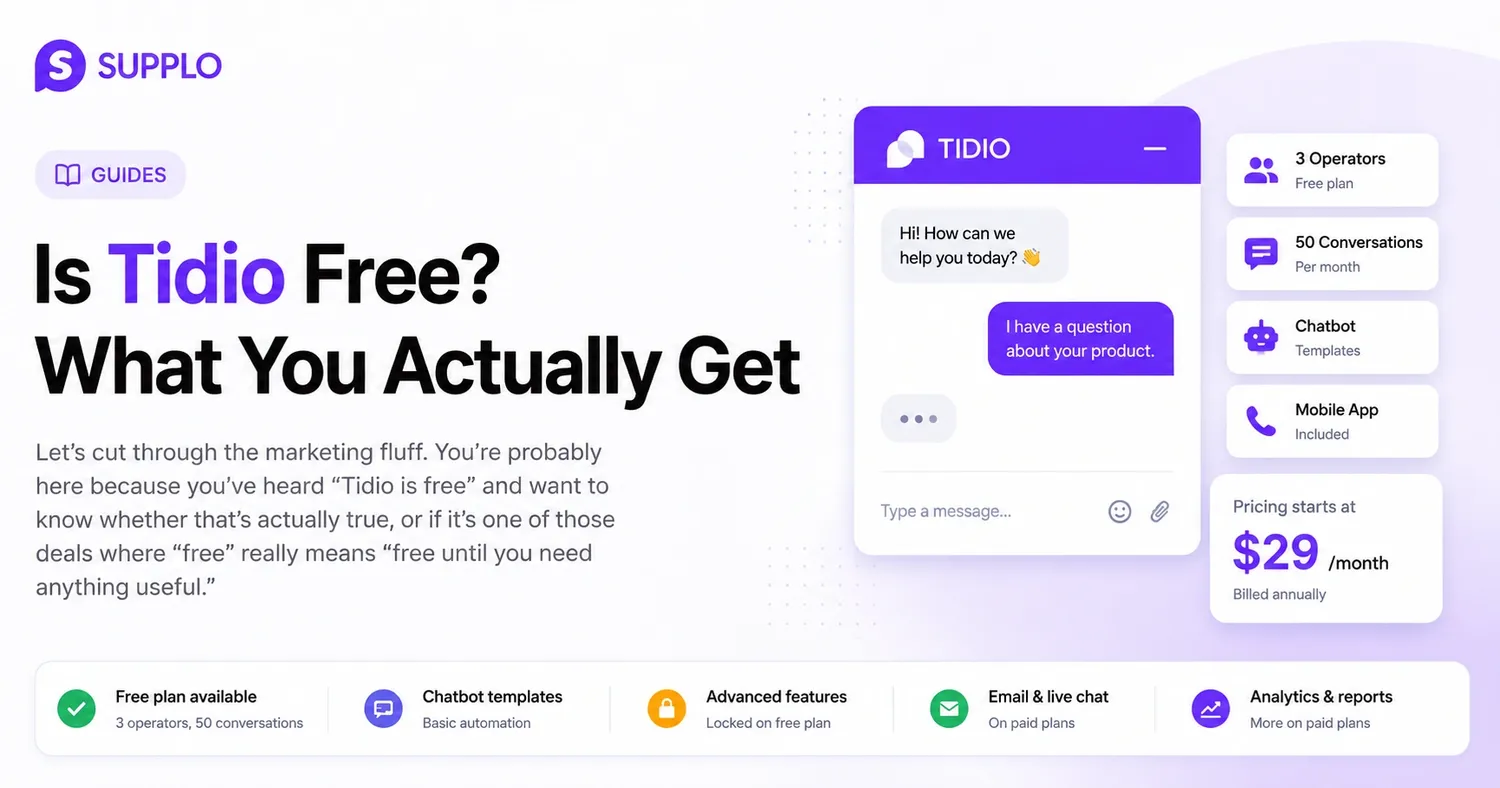
You've probably heard that "Tidio is free" and are wondering if that's really true. Or maybe it's one of those "free until you need something useful" situations. Let's be honest about it.
Tidio is free, but only if your needs are minimal. For businesses that are actually growing, the free plan quickly becomes inadequate. We'll explore exactly what you get, what you don't, and when it's time to consider other options.
Quick Rundown
- Tidio's free plan allows for 3 operators and 50 conversations each month. This is fine for testing but won't work for scaling.
- Paid plans begin at $29/month (when billed annually) and offer features like email support, more operators, and enhanced chatbot capabilities.
- For straightforward, fixed pricing and comprehensive support across multiple channels, consider Supplo. It provides a practical alternative with self-learning AI and a unified inbox for seamless customer communication.
What's Included in Tidio's Free Plan?
Here's the gist: you get basic live chat, a somewhat shared inbox, and a chatbot that's more about selecting templates than building custom solutions. The free plan gives you access for up to 3 operators and 50 unique conversations every month. Plus, there's a mobile app, which is handy for checking messages on the go.
However, there are restrictions. Advanced automation triggers? Not included. The ability to create custom chatbot workflows? Also not available. And don't expect integrations beyond basic website chat.
- Is it free forever? Technically, yes, but only if 50 conversations per month are sufficient for your operations.
- The chatbot builder is limited to pre-existing templates. You're choosing from available options, not creating your own custom solutions.
- Email integration is present, though it's quite basic. You won't experience a fully shared inbox.
If you're a solo freelancer with about 10–15 chats monthly, this might work for you. But for a team of three handling significant customer volume, you'll quickly find yourself constrained.
How Long Does the Tidio Free Trial Last?
Tidio's paid plans come with a 7-day free trial. You don't need a credit card upfront, which is a nice touch. But here's the catch: the trial automatically converts to a paid plan if you don't cancel before the week ends.
A week isn't a lot of time to thoroughly test a tool. You'll be rushing through the setup, trying to see if it fits your workflow, all while the clock is ticking.
- The trial applies per workspace, not per user. If a small team tests it, you all share that 7-day period.
- No extensions are offered. You can't delay the start date or pause the trial.
- Downgrading is immediate. Once the trial ends and you don't pay, all paid features become inaccessible—there's no grace period.
Tidio Paid Plans: Initial Cost and Feature Changes
The Starter plan costs around $29/month if billed annually. This unlocks access for 10 operators, 2,000 unique conversations, and advanced chatbot features. The biggest difference between the free and Starter plans? Automation triggers. You can finally set up rules to route conversations, trigger responses, and automate some repetitive tasks.
- The $29 price requires annual billing. Choosing monthly payments will cost more.
- Conversations reset each month. Unused chats don't carry over.
- Higher tiers, like Growth, can cost up to $59/month and include more operators and conversations.
The leap from the free to a paid plan is significant, and so is the investment required for the full feature set.
The True Limitations of Tidio Chat's Free Version
Let's be direct. Tidio's free version limits you to 50 unique conversations per month and 3 operators. That's roughly 1–2 conversations per day per person, assuming all three operators are active. For a growing business, this simply isn't enough.
You also miss out on a few things:
- Multichannel support. No WhatsApp, Instagram, or Telegram. It's just website chat.
- Advanced chatbot features. The chatbot uses pre-built templates, not self-learning AI that improves over time.
- Reporting. You get basic statistics, but nothing like in-depth analytics on agent performance or customer satisfaction.
Here's the point: If your business relies on customer interactions for sales or support, those 50 conversations will be used up quickly. A single busy day could exhaust your entire monthly allowance.
Ready to experience a truly free trial? Begin your 14-day free trial of Supplo and explore all its features without limitations.
Does Tidio Offer a Free Version for Customer Support?
Yes, Tidio does provide a free version for customer support. However, it's designed for small teams with low chat volumes, not for businesses that need to scale across multiple digital channels.
The free plan includes the basic chat widget, a shared inbox, and email notifications. But, as noted, you're restricted to website chat only, without multichannel capabilities. Chat history is limited, search functions are basic, and there's no intelligent AI to automate responses.
- No multichannel support in the free version. It's limited to website chat.
- Restricted chat history and search features can make finding past conversations difficult.
- No self-learning AI. You're responsible for automating responses yourself.
Tidio Chat Support Options: Free vs. Paid
Here's where things get a bit complicated. Tidio's support options change considerably depending on your plan.
Users on the free plan can access the knowledge base and community forums. That's all: no live support, no email support, no priority queue. If you encounter an issue or have a question, you'll be browsing help articles and hoping someone in the community has already addressed it.
Starter plan users and above gain access to email support with a 24-hour response window. For higher-tier plans like Growth, you receive priority chat and dedicated onboarding assistance.
- Free plan: Only access to the knowledge base and community forums. No human support is provided.
- Starter and above: Email support with a 24-hour response time.
- Growth and above: Priority chat and dedicated onboarding help.
Is Tidio Support Free, or Do You Pay for Help?
Tidio support isn't free if you expect a live agent to be available on demand. Free plan users are entirely reliant on self-service resources. This means knowledge base articles, community forums, and a bit of luck.
Paid plans begin to include email support, but priority support—where someone actually answers quickly—costs more. Onboarding and training? Those are additional expenses.
- Free tier: No ticket-based support. You're on your own.
- Email support: Available starting with the Starter plan at $29/month.
- Paid onboarding and training: These are separate costs that can add up quickly.
Tidio Free vs. a Smarter Alternative: What to Consider
Here's the truth: Tidio's free plan is suitable for initial evaluations. But if you need multichannel support, AI-driven automation, or transparent pricing without per-seat charges, it quickly falls short.
That's where Supplo steps in. Instead of limiting you by agent or conversation count, Supplo charges a flat $0.04 per AI resolution. It offers a unified inbox that manages email, chat, WhatsApp, Telegram, Instagram, and Facebook Messenger. The AI learns from your knowledge base and past interactions, continuously improving rather than relying on static templates, which boosts customer satisfaction.
Here's why Supplo stands out:
- No per-seat fees. You pay for the workspace, not for each team member. Discover more about Supplo's pricing.
- Multichannel inbox. All your conversations—emails, chats, social DMs—are in a single thread view. See how the inbox works.
- Self-learning AI. It gets smarter the more you use it, resolving up to 80% of tickets without needing human intervention. Explore the AI agent.
- Fixed pricing, no surprises. It's $0.04 per AI resolution, not a monthly per-seat fee, making it a cost-effective choice for customer engagement.
Consider this: With Tidio, if you grow from 3 to 10 operators, your costs will increase significantly. With Supplo, your pricing remains consistent, regardless of how many people join your team.
If Tidio's free plan feels too limiting, try Supplo free for 14 days and gain access to multichannel support, self-learning AI, and transparent pricing from day one.
How to Determine If Tidio's Pricing Suits Your Business
Before making a commitment, ask yourself these questions:
- What's your monthly conversation volume? If it's under 50, Tidio's free plan might work. If it's higher, you'll immediately need a paid plan.
- How many operators do you have? Three or fewer? The free plan covers you. Four or more? You'll be paying per seat.
- Do you need multichannel support? Just website chat? That's fine. Need WhatsApp or Instagram? You'll require a paid plan or a different tool for seamless customer service.
- How crucial is AI automation? If you want a chatbot that learns and improves automatically, Tidio's free plan won't suffice for enhancing customer experience.
- Calculate total operators multiplied by conversation volume before deciding on a plan.
- Consider additional costs, such as priority support and onboarding.
- Compare per-seat pricing with flat workspace fees to see what genuinely scales with your business needs.
Is Tidio Truly Free?
After reviewing everything, the honest answer is: Tidio is free, but only if your requirements are minimal. We're talking three operators, fifty conversations a month, basic chat features, no multichannel support, and no intelligent AI automation for a more integrated customer experience.
For testing purposes? Absolutely. For a real, growing business? Probably not.
Once you outgrow that free plan—and you will if your business thrives—you're looking at $29 or more per month for the Starter plan, with costs increasing from there. The free plan is a starting point, not a sustainable long-term solution.
For a more scalable and transparent approach, consider tools like Supplo. It offers fixed pricing, no per-seat fees, multichannel support, and AI that genuinely learns. Your costs remain predictable, even as your team expands.
- The free plan is functional but limited, suitable for testing but not for scaling business operations.
- Paid plans quickly become expensive due to per-seat billing, impacting budget planning for customer support.
- Alternatives often provide more features at competitive or lower flat rates, offering better value in the long run.
Still undecided? Try Supplo free and discover how transparent pricing and a unified inbox can benefit your team. No per-seat fees, no hidden caps. Start your trial now.
Key Insights
- Tidio's free plan includes 3 operators and 50 conversations per month, which works for initial testing but isn't scalable for growing businesses.
- Paid plans, starting at $29/month (billed annually), offer email support, additional operators, and enhanced chatbot functionalities.
- For clear, flat pricing and robust multichannel support, Supplo provides a practical alternative with self-learning AI and a unified inbox.
Frequently Asked Questions
Does Tidio offer a completely free version?
Yes, Tidio provides a free version for up to 3 operators and 50 conversations per month. It includes basic live chat but lacks multichannel support, advanced automation, and priority support.
How long is Tidio's free trial for paid plans?
Tidio's free trial lasts 7 days and grants full access to Starter plan features. No credit card is required upfront, but it automatically converts to a paid plan if not cancelled.
What are the main limitations of Tidio's free plan?
The free plan limits you to 50 unique conversations per month and 3 operators. You also miss out on email integration, advanced chatbot flows, and live customer support.
Is customer support included in Tidio's free plan?
No, the free plan only provides access to a knowledge base and community forums. Live support requires at least the Starter paid plan.
Can I use Tidio for free across multiple channels?
No, the free plan only supports website chat. Multichannel integrations like WhatsApp, Instagram, and Facebook Messenger are exclusively available on paid plans.
Is Tidio's pricing per seat or per workspace?
Tidio's pricing is based on the number of operators (seat-based), meaning costs increase as your team grows. This differs from flat-rate alternatives that charge per workspace regardless of team size.
If I cancel Tidio's trial, can I still use the free version?
Yes, you can downgrade to the free plan after cancelling the trial. However, you will immediately lose access to all paid features.
Compliance statement: Supplo is not linked with any app or website mentioned. Please adhere to each app's terms and local regulations.