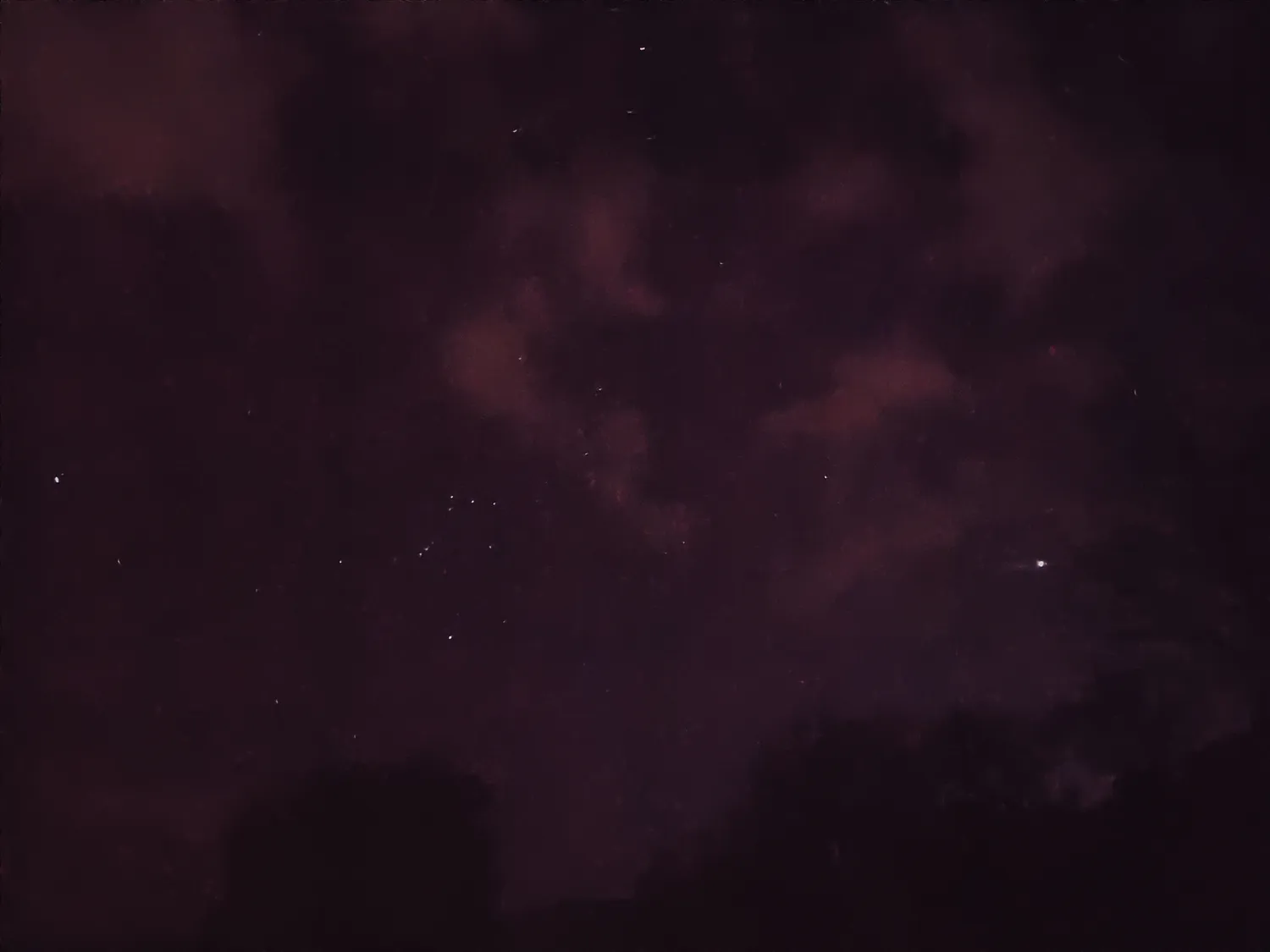
Sirius is the brightest star in the night sky and can be seen from almost every inhabited region of the Earth. It is located in the constellation Canis Major and is often called the "Dog Star". Sirius is visible in the southern hemisphere during winter and in the northern hemisphere during summer.
Jupiter is the largest planet in our solar system and is visible to the naked eye. It can usually be seen as a bright, white, star-like object in the eastern sky just after sunset. Jupiter is usually visible from dusk until dawn and can be found in the constellation Sagittarius.
Orion is one of the most recognizable constellations in the night sky. It is located on the celestial equator and is visible from most parts of the world. Orion is famous for its three bright stars that form the "belt" of the constellation. These stars are named Alnitak, Alnilam, and Mintaka. Orion is most easily seen during the winter months in the northern hemisphere.
To spot these objects in the night sky, it's best to find a dark location away from city lights, and look towards the appropriate direction during the right season. You may also want to use a star chart or a mobile app to help you identify these celestial objects.
It's certainly possible to take photos of the night sky using a smartphone, but it can be challenging to get high-quality results without the proper equipment and techniques.
Here are some tips for taking night sky photos with a smartphone:
- Find a dark location away from city lights to reduce light pollution.
- Use a tripod or stabilizer to keep your phone steady during the long exposure time needed for night sky photography.
- Use a manual camera app that allows you to adjust settings such as ISO, shutter speed, and focus. Some popular options include ProCamera, Camera+, and Moment.
- Use a high ISO setting to capture more light, but be aware that this can result in grainy or noisy images.
- Experiment with different exposure times, starting with a few seconds and increasing as needed.
- Consider using a remote shutter release or the self-timer function to minimize camera shake when taking the photo.
- Try using a wide-angle lens attachment or a telephoto lens attachment to capture different perspectives of the night sky.
- Edit your photos afterwards using editing software or apps to adjust exposure, color balance, and other settings.
Remember that capturing high-quality night sky photos with a smartphone can take some practice and patience, but with the right techniques and equipment, it's definitely achievable.