Introduction To BetterJoy
The Nintendo Switch Joy-Con is a marvel of hardware engineering, but its unique split design has historically made it difficult to use on platforms outside of the Switch console. While betterjoy has long been the definitive solution for Windows users, the growing power of mobile hardware has led many to seek similar functionality on their smartphones.
In this guide, we will explore the landscape of betterjoy android alternatives, how to achieve seamless connectivity on the go, and how to carry your high-performance controller settings into the world of mobile gaming.
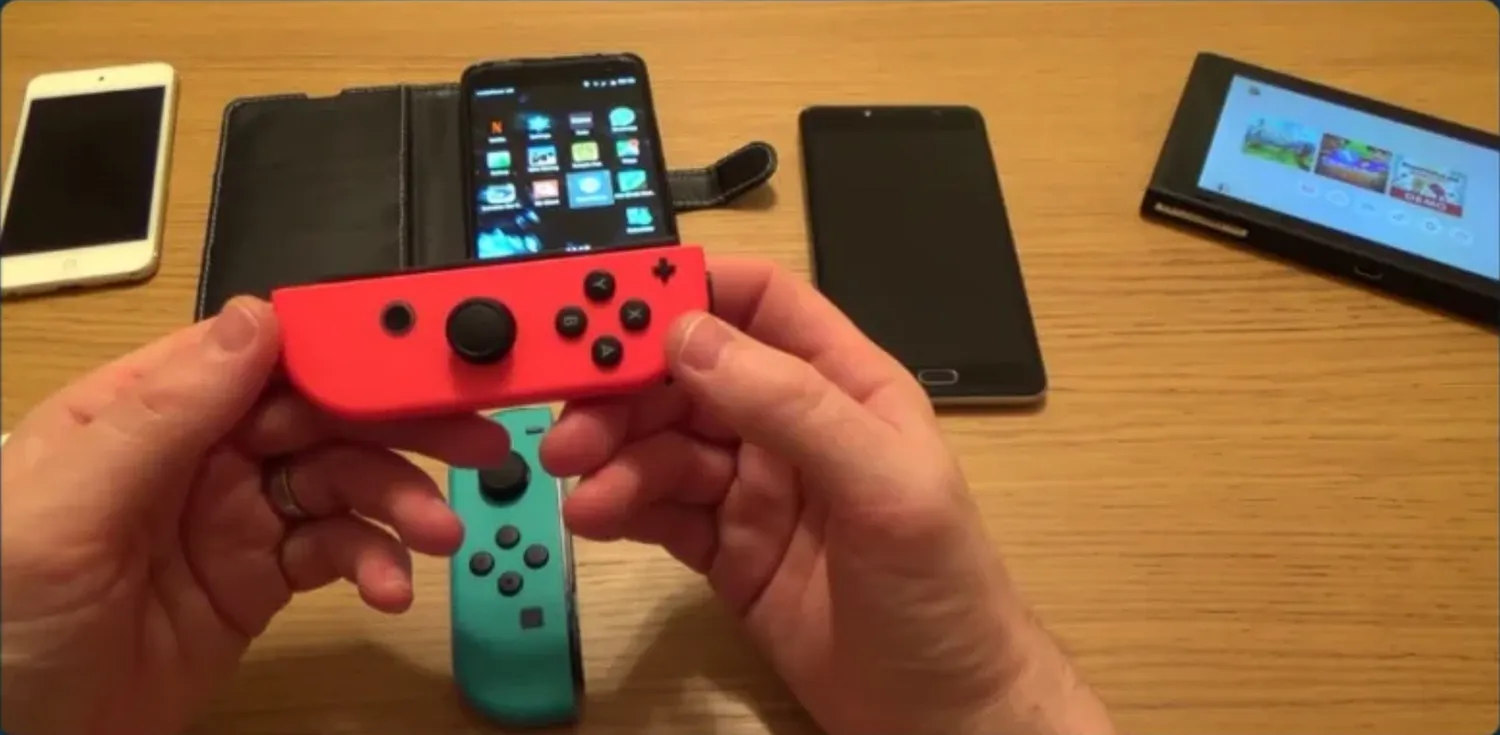
1. The Challenge of Joy-Cons on Android
Standard Android Bluetooth drivers often struggle with Joy-Cons. While you can technically pair them, the system frequently fails to recognize them as a single unified controller. Furthermore, motion data—the gyro and accelerometer info—is often discarded by the OS.
This is why the community has pushed for betterjoy android solutions. By mimicking the logic found in the desktop version, users can finally utilize the full potential of their Nintendo hardware on mobile emulators and native Android games.
2. Setting Up Your Controllers for Mobile
Before you dive into advanced software tweaks, you must first establish a stable hardware connection. The process is remarkably similar to the steps used to connect nintendo switch joy cons with betterjoy on a PC.
- Enter Pairing Mode: Hold the small “Sync” button on the rail of your Joy-Con until the lights begin to cycle.
- Bluetooth Scanning: Open your Android Bluetooth settings and select “Joy-Con (L)” and “Joy-Con (R).”
- The “Unified” Goal: On modern Android versions (Android 11 and above), the OS has built-in support to treat these as one controller. However, for older versions, you may need a third-party mapping app to bridge the two devices.
3. BetterJoy Android: Enhancing Emulation
For many users, the primary goal of using a Switch controller on Android is to power high-end emulators. If you are a fan of ryujinx motion controls on your PC, you likely want that same level of precision on your mobile device.
Motion Control Support
Native Android apps like Skyline or Yuzu NCE (Android) have integrated many of the features first pioneered by betterjoy. By enabling “DSU Server” or “Motion Passthrough” in your emulator settings, you can use the physical tilt and turn of your phone or your Joy-Cons to aim in games like Splatoon or solve puzzles in The Legend of Zelda.
4. Why BetterJoy Logic is Essential for Mobile
Even without a direct “BetterJoy APK,” the logic found in the betterjoy download is the blueprint for mobile success. Key features that have transitioned to mobile include:
- Input Lag Reduction: Specialized drivers that reduce the polling rate latency over Bluetooth.
- Button Re-mapping: Swapping the “A-B” and “X-Y” layouts to match the Xbox standard used by many Android games.
- Vibration (HD Rumble) Pass-through: Ensuring that haptic feedback isn’t lost during the translation from the controller to the device.
5. Troubleshooting Mobile Connectivity
If you find your betterjoy android experience is suffering from “Ghost Input” or stick drift, consider these common fixes:
- Calibration: Most modern mobile emulators have a calibration tool in the input settings. Use this to reset your deadzones.
- Interference: Bluetooth is a 2.4GHz signal. If you are near a strong Wi-Fi router, you may experience lag. Switching your phone to 5GHz Wi-Fi can often clear up controller latency.
- Driver Updates: Just as you would keep your betterjoy download updated on PC, ensure your Android OS is updated to the latest version to receive the newest HID (Human Interface Device) patches from Google.
6. Conclusion: The Future of Hybrid Gaming
The ability to use Joy-Cons on a mobile device effectively turns your smartphone into a “Switch-Lite” style powerhouse. By understanding the core principles of how to connect nintendo switch joy cons with betterjoy, you can troubleshoot almost any issue on the Android platform.
Whether you are looking for the desktop betterjoy download or a mobile alternative, the goal remains the same: a perfect, lag-free gaming experience with the best controllers on the market.
Ready to upgrade your mobile setup? Visit our download page to see the latest PC tools, or follow our guides to master your mobile controller configuration!