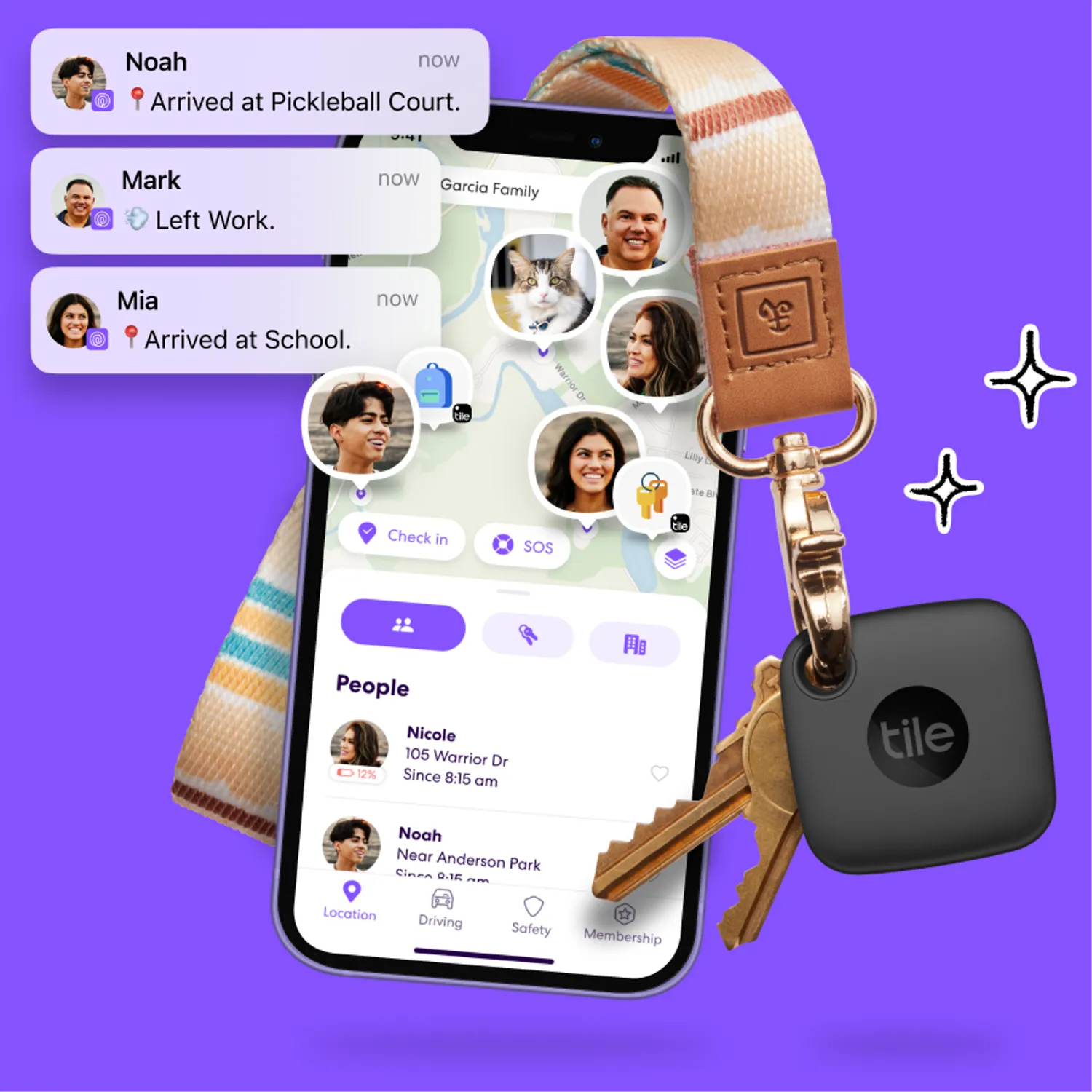
Life360 is a widely-used app that provides location tracking, communication, and safety features for families and groups. A key component of the app is the ”Circle ”, a private group where members can share their real-time locations, communicate via messaging, and receive alerts about each other's activities. Whether you're a parent looking to keep track of your children's whereabouts, a group of friends planning an event, or someone interested in staying connected with loved ones, joining a Circle in Life360 is an essential step. Here’s a detailed guide on how to join a Circle in Life360.
Step 1: Download and Install the Life360 App
If you haven't already, the first step is to download and install the Life360 app on your smartphone. The app is available for both Android and iOS devices. You can find it in the Google Play Store for Android or the Apple App Store for iOS. Once downloaded, install the app and create an account using your email address or phone number. If you already have an account, simply log in.
Step 2: Receive an Invitation to a Circle
To join a Circle in Life360, you’ll need to be invited by someone who is already a member of that Circle. Typically, the person who created the Circle, often a family member or group leader, will send you an invitation. This invitation can be sent via email, SMS, or a direct link. Make sure you have the invitation on hand, as you’ll need it to join the Circle.
Step 3: Open the Invitation Link
When you receive the invitation, open the link provided. This link will automatically redirect you to the Life360 app and guide you through the process of joining the Circle. If the link is sent via SMS or email, simply tap on it, and it will open in the Life360 app.
Step 4: Accept the Invitation
After clicking on the invitation link, the app will prompt you to accept the invitation to join the Circle. Tap on the "Accept Invitation" button to proceed. If you’re not logged in, you’ll be asked to log in or create an account before proceeding.
Step 5: Customize Your Settings
Once you’ve joined the Circle, it’s a good idea to customize your settings. You can choose what information to share with other members, such as your location, driving details, and more. Life360 offers various privacy settings, allowing you to control who sees your location and when. For example, you can set your location to be visible only when you’re at specific places, like home or work.
Step 6: Explore Circle Features
After joining the Circle, you’ll have access to all the features that Life360 offers within that group. These include real-time location tracking, place alerts (notifications when a member arrives at or leaves a location), driving reports, and in-app messaging. You can also set up custom notifications to keep track of specific members or events. Take some time to explore these features and understand how they can help you stay connected and safe.
Step 7: Communicate with Circle Members
One of the key benefits of joining a Circle is the ability to communicate easily with other members. Life360 includes an in-app messaging feature that allows you to send messages directly to the entire Circle or individual members. This can be particularly useful for coordinating plans, checking in on family members, or sending alerts in case of an emergency.
Step 8: Manage Multiple Circles
If you belong to more than one Circle, Life360 allows you to switch between them easily. You can do this by tapping the menu icon (usually three horizontal lines) at the top-left corner of the screen and selecting the Circle you want to view. This feature is useful if you want to keep your family, friends, or other groups organized separately within the app.
Conclusion
Joining a Circle in Life360 is a straightforward process that enhances your ability to stay connected with loved ones, ensure their safety, and manage daily activities efficiently. Whether you’re joining a family Circle to keep tabs on your kids or a friends' Circle for group coordination, Life360 offers a powerful suite of tools to help you stay in the loop. By following the steps outlined above, you can easily join a Circle and start taking advantage of everything Life360 has to offer.