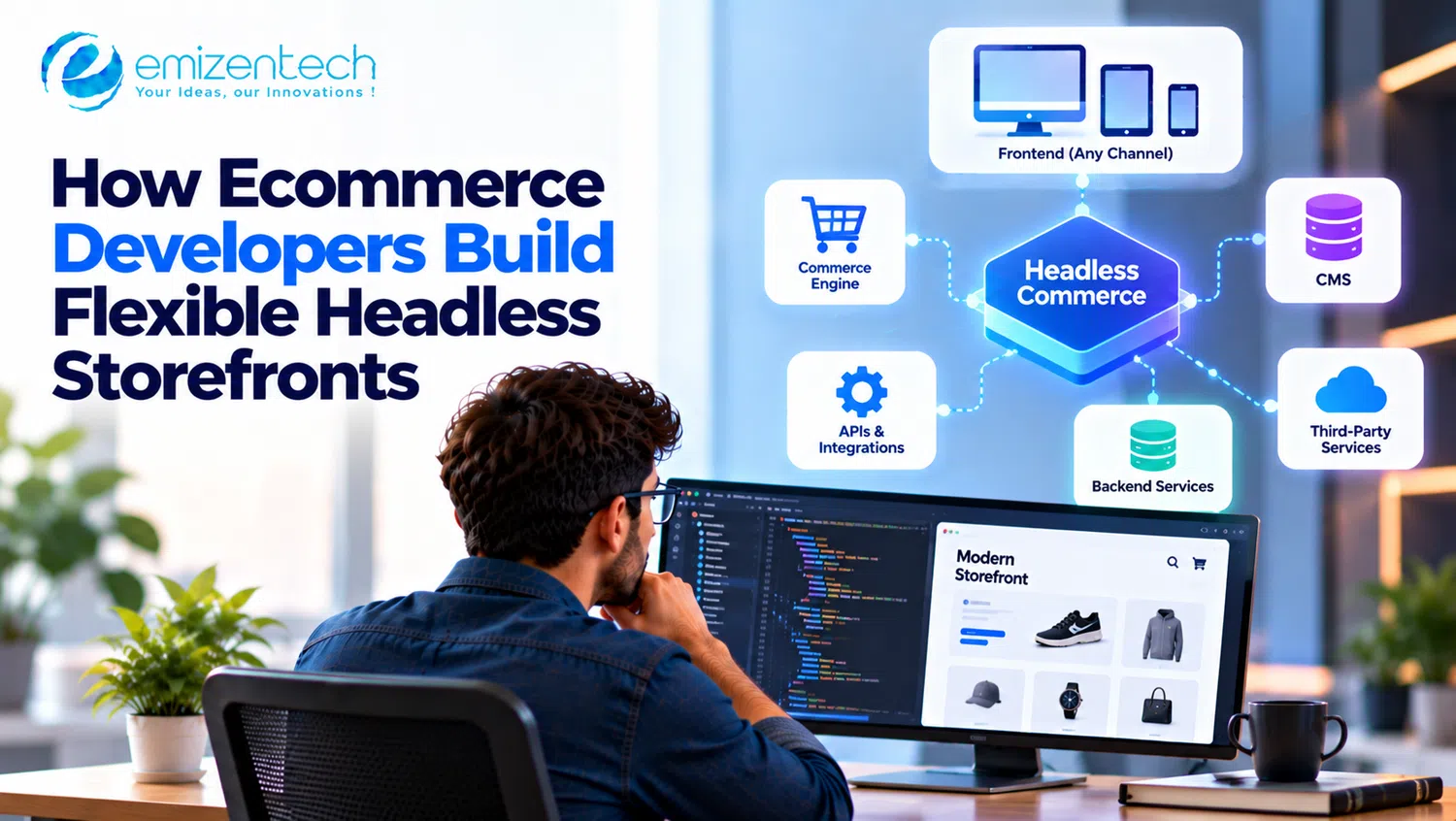
Most store owners I've come across hit the same wall eventually. The site works, orders come in, but changing anything visual feels like negotiating with the platform. A new product page layout? Needs a workaround. A landing page that doesn't look like a template? Another workaround. Headless ecommerce development is what a lot of them turn to after that. The idea is simple enough: separate what shoppers see from the system that runs the store, so either side can change without breaking the other. What follows is a plain look at how ecommerce developers build these things, what pieces are involved, and the spots where projects usually go sideways.
What Headless Ecommerce Development Actually Means
On a regular platform, one system does everything. Products, cart, checkout, the pages you browse, all of it lives together. Headless commerce splits that. The "head" is the frontend. The "body" is the backend, which still holds products, prices, orders, and customer records. The frontend becomes its own app and asks the backend for data through APIs.
More work? Usually, yes.
But you get something back. Think of a brand that sells through its website, an iOS app, and a couple of marketplaces. Without headless, that's three places to update. With it, one backend and three fronts. Designers aren't boxed in by theme rules, and developers can use whatever framework they already like working with. I'll say this though: headless isn't right for everyone. If you sell forty products and barely touch the site, skip it. It pays off when the store needs custom experiences or sells across several channels at once.
Core Building Blocks of a Headless Storefront
A headless storefront is a few separate services wired together. Developers usually pick each one on its own, and honestly, how well they work together matters more than any single tool's reputation. Roughly, it looks like this.
1. The Commerce Backend
The engine room. Catalog, pricing, stock, orders, customer accounts. Shopify, BigCommerce, Adobe Commerce, Shopware, and commercetools all give you APIs for headless use, but they aren't equally complete. Say you need tiered B2B pricing and the API doesn't expose it. Suddenly you're writing workarounds, and that's a bad way to start. Good developers test the API against real requirements before anyone commits to a platform.
2. The API Layer
The storefront talks to the backend over REST or GraphQL. GraphQL is popular because the frontend can ask for only the fields it needs, so responses stay small. A lot of builds also add a thin middleware layer (people call it a backend-for-frontend). Picture a product page that needs price, stock, reviews, and delivery estimates from four different places. The middleware grabs them all and hands back one tidy answer. Bonus: secret keys stay out of the browser.
3. The Frontend Framework
What shoppers actually see. Next.js, Nuxt, Remix, Astro, and Shopify's Hydrogen come up most often. They handle server-side rendering and static generation, which helps with speed and with search visibility. Developers also lean on reusable components. Build a product card once, use it everywhere. Less work, and the design stays consistent without anyone having to police it.
4. A Headless CMS for Content
Product details sit in the commerce backend, but banners, landing pages, and blog content usually go in a headless CMS like Contentful, Sanity, or Strapi. A marketer can publish a campaign page without waiting for a developer. Small thing. Huge relief if you've ever sat in that queue.
5. Checkout and Payments
This is the part that gets tricky. Payments, taxes, shipping rates, fraud checks, security rules, all landing in one spot, and a mistake costs real money. Some stores keep the platform's hosted checkout to play it safe, others build their own. Whichever way you go, work out payment gateway integration early. Fixing it late is miserable.
How Ecommerce Developers Build a Headless Storefront Step by Step
Every project is a bit different, but the order of things rarely changes much.
Start with an audit. What annoys people about the current store, which channels matter, what's already connected, how much traffic comes in.
Pick the stack based on those answers, not on what's trending this month.
Decide which system owns which data, and how they'll talk to each other.
Build a shared component library, then put product, category, cart, and search pages together from it.
Connect the extras: payments, ERP, search, reviews, analytics, email.
Test properly. Load tests, checkout on real phones, accessibility, and a few "what happens when the API goes down?" experiments.
Launch one section or one market first. Watch the numbers. Then widen.
Keep monitoring speed, errors, and conversion after launch, because that work never really ends.
Keeping the Storefront Fast and Flexible
Speed is the main reason people go headless, which is a bit ironic, since it's also what gets lost most often. Too many API calls on one page, huge images, heavy scripts. Any of that can leave a decoupled store slower than the old one.
Developers fix this with caching at a few different levels, incremental static regeneration for pages that rarely change, image optimization, and edge hosting so pages load close to the shopper. A quick test I like: open a product page on a mid-range phone over a slow connection. If it drags there, no dashboard score will save it.
Flexibility is about keeping every part swappable. If your search tool stops fitting, you should be able to replace it without rewriting the whole storefront. People call this composable commerce. I call it not painting yourself into a corner.
Common Challenges to Watch For
Going headless moves extra work onto your plate. These are the problems that show up most.
It costs more upfront. You're building and hosting a frontend yourself.
Some plugins stop working because they relied on theme code. You'll need API-based replacements.
Marketers can lose visual editing unless the CMS supports live previews.
SEO can slip. Missing metadata, broken redirects, or client-only rendering hurt rankings quickly.
More services means more monitoring, and more places for something to break at 2 a.m.
When to Bring In Outside Expertise
A decoupled build touches architecture, security, performance, and integrations all at once, and a wrong early decision is expensive to undo. If your in-house developers haven't shipped one before, you could hire ecommerce web developers to handle the architecture and the first release, then take over maintenance when your own people feel ready.
Ask for a clear scope and a phased plan. Ask whether they've worked on the platform you run. And ask for documentation. Yes, it's dull. It's also what lets you keep going after the handover.
Conclusion
Headless ecommerce development gives a store room to grow past what a fixed theme allows. It works best when each choice is deliberate: the right backend, a tidy API layer, a quick frontend, a checkout you trust, and room to swap things later. Start small, measure speed and conversion, expand when it's working. If you want a partner who has built these setups on Shopify, Adobe Commerce, BigCommerce, and Shopware, Emizentech can help plan and ship a headless storefront that fits how your store actually runs.
Frequently Asked Questions
1. What is headless ecommerce development?
It means building an online store where the frontend (what shoppers see) and the backend (products, orders, payments) are separate systems that talk through APIs. Developers get to design the storefront freely instead of working inside a platform's templates.
2. Is headless commerce better than traditional ecommerce?
Not always. It suits stores that need custom design, several sales channels, or very fast pages. A small store with simple needs usually does fine, and spends less, on a standard platform.
3. How long does it take to build a headless storefront?
Depends on scope and integrations. A focused build can take a few months, and bigger projects with custom checkout and several connected systems take longer. Launching in phases gets something live sooner.
4. Which platforms work well for a headless storefront?
Shopify, BigCommerce, Adobe Commerce, Shopware, and commercetools all have solid API support. The right one depends on your catalog, pricing rules, integrations, and the skills you already have in-house.
5. Does a headless storefront affect SEO?
It can go either way. With server-side rendering, clean metadata, and proper redirects, a headless site can rank very well. Skip those and rankings can drop, so plan SEO from day one.