Handling repetitive document tasks like populating PDF forms or saving large numbers of webpages as PDFs doesn’t have to be manual anymore. Today, automation can streamline these processes, saving countless hours and minimizing mistakes. Whether you're managing application forms or archiving webpages, learning how to auto-fill PDF forms from Excel and convert multiple URLs into PDFs can dramatically improve efficiency.
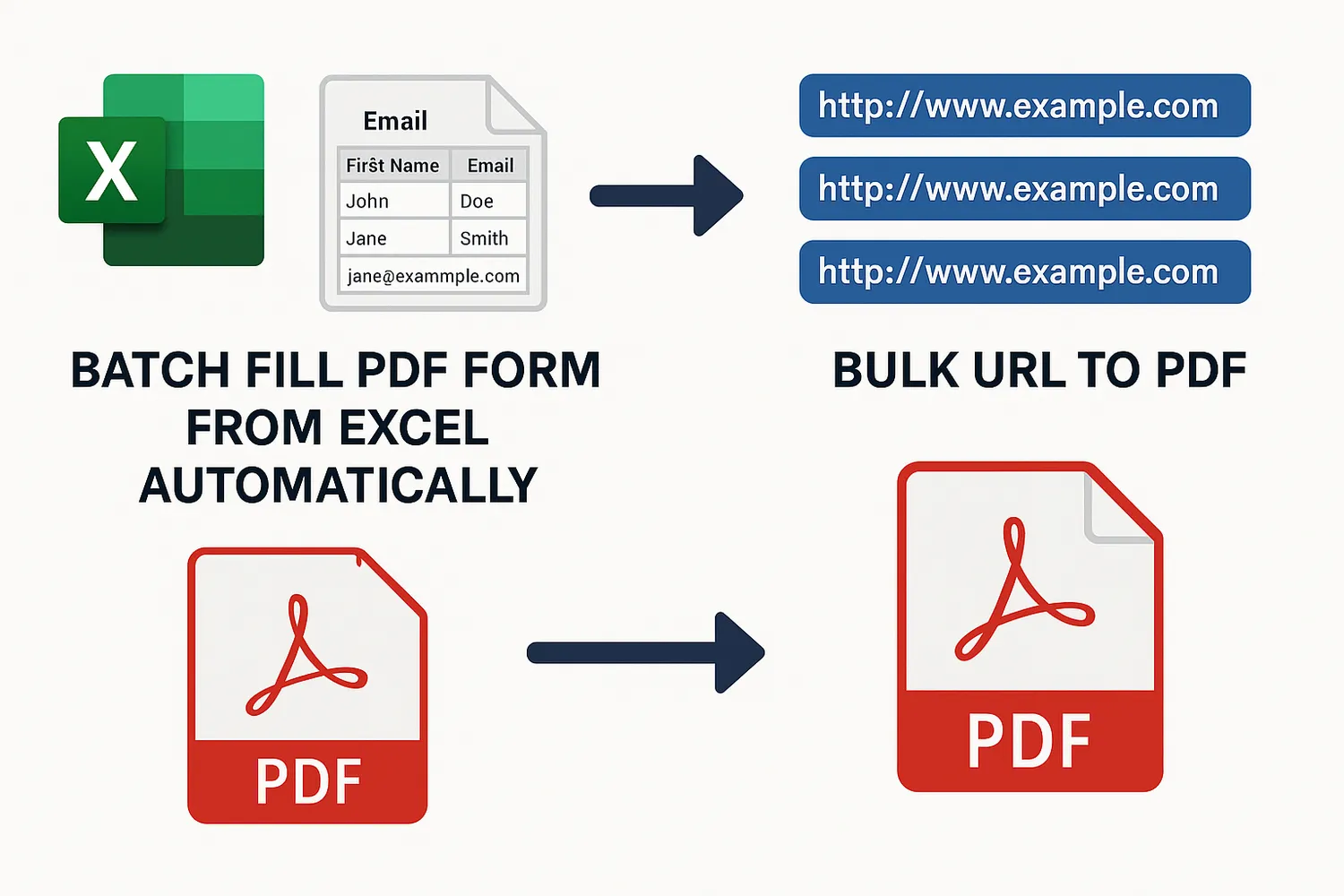
Streamlining PDF Form Filling from Spreadsheets
PDF forms are everywhere—from job applications to contracts—but filling them manually is tedious. automatically fill pdf form from excel data means quicker turnaround and higher accuracy.
1. Use Adobe Acrobat Pro for Easy Imports
Adobe Acrobat Pro offers a built-in way to auto-fill forms using spreadsheet data:
- Start with a fillable PDF form.
- Export your Excel data to a CSV format.
- Use the “Prepare Form” tool in Acrobat to import data.
- Acrobat will automatically generate populated forms for each row.
This method is ideal for occasional bulk processing but requires a licensed version of Acrobat Pro.
2. Python Scripting for Full Control
If you're comfortable with coding, Python provides a flexible and scalable approach:
- Use
pandasto read your Excel workbook. - Libraries like
pdfrworPyPDF2allow you to interact with PDF templates. - Loop through your spreadsheet rows and produce custom PDFs for each.
3. Word Mail Merge + PDF Export
A non-programming workaround is using Microsoft Word's Mail Merge with batch fill pdf form from excel data. After generating your personalized Word files, you can export them to PDF. This doesn't use actual form fields but works well for basic text-based forms.
How to Convert URLs to PDF Files in Bulk
If you're archiving articles, saving receipts, or compiling online references, turning web pages into PDFs can be essential. Here’s how to handle multiple URLs at once:
1. Browser Extensions
Some Chrome and Firefox add-ons let you queue multiple URLs for PDF conversion. These are user-friendly but usually limited in volume and customization.
2. Online Converters
Platforms like pdfcrowd.com or webpagetopdf.com offer bulk conversion tools. These are great for small jobs but may limit file size or the number of free conversions per day.
3. Automate with Python and wkhtmltopdf
To automate URL-to-PDF conversion, you can use Python along with the pdfkit wrapper for wkhtmltopdf.
Key Advantages of Automation
- Time Savings: Reduce hours of manual input to minutes.
- Error Reduction: Eliminate typos and inconsistencies.
- Improved Workflow: Focus on high-value tasks while repetitive work is automated.
Summary
Automating document processes like filling PDF forms from Excel or converting bulk url to pdf format at scale is no longer limited to tech experts. With tools ranging from commercial software like Adobe Acrobat to open-source scripts in Python, anyone can boost productivity while minimizing repetitive labor.