Introduction
Modern HR professionals and HCM specialists need more than theoretical knowledge. They need to understand how worker data, organizations, workflows, security, reporting, recruiting, compensation, absence, and integrations interact during real business events.
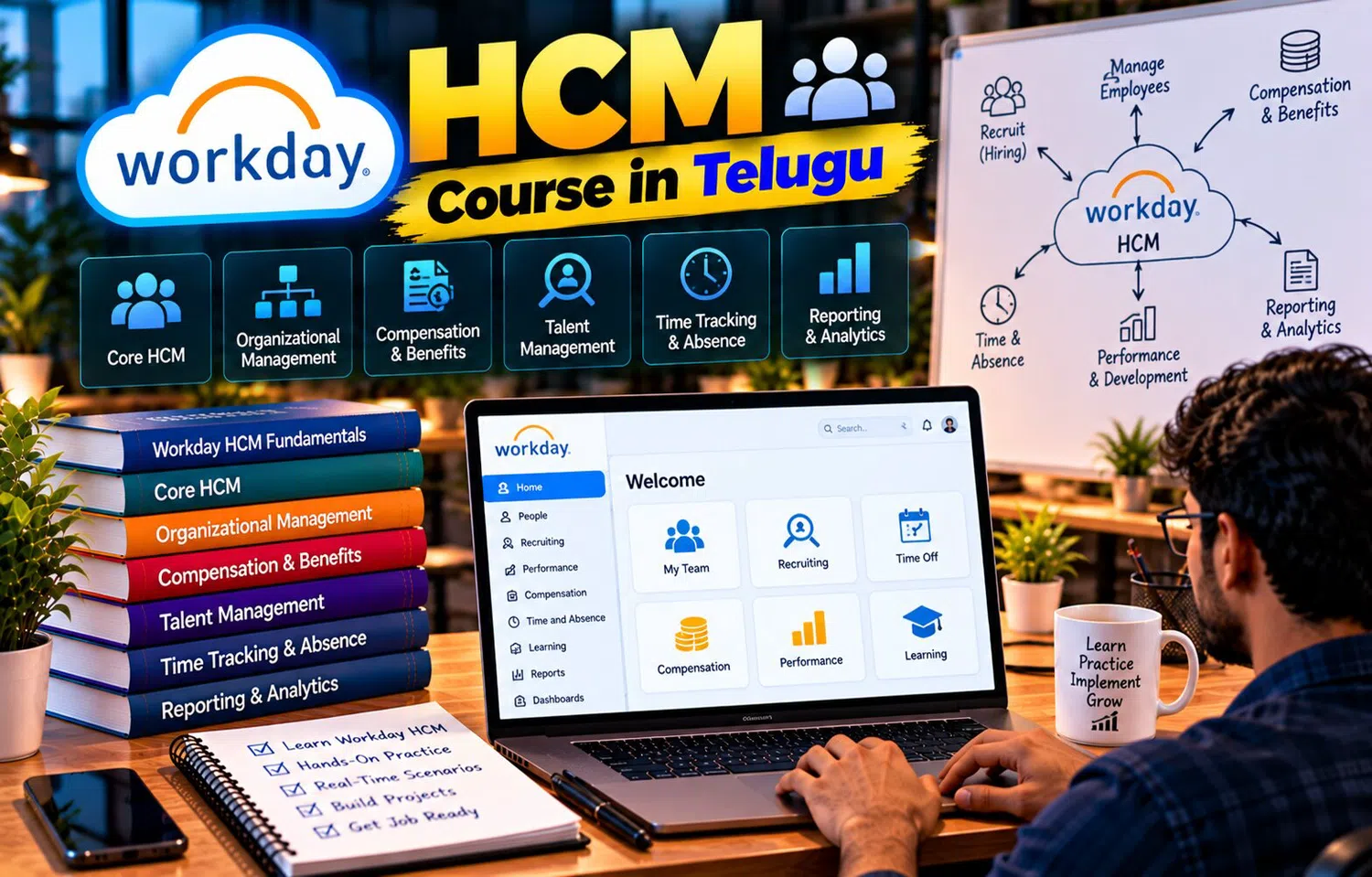
A Workday HCM Course In Telugu can help learners develop these practical skills through scenarios rather than only memorizing terminology. The strongest learning approach is to understand why a process exists, what data it changes, who participates, and what downstream impact it creates.
Skill 1: Read a Worker Record Carefully
Begin by identifying:
worker type
job
position
manager
location
organization
company
status
These values provide context for many transactions.
If a process behaves unexpectedly, worker data is one of the first places to inspect.
Skill 2: Understand Organization Relationships
Create a simple organizational map.
Include:
manager
supervisory organization
company
cost center
location
Then ask how each organization is used.
This develops the ability to distinguish:
management hierarchy
legal entity
financial structure
physical location
These concepts often appear together but serve different purposes.
Skill 3: Trace a Business Process
Take a transaction such as promotion.
Identify:
initiator
approver
reviewer
condition
effective date
completion
notification
Then compare with a transfer or termination.
This helps learners understand workflow logic rather than memorizing one process.
Skill 4: Analyze Security by Role
Create a table with:
Employee
Manager
HR Partner
Compensation Partner
Recruiter
Now decide who should:
view worker data
change job
see salary
approve leave
manage candidates
This exercise builds practical security thinking.
Skill 5: Practice Effective-Dated Changes
Use a timeline.
For example:
January 1 — Hire
April 1 — Manager Change
July 1 — Promotion
October 1 — Location Transfer
Ask:
What should the worker record show on May 1?
What about November 1?
Effective-dated thinking is essential for HCM work.
Skill 6: Understand Position vs Job
Create:
Job Profile: Data Analyst
Then create three positions:
Data Analyst – Hyderabad
Data Analyst – Pune
Data Analyst – Bengaluru
Assign workers to two positions.
Leave one open.
This makes position-management concepts easier to understand.
Skill 7: Build a Staffing Scenario
Suppose a company wants to create a new cybersecurity team.
Required workforce:
1 Manager
3 Analysts
2 Engineers
Define:
positions
job profiles
manager
location
hiring process
This connects staffing design with recruiting.
Skill 8: Analyze a Compensation Change
Imagine a worker gets promoted with a 12% salary increase.
Ask:
Who initiates?
Who approves?
Does compensation plan change?
Does bonus eligibility change?
When is it effective?
This connects compensation with job-change workflow.
Skill 9: Work Through an Absence Case
Employee requests five days leave.
Check:
leave type
balance
schedule
holiday calendar
approval
Then change the scenario:
worker has only three days available.
Ask what the configured policy should do.
This develops rule-based thinking.
Skill 10: Understand Recruiting Flow
Create a candidate journey:
Applied
Screening
Interview
Offer
Ready for Hire
Then connect the final candidate with:
position
manager
organization
compensation
This shows how recruiting flows into Core HCM.
Skill 11: Build a Simple Report Requirement
Question:
“How many active workers are in each location?”
Define:
population
as-of date
location
worker type
output
Then decide whether filters or prompts are needed.
A report should begin with a business question.
Skill 12: Create a Calculated-Field Scenario
Suppose HR needs:
Years of Service
Existing data:
Hire Date
Current Date
A calculated field can derive the value.
Next, categorize:
0–2 years
3–5 years
6+ years
This teaches how derived values support reporting.
Skill 13: Design an HR Dashboard
A manager dashboard may include:
Team Size
Open Positions
Employees on Leave
Pending Approvals
Upcoming Anniversaries
Ask whether every metric helps the manager take action.
Dashboards should be useful, not simply visually attractive.
Skill 14: Troubleshoot Access
Suppose a manager cannot see one employee.
Check:
Is the worker in the correct supervisory organization?
Is the manager assignment correct?
Does the user hold the right role?
Does the role have the required access?
This teaches systematic troubleshooting.
Skill 15: Investigate a Workflow Problem
A promotion does not reach the Compensation Partner.
Check:
condition rules
role assignment
organization
effective date
process configuration
This avoids assuming the workflow itself is always the problem.
Skill 16: Understand Integration Mapping
Workday Location:
Hyderabad
External Payroll Code:
HYD01
Create a mapping table.
Then imagine the company adds:
Chennai
What happens if the external system has no mapping yet?
This demonstrates integration-maintenance responsibilities.
Skill 17: Reconcile an Integration
Expected worker records:
1,000
Sent:
1,000
Accepted:
997
Failed:
3
Identify the three errors.
Correct them.
Reprocess only the failed records.
This is more realistic than treating integration success as simply “file created.”
Skill 18: Practice Data Quality Checks
Create a report for:
workers without manager
workers without location
open positions without job profile
missing employee contact data
These exception reports help HR maintain system quality.
Skill 19: Understand Onboarding
Build an onboarding checklist:
worker created
manager assigned
documents complete
orientation
IT access
equipment
Benefits information
Then identify which steps belong inside Workday and which may involve other systems.
This develops end-to-end thinking.
Skill 20: Understand Offboarding
Termination may trigger:
HR actions
manager tasks
identity updates
payroll changes
benefit changes
equipment return
A good HCM professional thinks about the full process rather than only the termination transaction.
Skill 21: Learn to Read Business Requirements
A business user may say:
“We want an extra HR approval for high-level promotions.”
Translate that into:
Which promotions?
How is “high-level” identified?
Which HR role approves?
Does it apply to all companies?
When should the step occur?
This translation skill is central to HR systems work.
Skill 22: Ask About Exceptions
Every requirement should include exceptions.
For example:
What if manager is unavailable?
What if worker has no position?
What if approval is denied?
What if data is future-dated?
Practical system design must handle unusual situations.
Skill 23: Document the Solution
For a learning scenario, document:
business problem
current process
proposed process
roles
conditions
reports
security
Clear documentation helps learners explain their understanding in interviews and project discussions.
Skill 24: Test with Multiple Personas
Use fictional personas:
Employee
Manager
HR Partner
Recruiter
Admin
Test the same process from each perspective.
This reveals differences in:
visibility
actions
approvals
security
Persona-based testing is highly useful for HR systems.
Skill 25: Explain the Process Without Jargon
After learning a topic, explain it in simple business language.
For example:
“A supervisory organization shows who reports to whom.”
If a learner cannot explain the concept simply, more practice may be needed.
Clear explanation is a valuable professional skill.
Practical Mini Project: Employee Journey
Create one fictional employee.
Process:
candidate applies
candidate hired
worker assigned to organization
employee requests leave
employee promoted
employee transferred
employee eventually terminates
For every step, identify:
data change
workflow
security
report impact
integration impact
This mini project connects many HCM concepts together.
Why Telugu-Based Learning Can Help
Practical HCM learning involves terms such as supervisory organization, business process, role, staffing model, effective date, calculated field, integration, and reconciliation.
A Workday HCM Course In Telugu can explain these concepts in Telugu while retaining the English terminology learners will see in professional Workday environments.
This can help beginners build both conceptual and practical confidence.
Frequently Asked Questions
What practical skills matter most in Workday HCM?
Understanding worker data, organizations, business processes, security, reporting, and real HR scenarios is highly valuable.
Should learners memorize all configuration?
No. It is more useful to understand how data and processes interact and why a configuration is needed.
Why are scenarios useful?
They show how multiple HCM concepts work together during real employee events.
Should reporting and integration be learned along with Core HCM?
Yes. They help learners understand how HR data is consumed inside and outside the system.
Conclusion
Practical Workday skill comes from connecting concepts rather than learning each topic in isolation.
Worker data supports processes, organizations provide context, security controls access, reporting explains outcomes, and integrations move information to other systems.
Learners who practice realistic HR scenarios, test different personas, and understand effective-dated changes can build a much stronger foundation for modern HCM work.