Introduction
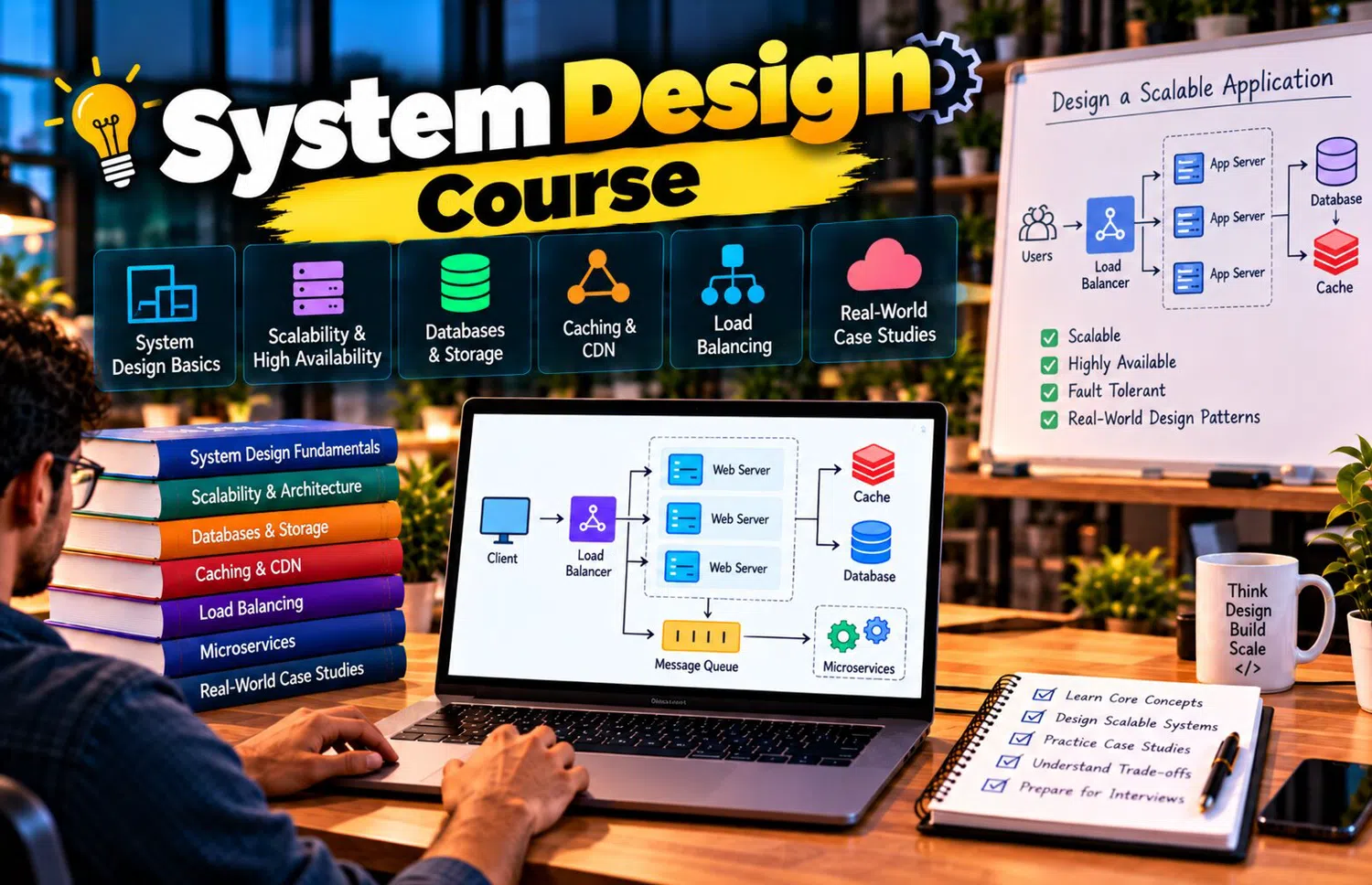
System design is easiest to learn as a progression. Beginners can start with a client, one server, and one database. From there, they can gradually add load balancing, caching, replicas, queues, storage, service boundaries, monitoring, and regional infrastructure as new problems appear.
A System Design Course can help learners understand this evolution so advanced architecture does not feel like a random collection of boxes. Each component should be connected to a specific limitation in the previous design.
Stage 1: Client-Server Basics
Begin with:
Client
→ Server
The client sends a request.
The server:
validates
processes
returns response
This simple model introduces:
HTTP
request
response
latency
backend logic
Every advanced web architecture builds on this interaction.
Stage 2: Add a Database
The application now needs persistent data.
Architecture:
Client
→ Application
→ Database
The database may store:
users
products
orders
posts
Learn:
schema
indexes
transactions
queries
Do not scale the database before understanding how it is used.
Stage 3: Build Clear APIs
Define interfaces such as:
GET /products
POST /orders
GET /users/{id}
APIs separate client behavior from backend implementation.
Study:
HTTP methods
status codes
pagination
authentication
idempotency
Good API design becomes increasingly important as more clients and services depend on the backend.
Stage 4: Estimate Scale
Ask:
How many users?
How many requests per second?
How many writes?
How much storage?
How large are files?
A system for:
10,000 users
does not require the same design as one for:
100 million users.
Scale estimates guide architecture.
Stage 5: Scale Application Servers
One server eventually reaches capacity.
Add:
Load Balancer
Application A
Application B
Application C
Now requests can be distributed.
Design services to be as stateless as practical so any server can handle a user's next request.
Stage 6: Introduce Shared Session Storage
If application instances need session information, avoid storing important session state only on one server.
Possible approaches include:
distributed session store
signed tokens
The exact choice depends on security and application needs.
This supports horizontal scaling.
Stage 7: Add Caching
If the database receives repeated reads, introduce caching.
Common targets:
product details
profiles
configuration
popular posts
Study:
TTL
cache hit
cache miss
invalidation
distributed cache
Caching improves performance but creates consistency trade-offs.
Stage 8: Optimize the Database
Before sharding, use:
proper indexes
query optimization
connection pooling
schema improvements
read replicas
Read replicas are useful for read-heavy systems.
However, replica lag must be considered when fresh data is required immediately.
Stage 9: Add Object Storage
Large files should not necessarily live inside application servers.
Use object storage for:
images
videos
documents
backups
Keep metadata in the database.
This separates file storage from transactional application data.
Stage 10: Add a CDN
If users are geographically distributed, a CDN can deliver:
images
video
CSS
JavaScript
downloads
from nearby edge locations.
This reduces latency and origin traffic.
CDNs are particularly important for media-heavy applications.
Stage 11: Move Slow Work to Background Processing
Suppose user registration also needs:
welcome email
analytics update
profile preparation
The user should not necessarily wait for all tasks.
Introduce:
message queue
background workers
The synchronous request completes faster.
Secondary work continues asynchronously.
Stage 12: Learn Queue Reliability
Study:
producer
consumer
acknowledgement
retry
dead-letter queue
idempotency
ordering
A queue is not simply a place to “send data.”
Reliable processing requires clear failure behavior.
Stage 13: Introduce Service Boundaries
As application and teams grow, selected capabilities may become independent services.
Examples:
Payment
Search
Notification
Media Processing
Do not split every module automatically.
Extract services when there is a reason such as:
independent scaling
team ownership
deployment isolation
technology need
Stage 14: Add an API Gateway
When many services exist, clients may benefit from one entry point.
The gateway can support:
routing
authentication
rate limiting
logging
Services remain hidden behind the gateway.
Avoid putting too much business logic into this layer.
Stage 15: Learn Service Communication
Services may communicate synchronously using:
HTTP
RPC
or asynchronously through:
events
queues
Use synchronous calls when an immediate result is needed.
Use asynchronous patterns when delayed processing and loose coupling are acceptable.
Stage 16: Prepare for Remote-Service Failure
Distributed calls can fail.
Add:
timeouts
limited retries
backoff
circuit breakers
fallbacks
Every remote dependency should have defined failure behavior.
This is one of the biggest differences between local and distributed programming.
Stage 17: Scale the Database Further
If one database becomes insufficient, consider:
partitioning
sharding
Sharding distributes data across multiple database nodes.
Study:
shard key
hotspot
cross-shard query
rebalancing
distributed transactions
Introduce sharding only when simpler approaches no longer satisfy requirements.
Stage 18: Choose Storage by Access Pattern
Different data may require different technologies.
For example:
Orders → SQL
Session → Key-Value
Search → Search Engine
Files → Object Storage
Analytics → Warehouse
This can improve architectural fit.
But every additional technology increases operational cost.
Stage 19: Design for Availability
Remove critical single points of failure.
Use:
multiple application instances
database replicas
redundant load balancing
multi-zone deployment
health checks
Availability should match business requirements.
Not every application requires the same level of redundancy.
Stage 20: Add Graceful Degradation
If a secondary service fails, the whole application may not need to fail.
For example:
recommendations unavailable
→ show popular items
comment system unavailable
→ continue video playback
Prioritize core features.
This makes systems more resilient.
Stage 21: Build Observability
As architecture grows, debugging from one log file becomes impossible.
Introduce:
centralized logs
metrics
distributed tracing
alerts
Monitor:
latency
errors
traffic
resource usage
queue backlog
database health
Observability keeps complex systems understandable.
Stage 22: Protect the System
Security and abuse protection should include:
authentication
authorization
rate limiting
TLS
secrets management
input validation
data protection
Security should be part of every layer rather than one isolated final component.
Stage 23: Plan for Deployment Safety
Software releases can cause outages.
Deployment strategies may include:
rolling releases
canary deployments
blue-green deployments
Feature flags can gradually expose new behavior.
Safe delivery is part of system reliability.
Stage 24: Prepare for Disaster Recovery
Ask:
What if the database is corrupted?
What if the region becomes unavailable?
What if data is accidentally deleted?
Define:
backups
restore process
RTO
RPO
critical-service recovery order
Disaster recovery should be tested.
Stage 25: Explore Multi-Region Architecture
A truly global application may need infrastructure in multiple regions.
Benefits:
lower latency
regional resilience
Challenges:
data replication
routing
consistency
cost
operations
Do not introduce multi-region complexity unless users and reliability needs justify it.
Stage 26: Learn Trade-Off Thinking
System design is full of trade-offs.
Examples:
cache → speed vs staleness
replication → availability vs consistency delay
sharding → scale vs complexity
microservices → independence vs distributed failure
CDN → speed vs invalidation
A strong designer explains both benefits and costs.
Stage 27: Practice Different Application Types
Design:
URL shortener
chat application
e-commerce platform
video platform
notification system
file storage service
social feed
Each problem highlights different architecture decisions.
This prevents learners from using one design for every application.
Stage 28: Learn Capacity Planning
Estimate:
future traffic
storage growth
bandwidth
database size
queue throughput
Capacity planning helps infrastructure grow before bottlenecks become outages.
It also helps control unnecessary overprovisioning.
Stage 29: Keep Architecture Understandable
A system with:
50 services
12 databases
five queues
may look advanced.
It may also be unnecessarily difficult to operate.
Complexity has a cost.
Every component should solve a real requirement.
The simplest design that meets the business need is often the strongest starting point.
Stage 30: Evolve Instead of Predicting Everything
A scalable architecture does not need to predict every future requirement perfectly.
A practical path is:
design clean boundaries
measure real behavior
identify bottlenecks
scale specific components
repeat
This creates an architecture that evolves with evidence.
A Final Architecture Mindset
When reviewing a system, ask:
What happens if traffic grows 10x?
What happens if this server fails?
What happens if this database becomes slow?
Can this request be retried safely?
Which component owns this data?
How is this system monitored?
These questions turn architecture diagrams into engineering decisions.
Frequently Asked Questions
What should a beginner learn first in system design?
Start with client-server architecture, APIs, databases, load balancing, caching, and basic scaling.
When should microservices be introduced?
When independent scaling, deployment, ownership, or domain requirements justify the additional complexity.
Is sharding necessary for every scalable system?
No. Many applications scale significantly through indexing, caching, replicas, and vertical scaling before sharding.
What makes a system-design answer strong?
Clear requirements, sensible estimates, justified architecture decisions, failure handling, and an explanation of trade-offs.
Conclusion
Scalable system design is a progression from simple architecture toward distributed infrastructure.
A client-server system gains a database, then load balancing, caching, replicas, queues, object storage, service boundaries, observability, and fault-tolerance mechanisms as real needs emerge.
Learning this progression helps developers understand why modern architectures look complex. The goal is not to include every technology, but to introduce the right component when it solves a measured scalability, reliability, or maintainability problem.