Introduction
Real-time IT support requires more than answering tickets quickly. Support teams need accurate intake, automatic routing, useful notifications, SLA tracking, knowledge access, and visibility into what is happening across incidents and requests. When these activities are connected through workflow automation, users receive faster updates and agents spend less time coordinating repetitive tasks.
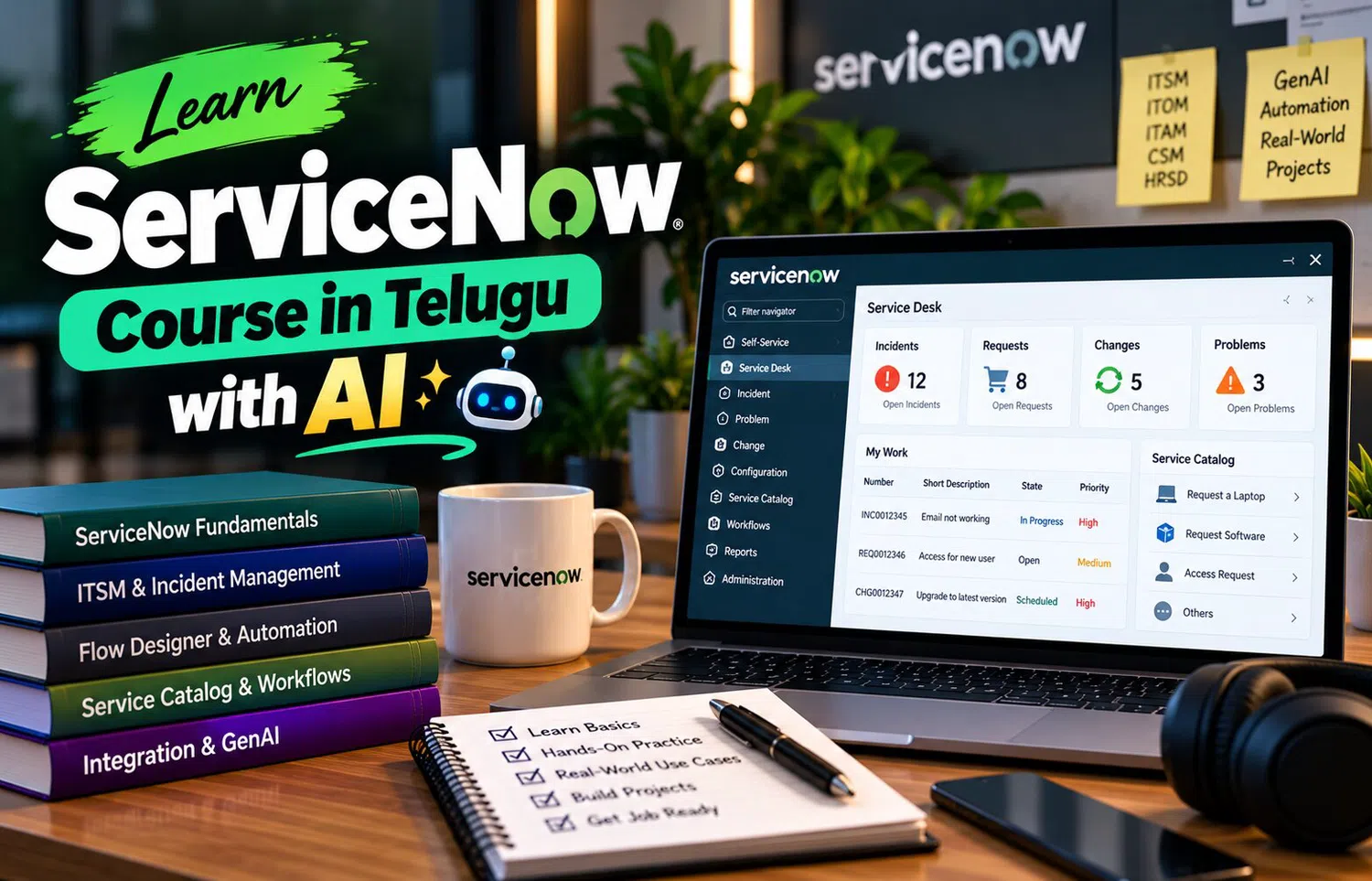
A ServiceNow Course in Telugu with AI can help learners understand how real-time support works when ServiceNow workflows, automation, virtual agents, and AI assistance are combined. The goal is to create support processes that react quickly while still following business rules, security controls, and clear ownership.
What Does Real-Time Support Mean?
Real-time support does not mean every issue is solved instantly.
It means important information moves quickly through the support process.
For example:
A ticket is created.
The correct team is identified.
The SLA begins.
The user receives confirmation.
The agent sees relevant context.
Escalation occurs if required.
Status changes are communicated.
Automation reduces delays between these steps.
Multiple Support Channels
Users may contact IT through:
Service portal.
Email.
Virtual agent.
Phone.
Monitoring integrations.
Mobile applications.
API-connected systems.
A strong workflow brings these requests into a structured process instead of allowing each channel to create a separate manual support path.
Automatic Ticket Creation
Some incidents can be created automatically from monitoring events.
For example:
A production service health check fails.
Monitoring sends an alert.
ServiceNow creates an incident containing:
Service name.
Timestamp.
Alert details.
Configuration item.
Severity.
Monitoring reference.
This gives the support team useful context immediately.
Not every alert should create a ticket, so event filtering is important.
AI-Assisted Classification
When users write natural-language descriptions, AI can help identify the probable category or service.
Example:
“Unable to access CRM after resetting my password.”
AI may suggest:
Category: Access.
Service: CRM.
Assignment Group: Identity Support.
This can reduce manual triage.
The organization should monitor incorrect predictions and keep a fallback path for uncertain cases.
Workflow-Based Assignment
Some assignment decisions do not require AI.
If a request is for a standard laptop replacement, a workflow can route it directly to the hardware team.
If the request contains unclear free text, AI may help interpret it first.
Combining rules and AI gives better control than trying to use one method for every situation.
SLA Tracking
Service Level Agreements define expected response and resolution targets.
ServiceNow can track:
SLA start.
Pause conditions.
Time remaining.
Breach risk.
Completion.
An automated workflow can notify the responsible team when a ticket approaches a critical threshold.
Escalation can occur before the SLA actually fails.
Real-Time Notifications
Users should not need to ask repeatedly for status.
Notifications can be triggered when:
Ticket is created.
Assignment changes.
More information is required.
Approval is pending.
Work is completed.
Incident is resolved.
Notifications should be useful and concise.
Too many updates can create noise, so the workflow should communicate meaningful changes.
Virtual Agent Support
A virtual agent can provide immediate support for common needs.
Examples include:
Password guidance.
Ticket status.
Software request.
VPN troubleshooting.
Knowledge search.
If the issue cannot be resolved, the virtual agent can create a record and pass the conversation context to a human agent.
This prevents users from repeating the same information.
Automated Approvals
Many requests need approvals before fulfillment.
Example:
Privileged application access.
Workflow:
User submits request.
Manager reviews.
Security reviews.
Application owner approves.
Fulfillment task is created.
Automation can move the request between these stages and remind approvers when action is pending.
Dynamic Task Creation
A request can create several tasks automatically.
For new employee onboarding, tasks may go to:
IT.
Security.
HR.
Facilities.
Application owners.
Some tasks can run in parallel while others depend on earlier steps.
Workflow automation helps coordinate this sequence.
AI-Assisted Agent Work
Agents may need to read long histories before acting.
AI can help provide:
Case summary.
Suggested knowledge.
Similar incidents.
Draft response.
Missing-information questions.
These suggestions should support the agent.
For important incidents, agents should be able to inspect the underlying evidence.
Escalation Logic
Escalation can depend on:
Priority.
SLA risk.
Service criticality.
Repeated reassignment.
Major incident conditions.
For example, a high-priority incident affecting a payroll service may automatically notify an incident manager after a defined threshold.
Escalation should follow transparent rules so teams understand why it happened.
Workflow Automation and Change
Some support resolutions require a technical change.
For example:
Modify firewall rule.
Restart a critical service.
Change configuration.
Deploy a patch.
The support workflow can create or link a Change record rather than allowing risky actions to happen outside governance.
This preserves traceability.
Real-Time Dashboards
Operational dashboards can show:
Open incidents.
Critical tickets.
SLA risk.
Queue volume.
Assignment groups.
Major incidents.
Request backlog.
Automation success.
These views help support leads understand current workload and identify bottlenecks.
Measure the Workflow
Useful metrics include:
First response time.
Resolution time.
SLA compliance.
Reassignment rate.
Approval delay.
Automation completion rate.
Virtual-agent resolution.
Reopen rate.
A workflow should be improved based on these outcomes rather than on the number of automated steps.
Practical Support Scenario
Design a real-time workflow for:
“Finance users cannot access the reporting application.”
Ticket enters through portal.
AI identifies the affected application.
Priority is calculated from impact and urgency.
Application support receives the incident.
SLA begins.
Similar incidents are shown.
Agent receives a short summary.
High-priority threshold triggers escalation.
Change record is created if configuration must be modified.
Service is restored.
User receives resolution confirmation.
Dashboard updates automatically.
Document which steps use fixed workflow logic and which use AI assistance.
Frequently Asked Questions
Does real-time IT support mean instant resolution?
No. It means information, assignment, notifications, and escalations move quickly while technical resolution follows the appropriate process.
Can ServiceNow automate approvals?
Yes. Approval workflows can route requests to defined approvers and track their status.
Where does AI help in real-time support?
AI can assist with classification, routing, summarization, knowledge recommendations, and conversational support.
Why are dashboards useful?
They provide current visibility into queue volume, priority, SLA risk, and workflow status.
Conclusion
A ServiceNow Course in Telugu with AI can help learners understand real-time IT support as a coordinated system of workflows, automation, and intelligent assistance.
Tickets can be created, classified, assigned, escalated, and communicated through structured processes. Virtual agents can handle common requests, dashboards can expose operational risk, and AI can help agents interpret information faster.
The strongest workflow does not automate everything. It automates predictable coordination while keeping technical judgment, security decisions, and higher-risk changes under human control. This balance helps IT teams provide faster and dependable support.