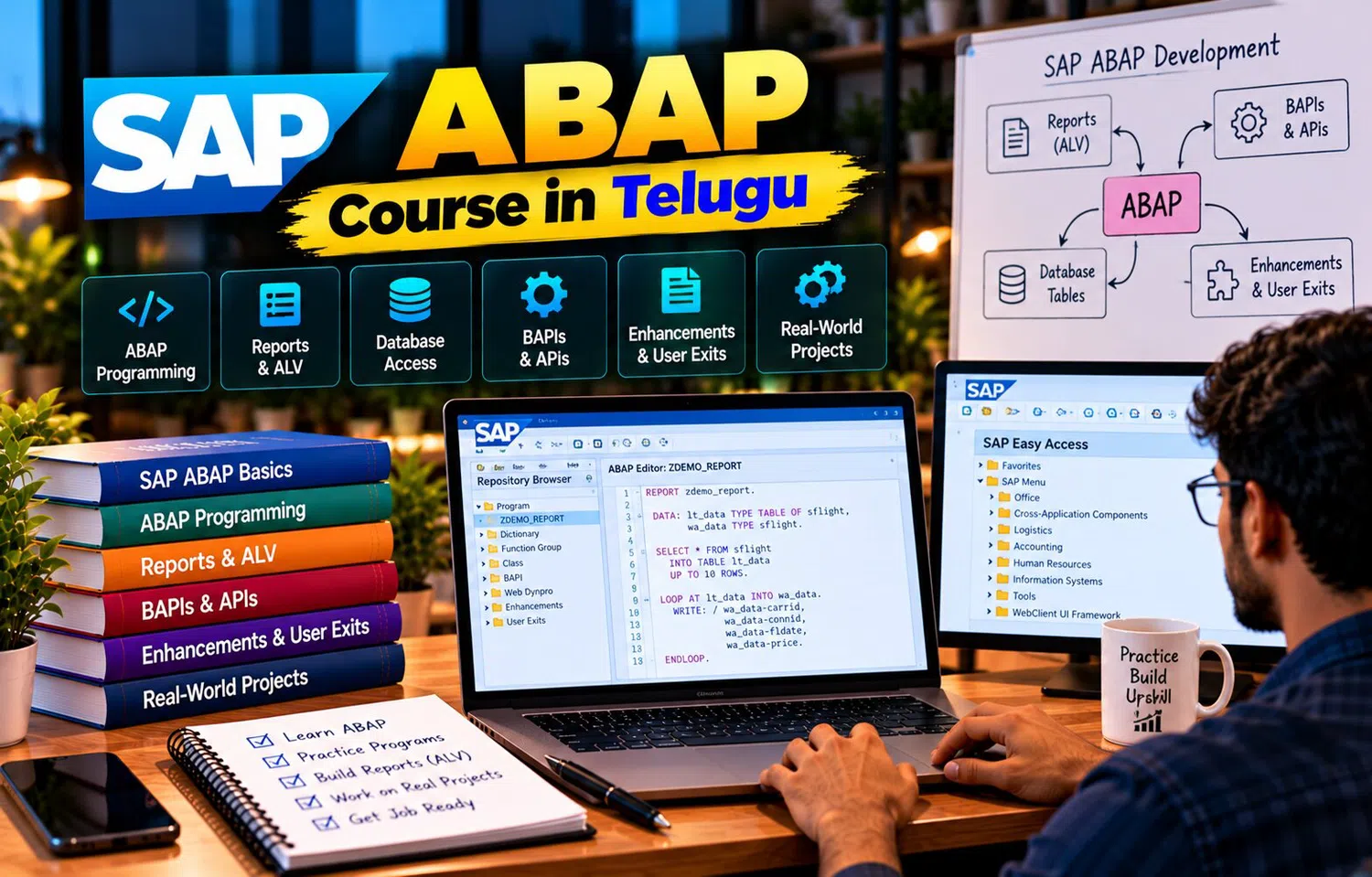
Introduction
ABAP development covers much more than writing simple reports. A learner may begin with variables, conditions, loops, and database queries, then gradually move into internal tables, ALV, object-oriented programming, forms, enhancements, interfaces, migrations, debugging, and performance optimization.
A SAP ABAP Course in Telugu can help learners follow this journey in a structured sequence. Instead of trying to learn every SAP technology at once, beginners can build one foundation at a time and connect each new concept to practical business requirements.
Stage 1: Understand the SAP Environment
Before writing code, learn the basic SAP development environment.
Understand:
transactions
repository objects
development packages
program execution
transport concepts
basic system landscape
A developer should know where ABAP programs live and how changes move through SAP systems.
Stage 2: Learn ABAP Syntax
Begin with:
data declarations
data types
operators
IF conditions
CASE
DO
WHILE
LOOP
These concepts build programming logic.
Practice small exercises such as:
number calculation
date comparison
status validation
simple list output
The goal is to understand program flow.
Stage 3: Work with Structures and Internal Tables
Business applications rarely process only one value.
Learn:
structures
work areas
standard tables
sorted tables
hashed tables
APPEND
READ TABLE
LOOP
SORT
Internal tables become a foundation for almost every reporting and data-processing exercise.
Stage 4: Learn Database Access
Understand Open SQL and how ABAP retrieves SAP data.
Practice:
SELECT
WHERE conditions
joins
aggregations
ordering
retrieving selected fields
Do not only focus on syntax.
Learn why filtering and efficient retrieval matter.
Poor database access can make otherwise correct programs slow.
Stage 5: Understand the Data Dictionary
Learn:
domains
data elements
transparent tables
structures
table types
foreign keys
search helps
lock objects
The Data Dictionary helps developers understand how SAP data is defined centrally.
This is essential for both standard and custom application development.
Stage 6: Build Classical Reports
Create reports with:
selection screens
parameters
select-options
events
list output
Practice reports such as:
material list
sales report
employee data
This stage connects database retrieval with user input and output.
Stage 7: Explore Interactive Reporting
Create a summary report.
Then allow the user to select one row and view additional detail.
For example:
Customer
→ Sales Documents
→ Sales Items
This teaches user interaction and drill-down logic.
Stage 8: Move to ALV
After basic list reporting, learn ALV.
Practice:
structured grid output
sorting
filtering
totals
layout handling
hotspots
events
ALV is widely useful for business reporting because it gives users more control over data presentation.
Stage 9: Learn Modular Programming
Large programs should not contain all logic in one long block.
Understand:
function modules
methods
procedures in existing code
reusable utility logic
Create focused reusable components.
For example:
date validation
material lookup
business calculation
Reusability improves maintenance.
Stage 10: Learn Object-Oriented ABAP
Move into:
classes
objects
methods
constructors
interfaces
inheritance
polymorphism
exception classes
Do not learn OOP only through definitions.
Build a small application containing service and data-access responsibilities.
This helps object-oriented concepts become practical.
Stage 11: Develop Smart Forms
Learn how business data becomes formatted output.
Practice:
pages
windows
text nodes
table nodes
conditions
styles
driver programs
A purchase order or invoice-style form is a useful exercise.
Keep data retrieval and layout responsibilities separated.
Stage 12: Understand Enhancements
Standard SAP does not cover every company-specific rule.
Learn:
user exits
customer exits
BAdIs
enhancement points
implicit enhancements
explicit enhancements
The key skill is not memorizing enhancement types.
It is learning how to find the correct supported extension for a requirement.
Stage 13: Learn BAPIs and Integration Basics
Understand how SAP exposes business operations through structured interfaces.
Practice concepts such as:
parameters
return messages
mapping
commit
rollback
authorization
A BAPI should be treated as a business interface, not simply another function call.
This introduces enterprise integration thinking.
Stage 14: Explore Data Migration
Learn how external data is prepared for SAP.
Study:
file upload
mapping
validation
BDC
standard interfaces
error handling
reprocessing
reconciliation
Migration work combines technical development with strong data-quality awareness.
Stage 15: Learn Debugging
A developer should be able to investigate both technical and logical failures.
Practice:
breakpoints
watchpoints
variable inspection
internal table inspection
call stack analysis
runtime-error investigation
Do not change code randomly when output is wrong.
Use evidence to identify where the problem begins.
Stage 16: Learn Performance Improvement
As programs handle more records, performance matters.
Study:
database access
SELECT inside LOOP issues
joins
bulk retrieval
internal-table types
nested loops
keys
measurement tools
Optimization should always be based on real performance behavior.
Stage 17: Understand Authorization
Custom applications must respect SAP security.
Learn to ask:
Who can run the program?
Who can see the data?
Who can update it?
Which organizational restrictions apply?
Do not build custom programs that unintentionally expose sensitive business information.
Stage 18: Learn Error Handling
Programs should handle expected problems clearly.
Examples:
invalid input
missing record
authorization failure
database issue
integration error
Use structured messages and appropriate exception handling.
Users should receive understandable feedback while technical details remain available for support.
Stage 19: Build a Complete Project
Choose one realistic project.
For example:
Purchase Order Monitoring Application
Features:
selection screen
database retrieval
internal tables
business calculation
ALV output
interactive document navigation
authorization
performance handling
This brings multiple topics into one development.
Stage 20: Add a Form or Upload
Extend the project.
For example:
generate output through Smart Form
or
upload adjustment data from a file
Now the learner connects reporting with document generation or migration.
Projects should grow gradually rather than becoming complex from the first day.
Stage 21: Practice Enhancement Scenarios
Use a sandbox scenario such as:
validate a custom condition before document save.
Learn the complete process:
understand requirement
find enhancement
implement logic
debug
test
document
This is closer to real project work than simply reading enhancement definitions.
Stage 22: Learn Transport Awareness
SAP development normally moves between systems.
Understand:
development request
transport request
dependencies
object activation
quality testing
production movement
Even correct ABAP code can fail operationally if dependent objects are missing from the transport.
Stage 23: Understand Functional Specifications
Real projects often begin with business documentation.
Read the requirement and identify:
input
output
business rule
data source
exceptions
authorization
performance expectations
Then create a technical approach.
This develops the ability to convert business requirements into software.
Stage 24: Practice Code Review
Review your own code.
Ask:
Are names meaningful?
Is database access efficient?
Is logic duplicated?
Are exceptions handled?
Is authorization considered?
Are methods too large?
Code review improves quality before problems reach testing or production.
Stage 25: Build Support Skills
Production support may involve:
incorrect report
slow program
failed interface
authorization issue
form error
upload failure
existing enhancement behavior
Learn how to collect evidence before making changes.
Support skills are a major part of many SAP development roles.
Learn Both Legacy and Modern Approaches
Real SAP landscapes often contain developments created across many years.
A developer may encounter:
classical reports
FORM routines
function modules
object-oriented classes
BAdIs
modern service-based approaches
Understanding older concepts helps with maintenance.
Learning modern development approaches prepares learners for newer projects.
Do Not Memorize Tables Without Context
Beginners sometimes try to memorize large lists of SAP tables.
It is more useful to understand:
business process
how to find relevant data
key relationships
Data Dictionary tools
standard transactions
Table knowledge grows naturally through project work.
Build a Personal Practice Library
Keep small examples for:
internal tables
joins
ALV
classes
Smart Forms
BAPI handling
BDC
debugging
These should be your own understood examples rather than copied code that you cannot explain.
A personal practice library makes revision easier.
Explain Every Project Clearly
After building a project, practice explaining:
business requirement
tables used
program flow
performance decisions
error handling
output
testing
This can help during technical discussions and interviews.
Understanding is more important than memorizing code.
Why Telugu-Based Learning Can Help
The full ABAP learning path introduces many terms together, including Data Dictionary, internal table, ALV, BAdI, BAPI, Smart Form, BDC, enhancement, transport, debugging, and optimization.
A SAP ABAP Course in Telugu can explain these concepts in Telugu while preserving the English terminology used in SAP systems and professional project teams.
This can help learners understand complex concepts without disconnecting them from real technical vocabulary.
Frequently Asked Questions
What should a beginner learn first in SAP ABAP?
Start with SAP environment basics and ABAP programming fundamentals before moving into database access and reporting.
Should object-oriented ABAP be learned early?
It is useful after learners understand basic ABAP, data processing, and modular programming.
Are BDC and classical reports still worth learning?
Yes. Many existing SAP environments contain legacy development, although newer projects may also use more modern approaches.
When should learners start practical projects?
Begin with small reports early and gradually build larger projects as new concepts are learned.
Conclusion
The journey from basic ABAP programming to advanced SAP development is easiest when concepts are learned in a logical sequence.
Programming fundamentals create the base. Internal tables and database access teach data processing. ALV, forms, enhancements, BAPIs, and migration introduce practical SAP development areas. Debugging, performance, security, transports, and support skills prepare learners for real project environments.
A structured learning path helps beginners move from writing individual ABAP statements to understanding complete SAP development solutions.