Introduction
Generative AI becomes easier to understand when learners build small working projects instead of only reading definitions. A project forces the learner to combine prompts, input data, output evaluation, workflow design, and practical problem solving. It also makes limitations visible because a real task quickly shows where AI performs well and where human review is necessary.
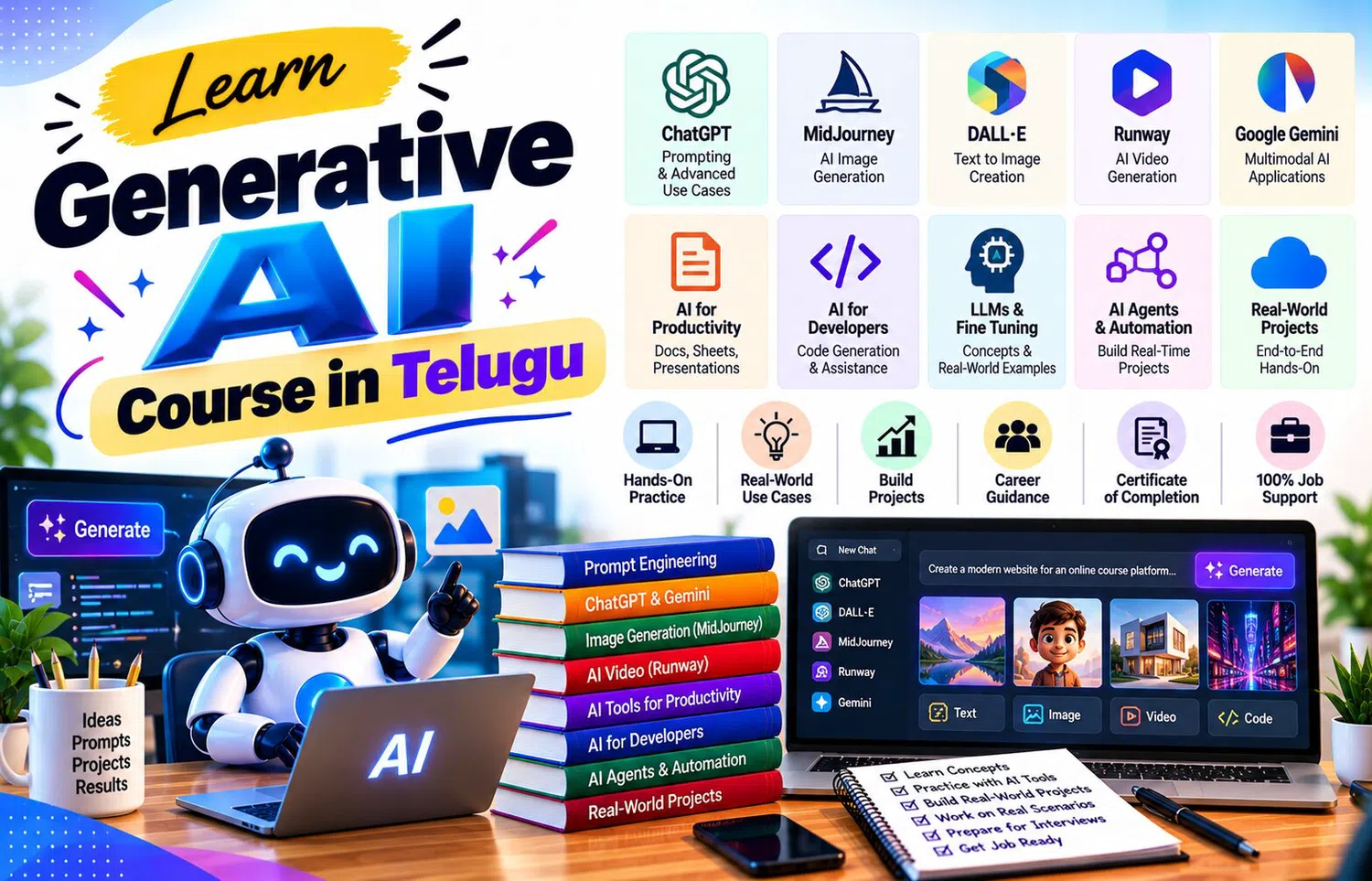
A Generative AI Course in Telugu can help learners move from basic experimentation to practical projects using modern generative AI tools. The goal is not to build extremely complex systems immediately. Beginners can learn more by creating focused projects with a clear purpose, controlled inputs, measurable outputs, and simple evaluation criteria.
Choose a Small Problem First
A beginner project should solve one specific problem.
Good examples include:
Summarize meeting notes
Create study questions
Draft customer replies
Organize feedback
Generate image concepts
Explain code
Build a document assistant
Avoid choosing a project such as:
“Build a complete AI company platform.”
Large projects make it difficult to understand what is actually working.
Start small, test thoroughly, and then expand.
Project 1: Study Assistant
A simple study assistant can help learners understand a topic.
Input:
Course notes.
Possible tasks:
Explain one concept
Generate quiz questions
Create flashcards
Compare two terms
Suggest revision questions
A useful rule is:
“Use only the supplied notes for factual answers.”
This reduces unsupported additions.
The learner should verify the response against the original material.
Project 2: FAQ Assistant
A small FAQ assistant is useful for understanding retrieval and response generation.
Prepare a short knowledge base containing approved answers about:
Course timing
Eligibility
Fees
Support
Technical requirements
The assistant should:
Identify the user question.
Find the relevant information.
Answer briefly.
Say when the answer is unavailable.
Escalate unusual questions.
Testing should include several different ways of asking the same question.
Project 3: Content Idea Generator
A marketing learner can build a controlled content ideation workflow.
Input:
Audience
Topic
Platform
Objective
Topics to avoid
Output:
Blog ideas
Video ideas
FAQ themes
Social-post angles
The user then rates each idea for relevance and originality.
This project demonstrates that generation is useful for expanding options, but human selection still determines quality.
Project 4: Meeting Summary Tool
A meeting-summary project can transform raw notes into:
Decisions
Action items
Owners
Deadlines
Open questions
The prompt should include a rule such as:
“If the notes do not specify an owner or date, write ‘Not stated.’”
This prevents the system from filling gaps with invented details.
The final summary should always be checked before being shared.
Project 5: Feedback Classifier
Suppose a company has fifty customer comments.
Create categories such as:
Product question
Pricing
Support
Technical issue
Positive feedback
Ask AI to classify each comment.
Then manually review a sample.
The project teaches:
Classification
Category design
Output consistency
Error checking
Human review
It also shows that ambiguous feedback may not fit neatly into one category.
Define Inputs and Outputs Clearly
Every project should answer:
What goes into the system?
What should come out?
For example:
Input:
Customer message.
Output:
Suggested reply.
Input:
Document.
Output:
Summary.
Input:
Topic.
Output:
Image brief.
Clear inputs and outputs make testing easier.
Add Evaluation Criteria
A project is not complete just because it produces something.
Define how quality will be measured.
Possible criteria include:
Accuracy
Relevance
Format compliance
Completeness
Consistency
Response time
Human editing required
For an FAQ assistant, accuracy may matter most.
For a brainstorming tool, variety and relevance may matter more.
Use Test Cases
Create test cases before calling the project finished.
For a chatbot:
Normal question
Ambiguous question
Missing information
Irrelevant question
Sensitive question
For a summarizer:
Short text
Long text
Missing dates
Conflicting statements
Testing edge cases reveals weaknesses that a perfect example may hide.
Build Human Review into the Project
Decide where a person should review the output.
Examples:
Before sending customer communication
Before publishing content
Before updating important records
Before using financial information
Before executing generated code
A project with clear review points is safer and easier to manage.
Keep Data Privacy in Mind
Use synthetic or anonymized data during practice whenever possible.
Avoid placing:
Passwords
Personal customer data
Confidential contracts
Private employee records
Secret business information
into tools without appropriate approval.
A useful AI project should not create a data-handling problem.
Document the Workflow
Every project should have simple documentation.
Include:
Problem
Input
Prompt
Tool used
Output
Review method
Known limitations
Future improvement
Documentation helps another person understand what the project does and what it does not do.
Create a Portfolio Case Study
A finished project can become a portfolio entry.
For each project, explain:
Problem:
What needed improvement?
Approach:
How was generative AI used?
Testing:
What cases were checked?
Result:
What did the project produce?
Limitations:
Where did it fail?
Learning:
What would be improved next?
This is more useful than simply saying:
“I know generative AI.”
Practical Project Challenge
Build a “Course Information Assistant.”
Prepare ten approved facts about a fictional course.
Create prompts that:
Answer common questions
Avoid unsupported information
Say when information is unavailable
Keep responses concise
Test with twenty questions.
Track:
Correct answers.
Incomplete answers.
Wrong answers.
Questions needing escalation.
Then improve the instructions and test again.
This creates a measurable learning cycle.
Frequently Asked Questions
Do beginner generative AI projects require coding?
Not always. Many useful projects can be designed with AI tools and structured prompts before moving into APIs or programming.
What makes a good first AI project?
A narrow problem, clear input, measurable output, simple test cases, and visible human review.
Should projects use real customer data?
Synthetic or anonymized data is usually safer for learning unless proper approval and safeguards exist.
Why should limitations be documented?
It prevents users from expecting the project to handle situations it was never designed for.
Conclusion
A Generative AI Course in Telugu can help learners build practical skills by turning AI concepts into small working projects.
Study assistants, FAQ systems, summarizers, classifiers, content ideation tools, and visual-planning workflows are strong beginner projects because they teach prompting, context, evaluation, testing, and human review together.
The most valuable project is not necessarily the most complicated one. A simple system that solves one problem reliably and has clear limitations often teaches more than a large unfinished idea.
Project-based learning helps beginners move from using AI casually to designing workflows with purpose, testing, and measurable improvement.