Introduction
A learner entering .NET development may initially see many separate technologies: C#, ASP.NET Core, SQL Server, Entity Framework Core, HTML, JavaScript, REST APIs, authentication, and cloud deployment.
The learning path becomes easier when these topics are arranged in a logical sequence.
Each stage prepares the learner for the next. C# builds programming logic, SQL explains data, ASP.NET Core introduces backend development, APIs connect clients, and projects bring everything together.
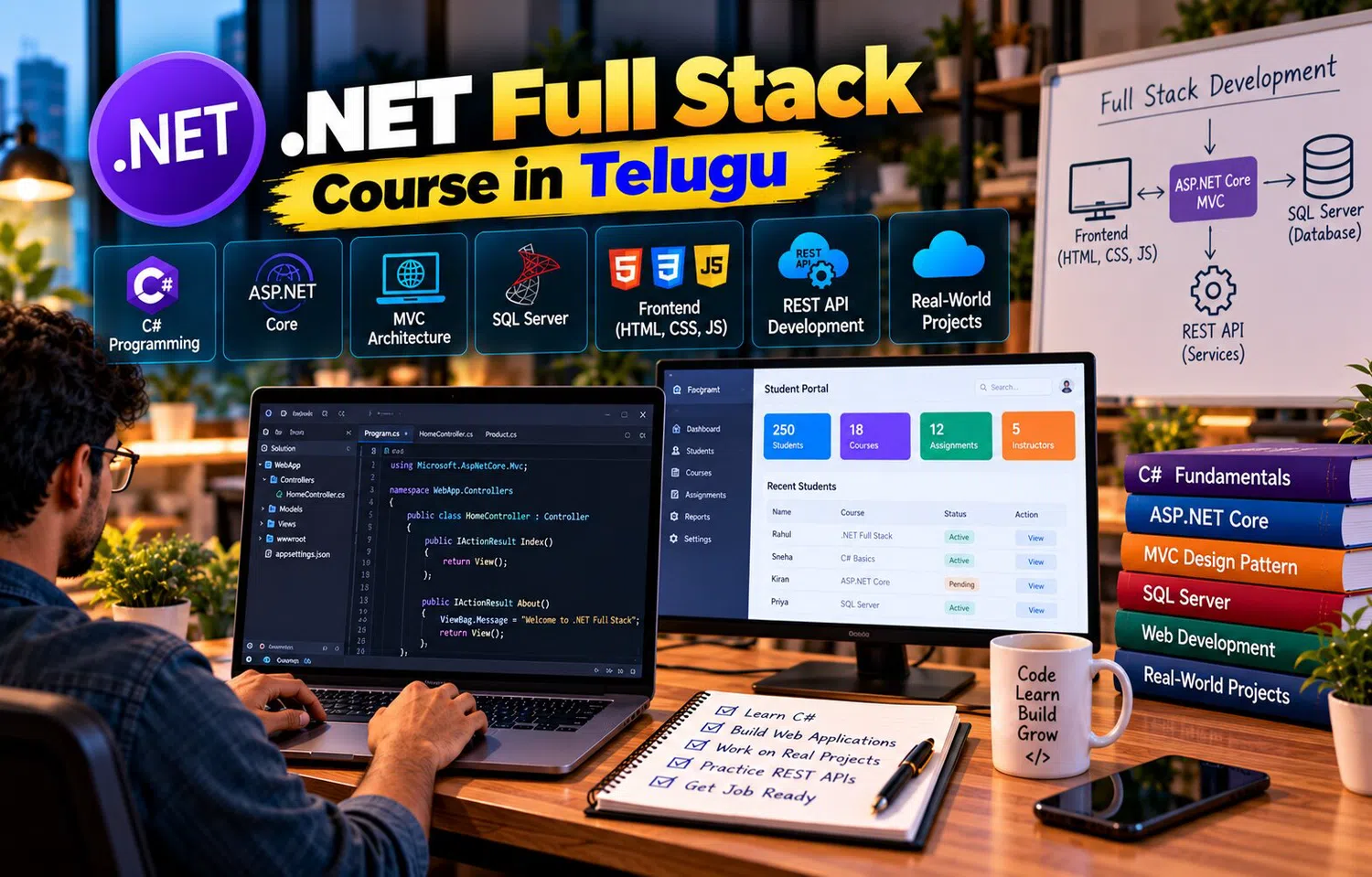
A .NET Full Stack Course in Telugu can help learners move through this progression systematically from basic programming to complete web application development.
Stage 1: Build C# Fundamentals
Begin with:
variables
data types
operators
conditions
loops
methods
The goal is not simply memorizing syntax.
Learners should solve small problems.
For example:
calculate invoice total
check eligibility
process a list of marks
filter products by price
This develops programming thinking.
Stage 2: Learn Object-Oriented Programming
Modern .NET development relies heavily on object-oriented concepts.
Learn:
classes
objects
properties
constructors
inheritance
interfaces
encapsulation
For example, an application may represent:
Customer
Product
Order
Payment
These concepts become especially important when working with ASP.NET Core services and Entity Framework models.
Stage 3: Understand Collections and LINQ
Applications frequently manage groups of objects.
Learn collections such as:
List
Dictionary
Then use LINQ to:
filter
sort
group
select
aggregate
These skills prepare learners for database queries with Entity Framework Core.
Stage 4: Practice Exception Handling
Programs can fail.
Learn how to:
recognize exceptions
use try-catch appropriately
create meaningful errors
avoid hiding failures
Exception handling becomes essential later when applications interact with databases and external services.
Stage 5: Understand Web Fundamentals
Before ASP.NET Core, learn:
HTTP
request
response
GET
POST
status codes
URL
browser-server relationship
A learner should understand what happens when a browser requests a page or submits a form.
This foundation makes backend frameworks easier to understand.
Stage 6: Learn HTML, CSS, and JavaScript
Full stack developers need frontend awareness.
HTML provides structure.
CSS controls layout.
JavaScript creates interaction.
Practice:
forms
buttons
tables
validation
DOM events
API calls
The goal is to understand how users interact with the application.
Stage 7: Move into ASP.NET Core
Now begin backend development.
Learn:
routing
controllers
models
services
dependency injection
configuration
middleware
Build a small API.
For example:
Product API
This connects C# fundamentals with HTTP requests.
Stage 8: Learn SQL Server
Understand:
tables
rows
columns
primary keys
foreign keys
SELECT
INSERT
UPDATE
DELETE
JOIN
A full stack developer should understand the database independently of the ORM.
This helps with debugging and performance later.
Stage 9: Add Entity Framework Core
Now connect the C# application to SQL Server.
Learn:
DbContext
DbSet
entities
migrations
LINQ queries
relationships
tracking
The Product API can now store data permanently.
This is an important transition from temporary examples to database-driven applications.
Stage 10: Build Complete CRUD Features
Implement:
Create
Read
Update
Delete
For example:
Product Management System
Do not stop at the API.
Add a frontend.
Test:
new record
edit
delete
missing record
invalid data
This creates the first complete full stack workflow.
Stage 11: Add DTOs and Validation
As the API grows, avoid exposing database entities directly.
Use DTOs to control:
input fields
response fields
Add validation for:
required values
length
ranges
relationships
This creates cleaner API contracts.
Stage 12: Add Authentication
Introduce:
registration
login
logout
password handling
cookies or tokens
A private dashboard can now identify the user.
Authentication creates a foundation for multi-user systems.
Stage 13: Learn Authorization
Knowing who the user is does not answer what they can access.
Add:
roles
policies
ownership checks
For example:
Customer sees own orders.
Admin manages all orders.
Authorization turns a working application into a more secure one.
Stage 14: Connect a Modern Frontend
The backend can serve a frontend built with:
Angular
React
or JavaScript.
The frontend calls REST endpoints.
Learn how to handle:
JSON
loading
errors
authentication
CORS
environment-specific API URLs
This demonstrates the separation between client and server.
Stage 15: Learn Dependency Injection Properly
ASP.NET Core uses dependency injection throughout the framework.
Understand:
service registration
interfaces
constructor injection
scoped services
transient services
singleton services
This makes application architecture easier to understand and test.
Stage 16: Improve Error Handling
Add centralized error handling.
Use logs.
Return consistent API errors.
Test:
invalid request
not found
unauthorized
database failure
unexpected exception
A professional application should respond predictably when something goes wrong.
Stage 17: Learn Asynchronous Programming
Database and API operations involve waiting.
Use async and await appropriately.
This helps web applications use server resources efficiently.
Learners should understand why asynchronous operations matter rather than simply adding async everywhere.
Stage 18: Introduce Testing
Start with tests for:
service logic
validation
API endpoints
permissions
Then test full user flows.
Automated tests become increasingly valuable as the codebase changes.
They give developers confidence when refactoring or adding features.
Stage 19: Build a Larger Project
A suitable project may include:
users
roles
database relationships
CRUD
search
pagination
reporting
API
frontend
Examples include:
Course Portal
Inventory System
Expense Manager
Helpdesk Application
The project should combine previously learned skills.
Stage 20: Use Git and Version Control
Learn:
repository
commit
branch
merge
pull request
Git helps developers track progress and collaborate.
Even individual learners benefit because they can experiment without permanently losing working versions.
Stage 21: Prepare for Deployment
A local application is only one environment.
Learn:
production configuration
environment variables
database connection
CORS
HTTPS
logging
static frontend deployment
The production system may behave differently from localhost.
Deployment builds another layer of practical understanding.
Stage 22: Monitor and Maintain
After deployment, the work continues.
Applications need:
bug fixes
dependency updates
performance improvements
security patches
new features
database migrations
logs
Software development is an ongoing lifecycle.
A full stack developer should understand maintenance as well as initial coding.
Do Not Learn Every Technology at the Same Time
Trying to study:
C#
Angular
SQL
ASP.NET Core
Azure
Docker
microservices
all at once can create confusion.
A structured progression is more effective.
Build one layer, practice it, and then connect the next one.
Depth in fundamentals makes advanced topics easier.
Build Projects Throughout the Journey
Do not wait until the end.
After C#:
console project
After SQL:
database exercises
After API learning:
CRUD API
After authentication:
multi-user project
After frontend integration:
complete web application
Projects reinforce every stage.
Understand Your Own Code
AI tools, tutorials, and code generators can speed up development.
However, learners should be able to explain:
what the controller does
how data reaches SQL Server
why a DTO is used
how authentication works
where permissions are checked
A project is valuable only when the learner understands its main decisions.
Why Telugu-Based Learning Can Help
The .NET full stack journey introduces many technical concepts together, including OOP, LINQ, middleware, dependency injection, ORM, API, DTO, authentication, authorization, and deployment.
A .NET Full Stack Course in Telugu can explain these concepts in Telugu while preserving the English terminology used in code, documentation, and interviews.
This can make the progression easier to follow without disconnecting learners from professional vocabulary.
Frequently Asked Questions
What should I learn first for .NET full stack development?
Start with C# fundamentals, then web basics, SQL, ASP.NET Core, Entity Framework Core, APIs, frontend integration, and projects.
Do I need frontend knowledge if I mainly want backend roles?
Frontend basics are still useful because they help you understand how clients use your APIs.
Should I learn SQL before Entity Framework Core?
Yes. Understanding relational database concepts makes ORM behavior much easier to understand.
When should I start building projects?
Begin small projects early and increase complexity as new skills are learned.
Conclusion
The journey from C# programming to complete web application development becomes manageable when it is learned as a sequence of connected stages.
C# creates the programming foundation, SQL Server provides persistent data, ASP.NET Core powers backend logic, Entity Framework Core simplifies data access, APIs connect clients, and frontend technologies create the user experience.
Authentication, testing, debugging, deployment, and maintenance then turn these skills into complete application-development capability.