Introduction
Learning full stack development can feel overwhelming when C#, ASP.NET Core, HTML, JavaScript, SQL Server, APIs, security, and deployment are studied as separate technologies. The easier approach is to follow a structured path where every topic builds toward one final goal: creating a complete web application.
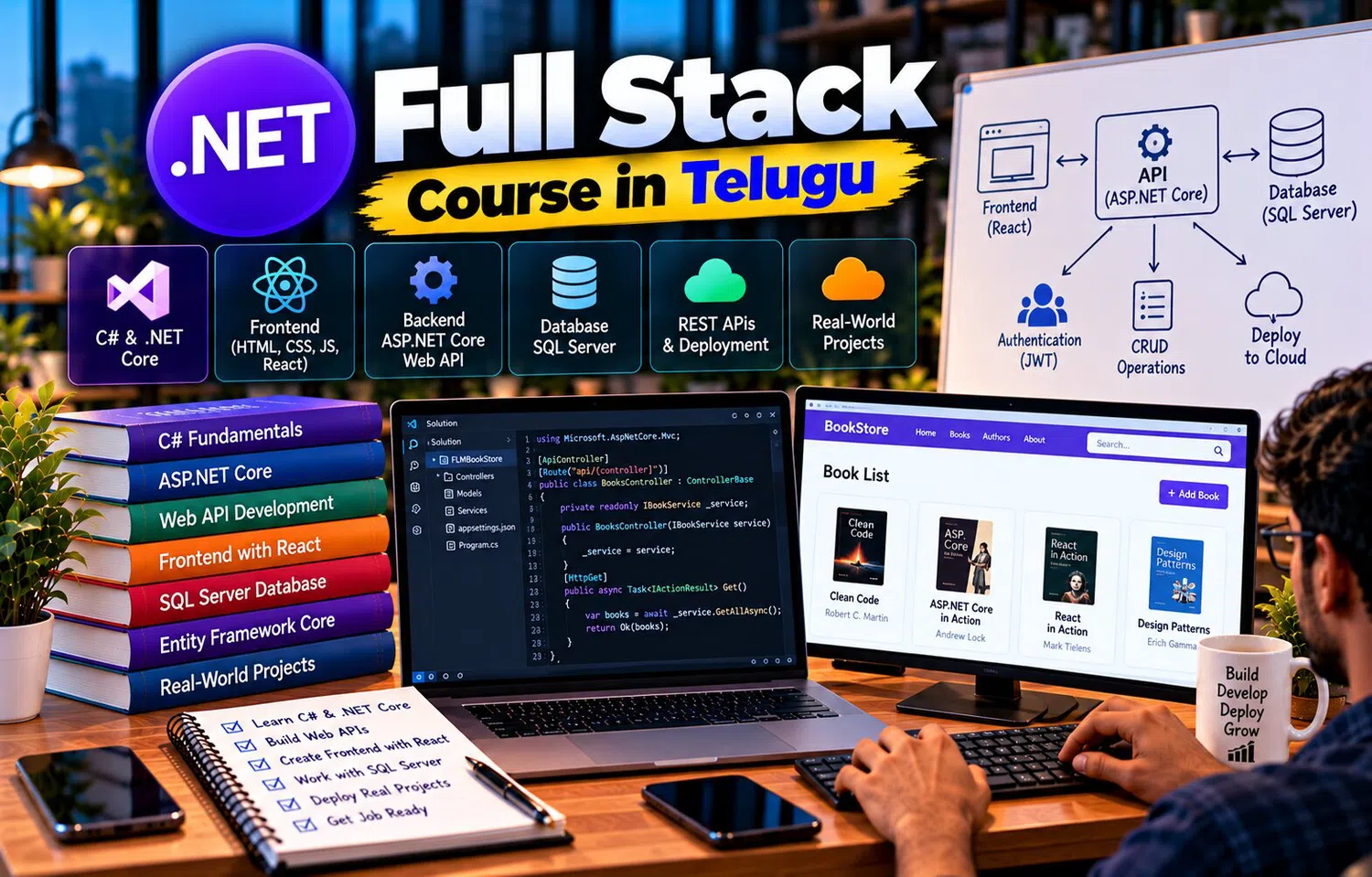
A .NET Full Stack Course in Telugu can help learners move from basic programming to frontend development, backend APIs, database integration, authentication, testing, and deployment in a logical sequence. This progression makes it easier to understand how each technology fits into the complete stack.
Stage 1: Learn C# Syntax
Begin with:
variables
data types
operators
conditions
loops
methods
arrays
collections
Example:
int quantity = 3;
decimal price = 500;
decimal total = quantity * price;
These concepts appear inside business logic later.
A strong programming foundation reduces difficulty when frameworks are introduced.
Stage 2: Understand Object-Oriented Programming
Learn:
class
object
encapsulation
inheritance
polymorphism
abstraction
Create simple classes such as:
Student
Product
Employee
Order
This helps learners model real business data using C#.
Stage 3: Learn Exception Handling
Study:
try
catch
finally
custom exceptions
Understand the difference between:
validation problem
business error
unexpected exception
Applications should fail predictably and provide useful diagnostics.
Stage 4: Learn Collections and LINQ
Work with:
List
Dictionary
HashSet
Then learn LINQ operations such as:
Where
Select
OrderBy
GroupBy
These skills become directly useful with Entity Framework Core.
Stage 5: Understand Web Fundamentals
Before ASP.NET Core, understand:
client
server
HTTP
request
response
URL
JSON
status code
A browser or frontend client sends requests to the backend.
The backend processes them and sends responses.
This model is the foundation of web development.
Stage 6: Learn HTML
HTML defines page structure.
Practice:
headings
forms
tables
links
inputs
buttons
semantic elements
A full stack developer should understand how user interfaces collect and display data.
Stage 7: Learn CSS
Use CSS for:
layout
spacing
responsive design
typography
forms
buttons
The goal is not necessarily to become a specialist designer, but to build clean usable interfaces.
Stage 8: Learn JavaScript
JavaScript handles browser-side behavior.
Practice:
variables
functions
events
DOM
arrays
objects
async operations
API calls
JavaScript connects the browser to ASP.NET Core APIs.
Stage 9: Build a Small Frontend Project
Create:
Product List
Add Product Form
Search
Simple validation
At this stage, data can be stored temporarily.
Later, replace the temporary data with backend API responses.
This gives the frontend a clear purpose.
Stage 10: Learn ASP.NET Core Fundamentals
Understand:
project structure
routing
controllers
middleware
configuration
dependency injection
logging
Create a simple endpoint:
GET /api/products
Return test JSON.
This is the first connection between C# and web development.
Stage 11: Learn REST API Design
Practice:
GET
POST
PUT
DELETE
Use:
routes
DTOs
status codes
validation
Build a complete CRUD API.
This becomes the backend interface for the frontend application.
Stage 12: Learn SQL Basics
Study:
CREATE TABLE
SELECT
INSERT
UPDATE
DELETE
WHERE
ORDER BY
GROUP BY
JOIN
Understand primary and foreign keys.
A full stack developer should know how the underlying data is organized.
Stage 13: Learn Database Design
Create tables for:
Products
Categories
Customers
Orders
Think about:
relationships
constraints
data types
normalization
Good backend code cannot compensate for a poorly designed database forever.
Stage 14: Learn Entity Framework Core
Connect C# classes to SQL Server.
Study:
DbContext
DbSet
LINQ
relationships
migrations
tracking
async queries
EF Core reduces repetitive database code.
Still inspect the generated SQL when performance matters.
Stage 15: Connect API to Database
Replace sample in-memory product data.
Now:
GET /api/products
queries SQL Server.
POST /api/products
inserts data.
PUT updates.
DELETE removes or deactivates records.
This is the point where the backend becomes persistent.
Stage 16: Connect Frontend to API
Frontend calls:
GET /api/products
and renders data.
The Add Product form sends:
POST /api/products
This creates a complete flow:
User
→ Frontend
→ ASP.NET Core
→ EF Core
→ SQL Server
→ Response
→ Frontend
Stage 17: Add Validation
Frontend validates:
required fields
simple format
Backend validates:
business rules
permissions
database references
Database adds:
constraints
Strong applications validate at several appropriate layers.
Stage 18: Learn Dependency Injection
Create services such as:
IProductService
IOrderService
Register implementations.
Inject them into controllers.
This reduces tight coupling and improves testing.
Stage 19: Learn MVC Concepts
Even API-based projects benefit from understanding:
Model
View
Controller
For server-rendered applications, learn Razor Views.
Understanding responsibilities improves overall application organization.
Stage 20: Add Authentication
Implement:
registration
login
authenticated requests
Possible tools include:
ASP.NET Core Identity
cookies
JWT depending on architecture
Never store plain-text passwords.
Security should use established framework features.
Stage 21: Add Authorization
Define roles:
Admin
Customer
Support
Protect endpoints.
Example:
Admin → manage products
Customer → place orders
Support → view selected issues
Backend authorization is mandatory even if the frontend hides restricted buttons.
Stage 22: Build an Order Module
Features:
select products
create order
calculate total
store order items
update stock
This introduces:
relationships
transactions
business rules
A project becomes more realistic when operations involve several tables.
Stage 23: Add Search and Filtering
Products can be filtered by:
name
category
price
Orders by:
date
status
customer
Filtering should happen in the database whenever practical.
Avoid loading entire tables into memory.
Stage 24: Add Pagination
Large lists should support pages.
Use:
Skip
Take
or equivalent query logic.
Return:
items
total count
page
page size
This creates a more production-ready API.
Stage 25: Add Error Handling
Use centralized exception handling.
Return appropriate status codes.
Log:
unexpected exception
important operation
request context
Do not expose stack traces or internal details in production.
Stage 26: Add Logging
Use structured logs.
Track:
order created
payment failed
login failure
database issue
Keep sensitive values out of logs.
Good logging helps both development and production support.
Stage 27: Add Testing
Start with unit tests for business rules.
Example:
negative stock rejected
invalid order cannot be placed
Then add integration tests for:
API
database
authentication
Testing improves confidence during future changes.
Stage 28: Learn Git
Version-control the project.
Practice:
commit
branch
merge
pull request
Git allows teams to collaborate and provides change history.
Full stack development is rarely done without version control.
Stage 29: Learn Deployment
Deploy frontend and backend.
Configure:
production database
HTTPS
environment variables
secrets
logging
monitoring
Deployment turns a local project into a usable application.
Stage 30: Monitor the Application
After deployment, monitor:
errors
latency
CPU
memory
database
logs
A deployed application still needs ongoing operational attention.
Production support is part of development.
Final Project: E-Commerce Application
Build:
User Registration
Login
Product Catalog
Search
Cart
Order
Admin Product Management
Order History
Possible technologies:
C#
ASP.NET Core
Entity Framework Core
SQL Server
HTML/CSS/JavaScript or modern frontend framework
This combines almost the entire learning path.
Architecture Example
Frontend
→ REST API
→ Controllers
→ Services
→ EF Core
→ SQL Server
Additional layers:
Authentication
Logging
Validation
Monitoring
This diagram helps learners explain the project clearly.
Add Portfolio Documentation
Document:
project objective
features
architecture
database schema
API endpoints
security
screenshots
deployment
problems solved
A portfolio should show what the learner built and how they approached technical decisions.
Learn Troubleshooting
Practice failures intentionally.
Examples:
database unavailable
invalid token
missing environment variable
frontend API URL incorrect
foreign-key violation
The ability to diagnose these issues is as important as coding the happy path.
Keep Improving the Same Project
Instead of building ten tiny CRUD applications, one project can gradually add:
authentication
search
pagination
reporting
file upload
real-time features
caching
testing
This produces deeper practical understanding.
Why Telugu-Based Learning Can Help
The .NET full stack path introduces many terms such as OOP, controller, DTO, DbContext, migration, middleware, dependency injection, authentication, pagination, and deployment.
A .NET Full Stack Course in Telugu can explain each stage in Telugu while preserving the English terminology learners need for coding, documentation, interviews, and professional projects.
This can make the progression easier to follow.
Frequently Asked Questions
What should a beginner learn first in .NET full stack development?
Start with C# fundamentals and OOP, then learn web basics, frontend technologies, ASP.NET Core, SQL, and Entity Framework Core.
Is SQL necessary for .NET full stack developers?
Yes. Most business applications use persistent data, and SQL knowledge helps with database design, queries, and performance.
When should authentication be learned?
After basic API and database concepts are clear, authentication and authorization should be introduced before building sensitive project features.
What is the best way to become confident in .NET full stack development?
Build one complete project and improve it gradually with security, validation, testing, pagination, logging, and deployment.
Conclusion
.NET full stack development is a journey from programming fundamentals to complete application delivery.
C# provides the programming foundation, ASP.NET Core handles backend development, SQL Server stores data, Entity Framework Core connects the application to the database, and frontend technologies create the user experience.
By progressing through APIs, security, testing, debugging, and deployment, learners can move from writing small C# programs to building complete web applications that are structured, secure, and ready for real users.