Introduction
Reading about cloud services is useful, but practical projects help learners understand how infrastructure components behave together. A project forces the learner to think about networking, storage, permissions, deployment, monitoring, and recovery instead of studying each topic separately.
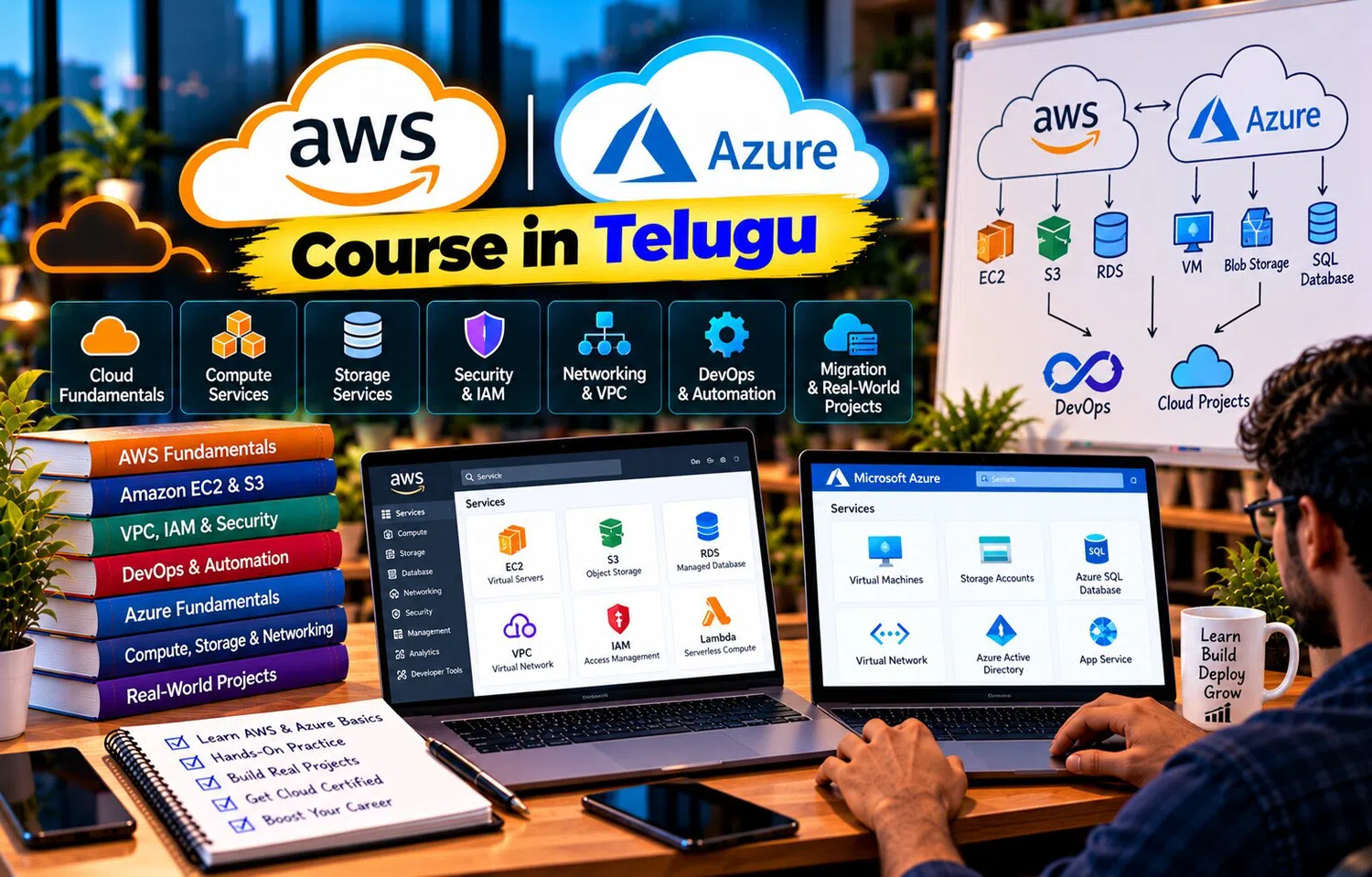
An AWS | AZURE Course in Telugu can help learners build multi-cloud projects that use AWS and Azure concepts side by side. The purpose is not to use two clouds simply for complexity. It is to understand how similar workloads can be designed, deployed, secured, and monitored across different platforms.
Project 1: Static Website Hosting
Start with a simple frontend website.
Files:
HTML
CSS
JavaScript
images
On AWS, learners can explore object-storage-based static hosting and CDN concepts.
On Azure, they can explore equivalent storage and delivery options.
The project teaches:
object storage
public access control
DNS
CDN
cache behavior
Add Custom Domain
After the website works, connect a custom domain.
Learn:
DNS record
HTTPS certificate
domain validation
This turns a simple file upload into a more realistic deployment.
Repeat the exercise in both platforms.
Compare the workflow rather than only the final result.
Project 2: Two-Tier Web Application
Build:
Frontend/API Server
Database
The application could manage:
tasks
students
products
employees
Deploy the application on a VM.
Use a managed database.
Keep the database on private networking where possible.
This teaches compute, database, network, and security together.
Add Load Balancing
Next, run two application instances.
Architecture:
Load Balancer
→ App VM 1
→ App VM 2
→ Database
Verify:
traffic distribution
health check
instance failure
This helps learners understand availability practically.
Add Auto Scaling
Generate additional traffic.
Configure scaling based on:
CPU
request count
or another suitable metric
Observe:
new instance creation
health checks
traffic distribution
scale-in
This turns scalability from theory into a visible process.
Project 3: Serverless Image Processor
Build an event-driven project.
Flow:
User uploads image
→ Object Storage
→ Cloud Function
→ Resize Image
→ Save Processed Version
Implement once with:
AWS serverless services
Then recreate the concept in Azure.
This teaches:
event trigger
function permissions
storage integration
logging
Add Metadata Database
After image processing, store:
filename
upload time
processed status
output path
This introduces a database into the serverless workflow.
Learners can now understand how event-driven compute connects with persistent data.
Project 4: Cloud Monitoring Dashboard
Create a simple application and monitor:
CPU
request count
errors
latency
storage
Build alerts for:
high CPU
application failure
resource threshold
Do this in AWS and Azure.
Compare how both platforms expose metrics and logs.
Add Cost Awareness
Tag resources by:
Project
Environment
Owner
Then review cost information.
Identify:
idle VM
unused disk
old snapshot
This teaches that cloud projects should include cost management, not only deployment.
Project 5: Backup and Recovery Lab
Create a test VM or database.
Add sample data.
Take a backup or snapshot.
Delete or modify selected information.
Restore it.
Verify recovery.
This project teaches one of the most important operational lessons:
backup success is not enough
restore success matters.
Add Recovery Documentation
Write a short runbook:
what failed
which backup to use
restore steps
verification steps
expected RTO
Documentation makes the lab more realistic.
Project 6: Secure Three-Tier Architecture
Design:
Internet
→ Load Balancer
→ Application Layer
→ Database Layer
Use:
separate subnets
restricted security rules
private database
identity roles
logging
The architecture should not expose every VM publicly.
Repeat the structure in AWS and Azure.
Test Security Rules
Try intentional blocked connections.
For example:
internet → database
should fail.
Load balancer → application
should succeed.
Application → database
should succeed.
Negative testing helps learners understand whether security rules actually work.
Project 7: Multi-Cloud File Backup
Build a simple workflow where selected files are stored in one cloud and backed up to another.
For example:
Primary storage in AWS
Secondary copy in Azure
or the reverse.
This introduces:
cross-cloud data transfer
credentials
automation
cost
security
The goal is to understand multi-cloud movement, not necessarily recommend it for every application.
Consider Data-Transfer Cost
Moving data between clouds may create:
egress charges
latency
operational overhead
This project teaches an important lesson:
multi-cloud can improve flexibility, but it is not free.
Architecture decisions should consider both technical and financial impact.
Project 8: Multi-Cloud Monitoring Comparison
Run similar VM-based applications in both providers.
Measure:
CPU
latency
logs
alerts
Use each provider's monitoring stack.
Compare:
setup
dashboard
alert workflow
The purpose is not to decide one provider is universally better.
It is to understand operational differences.
Project 9: CI/CD Deployment
Create a small backend application.
Pipeline:
push code
run tests
build artifact
deploy
monitor
Create one deployment flow for AWS.
Create another for Azure.
This teaches:
automation
deployment environment
secrets
rollback
Add Staging and Production
Do not deploy directly from developer laptop to production.
Create:
Development
Staging
Production
Use separate:
configuration
credentials
resources
This improves deployment discipline.
Project 10: Serverless Notification System
Build:
API request
→ queue
→ function
→ email or notification mock
The queue decouples the API from notification processing.
Implement equivalent architecture in AWS and Azure.
This project combines:
queue
function
retry
monitoring
Add Failure Handling
Make the consumer fail intentionally.
Observe:
retry
failed message handling
logs
This teaches resilience better than only testing successful requests.
Build Architecture Diagrams for Every Project
For each project, document:
client
network
compute
storage
database
identity
monitoring
Draw both AWS and Azure versions.
Then explain:
which parts are conceptually similar
which parts differ
This strengthens architecture thinking.
Keep Project Scope Small at First
A beginner project does not need:
Kubernetes
five databases
ten microservices
multi-region active-active
Start with:
one clear problem
few services
clear learning objective
Add complexity gradually.
This helps learners understand rather than copy.
Track Security from the Beginning
Every project should include:
least privilege
private resources where possible
MFA for human accounts
secret management
logging
Cloud projects should not treat security as an optional final step.
Track Cost from the Beginning
Before launching resources, ask:
What is billable?
What happens if I forget to delete it?
Can I use smaller instances?
Do I need this service running continuously?
Delete unused resources after practice.
Cost discipline is part of cloud engineering.
Project Portfolio Value
A practical cloud portfolio can include:
architecture diagram
problem statement
deployment steps
screenshots
security decisions
monitoring
lessons learned
Instead of saying:
“I know cloud.”
Learners can explain:
“I built this architecture and here is why each service exists.”
This is stronger evidence of practical understanding.
Why Telugu-Based Learning Can Help
Multi-cloud projects involve terms such as deployment, IAM, VNet, VPC, load balancer, serverless, monitoring, backup, CI/CD, and failover.
An AWS | AZURE Course in Telugu can explain the project logic in Telugu while keeping the actual cloud terminology in English.
This can make hands-on practice easier for learners who understand concepts better through Telugu explanations.
Frequently Asked Questions
Do multi-cloud projects need to use both AWS and Azure in one application?
Not always. Learners can first build equivalent projects separately and then explore selected cross-cloud use cases.
Which project is best for beginners?
Static hosting, a VM-based web app, or a serverless image-processing project are good starting points.
Why should projects include monitoring?
Because production cloud work includes operating and troubleshooting applications, not only deploying them.
Should cloud projects include cost tracking?
Yes. Cost awareness is an important practical cloud skill.
Conclusion
Practical multi-cloud projects help learners connect isolated cloud services into complete architectures.
Static hosting teaches storage and CDN, web applications teach networking and databases, serverless projects teach events, and backup labs teach recovery.
By recreating similar workloads in AWS and Azure, learners can compare platforms while developing transferable cloud skills based on architecture rather than service-name memorization.