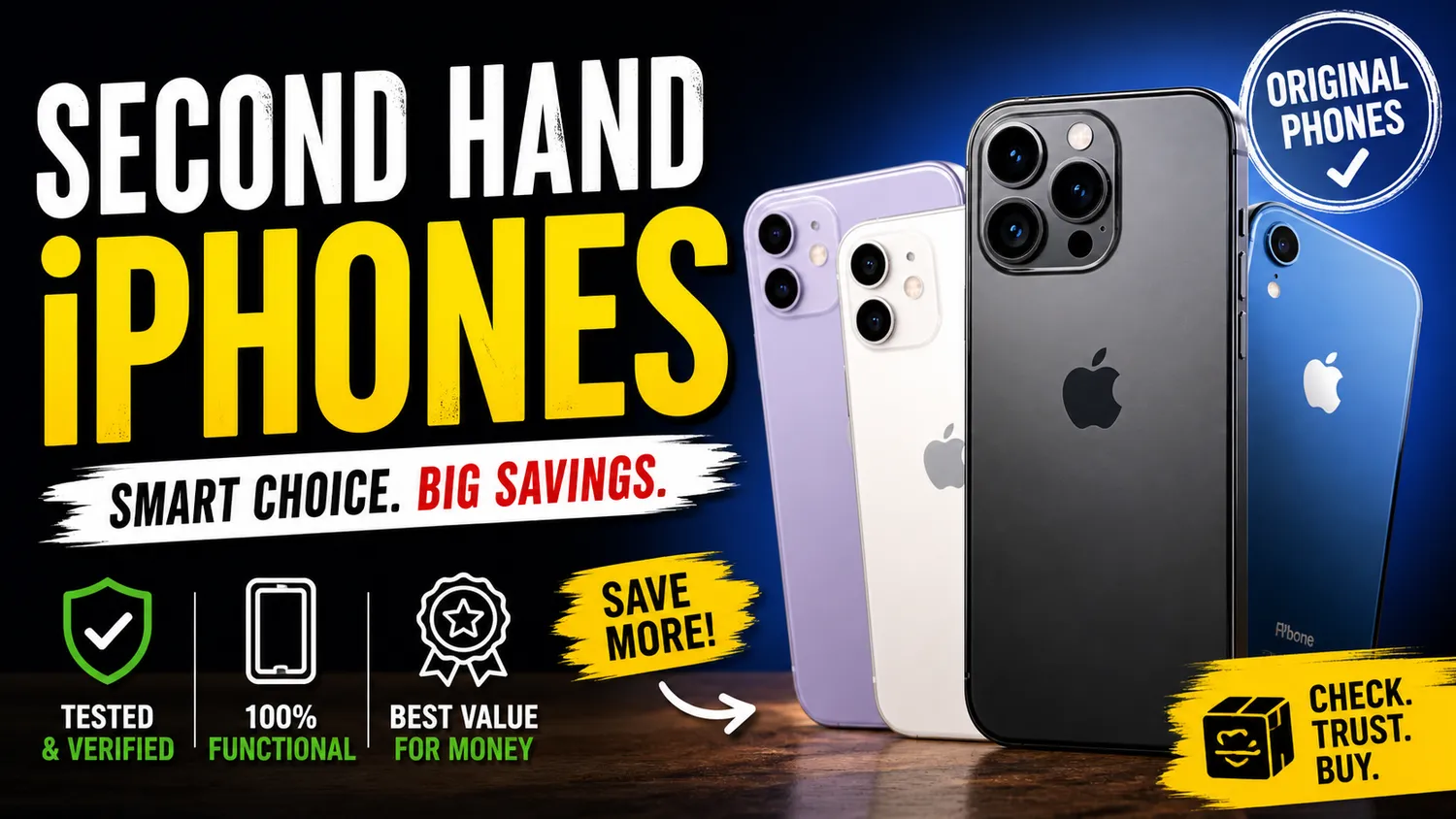
The market for high-end smartphones has shifted significantly as hardware longevity improves. Today, a flagship device from a year or two ago still outperforms many brand-new mid-range models. This has led a vast number of consumers to explore the secondary market. However, buying a used device requires a level of due diligence that differs from walking into a retail store and picking up a sealed box. To ensure you get the best value, you must look beyond the exterior shine and verify the internal health of the device.
When looking for second hand iphones online in india, reliability is the most important factor. Platforms like EasyPhones have simplified this process by providing pre-vetted devices, but understanding the inspection process yourself remains a vital skill for any tech-savvy buyer.
Physical Inspection and Body Integrity
The first step in any quality check is a thorough physical examination. Start by removing any cases or screen protectors to see the actual state of the glass and frame. Look for deep scratches, cracks, or dents. While minor scuffs are expected on a used device, significant dents on the corners can indicate a hard fall, which might have caused internal damage to the logic board or loosened the waterproof seals.
Check the charging port for debris or signs of charring, and ensure the buttons—volume, power, and the action button or mute switch—provide a tactile click. If the screen feels slightly raised from the frame, it could be a sign of a swollen battery, which is a safety hazard and requires immediate replacement.
Verifying the Display and Touch Sensitivity
The display is the most expensive component to replace, so it deserves extra attention. Turn the brightness to the maximum level and open a solid white image to check for "burn-in" or yellowing. Then, open a solid black image to look for stuck pixels or light leakage.
Modern devices use advanced display technology, and you should verify if the screen is original. In the settings of newer models, you can check for a "Genuine Apple Part" notification. Additionally, testing the True Tone feature is a quick way to see if the screen has been replaced by a third party; if True Tone is missing from the Control Center brightness slider, the display is likely non-original. This is a crucial check whether you are looking at an older model or a more recent iphone 16 refurbished unit.
Assessing Battery Health and Performance
Battery life is the most common concern for used mobile buyers. Navigate to Settings, then Battery, and finally Battery Health & Charging. Any device with a Maximum Capacity below 80% will likely struggle to last a full day and may experience "peak performance throttling."
Beyond the percentage, check the cycle count if the software allows it. A low cycle count paired with high capacity is the ideal scenario. EasyPhones prioritizes battery longevity in their stock, ensuring that users don't have to worry about immediate replacements. If the battery has been replaced, ensure the phone doesn't display an "Unknown Part" message, which indicates a low-quality third-party cell was used.
Testing Cameras and Sensors
Open the camera app and test every lens—wide, ultra-wide, and telephoto. Focus on a nearby object and then something far away to ensure the autofocus motor is functioning correctly. Check for any dust particles trapped inside the lens glass, as these will appear as permanent spots on your photos.
Don't forget the biometric security. Test Face ID or Touch ID multiple times to ensure it recognizes you instantly. These sensors are tied to the motherboard; if they are broken, they are notoriously difficult and expensive to fix. Also, make a test call to check the proximity sensor; the screen should go dark when you hold the phone to your ear.
Checking for Hardware Locks and History
Perhaps the most critical step is ensuring the device is not Activation Locked. A phone tied to someone else’s iCloud account is essentially a "brick" and cannot be used. Ensure the previous owner has signed out of "Find My" and performed a factory reset.
Furthermore, check the "Parts and Service History" section in the General settings. This feature provides transparency about whether the camera, battery, or screen has ever been serviced. Knowing this history helps you decide if the price is fair. For those comparing the latest high-end specs, such as an iphone 17 pro vs. 16 pro, knowing the repair history is vital for maintaining the performance expectations of a "Pro" grade device.
Connectivity and Port Functionality
A smartphone that can’t connect to a network is useless. Insert your SIM card to verify that the device is not "carrier locked" and that it picks up a 5G or 4G signal immediately. Test the Wi-Fi by connecting to a hotspot and the Bluetooth by pairing it with headphones.
Check the speakers by playing audio at high volume; there should be no crackling or distortion. For the microphones, record a short voice memo and play it back. If you are opting for a premium iphone 16 pro refurbished, ensure the USB-C port supports data transfer and not just charging, as high-speed data transfer is a key feature of that specific hardware.
Why Buying from Trusted Sources Matters
While individual peer-to-peer sales can sometimes offer lower prices, they come with significant risks regarding hidden faults and a lack of recourse. Choosing a reputable seller like EasyPhones mitigates these risks by providing a professional diagnostic report and a warranty on the hardware.
Checking for water damage is the final hurdle. Most iPhones have a Liquid Contact Indicator (LCI) inside the SIM tray slot. If the sticker is red, the phone has had contact with water, and you should avoid it regardless of how well it seems to work at that moment. By following these steps and choosing the right platform, you can enjoy the premium experience of a high-end device at a fraction of the original cost.