Filming a video with your iPhone can be a blast—until shaky footage ruins the magic. Whether you’re capturing a family hike, a travel vlog, or a social media reel, a camera gimbal is your ticket to smooth, professional-looking videos. An iPhone gimbal, like the Insta360 Flow 2 Pro or DJI Osmo Mobile 7, acts as a video stabilizer, turning your phone into a cinematic tool that rivals pro setups. These devices are easy to use, packed with smart features, and perfect for creators who want polished content without the hassle. Let’s dive into why a gimbal is a must-have and how it can transform your video game.
What Is a Camera Gimbal?
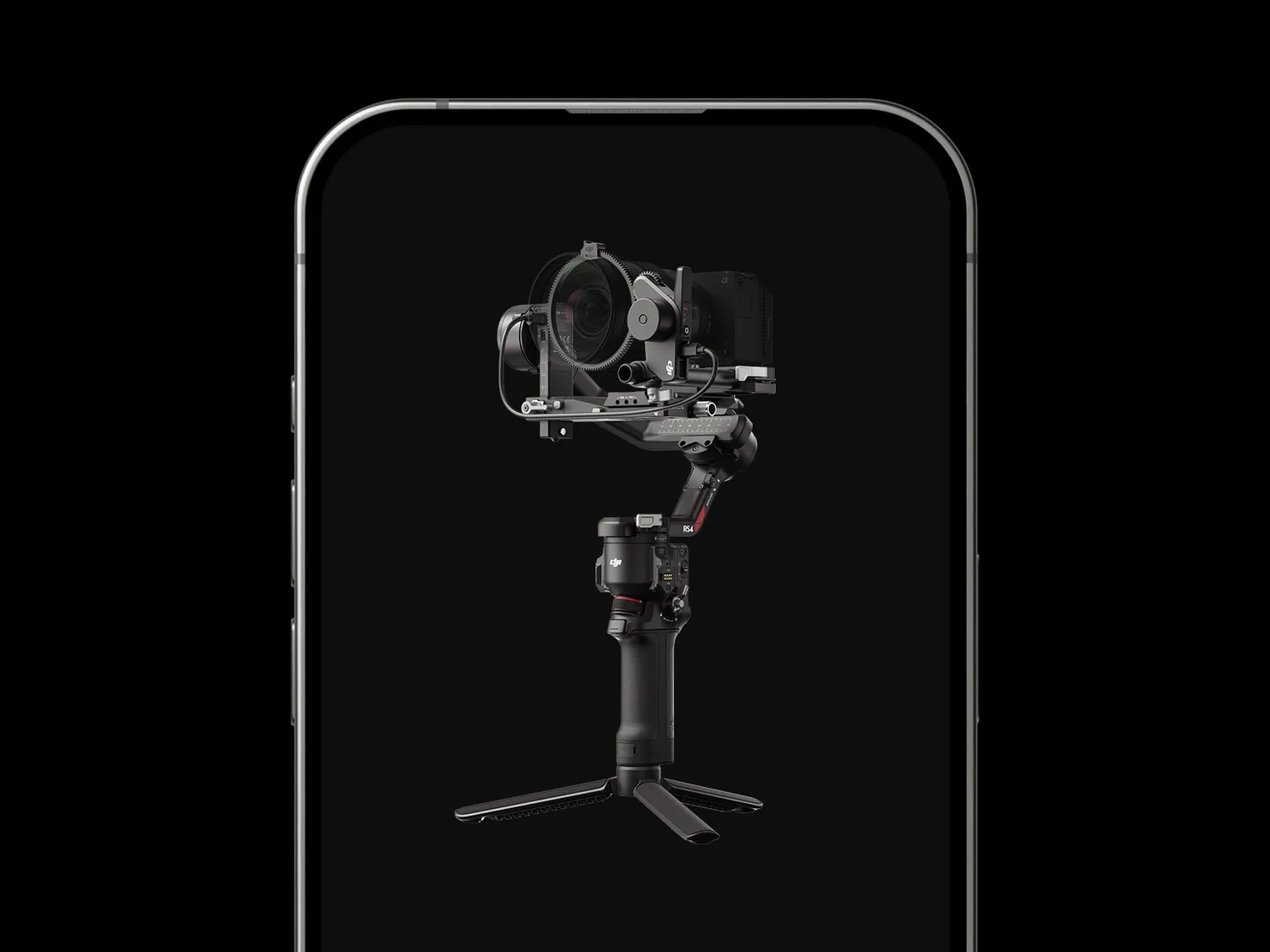
A camera gimbal is a handheld device that uses three-axis stabilization to keep your iPhone steady, countering shakes across pan, tilt, and roll movements. The Insta360 Flow 2 Pro, a top pick for 2025, offers AI-powered tracking and Apple DockKit compatibility, syncing with over 200 iOS apps for seamless control. Its 300g payload handles iPhones from the 13 to 16 Pro Max, even with accessories. The DJI Osmo Mobile 7, with ActiveTrack 6.0 and a built-in extension rod, delivers smooth footage and a 10-hour battery life. These gimbals are foldable, lightweight (around 350g), and perfect for creators on the move.
Why an iPhone Gimbal Shines
An iPhone gimbal takes your phone’s already-impressive camera to new heights. Your iPhone’s built-in stabilization is solid, but it struggles with fast movements or uneven terrain. A video stabilizer like the DJI Osmo Mobile 7 ensures buttery-smooth footage, whether you’re filming a dance routine or walking through a bustling market. Features like gesture control, timelapse, and auto-stitched panoramas add creative flair to vlogs, reels, or live streams. The Insta360 Flow 2 Pro’s one-tap NFC pairing and 12-hour battery make setup and long shoots effortless, while its built-in tripod and selfie stick offer versatility for any scenario.
Benefits of a Video Stabilizer
- Cinematic Footage: Three-axis stabilization delivers shake-free videos, even during dynamic shots.
- Smart Features: AI tracking and gesture controls keep subjects in focus with minimal effort.
- Creative Options: Modes like hyperlapse, timelapse, and 360-degree panning add professional touches.
- Portability: Foldable designs fit in your pocket or bag, ideal for travel or spontaneous filming.
- Ease of Use: Intuitive apps and quick-mount systems simplify shooting for all skill levels.
Tips for Choosing Your Gimbal
- Compatibility: Ensure the gimbal supports your iPhone model, with a 280–300g payload for cases or accessories.
- Stabilization: Opt for three-axis gimbals for superior smoothness, like the Insta360 Flow 2 Pro.
- Battery Life: Choose 8–12 hours of runtime, like the DJI Osmo Mobile 7, for all-day shoots.
- App Support: Look for robust apps with tracking, editing, and creative modes, like Insta360’s or DJI Mimo.
- Extra Features: Consider built-in tripods, extension rods, or fill lights for added versatility, as seen in the Zhiyun Smooth 5S.
Pairing with Accessories
Maximize your iPhone gimbal with a wireless lapel microphone, like the DJI Mic 2, for crisp audio in vlogs or interviews. A portable LED light enhances low-light shots, while a portable power station like the DJI Power 500 keeps your gear charged during long shoots. For example, use the Flow 2 Pro’s tripod mode for steady timelapses and pair it with a mic for clear commentary, creating a compact, professional setup for any project.
Create Videos That Stand Out
A camera gimbal like the Insta360 Flow 2 Pro or DJI Osmo Mobile 7 is your key to smooth, captivating iPhone videos. As a video stabilizer, it delivers professional footage with ease, whether you’re filming a family moment or a viral reel. With smart features and portability, an iPhone gimbal empowers creators to tell stories that shine. Grab your gimbal, hit record, and start crafting videos that leave a lasting impression!