If you’ve ever filmed a video with your iPhone only to be disappointed by shaky footage, you’re not alone. Whether you’re capturing a family moment, a travel vlog, or content for your social media, smooth visuals make all the difference. That’s where a gimbal, specifically a phone gimbal like the DJI Osmo Mobile 6, comes in. Designed to work seamlessly with your iPhone, a gimbal for iPhone ensures your videos look polished and professional. At DJI USA, our gimbals are built to empower creators, and here’s why they’re a game-changer for your content.
What Is a Gimbal and Why Do You Need One?
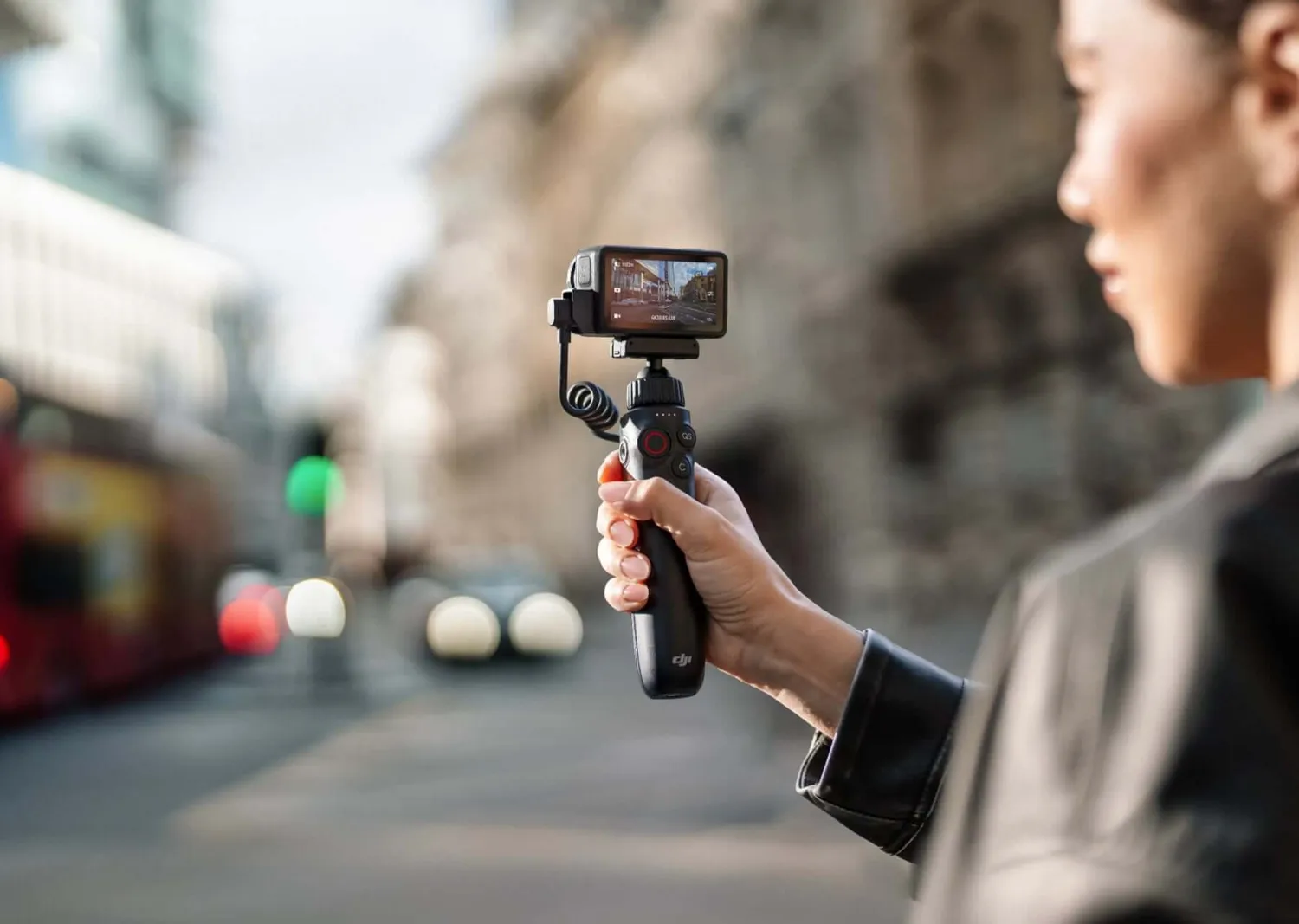
A gimbal is a stabilization device that keeps your iPhone steady, eliminating shakes and jitters from your videos. The DJI Osmo Mobile 6, for example, uses 3-axis stabilization to deliver silky-smooth footage, whether you’re walking through a park or filming a fast-paced event. With features like ActiveTrack 6.0, it locks onto your subject—perfect for vlogs or action shots—while modes like timelapse and hyperlapse let you get creative. Its foldable design and lightweight build make it easy to carry, so you’re always ready to capture the moment.
For iPhone users, a phone gimbal takes your already-powerful camera to the next level. With the Osmo Mobile 6’s intuitive DJI Mimo app, you can control settings, edit clips, and share directly from your iPhone, streamlining your creative process.
Why a Gimbal for iPhone Stands Out
The iPhone’s camera is incredible, but even its built-in stabilization can’t match a dedicated gimbal for iPhone. The DJI Osmo Mobile 6 is optimized for iPhones, with a magnetic clamp that securely holds your device and quick-release features for easy setup. Whether you’re using an iPhone 16 Pro or an older model, the gimbal adjusts to fit perfectly. Its ergonomic design and gesture controls make it a breeze to use, even for beginners, while the 6.4-hour battery life keeps you filming through long shoots.
What sets DJI’s phone gimbal apart is its versatility. From solo vloggers to content creators filming Reels or TikToks, it delivers professional-grade stability without the bulk of traditional camera gear.
Benefits of Using a Gimbal
Here’s how a gimbal transforms your iPhone videos:
- Smooth Footage: 3-axis stabilization ensures steady shots, even during movement or panning.
- Creative Flexibility: Features like ActiveTrack, slow-motion, and panorama let you experiment with dynamic storytelling.
- Ease of Use: Intuitive controls and app integration make filming and editing simple, even for novices.
- Portability: Compact and foldable, the Osmo Mobile 6 fits in your bag, ready for spontaneous shoots.
Pairing Your Gimbal with Accessories
To maximize your setup, pair your gimbal for iPhone with tools like the DJI Mic 2 for crystal-clear audio or a compact tripod for static shots. The Osmo Mobile 6 integrates seamlessly with DJI’s ecosystem, ensuring your gear works together flawlessly. For example, you can film a walk-and-talk vlog with your iPhone stabilized by the gimbal, while the DJI Mic 2 captures every word clearly, creating a polished final product.
Tips for Choosing the Right Gimbal
- Check Compatibility: Ensure the gimbal supports your iPhone model for a secure fit.
- Prioritize Features: Look for 3-axis stabilization, tracking, and creative modes, like those in the Osmo Mobile 6.
- Consider Portability: A lightweight, foldable gimbal is ideal for creators on the go.
- Test Before Filming: Practice with your gimbal’s settings to master features like tracking or timelapse.
Create Videos That Captivate
A gimbal for iPhone like the DJI Osmo Mobile 6 is your ticket to creating videos that stand out. Whether you’re filming a quick Instagram story or a full-length YouTube vlog, this phone gimbal delivers smooth, professional footage that elevates your content. Visit DJI USA to explore our range of gimbals and start crafting videos that capture your audience’s attention with every frame.