The way we consume content has changed — and so has the way we create it.
Gone are the days when polished production was the exclusive domain of large studios with deep pockets. Today, solo creators, small businesses, and agile teams are delivering high-quality videos from living rooms, sidewalks, and travel destinations worldwide. The key isn’t having the biggest budget. It’s having the right gear — tools that are mobile, efficient, and purpose-built for storytelling.
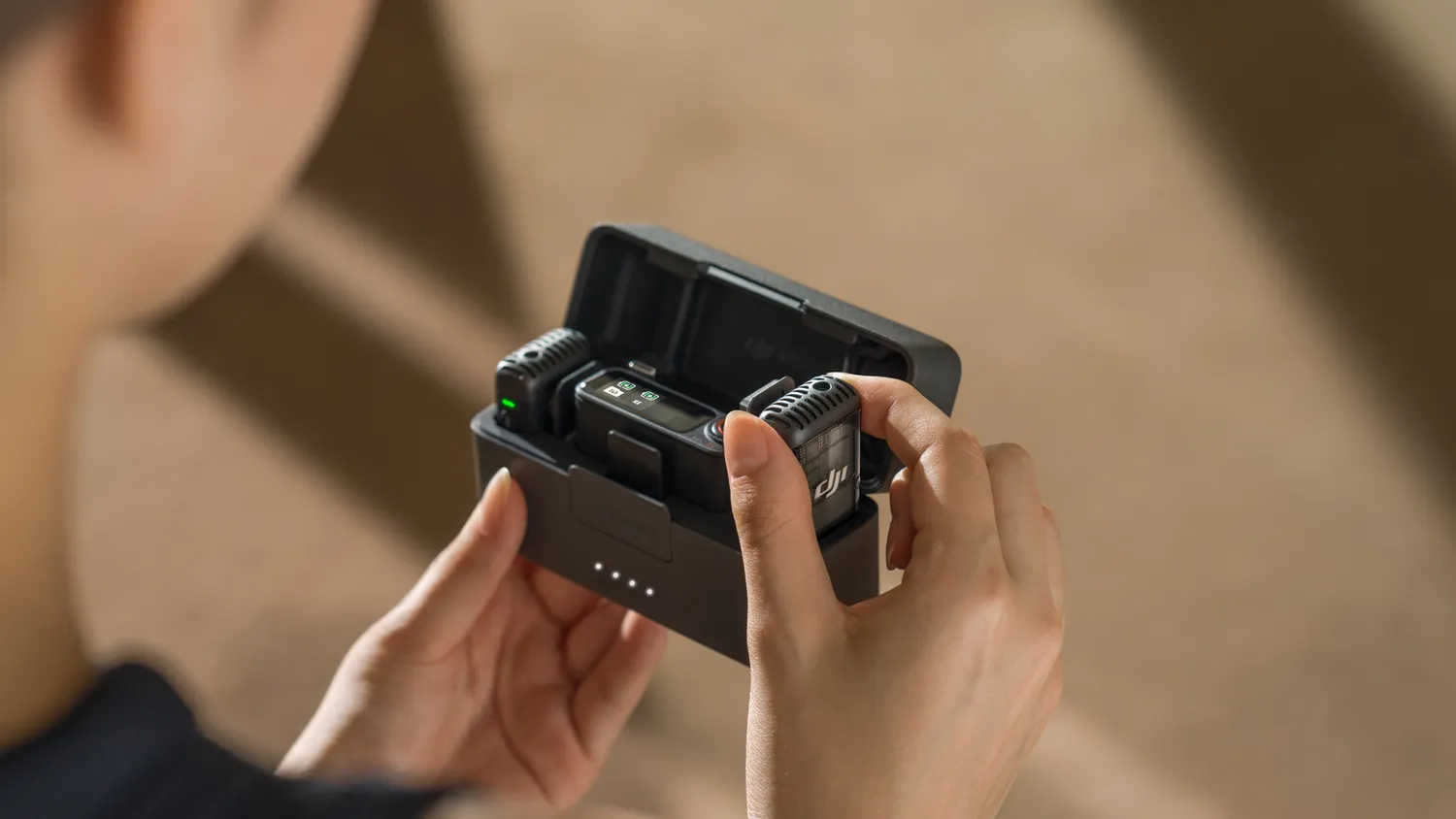
At the heart of this toolkit are three essentials: a wireless mic, a vlog camera, and a camera stabilizer.
Each of these plays a distinct role in improving your content. The wireless mic ensures your message is heard clearly, free from distractions. The vlog camera captures crisp, vibrant visuals optimized for solo shooting. The camera stabilizer adds a layer of fluid motion that makes even handheld footage look cinematic.
Together, they help you present your content in the most engaging and professional way possible — without overcomplicating your workflow. In this guide, we’ll dive deep into each of these tools, explore why they matter, and show you how to build a mobile setup that works with you, not against you.
Wireless Mic: Because Audio Is Half Your Video
If you’re only paying attention to video quality, you’re missing half the equation.
Audio is one of the most critical — and often underestimated — elements of content creation. Viewers can forgive a slightly grainy shot, but poor sound is much harder to ignore. Wind noise, muffled dialogue, or background interference are all common issues when relying on built-in microphones.
That’s where a wireless mic changes the game.
What Makes a Wireless Mic Essential?
A wireless mic system allows you to record clean, consistent audio from a distance without being tethered to your camera. Whether you're doing a walk-and-talk vlog, an outdoor tutorial, or an interview with another person, a wireless system ensures freedom of movement and clarity of sound.
Here’s why it’s worth investing in:
- Clean voice capture: Lavalier-style wireless mics capture sound from your chest area, reducing environmental noise and focusing on your voice.
- Freedom of movement: No wires means you can move naturally, turn, walk, or even film across the room without losing audio quality.
- Professional appearance: A wireless setup removes the visual clutter of cables or boom mics in the frame.
Look for a wireless mic system with real-time monitoring, long battery life, and low latency. Popular models from brands like Rode, DJI, and Sennheiser are trusted for a reason — they work reliably in a wide range of environments.
Whether you're recording from a noisy café or a quiet home studio, solid audio is the backbone of compelling content.
Vlog Camera: Your Visual Storytelling Tool
The word "vlog camera" is thrown around a lot — but not all cameras labeled as such are created equal.
A vlog camera isn't just about being compact. It’s about combining professional-level visuals with features designed specifically for creators who film themselves — often without a crew.
If you're serious about building an engaging video presence, a dedicated vlog camera offers real advantages over a phone or basic DSLR.
Features to Look for in a Vlog Camera
- Flip-out screen: So you can monitor your framing while shooting.
- Fast autofocus: Keeps your face sharp even as you move.
- Strong low-light performance: Great for shooting indoors or in natural light.
- External mic input: Essential for connecting that wireless mic setup.
- Portability: Lightweight but powerful enough to handle 4K video and multiple frame rates.
One of the best parts about modern vlog camera is that you don’t need to spend thousands to get something capable. Cameras like the Sony ZV series, Canon PowerShot G7X, or Panasonic Lumix G100 were all designed with content creators in mind.
Why It Beats a Smartphone
Smartphones are fantastic — and the cameras have come a long way. But even the best phone struggles with things like depth of field, external audio integration, or continuous shooting in challenging light.
A dedicated vlog camera delivers consistent image quality, manual control, and expandability — giving your content the polish and professionalism viewers notice immediately.
Camera Stabilizer: Smooth Footage That Tells a Better Story
Even the best camera can’t hide the distracting effects of shaky footage. When your shots are jittery, your story feels rushed or amateurish — no matter how interesting your subject might be.
This is where a camera stabilizer (also known as a gimbal) becomes essential.
What a Stabilizer Actually Does
A stabilizer uses motors and intelligent sensors to balance your camera across three axes (tilt, pan, and roll). This keeps the camera level and steady, even as you move.
The result? Smooth, flowing footage that feels intentional and immersive.
Whether you're walking while vlogging, capturing a product shot, or filming a cinematic scene on the go, a stabilizer helps you:
- Eliminate shake and jitter: Especially useful when filming handheld.
- Create dynamic motion shots: Pull-ins, reveals, pans, and follow movements look professional.
- Improve pacing and transitions: A steady frame lets you focus on editing and storytelling.
For vlog cameras or mirrorless setups, stabilizers from brands like DJI (Ronin), Zhiyun, or FeiyuTech offer excellent performance at a reasonable price point.
Building a Mobile Creator Setup That Works
Individually, a wireless mic, vlog camera, and stabilizer are powerful tools. But when used together, they allow you to build a reliable, portable, and professional-grade setup that can scale with your creativity.
Let’s look at how they integrate in a real-world scenario.
Use Case: Filming a Travel Vlog
You’re on location in a new city. You clip the wireless mic to your shirt and begin a walking narration through a scenic street. Your vlog camera, mounted on a camera stabilizer, captures the motion with cinematic smoothness. You pause to do a voiceover, then turn the camera to highlight local architecture or interact with a subject on the street. Throughout, your voice stays clear, the visuals stay sharp, and the footage remains smooth.
The gear allows you to focus on the content rather than worry about technical distractions. You’re agile, professional, and confident in what you're capturing.
Tips to Maximize Your Gear Investment
Owning great gear is one thing. Using it effectively is another. Here are some practical tips to help you get the most from your wireless mic, vlog camera, and stabilizer:
- Test before every shoot: Check audio levels, camera settings, and stabilizer balance before you start rolling.
- Record backup audio: Even with a wireless mic, using a secondary audio source (like your camera's built-in mic) can save a take.
- Keep firmware updated: Most stabilizers and cameras release updates to improve features or fix bugs.
- Use ND filters in bright environments: This allows you to maintain cinematic shutter speeds even in daylight.
- Plan your movements: While stabilizers smooth things out, purposeful movement creates stronger visual storytelling.
Final Thoughts: Confidence Comes From Preparedness
There’s no one-size-fits-all gear setup. But if you’re building a serious content workflow — whether for YouTube, branded content, or client projects — the trio of a wireless mic, vlog camera, and camera stabilizer gives you a powerful, flexible foundation.
The value here isn’t just in what each tool does independently. It’s in how they work together to simplify your process, improve your results, and let you focus on being present, creative, and authentic in front of your audience.
When you can rely on your gear, you free up headspace for creativity — not troubleshooting. You gain control over your output, consistency in your production quality, and confidence in the content you publish.
And at the end of the day, that’s what resonates most with viewers — not just what they see, but how your content feels.