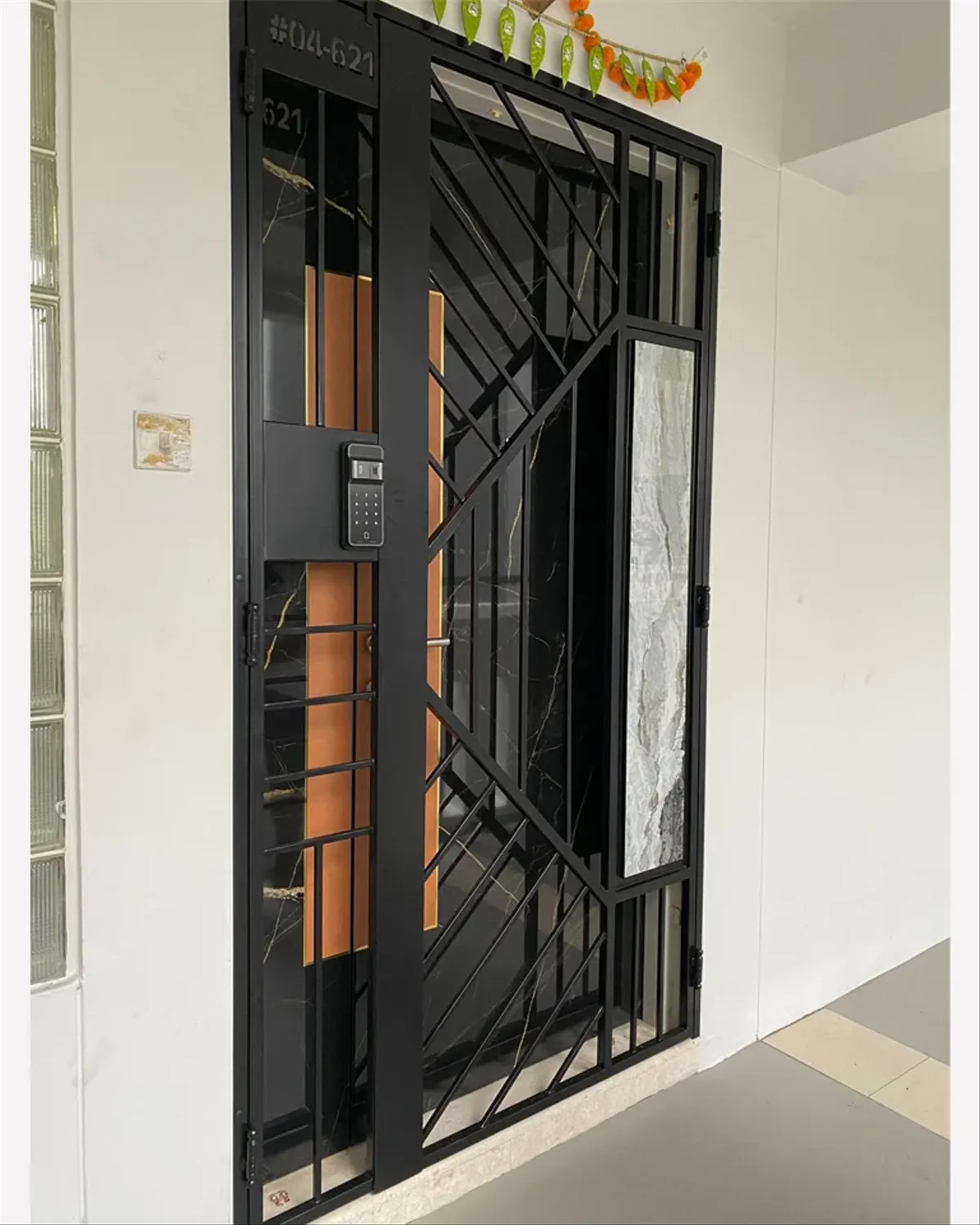
A digital lock is designed to provide convenience, enhanced security, and keyless access to modern homes, especially in HDB flats where smart living solutions are increasingly popular. However, like any electronic device, a digital lock can occasionally fail to open, leaving homeowners frustrated or even locked out. Understanding how to troubleshoot common issues can save time, reduce stress, and help you regain access quickly without causing damage to your door or lock system.
One of the most common reasons a digital lock fails to open is battery depletion. Most digital locks operate on batteries, and when the power level drops too low, the lock may stop functioning altogether. The first step in troubleshooting is to check whether the lock is showing any low battery indicators, such as warning beeps or flashing lights. If the lock is completely unresponsive, it is highly likely that the batteries have drained. In such cases, many digital lock models come with an emergency power option, typically involving a 9V battery terminal located on the exterior panel. By holding a fresh 9V battery against the contact points, you can temporarily power the lock and enter your access code or use your fingerprint to unlock the door.
Another issue that may prevent a digital lock from opening is incorrect authentication. This could involve entering the wrong PIN, using an unregistered fingerprint, or attempting to unlock with an unrecognized RFID card. It is important to ensure that you are using the correct credentials and that your finger is properly placed on the sensor. Sometimes, dirt, moisture, or wear on the fingerprint sensor can affect its accuracy. Cleaning the sensor gently with a dry cloth and trying again can often resolve the problem. If multiple attempts fail, consider using an alternative unlocking method if your digital lock supports it.
Mechanical obstruction is another factor that can cause a digital lock to malfunction. If the door is not properly aligned or if there is pressure on the latch or bolt, the lock may struggle to disengage. This can happen due to changes in temperature, humidity, or door frame warping over time. Try gently pushing or pulling the door while attempting to unlock it. This can relieve pressure on the locking mechanism and allow it to function correctly. Regular maintenance, such as lubricating the latch and ensuring proper alignment, can help prevent such issues.
In some cases, a digital lock may enter a security lockout mode after multiple failed attempts to unlock it. This is a built-in feature designed to prevent unauthorized access. During this period, the lock will temporarily disable input for a few minutes. If this happens, remain calm and wait for the lockout period to end before trying again. Repeated attempts during this time will not work and may extend the lockout duration.
Environmental factors can also affect the performance of a digital lock. Exposure to extreme heat, humidity, or direct sunlight can impact electronic components and sensors. In Singapore’s tropical climate, it is especially important to ensure that your lock is suitable for outdoor conditions if installed on a gate. Protective covers or weather-resistant models can help mitigate these effects and ensure consistent performance.
Connectivity issues may arise in smart digital locks that rely on Bluetooth or Wi-Fi for remote access. If you are trying to unlock your door using a mobile app and it fails, check your phone’s connectivity and ensure that the lock is within range. Restarting the app or your phone can sometimes resolve minor glitches. If the issue persists, you may need to reset the lock’s connectivity settings or consult the user manual for specific instructions.
If all basic troubleshooting steps fail, it may be time to consider a system reset. Many digital locks have a reset function that restores the device to its factory settings. This process usually involves pressing a reset button located inside the lock panel. However, resetting the lock will erase all stored data, including PIN codes and registered fingerprints. Therefore, it should be used as a last resort and only if you have access to the interior side of the lock.
Emergency access options are an important aspect of digital lock systems. Some models come with a physical key override, which can be used in situations where electronic access is not possible. It is advisable to keep this key in a secure but accessible location, such as with a trusted neighbour or family member. Knowing how to use this feature can be invaluable during unexpected lock failures.
Regular maintenance plays a crucial role in preventing digital lock issues. This includes replacing batteries before they are fully depleted, cleaning sensors, and checking for signs of wear or damage. Keeping the lock firmware updated, if applicable, can also improve performance and security. Following the manufacturer’s guidelines for care and usage will extend the lifespan of your digital lock and reduce the likelihood of malfunctions.
Despite your best efforts, there may be situations where professional assistance is required. If the digital lock continues to malfunction after troubleshooting, or if there are signs of internal damage, it is advisable to contact the technical hotline provided by the manufacturer or service provider. Trained technicians can diagnose and repair complex issues safely and efficiently. Attempting to dismantle the lock yourself without proper knowledge can void warranties and cause further damage.
When contacting support, be prepared to provide details such as the lock model, description of the issue, and any steps you have already taken. This information will help the support team assist you more effectively. In urgent situations, such as being locked out late at night, some service providers offer emergency assistance to help you regain access quickly.
In conclusion, while a digital lock offers numerous advantages in terms of convenience and security, it is not immune to occasional issues. By understanding common problems and knowing how to troubleshoot them, homeowners can handle most situations with confidence. From checking battery levels and cleaning sensors to using emergency power options and seeking professional help when needed, a proactive approach ensures that your digital lock remains a reliable part of your home security system.
Visits us : https://www.mydigitallock.com.sg