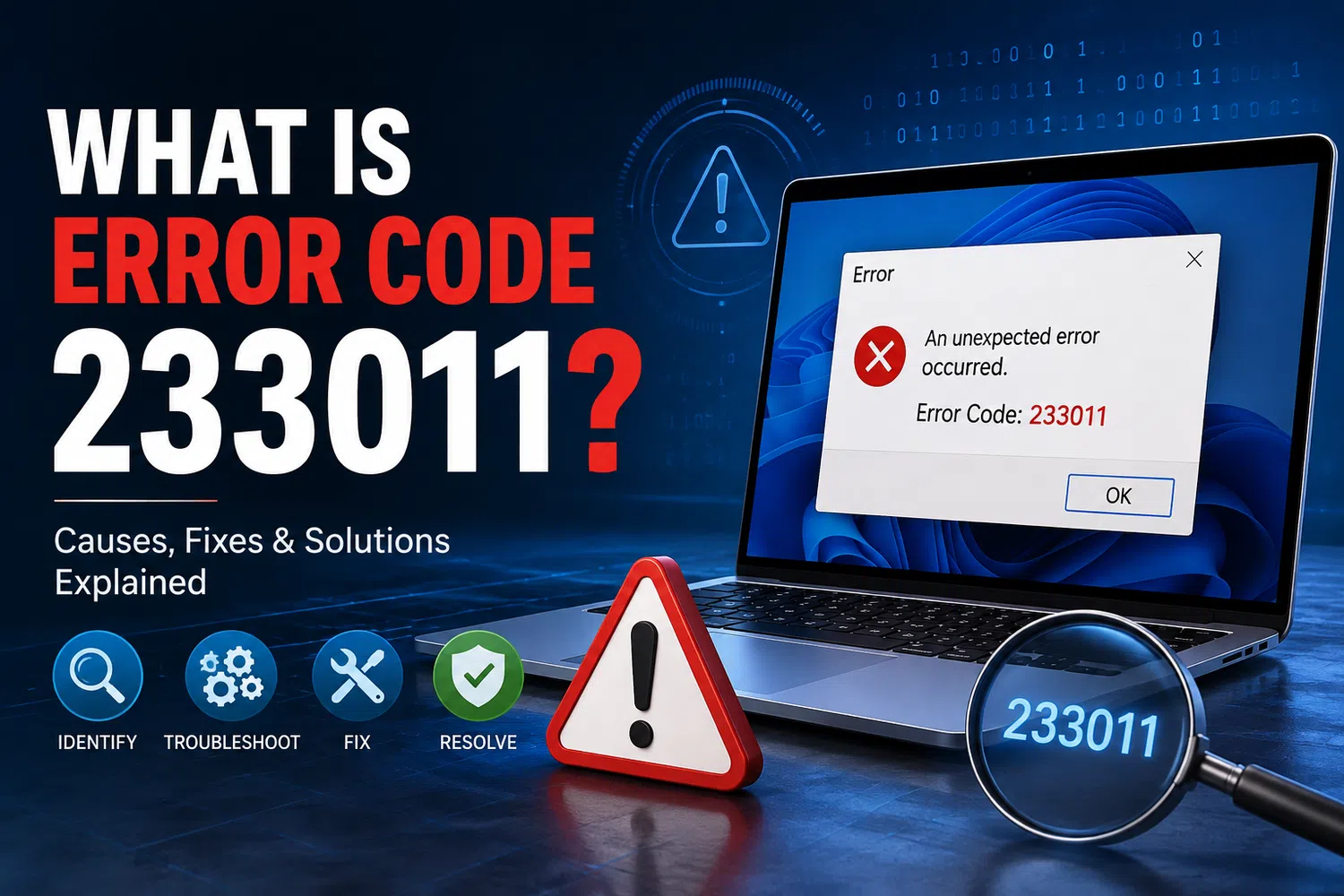
Experiencing issues while streaming a video online and suddenly coming across this error message, ‘This video file cannot be played (Error Code: 233011)?' You're not alone. One of the most frequent video playback issues, it often appears out of nowhere on sites like YouTube, 9Anime, and Netflix.
The bright side, it's often just a matter of a few minutes and can be fixed.
What Does Error 233011 Mean?
Error 233011 simply means your browser or device isn't able to properly load or access the video. It does not necessarily mean your site or profile is compromised; rather, it is usually due to a temporary glitch that is occurring on your end or the platform's end.
Common Causes
There are a couple of reasons that typically cause this error:
Poor internet connection (slowness or loss of Wi-Fi connection prevents video loading)
Issues with the streaming platform itself.
Legacy browser that is not fully compatible with the video player
Browser extensions (especially ad blockers) interfering with playback
Built-up cache and cookies causing conflicts
How to Fix It
For troubleshooting, here are some simple steps to follow:
Check your connection - restart your router, or switch to a wired connection if possible.
Clear browser cache & cookies - out-of-date data is a common source of error.
Update the browser to the latest version.
Turn off hardware acceleration in your browser's settings.
Temporarily unblock your ad blocker (it can block more than ads).
Cut out any unneeded or questionable extensions that could cause problems.
Temporarily disable the firewall/antivirus and eliminate this possibility.
Use an incognito window to clear browser history.
If you think you may have access blocked or be geo-restricted, use a VPN.
As a last resort, reset your browser to default settings.
Do one at a time, and most people are able to fix it in the first few steps.
If Nothing Works
In case you have tried all of the above and still see the mistake, it could be an issue with the video file or the platform's server. Open the video in a different browser or device, or use a site-status tool to determine if the site is down. In some instances, the video file may be corrupted, not the browser.
Preventing It From Happening Again
Just a few positive habits make a big difference:
Regularly clear the cache and cookies.
Using the latest version of the browser and extensions.
Ensure that your antivirus software isn't blocking trusted streaming sites
Wherever possible, obtain a stable internet connection.
Final Thoughts
Error 233011 is disheartening but not really a serious issue—it is typically a browser or connection problem and not something that needs serious attention. If the cause of the problem is actually a video file that is corrupted—not a problem with the browser—then that is where a dedicated tool can help.
This is where Datarecovee can help. Their Video Repair Tool is created specifically for the repair of corrupted or unplayable video files and restores them to virtually working condition without compromising their quality- a great backup treatment when browser-based fixes do not work.