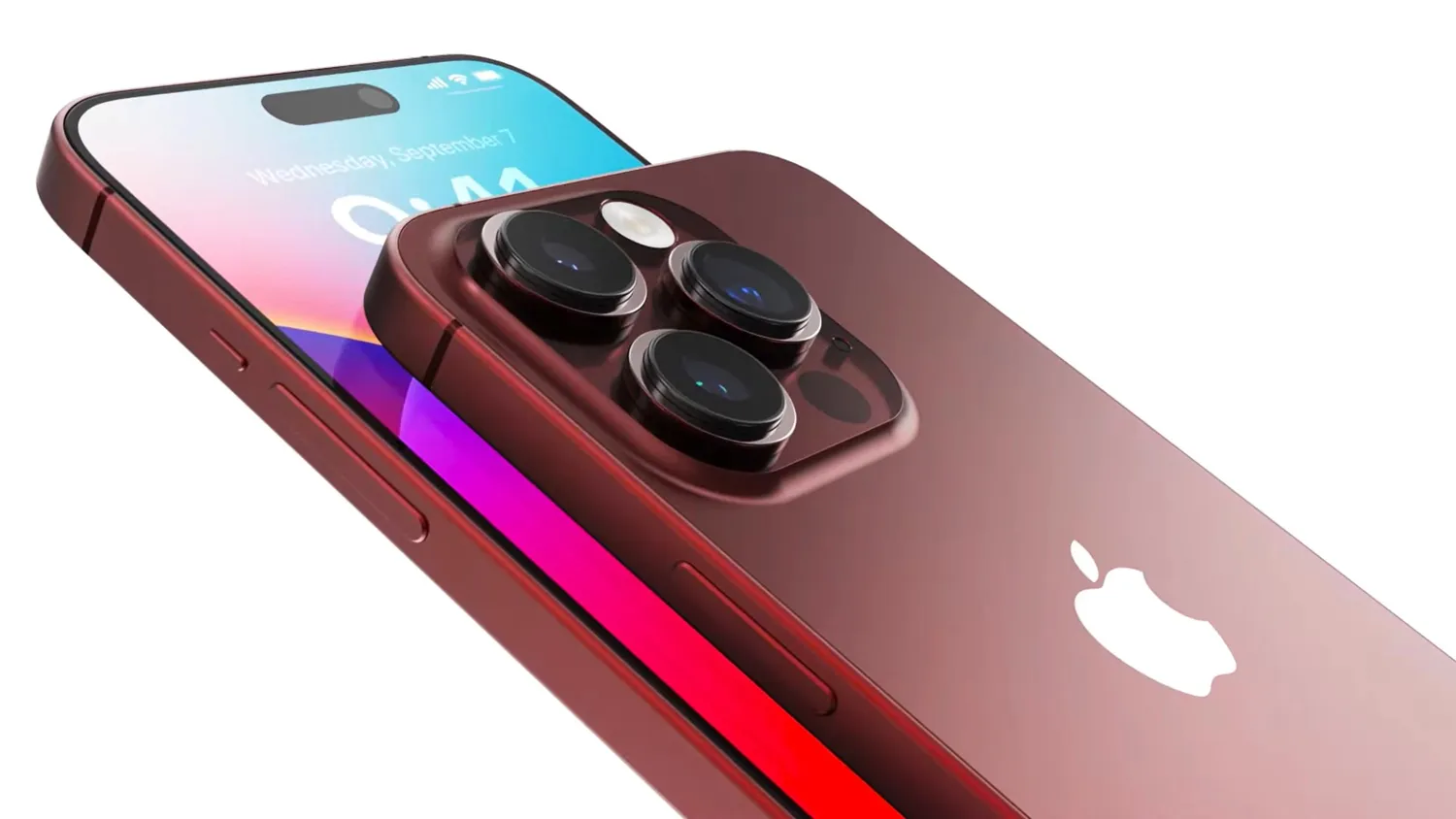
If you're contemplating a change from your trusty iPhone to an Android device in 2023, you're not alone. Many people are making the switch, and I recently made the transition from my iPhone 14 Pro Max to the Samsung Galaxy Z Flip 5. In this article, I will share my experiences and insights about this switch and delve into the challenges and advantages of making such a change.
The Transition Process
Switching from an iPhone to an Android device can be a bit challenging due to the ecosystems' differences. Samsung offers the Smart Switch app to facilitate the process, but it's not without its hiccups. When I attempted to use it, I faced issues with cable detection, and even when it worked, it only partially transferred apps, requiring me to start each one from scratch. WhatsApp also presented difficulties, refusing to transfer. This made the transition a bit frustrating, but it's not entirely Samsung's fault; Apple's ecosystem ties many features to your Apple ID, creating friction when moving to a different platform. While switching the Iphone make if you can get a free Iphone on switch then apply for it.
Software Customization
One of the standout features of Android, especially on Samsung devices, is the level of customization it offers. Samsung's "Good Lock" suite of apps provides extensive control, allowing you to fine-tune your device to your liking. You can customize your keyboard, create motion wallpapers, and even design your own icon packs. This level of customization is a breath of fresh air for former iPhone users who appreciate the ability to tweak every aspect of their device.
User Experience
Moving from iPhone to Android brings with it some notable differences in the user experience. While iPhones offer a seamless and consistent interface, Android allows for more flexibility and options. For instance, searching for an app on Samsung's default home screen may require some finger gymnastics compared to the simplicity of an iPhone. However, these minor issues are easily solvable by finding the right apps or settings to customize your experience.
Face Unlock
One area where iPhone has excelled is with Face ID. It's secure, fast, and reliable. In contrast, Samsung's Face Unlock falls a bit short. It's not as secure, slower, and affected by lighting conditions. While it's serviceable, it doesn't match the convenience and reliability of Apple's Face ID.
Camera Capabilities
One of the significant drawbacks of the Samsung Galaxy Z Flip 5 is the camera setup. While the concept of using the same set of cameras for both front and rear photos sounds great, it comes with its own set of issues. When the phone is in its default folded position, you don't have access to a rear camera. This means you need to tilt the phone and navigate your way to take videos, which can be quite cumbersome. Additionally, video quality is not up to par, particularly in suboptimal lighting conditions.
Foldable Screen Challenges
The foldable screen is undoubtedly a unique feature of the Samsung Galaxy Z Flip 5, but it has its challenges. The top half of the screen is too small for effective use, requiring frequent scrolling. Watching content can be a struggle due to the limited horizontal room, making it necessary to prop the phone sideways, losing the adjustable viewing angle. The visible crease on the screen can be distracting, especially when viewing content from an angle.
Battery Life and Signal Strength
On the positive side, battery life is not a concern, thanks to the 3,700mAh cell. The cover screen, being the default, conserves battery, and it encourages a healthy separation between utility and distraction. However, there seem to be signal strength issues, possibly due to the device's foldable design.
Ecosystem Compatibility
If you're considering the switch from iPhone to Samsung, be prepared for some minor inconveniences when trying to integrate Samsung into the Apple ecosystem. Features like Airdrop are missed, and seamless phone call integration is lacking. However, workarounds are available, and while not perfect, they are manageable.
Conclusion
Switching from iPhone to Samsung Galaxy Z Flip 5 is a mixed bag. While there are some exciting features and customization options, there are also significant challenges, particularly with the camera and foldable screen. Ecosystem compatibility may pose some inconveniences, but it's not insurmountable. If you're willing to adapt and appreciate the unique capabilities of the Z Flip 5, it could be a worthy alternative to your iPhone. Ultimately, the decision to make the change will depend on your specific needs and preferences.
Frequently Asked Questions (FAQs)
Is it difficult to transfer data from my iPhone to the Samsung Galaxy Z Flip 5?
Transferring data can be a bit challenging, especially if you have a lot of apps and data to move. Samsung provides the Smart Switch app to assist with the transition, but it may not work flawlessly. Be prepared for some hiccups and potential data loss.
Can I customize the Samsung Galaxy Z Flip 5 like I can on an iPhone?
Yes, the Samsung Galaxy Z Flip 5 offers extensive customization options, allowing you to fine-tune your device to your preferences. You can personalize everything from your keyboard to your wallpapers and even create custom icon packs.
How does the camera quality on the Samsung Galaxy Z Flip 5 compare to the iPhone?
While the Samsung Galaxy Z Flip 5 has some innovative camera features, it may not match the overall camera quality of the latest iPhones. The video quality, in particular, can be a bit disappointing, especially in less-than-ideal lighting conditions.
What are the challenges of using a foldable screen on the Samsung Galaxy Z Flip 5?
The foldable screen has some unique challenges, such as limited horizontal room for viewing content, a visible crease on the screen, and issues with the screen size when taking videos. It requires some adjustment to get used to.
How compatible is the Samsung Galaxy Z Flip 5 with the Apple ecosystem?
While it's possible to integrate the Samsung Galaxy Z Flip 5 into the Apple ecosystem, there are some inconveniences. Features like Airdrop are missed, and seamless phone call integration is lacking. Workarounds are available, but they may not match the level of convenience provided by an iPhone.