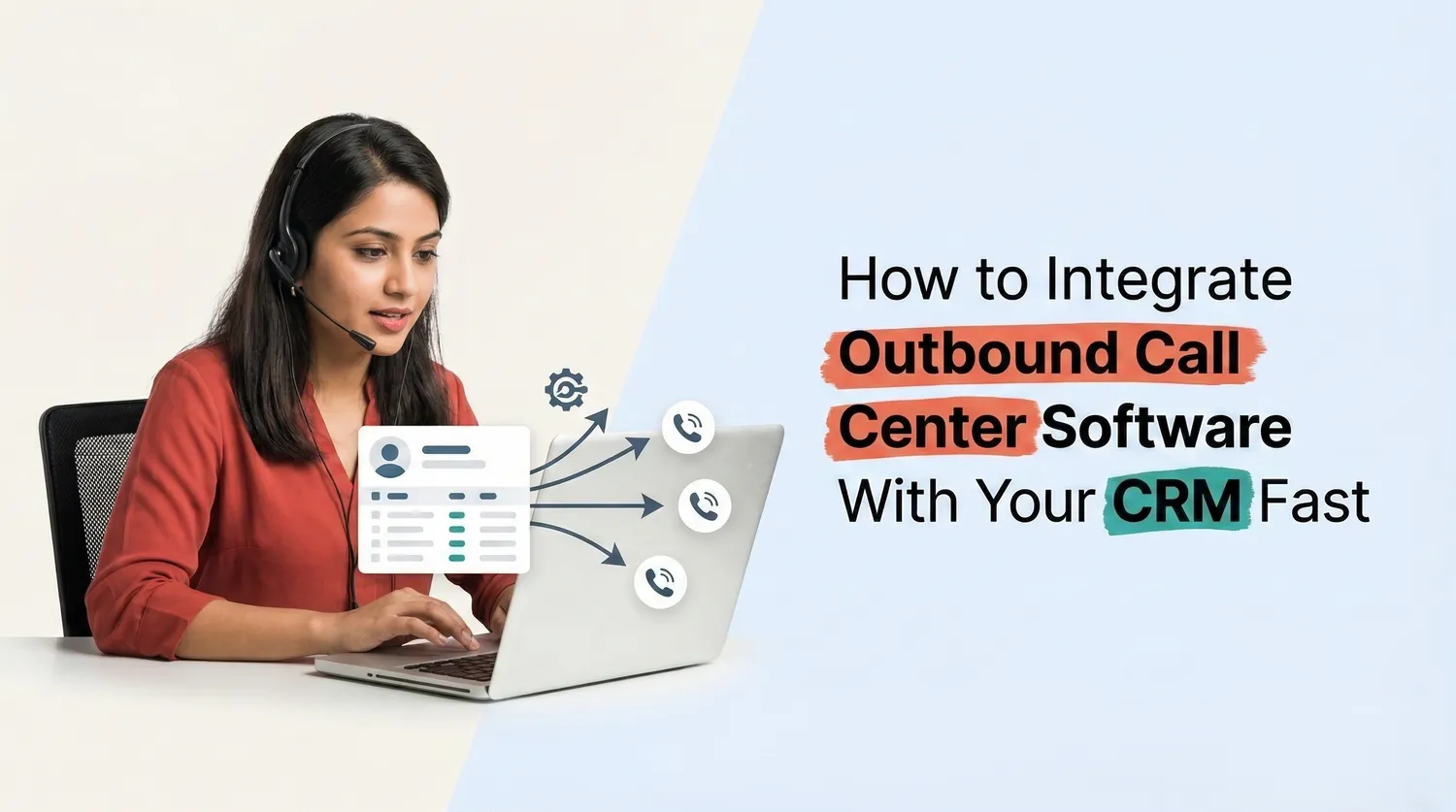
Sales teams depend on speed and accuracy when reaching out to leads. When agents use separate tools for calling and customer data it slows down the process. They may switch between screens, search for contact details and update records manually. This create s delays and reduces the number of calls made each day.
Outbound call center software becomes more effective when it connects with a CRM system. Integration allows both platforms to work together so agents can manage calls and customer data in one place. This setup improves workflow and helps teams respond to leads faster. By combining outbound call center software with CRM businesses can improve communication and increase overall efficiency.
Understand Your Tools Before Starting Integration
Before starting the integration process it is important to understand how both systems work. Outbound call center software is designed to manage outgoing calls through features like auto dialer power dialer and call tracking. A CRM system stores customer data, tracks interactions and helps manage sales pipelines.
When these two systems connect they share data automatically. Customer details from the CRM become available inside the calling platform. At the same time call activity updates the CRM without manual entry. This creates a smooth communication process.
Businesses should check whether their outbound call center software supports CRM integration through API or built in connectors. Many modern platforms provide simple integration options that reduce setup time. Choosing compatible tools helps avoid technical issues and speeds up the integration process.
Use API or Built In Connectors for Quick Setup
The fastest way to integrate outbound call center software with a CRM is through API or built in connectors. Many software providers offer ready to use integration options that connect both systems without complex development work.
API integration allows the two systems to exchange data in real time. When an agent makes a call the system pulls customer details from the CRM. After the call ends the software sends call data back to the CRM. This includes call duration, call outcome and notes.
Built in connectors provide an even simpler setup. These connectors are pre configured by the software provider and require minimal technical effort. Businesses can connect their CRM and outbound call center software by following simple setup steps.
Using these methods reduces setup time and allows teams to start using the integrated system quickly.
Sync Customer Data for Better Call Management
Data synchronization is one of the most important parts of integration. When outbound call center software connects with a CRM all customer data should remain updated across both systems. This includes contact details, call history and lead status.
Agents can view customer profiles directly inside the calling interface. This helps them understand previous interactions before making a call. Because of this they can have more meaningful conversations with leads and customers.
The system also updates call records automatically in the CRM. Every call becomes part of the customer history which improves tracking and follow up. Features like call logging, call recording and call analytics help businesses maintain accurate communication records.
With proper data sync businesses reduce manual work and improve call management efficiency.
Automate Calling Workflows for Faster Outreach
Once integration is complete businesses can automate many calling tasks. Outbound call center software often includes tools like auto dialer predictive dialer and power dialer. These features allow agents to connect with multiple leads quickly without manual dialing.
When integrated with CRM the system can pull lead lists directly from the database. Agents can start calling campaigns without exporting or importing data. This saves time and reduces errors.
The system can also update lead status automatically based on call outcomes. For example if a lead shows interest the CRM can move the contact to the next stage in the sales pipeline. This automation helps sales teams manage leads more effectively.
By combining outbound call center software with CRM automation businesses can increase call volume and improve conversion rates.
Improve Team Productivity and Performance Tracking
Integration not only improves calling speed but also helps monitor team performance. Managers can track call activity through dashboards that show call volume response time and agent performance.
Outbound call center software provides insights through call analytics and reporting tools. When this data connects with CRM records managers gain a complete view of sales and communication performance.
Supervisors can review call recordings and monitor live calls to ensure quality standards are maintained. This helps identify training needs and improve agent performance over time.
Because all call data is stored within the CRM businesses can generate detailed reports without manual data entry. This improves decision making and helps teams work more efficiently.
Ensure Proper Testing and Team Training
After integration it is important to test the system before full deployment. Businesses should check whether calls connect properly and whether customer data appears correctly inside the calling interface. Testing ensures that both systems work together without errors.
Training is also essential for successful adoption. Agents should understand how to use outbound call center software within the CRM environment. They should know how to access customer data log call details and use features like auto dialer or call tracking.
Managers should guide teams on best practices for handling calls and updating CRM records. Proper training helps teams use the system effectively and avoid mistakes during daily operations.
With the right testing and training businesses can ensure a smooth transition to the integrated system.
The Bottom Line
Integrating outbound call center software with a CRM helps businesses improve communication speed and efficiency. It removes the need for manual dialing and reduces time spent switching between tools.
With features like auto dialer call tracking, call analytics and data synchronization teams can manage calls and customer data in one place. This improves productivity and allows agents to handle more interactions each day.
The integration also supports better performance tracking and workflow automation. Businesses can manage leads more effectively and improve conversion rates through faster outreach.
For companies that want to strengthen their sales process and communication system integrating outbound call center software with CRM is a smart and practical step.