In an increasingly mobile-first world, businesses and organizations are seeking for solutions to simplify data collecting processes. One of the most successful options is a mobile form builder, which allows you to design and manage forms right from your mobile device. Whether you're collecting client feedback, conducting surveys, or doing field inspections, mobile form builders provide a versatile and efficient solution to collect and manage data on the go.
What is a Mobile Form Builder?
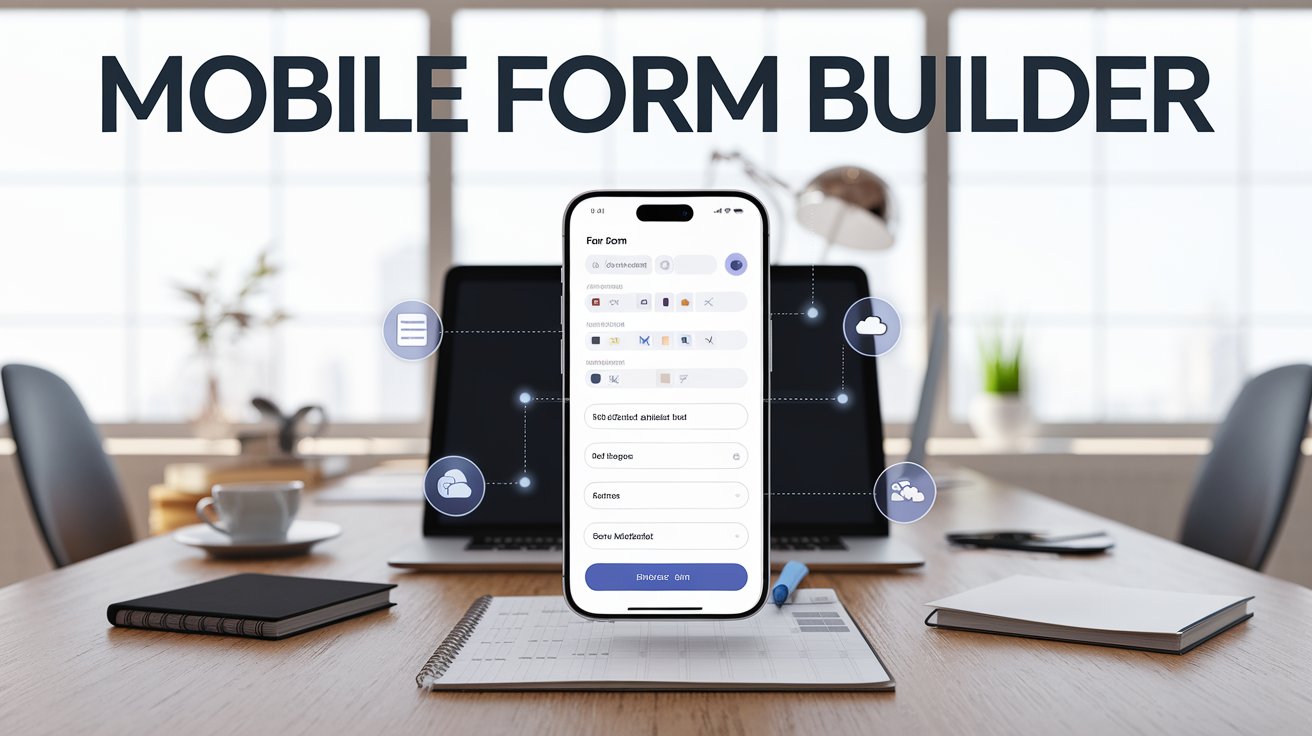
A mobile form builder is a software application or app that allows users to construct personalized forms and surveys without the use of paper or complex desktop software. These forms may be used on smartphones and tablets, allowing businesses to collect data in the field, at the store, or anywhere their personnel are.
Mobile form builders offer a simple, straightforward interface for creating forms adapted to individual requirements. Users can drag and drop various fields such as text boxes, checklists, multiple-choice questions, and more, making data collecting faster and more trustworthy.
Benefits of Using a Mobile Form Builder
- Efficiency in Data Collection: By eliminating the need for paper forms and manual entry, mobile form builders speed up data collection, ensuring faster decision-making and reducing delays in reporting.
- Real-Time Data Sync: Most mobile form builders offer real-time data synchronization, meaning information can be collected, uploaded, and accessed instantly from any device. This is especially useful for teams working in remote locations or across multiple regions.
- Customization: Mobile form builders allow businesses to create forms that suit their specific requirements. Whether it’s a simple feedback form or a complex survey with conditional logic, you can customize forms to gather the exact information you need.
- Error Reduction: Manual data entry can often lead to mistakes, such as typos or missing information. Mobile form builders help reduce these errors by automating processes like data validation, ensuring the accuracy and completeness of collected data.
- Cost Savings: Paper-based forms and manual data entry require significant resources, both in terms of time and money. By switching to mobile form builders, businesses can cut down on paper usage, printing costs, and the labor involved in manually entering data.
- Integration with Other Tools: Many mobile form builders integrate seamlessly with other tools such as CRM software, databases, and analytics platforms, enabling businesses to automate workflows and improve overall productivity.
Key Features to Look for in a Mobile Form Builder
When selecting a mobile form builder, it’s essential to find one that fits your specific needs. Here are a few important features to consider:
- Drag-and-Drop Interface: An intuitive interface that allows users to easily create and customize forms without needing technical expertise is crucial for efficiency.
- Offline Capabilities: Some mobile form builders allow users to fill out forms even when there’s no internet connection, syncing the data once the device is back online. This is ideal for fieldwork in remote locations.
- Conditional Logic: The ability to create dynamic forms that change based on user input helps in gathering more relevant and accurate data.
- Data Security: Sensitive data should be stored securely. Look for a mobile form builder with encryption and other security features to ensure data privacy.
- Analytics and Reporting: After data is collected, the ability to generate reports and analyze trends can help businesses make informed decisions.
Use Cases for Mobile Form Builders
Mobile form builders are ideal for a variety of industries and applications. Some common use cases include:
- Field Inspections: Engineers, technicians, and auditors can use mobile forms to conduct inspections, record findings, and capture photos in real-time.
- Customer Feedback: Businesses can create customer satisfaction surveys or feedback forms to gather insights and improve services.
- Inventory Management: Retailers or warehouse managers can use mobile forms to track inventory levels, stock deliveries, or manage stock-taking processes.
- Event Registration: For events and conferences, mobile form builders can be used for seamless attendee registration, collecting preferences, and managing schedules.
- Healthcare: Medical professionals can use mobile forms for patient intake, medical surveys, or to record health data during patient visits.
Popular Mobile Form Builder Tools
There are several mobile form builder tools available, each offering unique features. Some of the most widely used ones include:
- Google Forms: A simple and free tool that integrates well with Google Sheets and other Google apps.
- Jotform: Known for its easy drag-and-drop functionality and a variety of templates, Jotform is perfect for businesses of all sizes.
- Typeform: Specializes in creating interactive, conversational forms that engage users while gathering valuable data.
- Zoho Forms: A comprehensive mobile form builder that offers advanced features such as workflows, notifications, and integrations with Zoho's suite of tools.
- Formstack: Offers powerful form-building features, including conditional logic, payment processing, and workflow automation.
A mobile form builder is a powerful tool that helps organizations collect data quickly, efficiently, and precisely. By integrating mobile technology, organizations can expedite their processes, decrease manual errors, and ensure that vital data is always available. Whether you're working in the field, managing client interactions, or conducting surveys, mobile form builders make data collecting easier and more productive.