In today's fast-paced world, businesses are always seeking for methods to streamline operations, improve accuracy, and increase efficiency. One of the most important tools to develop in this field is the Photo Audit App. This program uses mobile technology to make audits faster, more exact, and easier to complete, with the added bonus of visual documentation. A photo audit software, whether used for compliance checks, inspections, or inventory management, has the potential to alter how audits are performed across multiple industries.
In this article, we will explore the features, benefits, and best practices of using a photo audit app, and how it is changing the landscape of auditing in businesses.
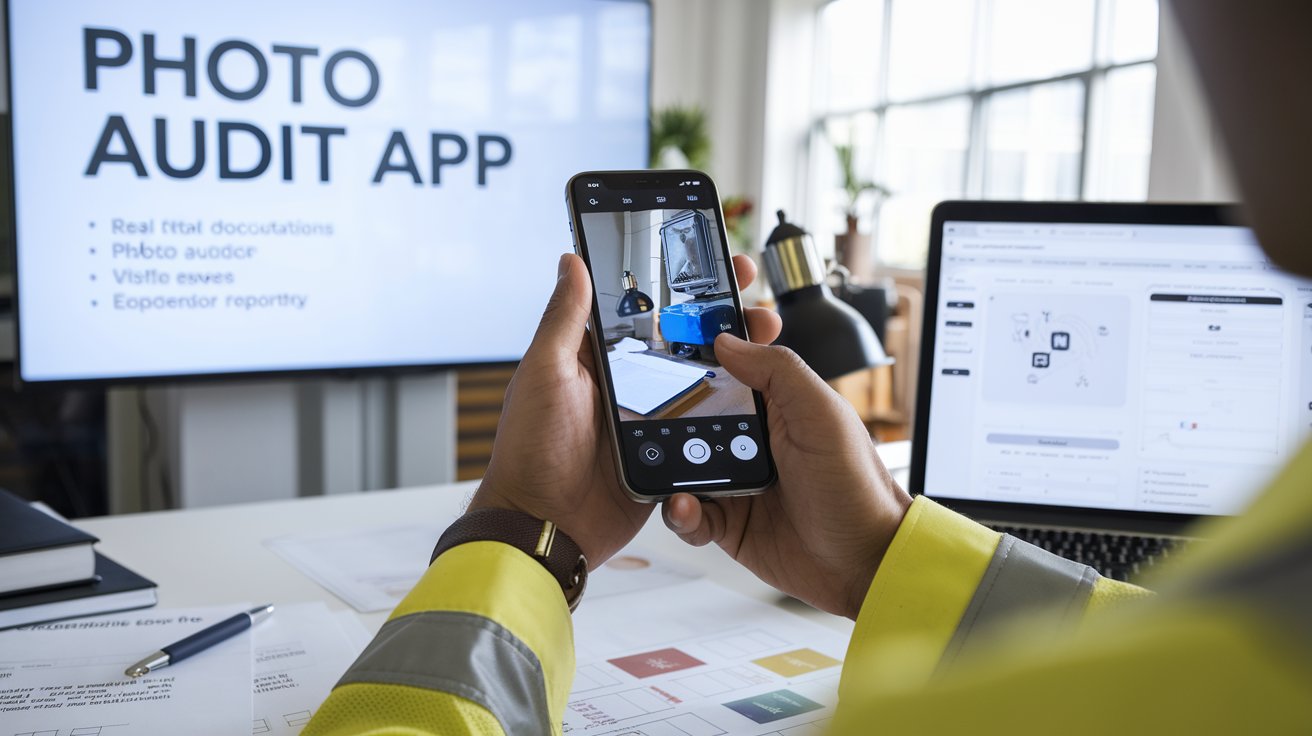
What is a Photo Audit App?
A Photo Audit App is a mobile app that collects, stores, and manages photographic evidence during an audit or inspection. The software allows users to snap high-quality images and tag them with particular audit criteria, creating a visual record of conditions, findings, and issues. These photographs are frequently accompanied by text annotations, GPS coordinates, timestamps, and other pertinent metadata, making them useful for reporting, analysis, and decision-making.
Photo audit apps are commonly used for:
- Facility inspections (e.g., building maintenance or safety checks)
- Inventory audits (e.g., warehouse or retail stock management)
- Compliance audits (e.g., regulatory checks for health and safety)
- Quality control audits (e.g., manufacturing and product quality checks)
Key Features of a Photo Audit App
1. Photo Capture and Annotation
The core feature of a photo audit app is its ability to capture clear, high-quality images. Users can take photos of assets, issues, or areas of concern and add annotations such as text descriptions, tags, or notes to provide context to the image.
2. Geolocation and Time Stamping
Most photo audit apps offer GPS integration, tagging photos with location coordinates to ensure that each image is associated with a specific area or asset. Time-stamped images help ensure the accuracy and timeliness of audits, providing a clear timeline of inspections or audits.
3. Customizable Templates and Forms
To standardize the auditing process, many apps offer customizable templates for various audit types. These templates can include predefined fields, checklists, and prompts, making it easy for auditors to capture all the necessary information in a structured format.
4. Real-Time Collaboration
Many photo audit apps enable real-time collaboration, allowing multiple users to view, comment, and share audit reports instantly. This feature helps streamline communication between team members and ensures that any issues identified during the audit can be quickly addressed.
5. Cloud Storage and Reporting
A key benefit of photo audit apps is their ability to store photos and reports in the cloud. This ensures that all audit data is securely stored, easily accessible, and can be shared across teams or departments. Many apps also generate automated reports that summarize the audit findings, including photos, annotations, and other relevant details.
6. Integration with Other Systems
Photo audit apps often integrate with other enterprise systems, such as asset management, inventory, or compliance management tools. This integration helps create a seamless workflow and ensures that audit data can be used in broader business operations, reducing the need for manual data entry.
Benefits of Using a Photo Audit App
1. Increased Accuracy and Transparency
By allowing auditors to capture clear images with supporting notes, photo audit apps significantly reduce the chances of human error. Visual evidence provides transparency and offers a reliable record of what was inspected, improving audit accuracy.
2. Faster Auditing Process
Traditional audits often involve manual data collection, paper forms, and physical records, which can be time-consuming. With a photo audit app, auditors can capture all necessary data in real time, speeding up the entire process and reducing the time spent on report generation.
3. Enhanced Compliance and Reporting
Photo audit apps provide a more effective way to meet compliance requirements, as the photographic evidence and detailed reports ensure that organizations can demonstrate adherence to regulatory standards. This is especially important for industries such as healthcare, construction, and food safety.
4. Improved Accountability
Having a visual record of audits improves accountability. Employees and contractors can be held responsible for their actions, and issues can be tracked over time to ensure corrective actions are taken.
5. Cost-Effective
By reducing paperwork, eliminating manual data entry, and streamlining the audit process, photo audit apps can save organizations money. The ability to quickly identify issues and take corrective actions also helps prevent costly mistakes and delays.
Request A Free Demo! https://axonator.com/request-for-demo/
Applications of Photo Audit Apps Across Industries
1. Facility Management
Facility managers use photo audit apps to conduct regular inspections, such as checking the condition of buildings, equipment, and safety systems. The app helps document any issues and track maintenance over time, ensuring compliance with safety and building regulations.
2. Retail and Inventory Audits
In retail, photo audit apps are used to take inventory counts, document product conditions, and verify stock levels. The app helps retail managers conduct stock audits quickly and accurately, reducing errors in inventory management and improving supply chain efficiency.
3. Construction and Site Inspections
Construction professionals use photo audit apps to document job site conditions, ensure safety compliance, and track project progress. Photos can capture everything from structural integrity to worker safety equipment, providing valuable evidence for project reports.
4. Health and Safety Compliance
Industries such as healthcare, food services, and manufacturing rely on photo audit apps to ensure compliance with health and safety regulations. Auditors can take photos of equipment, procedures, and work environments to verify that safety protocols are being followed.
5. Quality Control
Manufacturers can use photo audit apps to document the condition of raw materials, equipment, and finished products. This helps identify defects, track quality trends, and ensure product quality standards are met.
Best Practices for Using a Photo Audit App
1. Standardize Audit Templates
Ensure consistency by using standardized templates for audits across the organization. This simplifies the process for auditors and ensures that all necessary information is captured.
2. Train Users on the App
Proper training ensures that staff are familiar with the app’s features and know how to take high-quality photos and complete audit forms accurately.
3. Regularly Backup Data
Ensure that all audit data is securely backed up to the cloud to prevent loss of important information. Regular backups also ensure that data can be accessed anytime, anywhere.
4. Review and Analyze Audit Reports
Regularly review the audit reports generated by the app to identify recurring issues or patterns. This helps in taking corrective actions and improving processes over time.
The photo audit software is a game changer for companies looking to expedite their auditing procedures. These apps provide numerous benefits to businesses ranging from construction to healthcare by allowing for the capturing of photographic evidence and making audits faster, more accurate, and transparent. Photo audit applications are a crucial tool for enhancing operational efficiency, maintaining compliance, and lowering expenses due to their real-time documentation, cloud storage, and user-friendly features. Embracing this technology is not only a step toward modernization, but it also ensures that audits are carried out with the utmost accuracy and accountability.