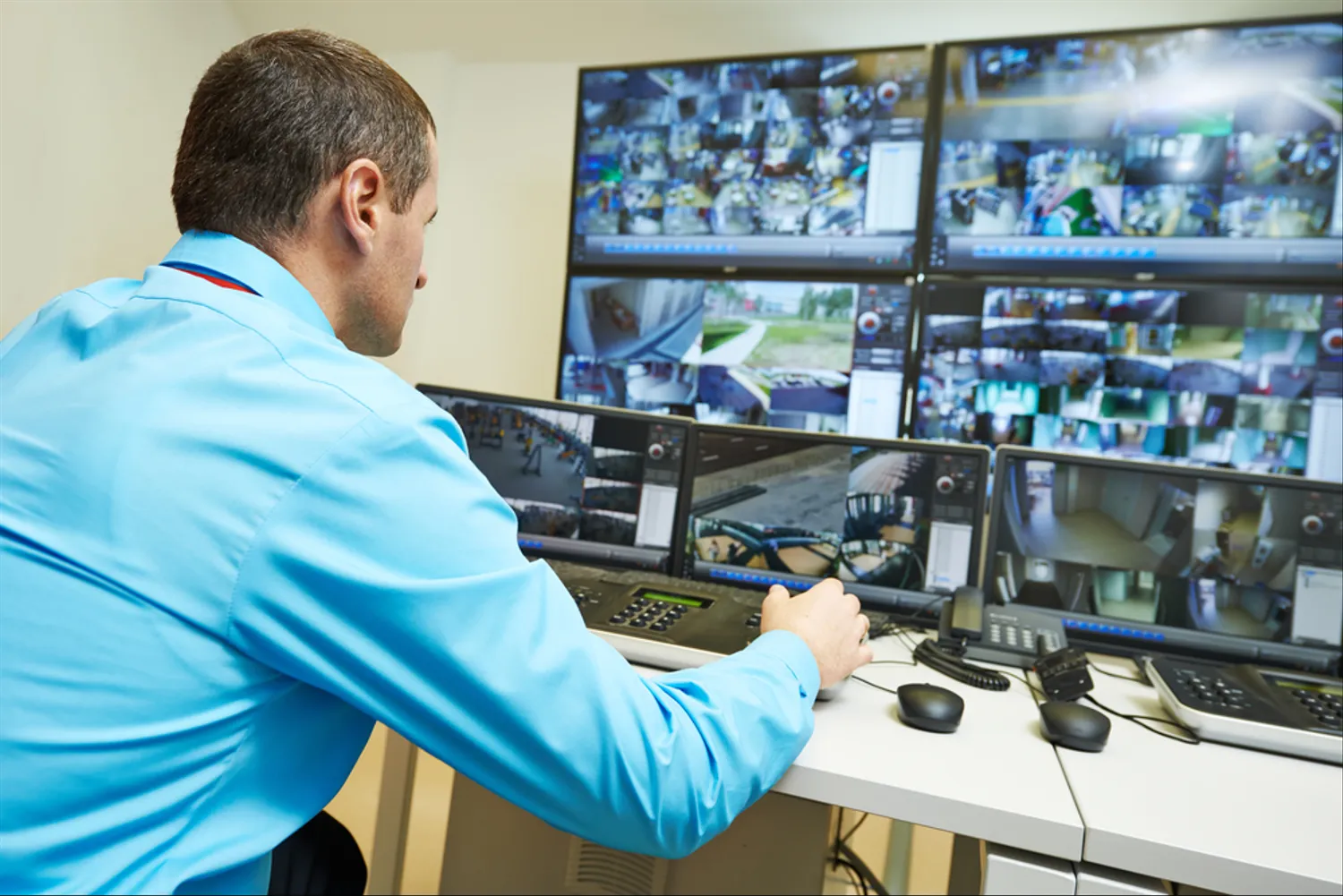
Video surveillance software allows users to view, record, and manage video footage from security cameras and CCTV systems. This type of software is becoming increasingly popular for home and business security applications. In this article, we'll provide an overview of video surveillance software and highlight some of its key capabilities.
Accessing Live and Recorded Footage
One of the main functions of video surveillance software is allowing users to view live footage from security cameras. This gives you real-time visibility into what's happening on your property. The software connects to cameras via wired or wireless connections to stream video to your desktop or mobile device.
In addition to live viewing, the software also lets you access recorded video footage. The software integrates with cameras and NVRs (network video recorders) to store and manage video recordings. You can then search through recorded footage and playback video as needed.
Remote Viewing and Alerts
A major advantage of video surveillance software is the ability to remotely view camera feeds and recordings. As long as you have an internet connection, you can check your cameras from anywhere via desktop or mobile apps. This remote accessibility increases the flexibility and convenience of monitoring your surveillance system.
Many software platforms also offer motion-detection alerts that can notify you when movement is detected on camera. You can customize motion detection zones and set up email or push notifications so you're alerted to activity in real-time.
Scalability and Expandability
Video surveillance software scales to accommodate small and large camera networks. The software can usually support dozens to hundreds of connected cameras. This makes the systems highly expandable if your needs change. You can add additional cameras at anytime and the software will incorporate them into the existing system.
Certain software platforms also offer options for cloud storage and expanded cloud camera capacity. This provides further scalability and flexibility for storage and camera needs.
Video Analysis and Enhancement Tools
Surveillance software often comes equipped with video enhancement tools to improve footage quality. Features like digital zoom, slow motion, brightness/contrast controls and image stabilization help extract important details from recordings.
Some advanced systems even incorporate video analytics like motion tracking, facial recognition, and license plate capture. These intelligent video features automate the analysis process and highlight critical events for security teams.
User and Account Management
For businesses and organizations, video surveillance software provides user management tools to control system access. Administrators can create user accounts with customized roles and permissions. This ensures that only authorized personnel can view and manage the video system.
Account management features also include options like password policies, two-factor authentication, and activity logs to manage user access and system changes.
Conclusion
Video surveillance software delivers a robust set of capabilities for monitoring, recording, analyzing and reviewing security footage. Key features like remote access, scalability, video enhancements and account control make these software solutions highly versatile and user-friendly. As security camera networks continue to expand, video surveillance software will play a fundamental role in leveraging these systems to their full potential.
Frequently Asked Questions About Video Surveillance Software
What are the key benefits of using video surveillance software?
Some major benefits include remote viewing access, video recording/storage, motion alerts, easy scalability, video analytics, and user management controls. The software enhances your ability to monitor, analyze and review footage from security cameras.
What types of businesses or organizations use video surveillance software?
Retail stores, offices, warehouses, schools, apartment buildings, hotels, and government facilities are some examples of places that use video surveillance software. The software is applicable across commercial, industrial, institutional, and residential contexts.
Does the software require special cameras or NVRs?
The software is compatible with most standard IP cameras and NVR systems. However, you may need to verify specifically supported models based on the software platform. Some may have certified camera lineups or NVR integration requirements.
Can you view live and recorded video from multiple cameras?
Yes, most software platforms are designed to handle multi-camera systems. You can view live/recorded footage from dozens to hundreds of individual cameras through a centralized interface.
What options are available for storing recorded video?
You can store recordings locally on NVR hard drives and servers. Cloud storage and cloud camera systems also allow for expanded capacity and flexibility. Certain solutions even support hybrid models combining local and cloud storage.