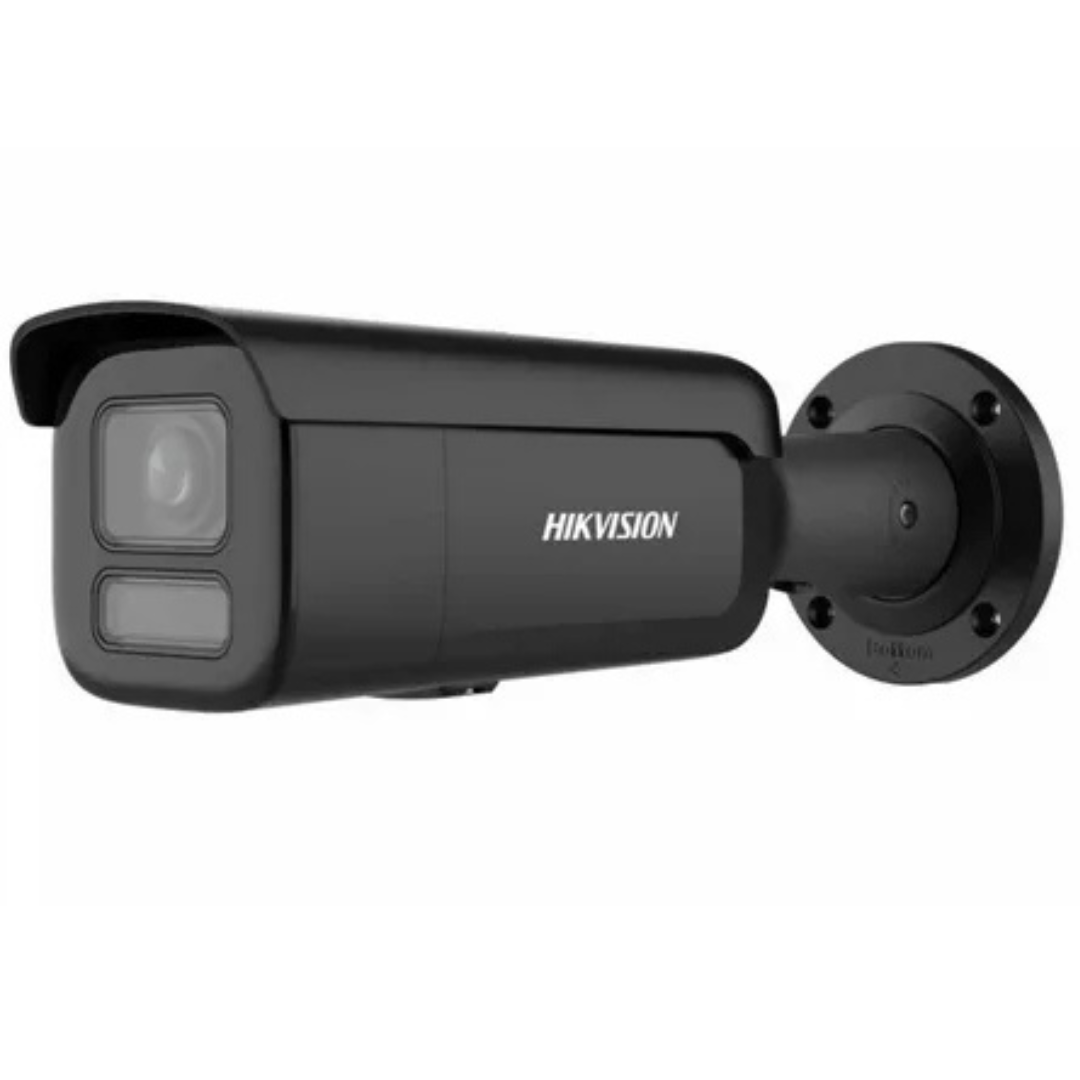
Installing and optimizing a Hikvision CCTV camera system is a great way to enhance the security of your home or business. Hikvision cameras are known for their reliability, high-quality video, and innovative features. Whether you are setting up your system for the first time or looking to improve an existing setup, this guide will help you install and optimize your Hikvision CCTV system for maximum security.
1. Planning Your CCTV Camera Installation
Before you begin installing your Hikvision CCTV camera, careful planning is essential. Consider the following steps:
- Identify Key Areas to Monitor: Determine where you need surveillance coverage. Common locations include entrances, driveways, parking areas, and blind spots around your property. Make sure to cover vulnerable areas such as windows and doors.
- Camera Placement: Hikvision cameras are equipped with advanced features like motion detection and night vision. When positioning your cameras, ensure they have a clear view of the areas you want to monitor. Install cameras at a height to prevent tampering, and choose locations that provide a wide field of view.
- Power Source and Connectivity: Ensure the location of each camera has easy access to power and network connections. If you are using wired Hikvision cameras, you’ll need to consider the placement of cables. For wireless options, ensure your Wi-Fi signal reaches the camera locations.
2. Installing the Hikvision CCTV Camera System
Once you've planned the installation, follow these steps to set up your Hikvision CCTV camera:
- Mounting the Camera: Use a drill to create holes for the mounting brackets. Attach the brackets to a sturdy surface, and then mount the camera securely. Make sure the camera is angled to cover the desired area. Use a bubble level to ensure it’s positioned correctly.
- Connecting the Camera to Power: For wired cameras, connect the camera to a power source using the included power cable. If you are using PoE (Power over Ethernet) cameras, make sure to connect the camera to a PoE switch or injector.
- Connecting the Camera to the Network: Hikvision CCTV cameras typically connect to your network via Ethernet cables (for wired models) or Wi-Fi (for wireless models). For wired cameras, plug the Ethernet cable into the camera and connect it to your router or network switch. For Wi-Fi cameras, follow the instructions in the camera’s manual to connect it to your Wi-Fi network.
- Setting Up the Recorder: If you're using an NVR (Network Video Recorder), connect it to your router and then link it to your Hikvision cameras. Ensure that the NVR is connected to your monitor or TV so you can view the footage. If you're using a DVR (Digital Video Recorder) with analog cameras, connect the cameras directly to the DVR using coaxial cables.
3. Configuring Your Hikvision CCTV System
After installation, you'll need to configure your Hikvision CCTV camera system for optimal performance:
- Adjust Camera Settings: Log into your Hikvision camera or NVR/DVR system via its IP address using a web browser or the Hik-Connect app. From here, you can adjust the camera’s settings, including resolution, frame rate, and motion detection zones. Ensure the cameras are set to record in high definition for the clearest possible footage.
- Set Up Motion Detection and Alerts: Hikvision cameras come with built-in motion detection. Configure your cameras to alert you when motion is detected in specific areas. You can also set up scheduled recordings to save storage space.
- Optimize Night Vision: Most Hikvision CCTV cameras have infrared (IR) night vision. Test your cameras at night and adjust the settings for optimal visibility. Position cameras so that they are not obstructed by objects that could block the infrared light.
- Network Configuration: Ensure your system is connected to the internet for remote viewing. Hikvision offers mobile apps like Hik-Connect that allow you to access live footage and recorded video from your smartphone. Enable cloud storage if you want to save footage remotely.
4. Optimizing Hikvision CCTV Camera Performance
For maximum security and performance, consider these additional tips:
- Regular Firmware Updates: Keep your Hikvision CCTV camera firmware up to date to ensure the latest security patches and features are installed. You can check for updates through the camera’s web interface or mobile app.
- Storage Management: Use the appropriate hard drive for your NVR/DVR system. Ensure your storage device has enough space to store the footage you nee, and consider enabling loop recording so older footage is automatically overwritten when storage space is full.
- Remote Monitoring: Take advantage of Hikvision’s mobile apps and software for remote monitoring. These apps allow you to access live video feeds, receive notifications, and even view recorded footage from anywhere.
- Test and Adjust: After installation, test your system regularly. Make sure all cameras are functioning correctly and the video quality is clear. Adjust camera angles and settings as necessary based on your testing.
- Maintenance: Clean your cameras regularly to ensure that dust or debris does not obstruct the lens. Check the power and network connections periodically to ensure the system remains operational.
5. Conclusion
By following these steps, you can easily install and optimize your Hikvision CCTV camera system to provide robust security coverage for your property. Whether you choose a wired or wireless setup, Hikvision cameras offer top-notch features, reliability, and ease of use. Remember to regularly maintain your system, keep software updated, and test the performance to ensure your security setup is always working at its best.
With proper installation and optimization, your Hikvision CCTV camera system will serve as a powerful tool in safeguarding your home or business, providing peace of mind and 24/7 surveillance.