Navigating emails can be like driving a car – most of us know how to drive one, but not everyone understands what’s under the hood.
If you have ever opened a new email message and wondered what’s behind it, you’ve come to the right place.
In this article, I’m going to pop open the hood on POP3, one of the mail protocols responsible for retrieving the emails we receive every day. I’ll show you how it works and provide you with a step-by-step tutorial on how to test it out yourself by using some simple POP3 commands.
Don’t worry – it’s not rocket science. Let’s get straight into it!
What is POP3?
POP3, or Post Office Protocol version 3, is an Internet standard protocol that retrieves email messages from a server over a TCP/IP connection. It’s the third version of the Post Office Protocol 3, which is defined in RFC 1939.
Unlike Internet Message Access Protocol (IMAP), which stores your emails on the mail server, POP3 downloads them from the server to your device. It’s important to note that both are “email retrieval” or “pull protocols,” meaning they only receive new messages instead of sending them like Simple Mail Transfer Protocol (SMTP).
Read our article on IMAP vs POP3 for more information.
You can also watch our video tutorial to see what makes POP3 different from the IMAP pull protocol.
How does POP3 work?
POP3 connection is a 4-step process:
- The email client connects to the mail server
- The email client downloads new emails to the local device from the mail server
- By default, the mail server deletes the stored messages
Note: The protocol can be configured to temporarily save your emails on the server - The transmission ends when the client disconnects from the server
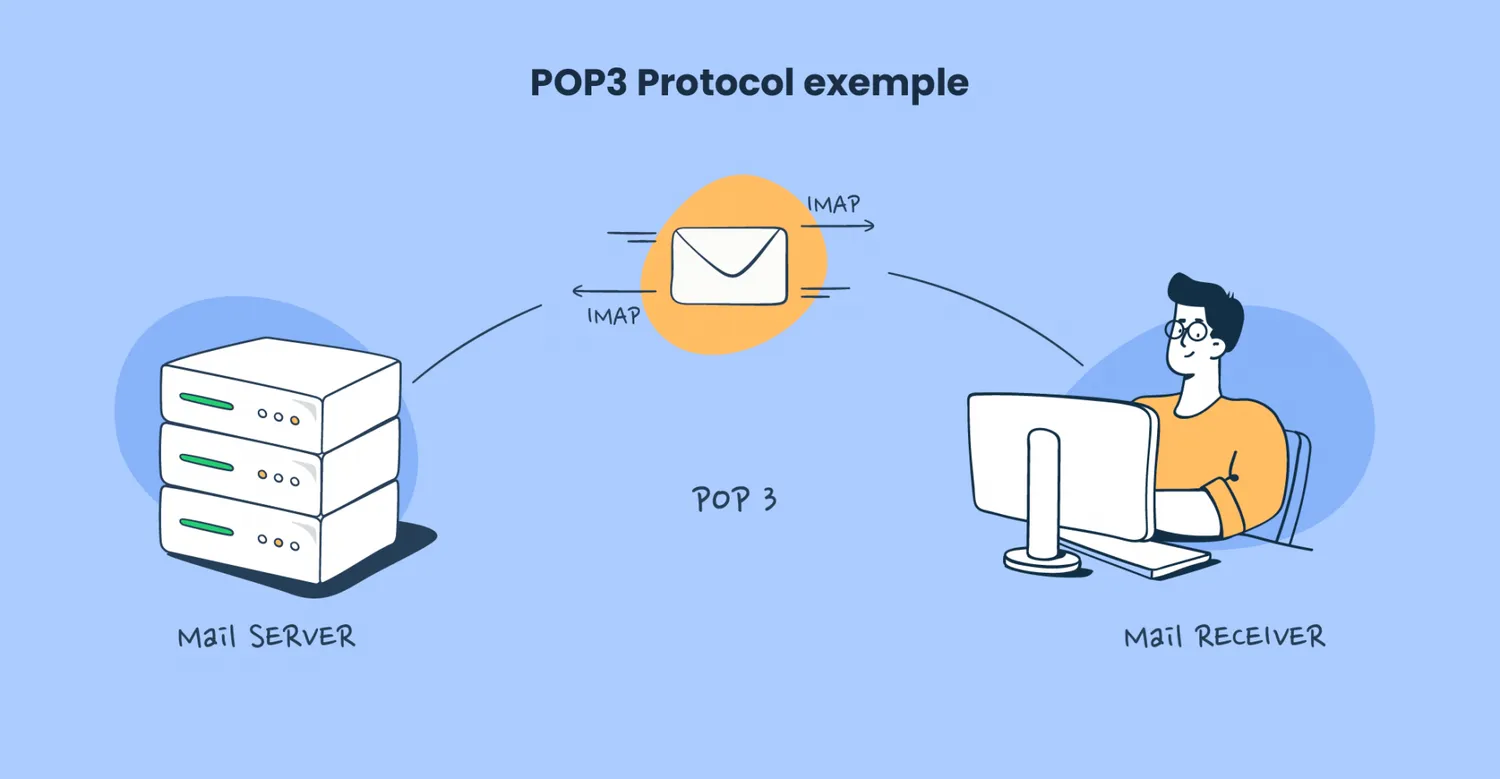
One of the easiest ways to understand POP3 is to think of the protocol as the mail clerk. In this analogy, your email would be physical mail, and the email server the post office.
Now, when you (acting as the email client) go to receive mail from the post office, the clerk (POP3) will give you all the new mail and let you collect (download) it, so you can bring it home (your local computer).
As it isn’t a common practice, the post office doesn’t make any copies of your mail, so the clerk will no longer have access to it once you’ve picked it up. However, you can ask the clerk to make a copy of your mail and keep it at the post office.
What POP3 is used for
Besides its basic functionality to download messages from the email server, POP3 can also be integrated with various APIs for advanced use cases, such as:
- Custom API integration – If your business needs it, you can develop custom APIs that integrate with POP3 for specialized functions, like triggering actions in internal systems based on email content.
- Analytics and data processing – Once you download your emails via POP3, you can integrate natural language processing (NLP) or text analysis APIs like Google Natural Language or IBM Watson Natural Language Understanding to analyze the content of those emails. This can be super useful for sentiment analysis, keyword extraction, etc.
- Security and compliance – You can use POP3 to download emails and then work with security APIs such as VirusTotal or Proofpoint for threat detection, checking for spam, and phishing attempts.
Pros and Cons of POP3
I had a discussion on the advantages and disadvantages of POP3 with our deliverability specialist, Yaroslav, and here’s his breakdown of the protocol’s pros and cons.
Pros
- Simple-to-use – POP3 is a straightforward protocol that focuses on delivering simplicity to the user. Implementing and using it is super easy, which makes it an ideal protocol for applications that require basic email functionalities.
- Reduced server load – As POP3 downloads and deletes emails from the server by default, it keeps the server storage space manageable, which, in turn, reduces load.
- Offline access – Because new emails are stored on your device, you will be able to manage them without an internet connection. This can be super useful for software that operates offline.
- Bandwidth efficiency – POP3 minimizes the amount of data transferred between the email client and mail server as you don’t have to be connected to the internet all the time to see your emails. This goes a long way for slow internet connections with limited bandwidth.
- Legacy system compatibility – If you’re working with legacy systems, POP3 is the perfect option for you as it’s compatible with most older systems and can be easily integrated with them. Besides POP3, you can also use legacy app modernization.
- Supported by numerous email clients – As it’s been around for quite a while, many popular mail clients support POP3, such as Gmail, Mozilla Thunderbird, Apple Mail, Microsoft Outlook, and others.
We appreciate you chose this part of the article to find out what POP3 is and what pros it has. To read full article, click here.