In today’s digital world, a website is more than just a virtual business card it’s a crucial part of a brand’s identity, a platform to share ideas, and a tool to connect with audiences across the globe. If you’re thinking about diving into web development, you're stepping into one of the most exciting and fast-growing fields in tech.
But where do you start?
Here’s everything a beginner should know to kickstart their journey in web development simplified, practical, and straight to the point.
What Is Web Development?
Web development is the process of creating websites or web applications that live on the internet. It covers everything from writing simple static pages to building full-scale dynamic apps like e-commerce stores, blogs, social media platforms, and more.
There are three main areas in web development:
- Front-End Development – The visual part of a website (what users see).
- Back-End Development – The behind-the-scenes logic and databases.
- Full-Stack Development – A combination of both front-end and back-end.
The Core Technologies
To start your web development journey, you’ll want to get comfortable with three essential building blocks:
- HTML (HyperText Markup Language) – The structure of your web pages (like the skeleton).
- CSS (Cascading Style Sheets) – The design and layout (colors, fonts, spacing).
- JavaScript – The interactivity (drop-downs, sliders, form validation, etc.).
These three languages form the foundation of everything you see on the web.
Front-End vs. Back-End What’s the Difference?
- Front-End Developers focus on how the site looks and feels. They work with HTML, CSS, JavaScript, and libraries like React or frameworks like Vue.js.
- Back-End Developers deal with servers, databases, and application logic using languages like PHP, Python, Ruby, or Node.js.
- Full-Stack Developers do both and understand how everything connects.
Knowing the difference helps you decide where to focus your learning at first.
Important Concepts for Beginners
Here are a few web development basics every newbie should be aware of:
- Responsive Design – Making sure your site works well on mobile and desktop.
- Version Control (Git/GitHub) – A way to track and manage your code changes.
- Hosting and Domains – Your website needs a "home" and an address.
- SEO Basics – Building sites that are search-engine friendly.
- Accessibility – Creating inclusive websites for all users. see more
Tools of the Trade
Web developers use a variety of tools to write, test, and deploy code:
- Text Editors – VS Code, Sublime Text
- Browsers – Chrome (with DevTools), Firefox
- Version Control – Git, GitHub
- Frameworks – Bootstrap (for front-end), Express.js (for back-end)
- CMS – WordPress, Webflow (for simplified site creation)
Learning Web Development: Where to Start
There are countless free and paid resources to help you learn web development:
- FreeCodeCamp – Hands-on coding practice
- Codecademy – Interactive beginner-friendly courses
- MDN Web Docs – In-depth documentation
- YouTube – Tons of free tutorials and walkthroughs
- Coursera / Udemy – Affordable, structured learning paths
Start small. Build simple projects like a portfolio site, a personal blog, aksoftco or a to-do list app to apply what you’re learning.
Practice Makes Progress
The key to becoming a great web developer is consistent practice. Don’t be afraid to make mistakes debugging is part of the job! Every line of code you write improves your skills.
Try challenges, contribute to open-source projects, or build websites for friends and local businesses to gain experience.
Final Thoughts
Web development can feel overwhelming at first, but with patience and practice, it becomes incredibly rewarding. Whether you’re looking to start a new career, freelance, or build your own website, learning web development gives you the power to create and innovate in a digital-first world.
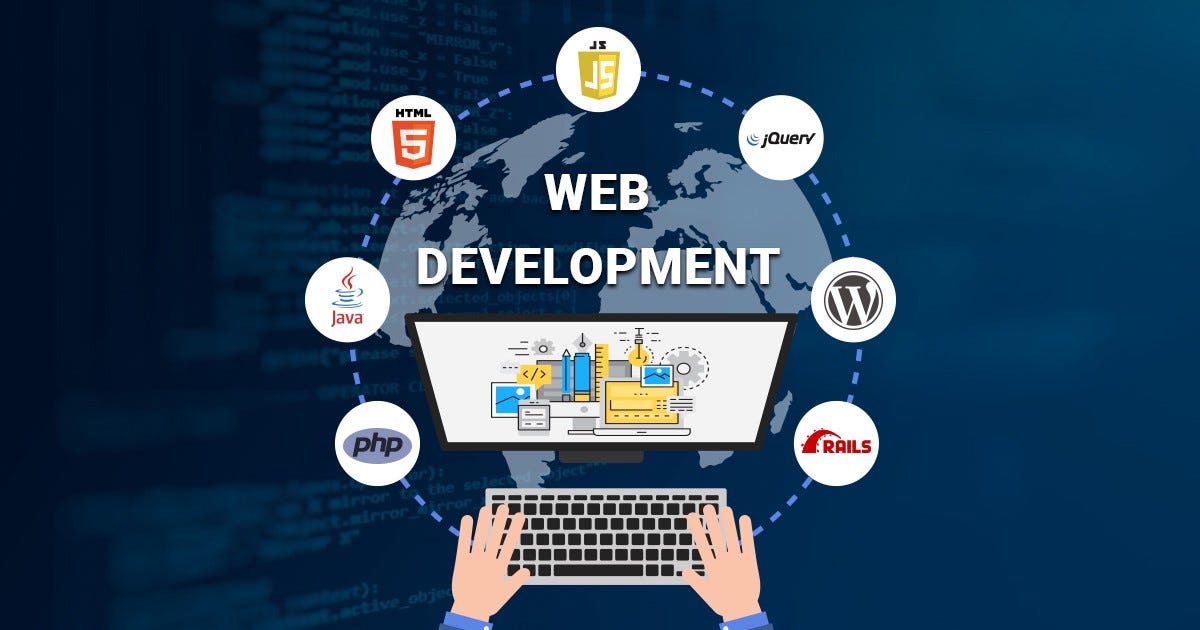
aksoftco,Web Development services,aksoftco.com