Utilizing SketchUp for iPad (Beta), architects and designers may build 3D models without paper and pencil by using an iPad, iPad Air, iPad mini, iPad Pro, Apple Pencil, mouse, keyboard, or multitouch gestures. The software employs 5G connectivity and has strong native interaction with Trimble ConnectTM, a cloud-based collaboration platform that enables real-time file updates. Users can transition easily between SketchUp for iPad, Web, and Desktop, facilitating efficient project stakeholder collaboration.
The modern, adaptable method to create, modify, and view 3D models whether you're on a job site, on the go, or in the office is with SketchUp for iPad. You can utilize the power of 3D your way with support for the Apple Pencil, multi-touch gestures, and mouse and keyboard. Draw, swipe, and click quickly to give your imaginative vision form.
The SketchUp product line now includes a brand-new set of cutting-edge features with SketchUp for iPad. A variety of user interface and workflow improvements, including Autoshape, Markup Mode, AR model viewing, and dozens more, are all created to make the most of the iPad's distinctive features and accompanying peripherals.
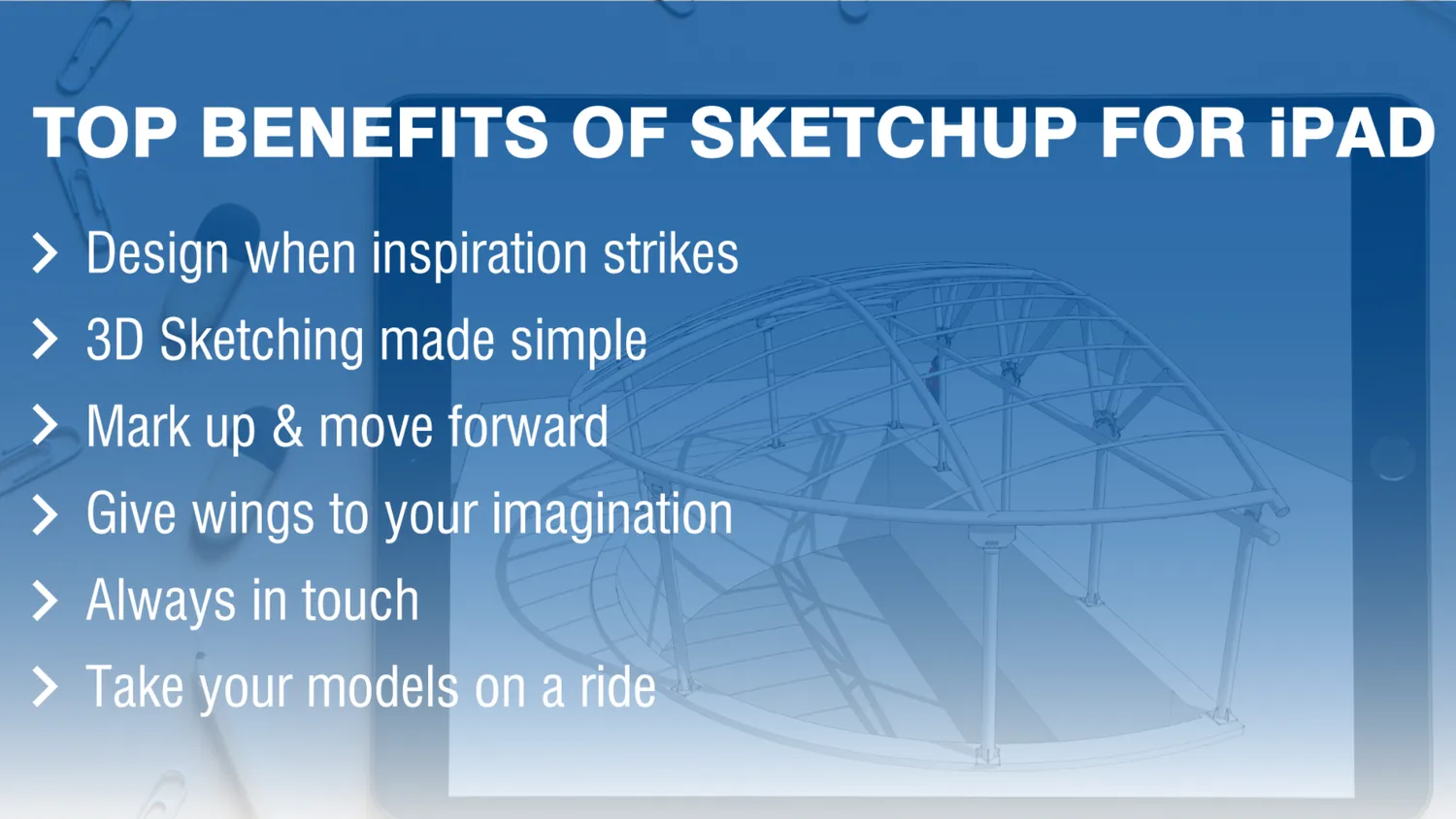
Benefits of SketchUp for iPad
- Design when Inspiration strikes – Brilliant ideas don’t always strike when it’s convenient, but a mobile 3D drawing space allows you to work from anywhere.
- 3D Sketching made Simple – You can easily draw, swipe, and click to give shape to your creative vision with support for Apple Pencil, multi-touch gestures, and, of course, mouse and keyboard.
- Mark Up & Move Forward – To keep stakeholders aligned while on the go, quickly redline 3D models, make field edits on the fly, and sync all of your changes to the cloud.
- Give Wings to your Imagination – For designers who have always wanted to create in 3D, SketchUp for iPad is the most accessible bridge. With the ease of drawing by hand, you can mark up designs, reimagine ideas, present the final concept, or start a project from scratch. Take your design process to the next level by incorporating new, exciting – and mobile – elements.
- Always in Touch – You can move seamlessly between SketchUp for iPad, SketchUp for Web, and SketchUp Pro desktop design apps thanks to a robust integration with our cloud-based collaboration platform, Trimble Connect. Take your work with you wherever you go, whether you’re connected to the internet or working offline.
- Take your Models on a Ride – SketchUp for iPad will accompany you wherever your projects lead. Directly on iPad, quickly draw and iterate in 3D, easily review, and collaborate, and keep the project moving forward.
SketchUp for iPad Features to Fall For
- Just Draw Mode – Create in 3D with your Apple Pencil, just like you would with a pen and paper.
- Auto shape – Draw something with an Apple Pencil (or your fingers!) and see it come to life in three dimensions.
- Markup Mode – Add different styles, colors, and strokes to your drawings and annotations in 3D.
- Photo Texture – Using the camera on your iPad, import imagery and add real-world photo textures.
- AR Viewing – Use AR mode to place your 3D model in the real world and see your designs from a whole new perspective.
- 3D Warehouse – Download foliage, fixtures, appliances, and furniture from a library of over four million pre-built models to speed up your design workflow.
- Live Components – Pull parametrically configurable models from 3D Warehouse to quickly prototype in 3D.
Conclusion
The scope for 3D walkthroughs in SketchUp is immense too. Many outsourcing companies, especially in countries like India, offer a host of 3D SketchUp modeling services.
Although the use of 3D SketchUp is predominant in architectural and interior designing space, nowadays, it is widely being used in construction and home building, and in engineering industries. Outsourcing SketchUp 3D modeling and walkthrough services fetch you many advantages. With the help of your specialized CAD partner, you can ramp up your staff in no time and also keep a check on quality with the help of experienced and skilled resources. Besides the cost-saving factor, if such services are outsourced to countries like India, where there is a tremendous wealth of talent, you can also take advantage of the time zone.