In today's digital-first world, creating an accessible form is not just a best practice—it’s a necessity. Millions of people worldwide live with disabilities that affect how they interact with online content. Whether it’s a contact form, registration page, or survey, ensuring your forms are usable by everyone is essential for inclusivity, compliance, and user experience.
What Is an Accessible Form?
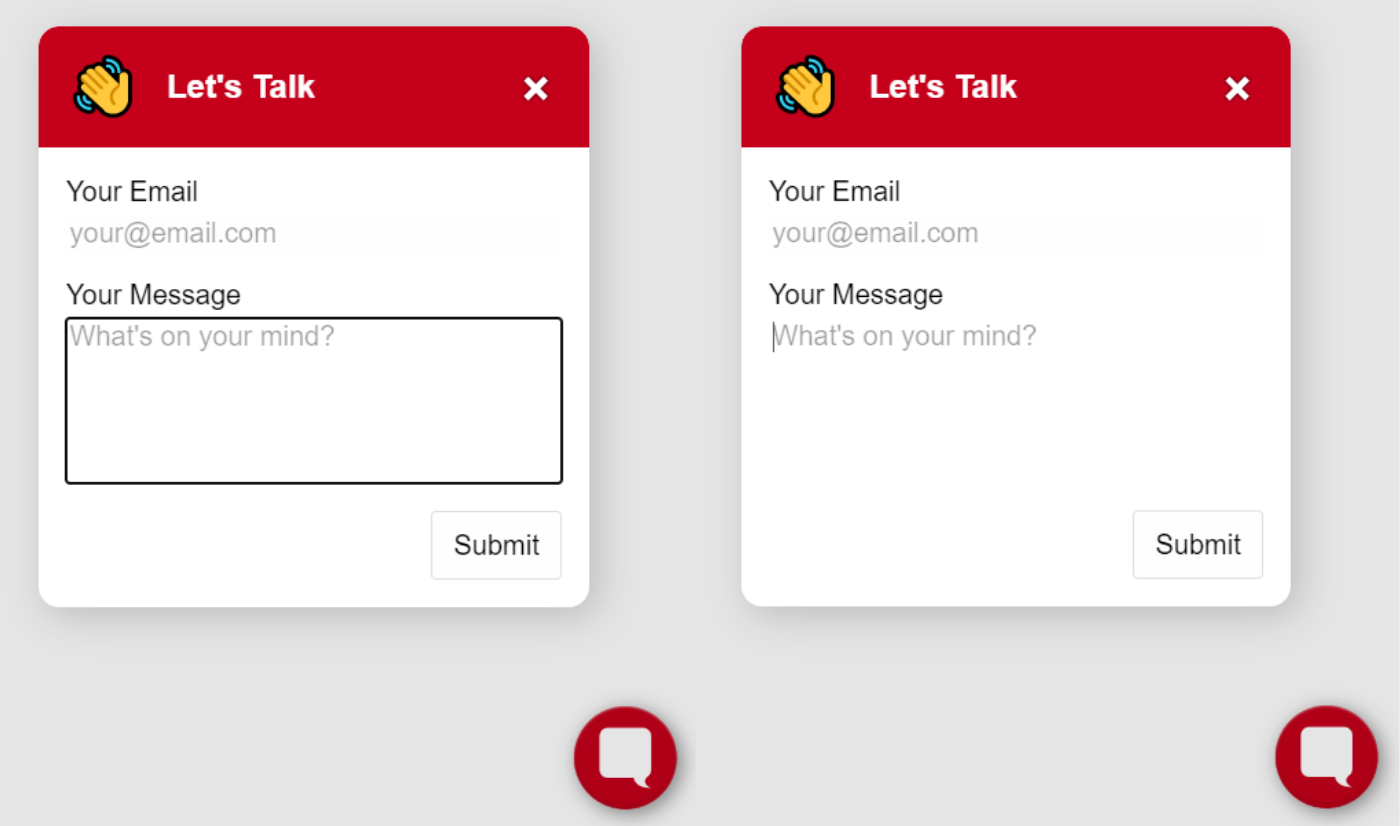
An accessible form is a web form designed to be usable by individuals with various disabilities, including visual, auditory, cognitive, and motor impairments. This means that users relying on assistive technologies such as screen readers, keyboard navigation, or voice input can successfully complete and submit the form without barriers.
Accessibility isn’t just about accommodating users with permanent disabilities. It also supports people experiencing temporary limitations, like a broken arm, or situational challenges, such as filling out a form in bright sunlight or on a mobile device.
Key Principles of Form Accessibility
Creating accessible forms involves applying specific design and development principles to eliminate usability obstacles. Here are some key strategies:
- Use Semantic HTML Elements
Use proper form elements like<label>,<input>,<fieldset>, and<legend>. Associating labels with inputs using theforandidattributes helps screen readers understand the form structure. - Ensure Keyboard Navigation
All interactive elements must be operable using a keyboard. Tab order should follow a logical sequence, and users should be able to activate buttons, checkboxes, and radio buttons without needing a mouse. - Provide Clear Instructions and Error Messages
Users benefit from guidance on how to complete the form. If errors occur, messages should be clearly visible and described in a way that assistive technology can interpret. - Use ARIA Roles When Necessary
While semantic HTML should be the foundation, ARIA (Accessible Rich Internet Applications) roles and attributes can enhance accessibility when used appropriately. - Color Contrast and Text Size
Make sure that form text has sufficient contrast against the background and that text is readable without requiring zooming.
Legal and Ethical Considerations
In many countries, web accessibility is not just a courtesy—it’s the law. Regulations like the Americans with Disabilities Act (ADA) and the Web Content Accessibility Guidelines (WCAG) require businesses to ensure their websites, including forms, are accessible to people with disabilities. Non-compliance can lead to lawsuits, lost customers, and reputational damage.
But beyond legal implications, there's a moral imperative. Building accessible forms shows respect for all users and helps build a more inclusive digital environment.
Final Thoughts
Building an accessible form is both a technical and ethical responsibility. By implementing best practices in accessibility, developers and designers can ensure their forms are inclusive, usable, and legally compliant. In doing so, they not only reach a broader audience but also contribute to a more equitable internet.
Making forms accessible isn’t just about compliance—it’s about empathy, inclusion, and smart design. Whether you’re updating an existing form or starting from scratch, always keep accessibility at the forefront of your design process.