Drag and Drop Accessibility WCAG is an essential consideration for making interactive websites inclusive for all users. The Web Content Accessibility Guidelines (WCAG) set forth criteria to ensure that people with disabilities can access and utilize online content effectively, including those relying on keyboard navigation or screen readers.
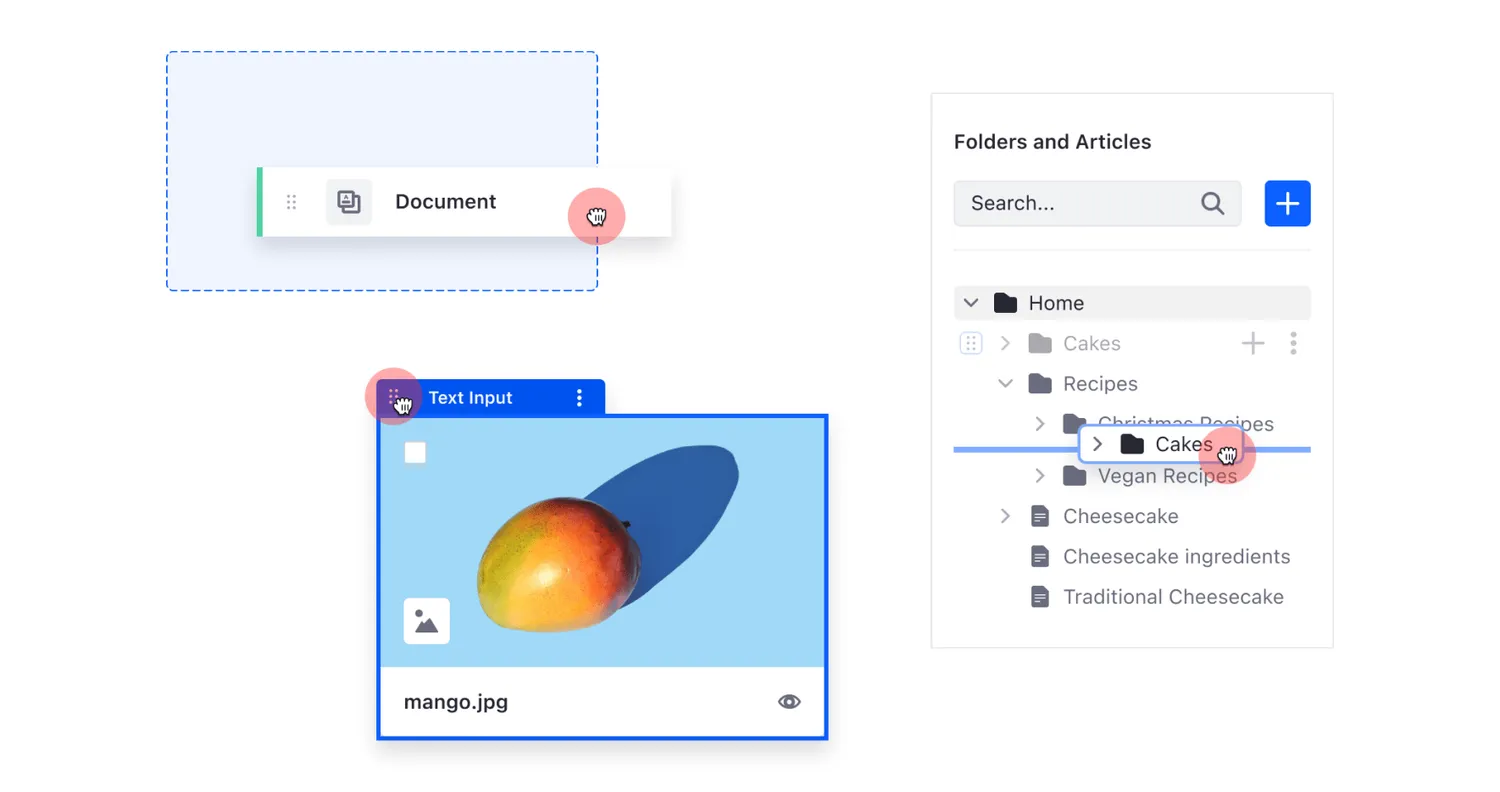
Understanding Drag and Drop Challenges
Drag and drop interfaces, common in many modern web applications, can present significant accessibility hurdles. Users with motor disabilities may find it challenging to use a mouse to click and drag elements across the screen. Meanwhile, screen reader users might not understand which elements can be dragged or where they can be dropped.
WCAG Criteria for Drag and Drop
According to WCAG 2.1, any drag and drop functionality must be supplemented with a keyboard-accessible method. Specifically:
- Keyboard Operability (WCAG 2.1.1): All interactive elements must be operable through keyboard input.
- Focus Order (WCAG 2.4.3): Focus must move in a logical order that allows the user to understand and operate the page.
- Name, Role, Value (WCAG 4.1.2): The role, state, and value of interactive elements must be conveyed programmatically.
Best Practices for Making Drag and Drop Accessible
To comply with WCAG and ensure an inclusive user experience, consider the following practices:
- Provide Keyboard Alternatives: Ensure that drag and drop actions can be performed using the keyboard. This may involve using the arrow keys for movement and a key to select and drop elements.
- Use ARIA Attributes: Clearly define roles and states for draggable and droppable elements. The
aria-grabbedandaria-dropeffectattributes can help screen readers communicate the status to the user. - Visual Indicators: Incorporate focus indicators and highlight potential drop targets visually. This aids both keyboard and mouse users.
- Clear Instructions: Provide concise, accessible instructions for using drag and drop features. This can be in the form of tooltips, help text, or status messages.
- Test Regularly: Regularly test your drag and drop implementation using screen readers, keyboard navigation, and other assistive technologies to ensure compatibility and accessibility.
Conclusion
Incorporating drag and drop functionality can greatly enhance user experience, but it must be implemented with accessibility in mind. By aligning with the WCAG guidelines, providing keyboard alternatives, leveraging ARIA roles and states, and ensuring clear visual cues, you can create an inclusive experience for all users. By doing so, you not only adhere to best practices and legal requirements but also foster an environment where every individual can interact with your site effectively and independently.
By focusing on accessibility in your drag and drop interfaces, you contribute to a more equitable digital landscape, making the web a better place for everyone.